
Inleiding
Thank you for choosing the SWOFY D26 MP3 Player. This device combines advanced audio and video playback capabilities with the versatility of the Android 13 operating system, offering a comprehensive portable entertainment experience. This manual provides essential information for setting up, operating, and maintaining your device.
Produk verbyview
Sleutel kenmerke
- Android 13 OS: Powered by an MTK 8-core chip for fast and smooth operation.
- Vooraf geïnstalleerde toepassings: Includes Spotify, Deezer, Amazon Music, and access to the Play Store.
- Hoë-getrou klank: Powerful audio decoding chip for original sound quality, supporting MP3, WAV, FLAC, APE, OGG, M4A, AAC, WMA, and more.
- 4.7-duim HD-aanraakskerm: Full touch display with HiFi sound module for clear visuals, supporting RM, RMVB, FLV, MP4, DAT, MKV, MPG, MOV, TS video formats without conversion.
- Bluetooth 5.0 en Wi-Fi: Stable and fast two-way Bluetooth connection for headphones/speakers, and Wi-Fi for online streaming and app downloads.
- Groot berging: 160GB (32GB ROM + 128GB TF card) internal storage, expandable up to 1TB via external storage.
- Lang batterylewe: 2500 mAh battery providing up to 50 hours of music playback or 8 hours of video playback.
Pakketinhoud
The SWOFY D26 MP3 Player package typically includes the following items:
- SWOFY D26 MP3 Player (160GB)
- USB-laaikabel
- Bedrade oorfone
- Beskermende saak
- Skermbeskermer
- Gebruikershandleiding (hierdie dokument)

Image: Contents of the SWOFY D26 MP3 Player package.
Opstelling
1. Laai die toestel
Before first use, fully charge your SWOFY D26 MP3 Player. Connect the provided USB cable to the device's charging port and the other end to a USB power adapter (not included) or a computer's USB port. The battery indicator on the screen will show charging status. A full charge provides approximately 50 hours of music playback or 8 hours of video playback.
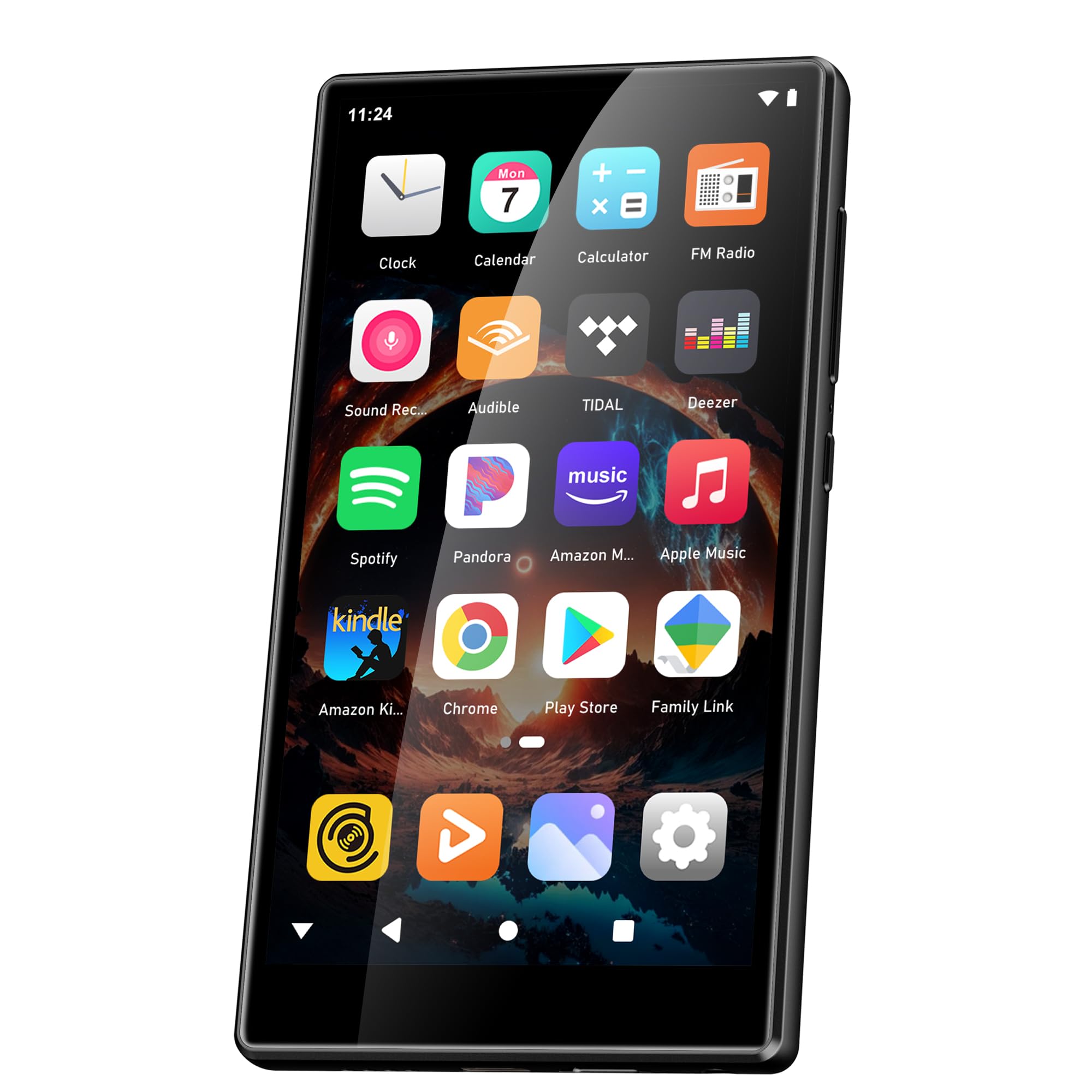
Image: Battery capacity and estimated usage times.
2. Skakel aan/af
- Om aan te skakel: Druk en hou die aan/af-knoppie (gewoonlik aan die kant) in totdat die skerm aanskakel.
- Om af te skakel: Druk en hou die aan/af-knoppie ingedruk, en kies dan "Skakel af" uit die opsies wat op die skerm verskyn.
- Om weer te begin: Druk en hou die aan/af-knoppie ingedruk en kies dan "Herbegin" uit die opsies.
3. Aanvanklike konfigurasie
Nadat u dit vir die eerste keer aangeskakel het, volg die aanwysings op die skerm om u toestel op te stel:
- Taalkeuse: Kies die taal wat u verkies.
- Wi-Fi-verbinding: Connect to a Wi-Fi network to enable internet access for app downloads and streaming.
- Google-rekening: Sign in with your Google account to access the Google Play Store and synchronize data.
4. Geheue-uitbreiding
The device comes with 160GB of storage (32GB ROM + 128GB TF card). You can expand the storage further by inserting a microSD card (up to 1TB) into the designated slot.

Image: Device screen showing app icons and storage capacity details.
Bedryfsinstruksies
1. Navigasie deur die raakskerm
The SWOFY D26 features a responsive 4.7-inch HD touchscreen.
- Tik: To open an app, select an item, or confirm an action.
- Swiep: Om deur lyste te blaai, tussen tuisskerms te wissel of binne programme te navigeer.
- Knyp: Om in of uit te zoem op beelde of web bladsye.

Image: The 4.7-inch HD touchscreen in operation.
2. Musiekweergawe
The device supports various music formats including MP3, WAV, FLAC, APE, OGG, M4A, AAC, WMA.
- Plaaslike musiek: Dra musiek oor files to the device's internal storage or microSD card via USB. Use the pre-installed music player app to browse and play your library.
- Stroomdienste: Open pre-installed apps like Spotify, Deezer, or Amazon Music. Log in to your accounts to stream music.
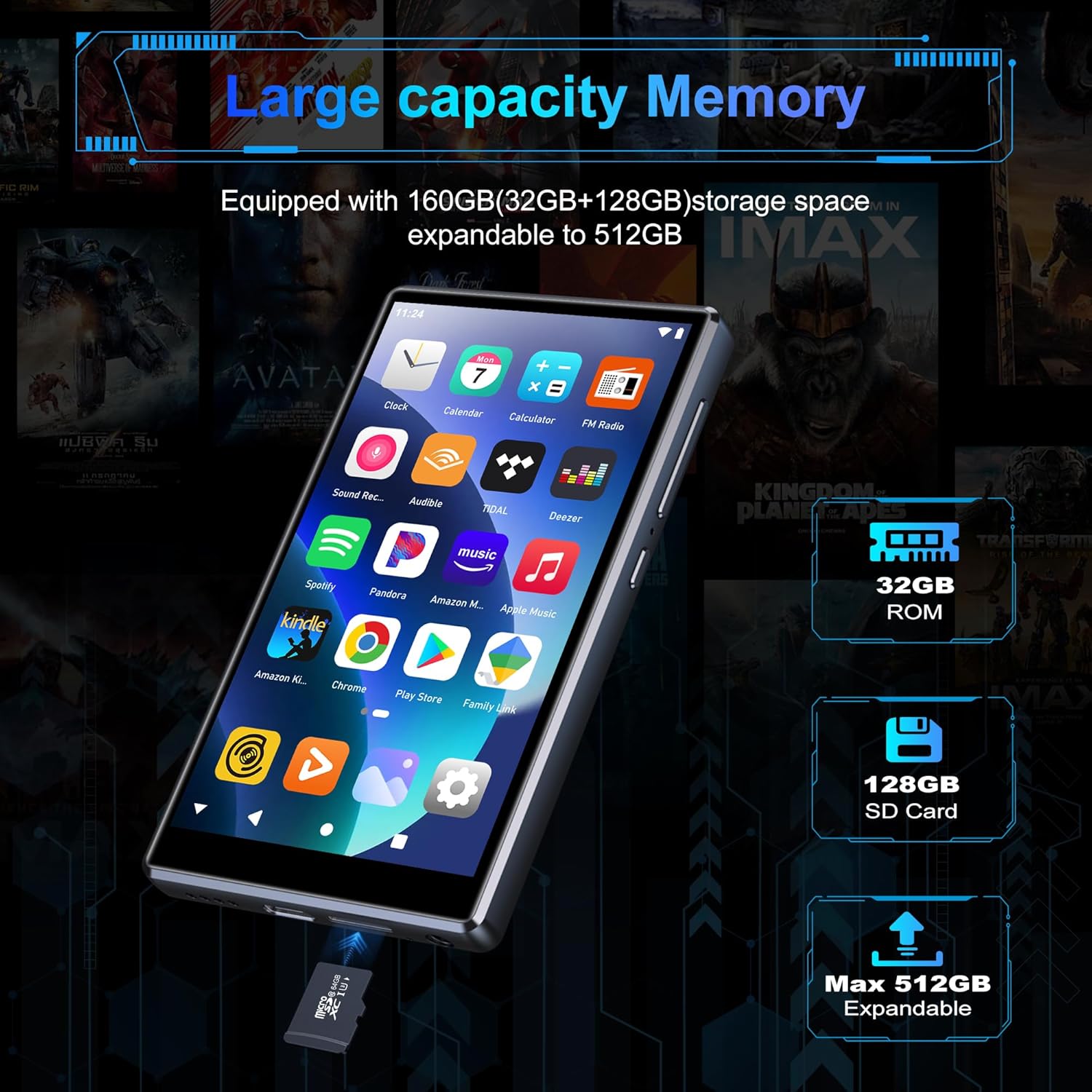
Image: Pre-installed popular applications on the device.
3. Video speel
The SWOFY D26 supports video formats such as RM, RMVB, FLV, MP4, DAT, MKV, MPG, MOV, TS directly, without requiring conversion. Use the default video player app to watch your videos.
4. Bluetooth-verbinding
Connect your device to Bluetooth headphones, speakers, or other compatible devices using Bluetooth 5.0.
- Gaan na Instellings > Gekoppelde toestelle > Bluetooth.
- Wissel Bluetooth On.
- Maak seker dat jou Bluetooth-bykomstigheid in paringsmodus is.
- Kies jou bykomstigheid uit die lys van beskikbare toestelle om te koppel.
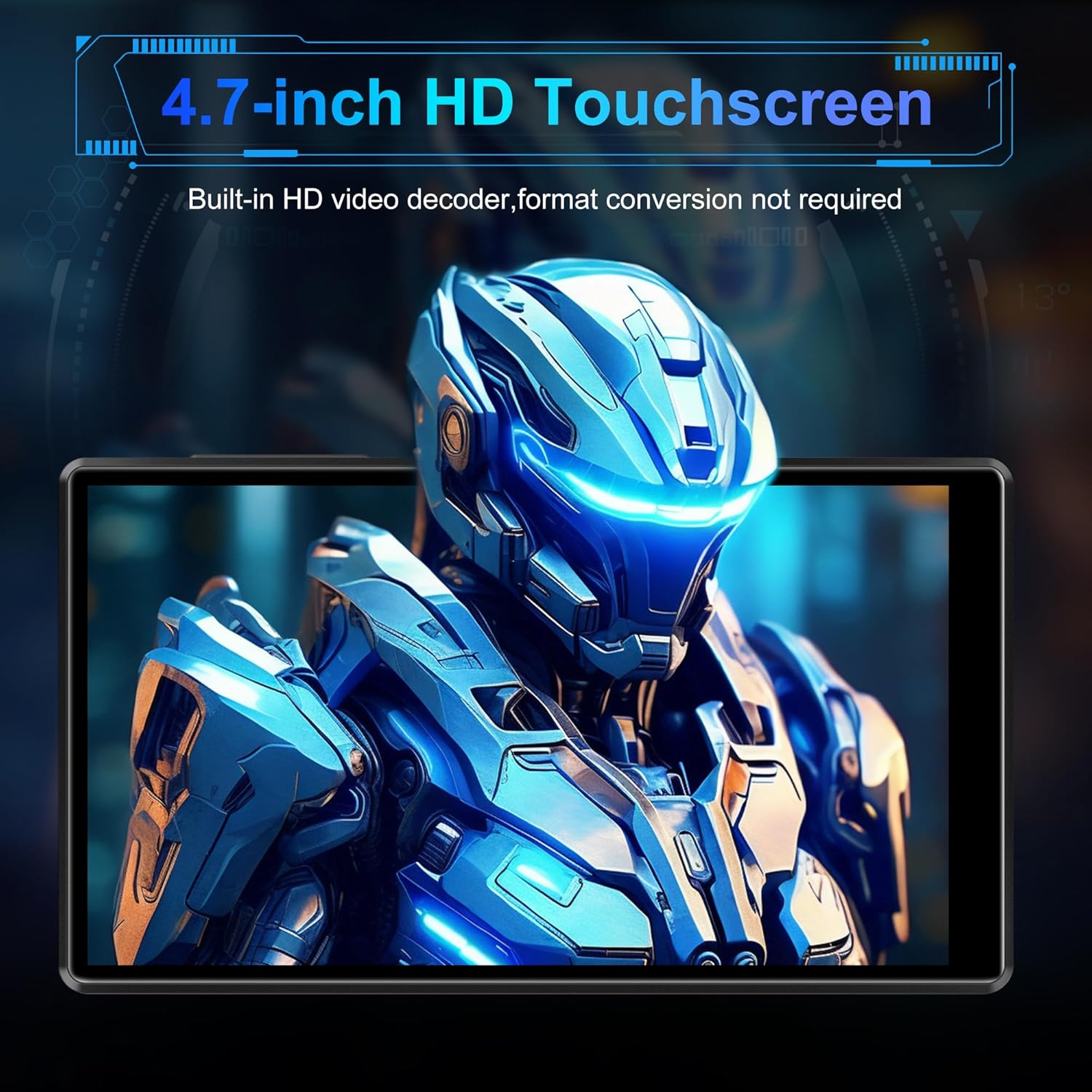
Image: Bluetooth connectivity with wireless earbuds.
5. Wi-Fi-verbinding
Connect to a Wi-Fi network to access the internet for streaming, app downloads, and web blaai.
- Gaan na Instellings > Netwerk en internet > Wi-Fi.
- Wi-Fi wissel On.
- Kies jou verlangde Wi-Fi-netwerk uit die lys en voer die wagwoord in indien gevra.
6. App Installasie
Utilize the Google Play Store to download and install additional applications.
- Ensure you are connected to Wi-Fi and logged into your Google account.
- Maak die oop Play Winkel app.
- Soek vir the desired app and follow the on-screen instructions to install it.
7. File Oordrag
Connect the SWOFY D26 to a computer using the provided USB cable to transfer music, videos, and other files.
- Koppel die toestel aan jou rekenaar.
- On the device, swipe down from the top of the screen to open the notification panel.
- Tap the "USB charging this device" notification, then select "File transfer" or "MTP".
- Your device will appear as a removable drive on your computer, allowing you to drag and drop files.
Onderhoud
Skoonmaak
Gebruik 'n sagte, pluisvrye lap om die skerm en die toestel se liggaam skoon te maak. Vermy die gebruik van harde chemikalieë of skuurmiddels.
Sagteware-opdaterings
Kontroleer gereeld vir sagteware-opdaterings om optimale werkverrigting en toegang tot die nuutste funksies te verseker.
- Maak seker dat die toestel aan Wi-Fi gekoppel is.
- Gaan na Instellings > Stelsel > Stelselopdatering.
- Volg die instruksies op die skerm om enige beskikbare opdaterings af te laai en te installeer.
Battery sorg
Om die batterylewe te verleng:
- Vermy uiterste temperature.
- Moenie die battery gereeld heeltemal laat leegloop nie.
- Ontkoppel die laaier sodra die toestel volledig gelaai is.
Probleemoplossing
Toestel skakel nie aan nie
- Maak seker dat die battery gelaai is. Koppel die toestel vir ten minste 30 minute aan 'n laaier.
- Druk en hou die aan/af-knoppie vir 10-15 sekondes in om 'n herbegin te forseer.
Cannot Connect to Wi-Fi/Bluetooth
- Maak seker dat Wi-Fi/Bluetooth in Instellings geaktiveer is.
- Herbegin die toestel en probeer weer koppel.
- For Wi-Fi, verify the password and ensure the router is working correctly.
- For Bluetooth, ensure the accessory is in pairing mode and within range.
Programme wat vasval of vries
- Maak die toepassing toe en heropen.
- Clear the app's cache: Go to Instellings > Toepassings > [Programnaam] > Berging en kasgeheue > Vee kas uit.
- Herbegin die toestel.
- As die probleem voortduur, oorweeg dit om die toepassing te deïnstalleer en weer te installeer.
Swak klankgehalte
- Check the volume settings on the device and any connected audio accessories.
- Verseker die klank files is nie korrup nie.
- Try different headphones or speakers.
Spesifikasies
| Model Naam | D26 |
| Bedryfstelsel | Android 13 |
| Verwerker | MTK 8-kern |
| Vertoon | 4.7-inch HD Touchscreen (LCD) |
| Interne berging | 160GB (32GB ROM + 128GB TF Card) |
| Uitbreidbare berging | Tot 1 TB (Mikro SD) |
| RAM | 4 GB |
| Battery kapasiteit | 2500 mAh |
| Tyd vir musiekafspeel | Tot 50 uur |
| Video speel tyd | Tot 8 uur |
| Konnektiwiteit | Bluetooth 5.0, Wi-Fi, USB |
| Ondersteunde oudioformate | MP3, WAV, FLAC, APE, OGG, M4A, AAC, WMA |
| Ondersteunde videoformate | RM, RMVB, FLV, MP4, DAT, MKV, MPG, MOV, TS |
| Spesiale kenmerke | Built-in speaker, Equalizer, FM Radio, Voice Recorder |
| Versoenbare toestelle | Bluetooth headphones, Personal computer, Bluetooth speakers |
Waarborg inligting
Specific warranty details for the SWOFY D26 MP3 Player may vary by region and retailer. Please refer to the warranty card included with your purchase or visit the official SWOFY website for comprehensive warranty terms and conditions. Information regarding spare parts availability and software update guarantees is not provided in the product specifications.
Ondersteuning
For further assistance, technical support, or inquiries regarding your SWOFY D26 MP3 Player, please visit the official SWOFY webwebwerf of kontak hul kliëntediensafdeling.
Vervaardiger: SWOFY