
1. Inleiding
Thank you for choosing the Lekaby Q22 Bluetooth Headphones. This manual provides essential information for setting up, operating, and maintaining your new headphones. Please read it carefully before use to ensure optimal performance and longevity of your device.
Pakketinhoud
- 2 x Lekaby Q22 Bluetooth Headphones
- 1 x 2600 mAh Charging Case
- 1 x Tipe-C-laaikabel
- 6 x Oorkappies (S/M/L groottes)
- 1 x Gebruikershandleiding
2. Opstelling
2.1 Laai die oorfone en houer
Before first use, fully charge both the headphones and the charging case.
- Place the headphones into the charging case. Ensure they are correctly seated to initiate charging.
- Koppel die Tipe-C-laaikabel aan die laaipoort op die kas en aan 'n USB-kragbron.
- The LED digital display on the charging case will indicate the battery level of the case and the charging status of each earbud.
- A full charge provides approximately 8 hours of playtime for the headphones, and the 2600 mAh charging case can recharge the headphones multiple times for a total of up to 128 hours of playback.
- The headphones support fast charging: 10 minutes of charging provides approximately 2 hours of use.

Image: The Lekaby Q22 headphones in their charging case, highlighting the 128-hour battery life with the case and Type-C fast charging capability.
2.2 Aan-/afskakel
- Krag aan: Die oorfone skakel outomaties aan wanneer dit uit die laaikas verwyder word.
- Skakel af: Plaas die oorfone terug in die laaikas om hulle outomaties af te skakel en te begin laai.
2.3 Bluetooth -koppeling
The Lekaby Q22 headphones feature Bluetooth 5.3 technology for stable and fast connections.
- Eerste keer saamparing:
- Verwyder albei oorfone uit die laaikas. Hulle sal outomaties in paringsmodus gaan.
- Aktiveer Bluetooth op jou toestel (slimfoon, tablet, ens.) en soek vir beskikbare toestelle.
- Select "Q22" from the list of found devices to connect.
- Once connected, you will hear a confirmation prompt, and the headphones will be ready for use.
- Outomatiese herverbinding: After the initial pairing, the headphones will automatically connect to the last paired device when removed from the charging case, provided Bluetooth is enabled on the device.

Image: A smartphone screen displaying the 'Q22' device ready for connection in the Bluetooth settings, with the headphones and charging case nearby, illustrating the one-step pairing process.
2.4 Pas die oordopjes aan
The Q22 headphones are designed with flexible ear hooks and come with three sizes of silicone ear caps (S/M/L) to ensure a secure and comfortable fit.
- Choose the ear caps that best fit your ear canal for optimal sound quality and comfort.
- Plaas die oordopje versigtig in jou oorkanaal.
- Adjust the flexible ear hook over your ear to secure the headphone in place. This design is ideal for sports and active use.

Image: A visual representation of the Lekaby Q22 headphones being worn, emphasizing the flexible ear hooks for a secure fit and the location of the button control.
3. Bedryfsinstruksies
3.1 Slim aanraakkontroles
The Q22 headphones feature intuitive touch controls on each earbud. The specific functions may vary slightly between the left and right earbud.
| Aksie | Funksie |
|---|---|
| Enkele kraan | Speel/pouse musiek, beantwoord/beëindig oproep |
| Dubbeltik (linkeroorknoppie) | Vorige Snit |
| Dubbeltik (regteroorknoppie) | Volgende Snit |
| Drievoudige tik (linkeroorknoppie) | Volume af |
| Drievoudige tik (regteroorknoppie) | Volume op |
| Lang druk (2 sekondes) | Activate Voice Assistant (Siri, Google Assistant, etc.), Reject call |
Image: An illustration detailing the various smart touch control functions available on the Lekaby Q22 headphones, including play/pause, track navigation, volume adjustment, call handling, and voice assistant activation.
3.2 Emergency Power Bank Function
The 2600mAh charging case can also serve as an emergency power bank for other devices.
- Connect your smartphone or other compatible device to the Type-C output port on the charging case using an appropriate cable.
- The charging case can provide over 30% charge to a typical mobile phone when fully charged, offering a convenient power solution on the go.
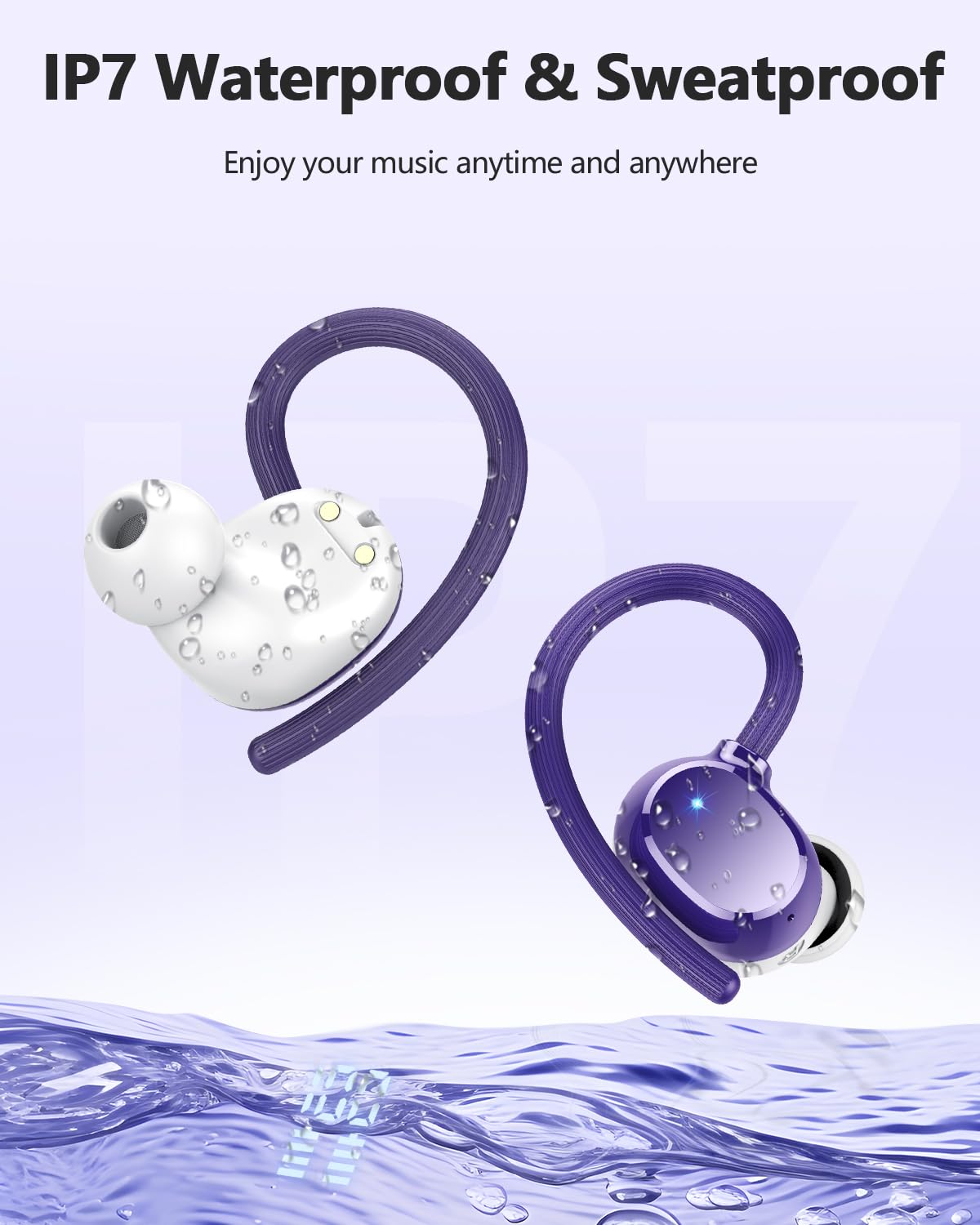
Image: The Lekaby Q22 charging case connected via a USB-C cable to a smartphone, demonstrating its emergency power bank capability.
4. Onderhoud
4.1 Skoonmaak
- Regularly clean the earbuds, ear caps, and charging contacts with a soft, dry, lint-free cloth.
- Moenie skuurmiddels, oplosmiddels of aërosolspuitmiddels gebruik nie.
- Remove ear caps and clean them with mild soap and water if necessary, ensuring they are completely dry before reattaching.
4.2 Waterbestandheid (IPX7)
The Lekaby Q22 headphones are IPX7 waterproof, meaning they can withstand immersion in water up to 1 meter for 30 minutes. They are resistant to sweat and rain, making them suitable for sports and outdoor activities.
- Do not intentionally submerge the charging case, as it is not waterproof.
- Ensure the headphones are dry before placing them back into the charging case to prevent damage to the charging contacts.

Image: The Lekaby Q22 headphones depicted with water droplets, illustrating their IPX7 waterproof and sweatproof capabilities.
4.3 Berging
Wanneer dit nie gebruik word nie, bêre die oorfone in hul laaikas om hulle te beskerm en gelaai te hou. Bêre op 'n koel, droë plek weg van uiterste temperature.
5. Probleemoplossing
If you encounter any issues with your Lekaby Q22 headphones, please refer to the following common solutions:
| Probleem | Oplossing |
|---|---|
| Oorfone koppel nie |
|
| Slegs een koptelefoon werk |
|
| Swak klankgehalte of ontkoppelings |
|
| Laaikas laai nie |
|
6. Spesifikasies
| Kenmerk | Detail |
|---|---|
| Model Naam | V22 |
| Bluetooth weergawe | 5.3 |
| Bluetooth-reeks | Tot 15 meter |
| Oorfone Batterylewe | Tot 8 uur (enkele lading) |
| Totale speeltyd (met laaikas) | Tot 128 uur |
| Laaikas batterykapasiteit | 2600 mAh |
| Laaityd (oorfone) | Ongeveer 1.5 uur (in geval) |
| Vinnige laai | 10 minute laai vir 2 uur speeltyd |
| Oudiobestuurdergrootte | 13.44 mm dinamiese drywer |
| Geraasbeheer | Hybrid ENC Noise Reduction (for calls), Passive Noise Cancellation |
| Waterweerstandgradering | IPX7 (headphones only) |
| Tipe beheer | Raak Beheer |
| Itemgewig (per oordoppie) | Ongeveer. 6 gram |
| Versoenbare toestelle | Smartphones, tablets, laptops, TVs, and other Bluetooth-enabled devices |
7. Ondersteuning
For further assistance or inquiries, please contact Lekaby customer support through the retailer's platform or the official Lekaby website. Please have your product model (Q22) and purchase details ready when contacting support.