
Inleiding
Die Ourlife AI Translation Earbuds A38 are designed to facilitate real-time communication across language barriers. These earbuds offer advanced features including 144 language support, offline translation capabilities, Bluetooth 5.4 connectivity, and extended battery life. They function as a 3-in-1 device, combining translation, music playback, and call functionality. This manual provides essential information for setting up, operating, maintaining, and troubleshooting your earbuds.
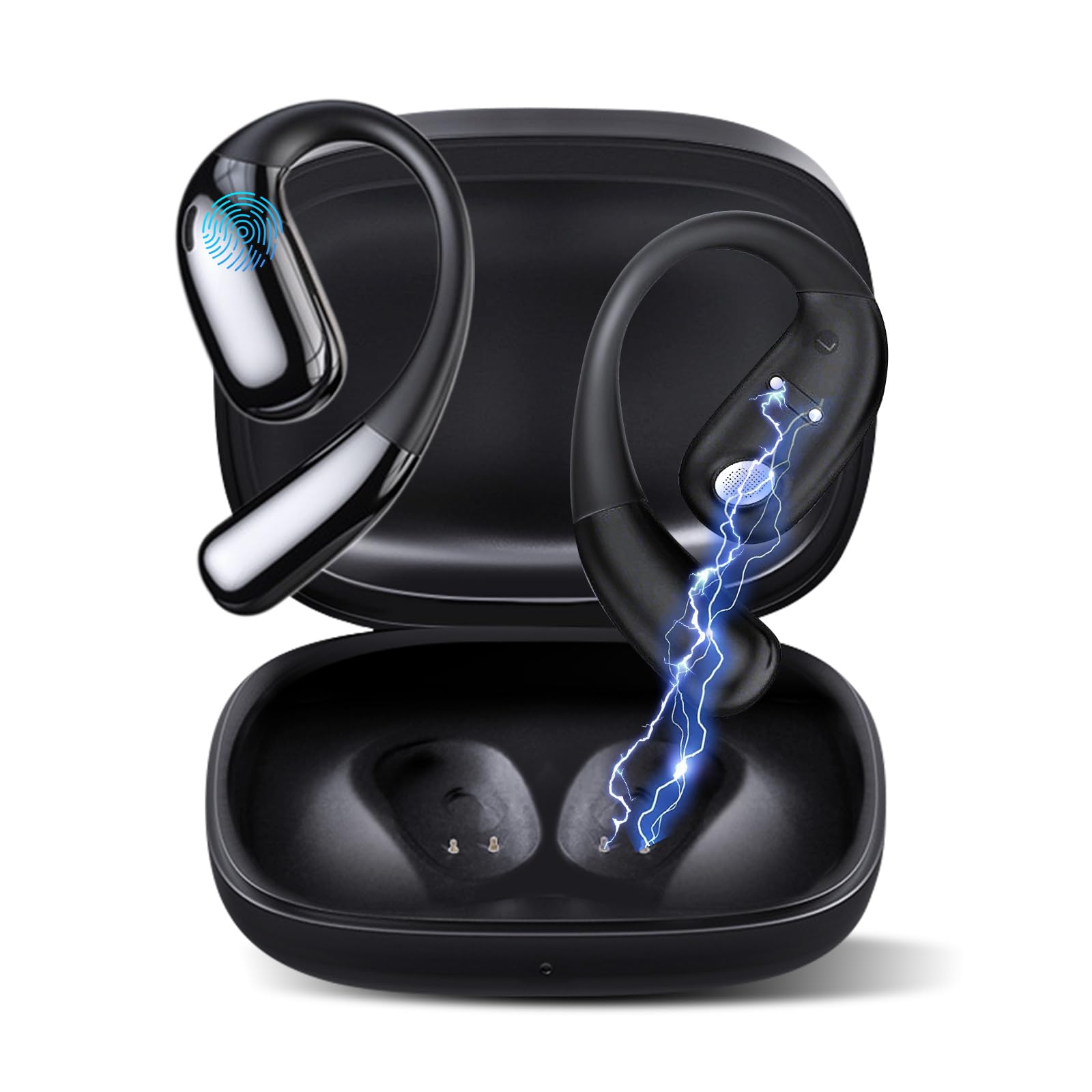
Figuur 1: Ourlife AI Translation Earbuds A38 in use, highlighting key features.
Wat is in die boks
Verifieer asseblief dat alle items in u pakket teenwoordig is:
- 2 x Translation Earbuds (Left and Right)
- 1 x laaikas
- 1 x USB Tipe-C-laaikabel
- 1 x Gebruikershandleiding
Produk verbyview

Figure 2: Earbuds and charging case, illustrating 144 language support.

Figure 3: Offline translation in action, showing two users communicating.

Figure 4: Technical features and design elements of the earbuds.

Figure 5: The 'One Click' app interface and 3-in-1 functionality.

Figure 6: Ergonomic clip-on-ear design for comfort and stability.

Figure 7: Real-time translation capabilities with high accuracy.
Opstelling
1. Laai die oordopjes en houer
- Plaas die oordopjes in die laaikas.
- Koppel die USB Tipe-C-laaikabel aan die laaipoort op die kas en 'n kragbron.
- The indicator lights on the case will show charging status. A full charge typically takes 1.5 hours.
2. Downloading the 'One Click' App
- Scan the QR code provided in the quick start guide or search for "One Click" in your device's app store (iOS or Android).
- Installeer die toepassing op jou slimfoon.
3. Koppel met jou slimfoon
- Maak seker dat die oorfone gelaai is en in die laaikas is.
- Maak die laaikas se deksel oop. Die oorfone sal in paringsmodus gaan.
- Aktiveer Bluetooth op jou slimfoon.
- In your phone's Bluetooth settings, select "Ourlife A38" from the list of available devices.
- Once paired, open the "One Click" app. The app will guide you through connecting the earbuds within the application.
4. Aanvanklike App-opstelling
- Follow the on-screen instructions in the "One Click" app to select your native language and the target language for translation.
- Familiarize yourself with the different translation modes available.
Bedryfsinstruksies
Vertalingsmodusse
Die Ourlife A38 earbuds support various translation modes via the "One Click" app:
- Gratis praatmodus: Allows for natural, continuous conversation where the app automatically detects and translates spoken languages.
- Raakmodus: Tap an earbud to speak, and the app translates. Tap again to end your turn. This is ideal for turn-based conversations.
- Luidsprekermodus: One person wears an earbud, and the other speaks into the phone's microphone. Translations are played through the earbud and the phone's speaker.
- Oudiotranskripsie: Transcribes and translates spoken audio in real-time, useful for meetings or lectures.
- Fotovertaling: Use your phone's camera through the app to translate text from images.
- Vanlyn modus: For supported languages (Chinese, English, Japanese, Korean, Russian, German, French, Spanish), offline translation packages can be purchased within the app for use without an internet connection.
Music Playback and Calls
The earbuds also function as standard Bluetooth headphones:
- Speel musiek: Once paired, open your music application on your smartphone. Audio will play through the earbuds.
- Oproepe maak/ontvang: When a call comes in, the earbuds will ring. Tap the touchpad on either earbud to answer or end a call.
- Raakbladkontroles: The earbuds feature touchpad controls for functions such as play/pause, skip tracks, answer/end calls, and activate voice assistant. Refer to the app or quick start guide for specific gestures.
Onderhoud
Skoonmaak
- Vee die oorfone en laaikassie versigtig af met 'n sagte, droë, pluisvrye lap.
- Moenie skuurmiddels, alkohol of chemiese oplosmiddels gebruik nie.
- Vermy dat vog in enige openinge kom.
Battery sorg en berging
- Laai die oorfone en houer gereeld, selfs al word dit nie gereeld gebruik nie, om die battery se gesondheid te handhaaf.
- Bêre die toestel op 'n koel, droë plek weg van direkte sonlig en uiterste temperature.
- Vermy die volle ontlading van die battery vir lang tye.
Probleemoplossing
| Kwessie | Moontlike oorsaak | Oplossing |
|---|---|---|
| Oorknoppies koppel nie | Bluetooth off, earbuds not in pairing mode, low battery | Ensure Bluetooth is on. Place earbuds in case, close, then open lid to re-enter pairing mode. Charge earbuds and case. |
| No sound during translation/music | Volume too low, not connected to app, incorrect language settings | Increase phone volume. Verify earbuds are connected in the 'One Click' app. Check language settings in the app. |
| Translation inaccuracy or delay | Poor internet connection, background noise, speaking too fast | Ensure stable internet connection. Speak clearly and at a moderate pace. Reduce background noise. |
| Program herken nie oorfone nie | App glitch, Bluetooth connection issue | Close and restart the 'One Click' app. Disconnect and re-pair Bluetooth. Restart your smartphone. |
| Oorknoppies laai nie | Cable issue, dirty charging contacts, faulty power source | Probeer 'n ander USB-C-kabel en kragadapter. Maak die laaikontakte op die oorfone en die omhulsel skoon met 'n droë wattestokkie. |
Spesifikasies
| Kenmerk | Detail |
|---|---|
| Handelsmerk | Ourlife |
| Model Naam | A38 |
| Verbindingstegnologie | Bluetooth 5.4 |
| Versoenbare toestelle | Slimfoon (Android, iOS) |
| Spesiale kenmerke | AI-Powered Real-Time Translation, 144 Languages (74 languages + 70 accents), Offline Mode (8 languages available for purchase), Intelligent Noise Cancellation, 3D Spatial Audio, Quick Charge, Ergonomic Clip-on Design |
| Batterylewe (Oorfone) | Tot 7 uur per lading |
| Totale speeltyd (met laaikas) | Tot 60 uur |
| Laai tyd | Ongeveer. 1.5 uur |
| Laaipoort | USB Tipe-C |
| Tipe beheerder | Raakbladbeheer |
| sensor Tegnologie | Geraasonderdrukking |
| Materiaal | High-Grade ABS+PC |
Waarborg en Ondersteuning
Waarborg inligting
Die Ourlife AI Translation Earbuds A38 come with a limited warranty. Please refer to the warranty card included in your product packaging or visit the official Ourlife webwebwerf vir gedetailleerde bepalings en voorwaardes.
Kliënte ondersteuning
For technical assistance, troubleshooting, or further inquiries, please visit the official Ourlife website or contact their customer support team. You can find more information and contact details at the Ourlife Winkel op Amazon.