
Inleiding
Welcome to the user manual for your Noise Buds VS501 True Wireless Earbuds. This guide provides essential information to help you set up, operate, maintain, and troubleshoot your earbuds, ensuring an optimal audio experience. Please read this manual thoroughly before using the product.
Wat is in die boks
Upon unboxing your Noise Buds VS501, you should find the following items:
- 1N Bluetooth-koptelefoon (oordopjes)
- 1N laaikas
- 1N Laaikabel (Tipe-C)
- 1N Gebruikershandleiding
- 1N Waarborgregistrasiekaart
Produk verbyview
The Noise Buds VS501 are designed for a seamless audio experience with advanced features. Familiarize yourself with the components:
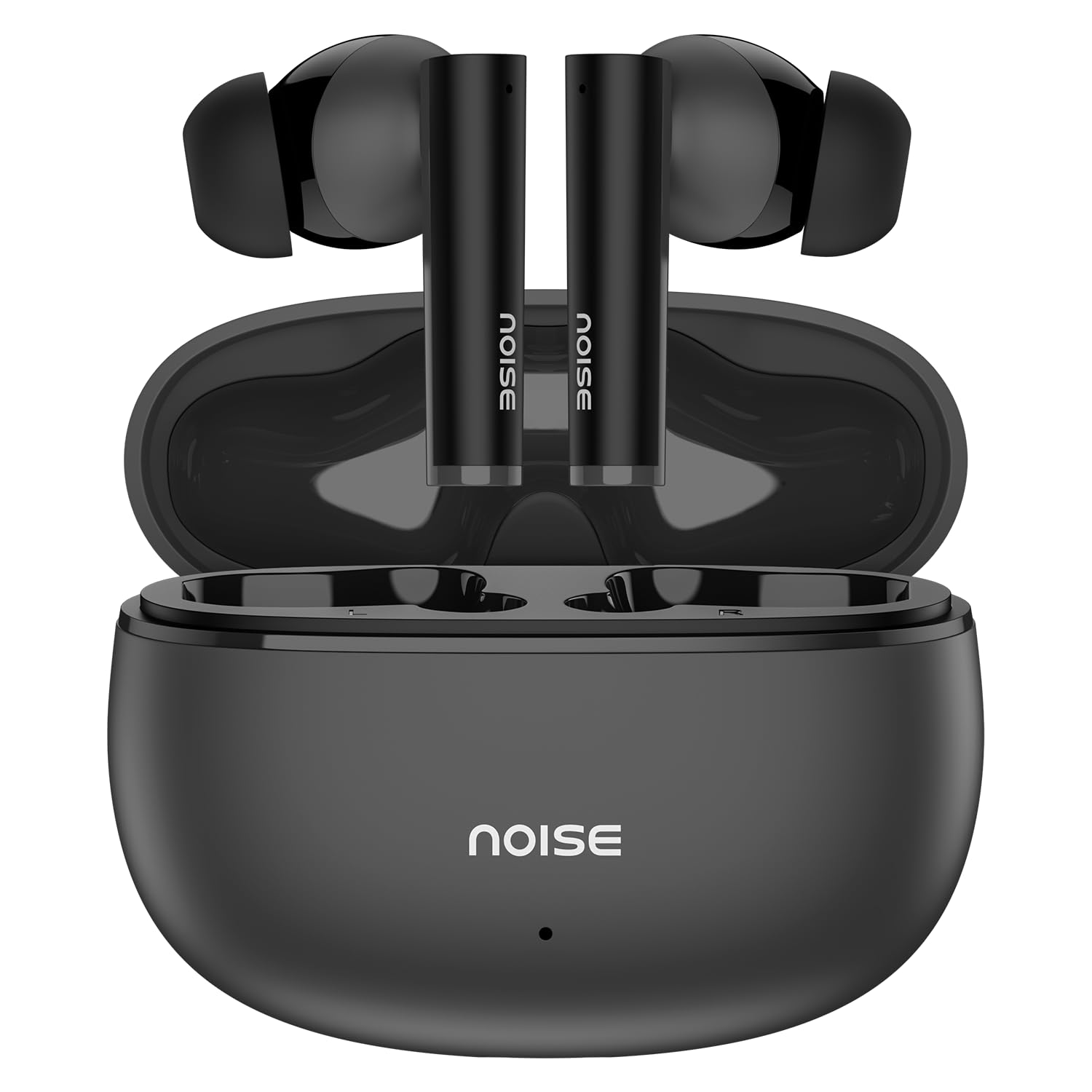
Image: Noise Buds VS501 True Wireless Earbuds, showcasing hul slanke ontwerp.
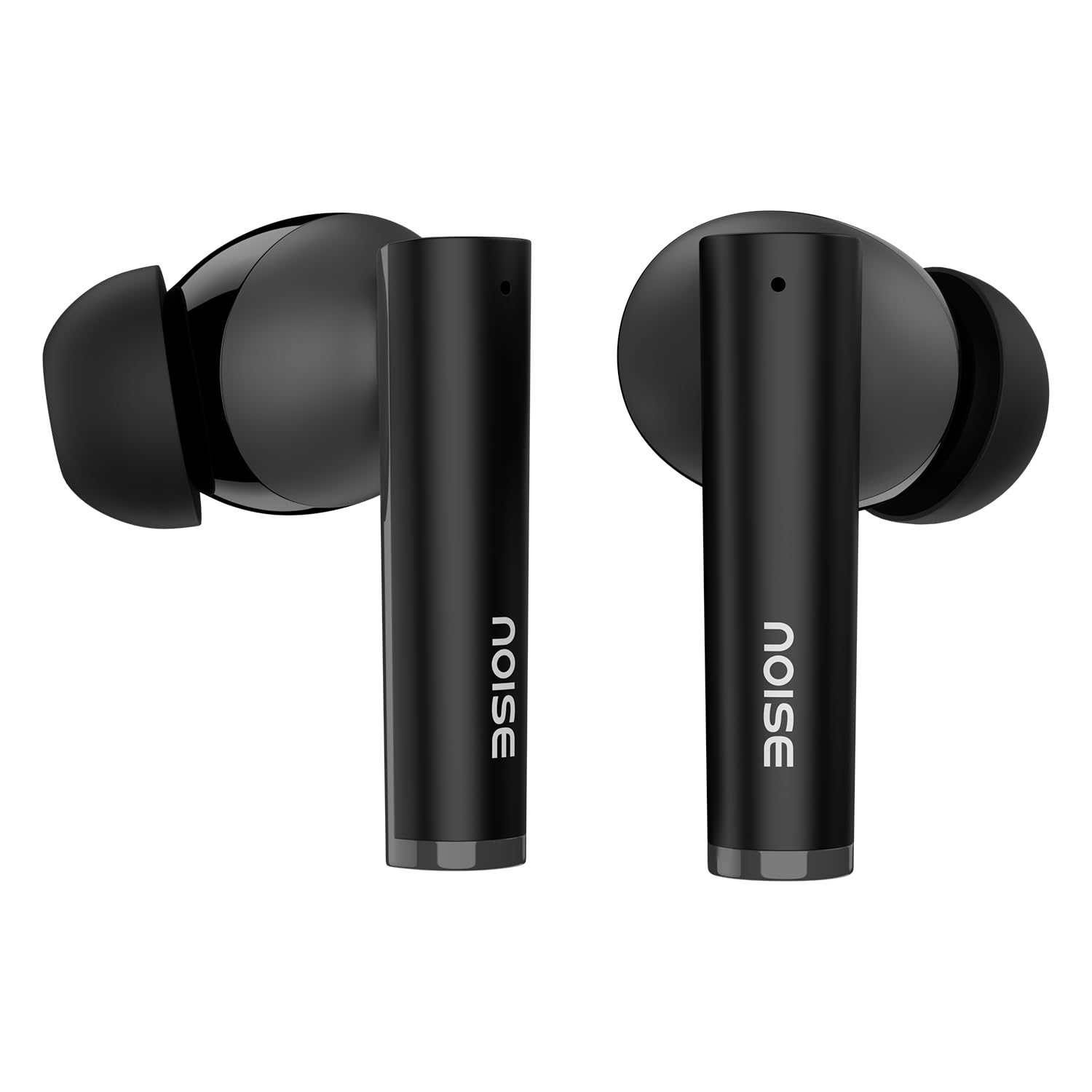
Beeld: 'n Oorview of key features including Bluetooth 5.3, 50 hours playtime, IPX5 water resistance, dual-device pairing, Quad Mic ENC, Trubass, dual color tones, and 10mm drivers.
The earbuds feature a 10mm dinamiese drywer for rich sound and Quad Mic met omgewingsgeraaskansellasie (ENC) for clear calls. The charging case provides extended battery life, offering up to 50 uur se totale speeltyd.
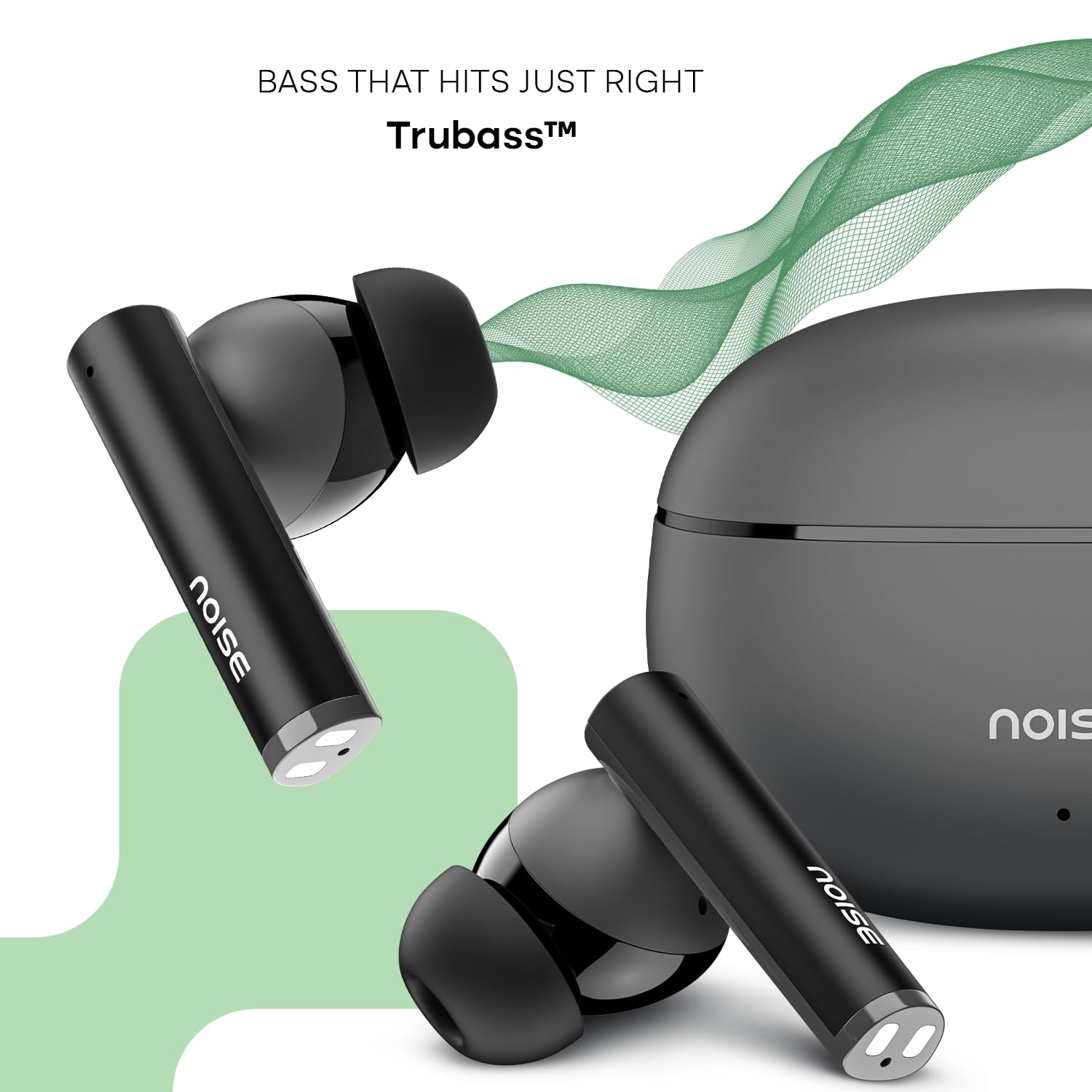
Image: Close-up of a single Noise Buds VS501 earbud, highlighting the 10mm driver for ampgelifiseerde klank.
Opstelling
Laai die oordopjes en omhulsel
Laai die oordopjes en die laaikassie volledig voor die eerste gebruik.
- Plaas die oorfone in die laaikas. Maak seker dat hulle korrek geplaas is.
- Connect the Type-C charging cable to the charging port on the case and the other end to a power source.
- The indicator light on the charging case will show the charging status. Once fully charged, the indicator may change or turn off.
The charging case provides multiple charges for the earbuds, extending the total listening time.
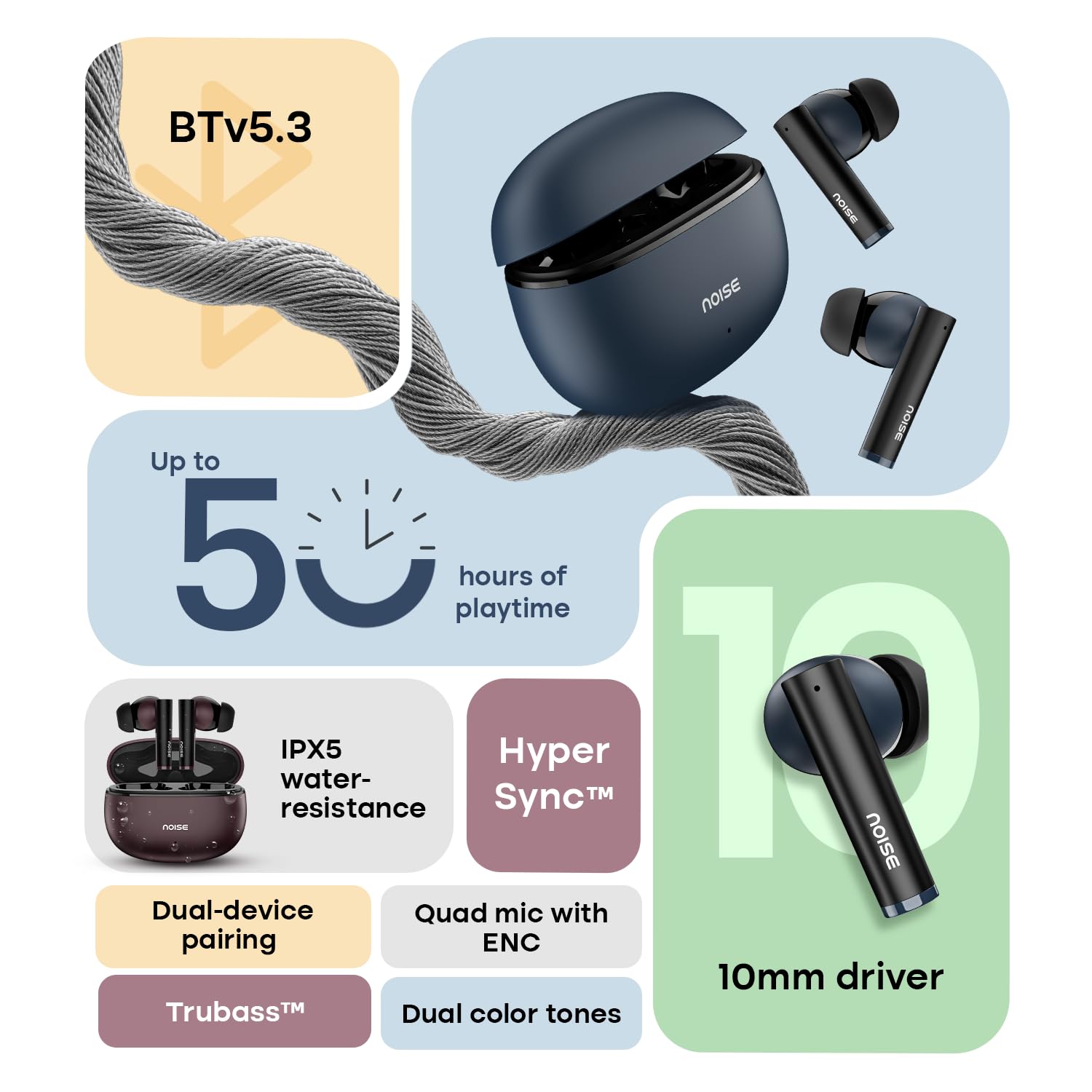
Image: The Noise Buds VS501 charging case, emphasizing its capability for up to 50 hours of playtime.
Koppel aan u toestel
The Noise Buds VS501 feature HyperSync™ for quick pairing.
- Maak die laaikas oop. Die oorfone sal outomaties in paringsmodus gaan.
- Aktiveer Bluetooth op jou toestel (slimfoon, tablet, skootrekenaar).
- Soek vir available Bluetooth devices and select "Noise Buds VS501" from the list.
- Sodra dit gekoppel is, sal jy 'n oudio-prompt hoor, en die oorfone sal gereed wees vir gebruik.
Vir daaropvolgende gebruike sal die oordopjes outomaties aan die laaste gekoppelde toestel koppel wanneer dit uit die houer gehaal word.
Bedryf
Raak kontroles
The earbuds are equipped with touch-sensitive controls for various functions:
- Speel/pouse: Enkele tik op enige van die oordopjes.
- Volgende snit: Dubbeltik op die regteroorfone.
- Vorige snit: Dubbeltik op die linker oordopje.
- Beantwoord/beëindig oproep: Enkele tik op enige van die oordopjes.
- Verwerp oproep: Druk en hou enige oordopjes vir 2 sekondes.
- Aktiveer Stemassistent (Siri/Google Assistent): Tik drie keer op enige oordopjes.
Dubbele toestel-paring
The Noise Buds VS501 support dual device pairing, allowing seamless switching between two connected devices.
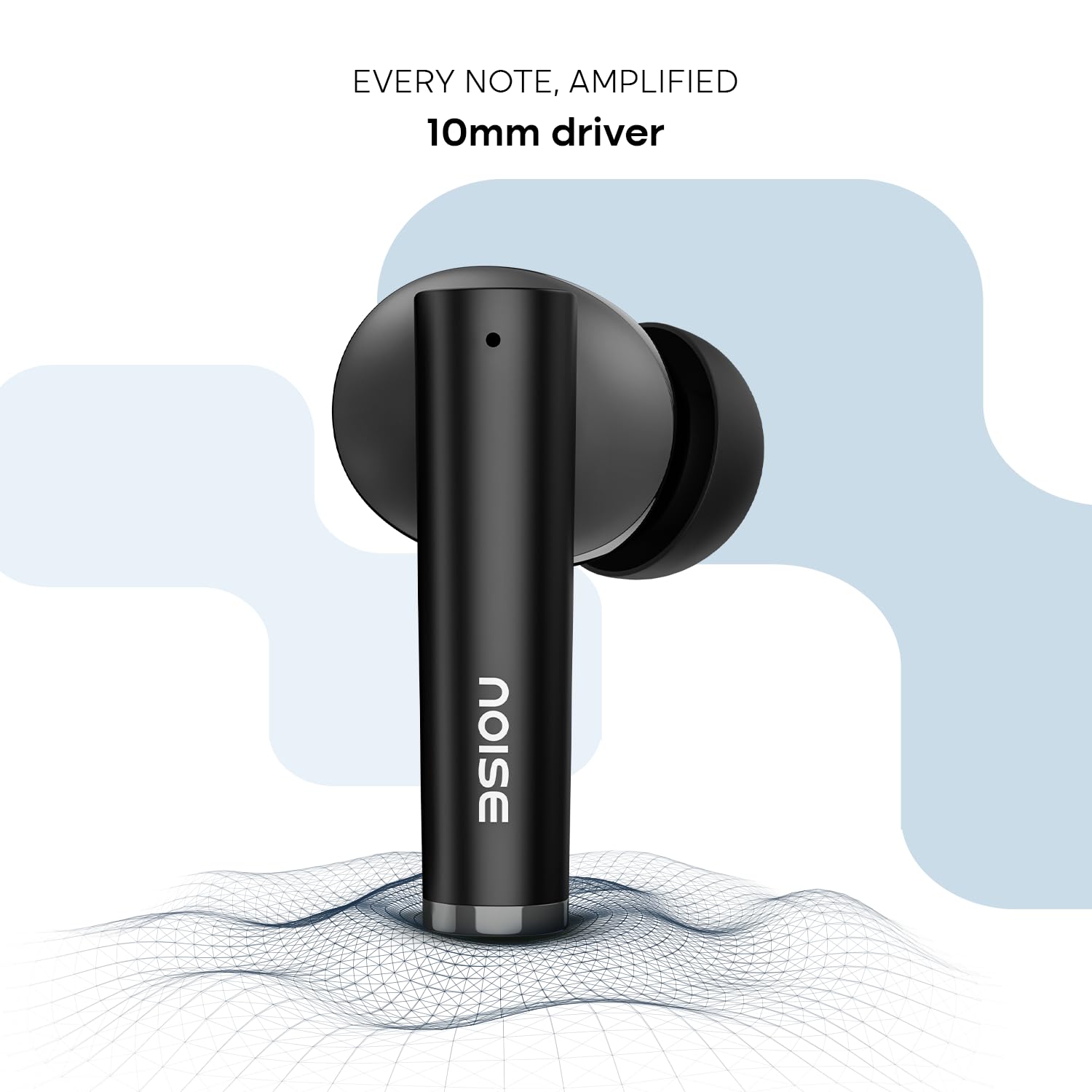
Image: Noise Buds VS501 connected to both a smartphone and a tablet, illustrating the dual-device pairing feature.
Om hierdie kenmerk te gebruik:
- Pair the earbuds with your first device (e.g., smartphone).
- Disconnect the earbuds from the first device's Bluetooth settings. The earbuds will re-enter pairing mode.
- Koppel die oorfone met jou tweede toestel (bv. skootrekenaar).
- Now, the earbuds are paired with both devices. To switch, simply play audio or answer a call on the desired device, and the earbuds will automatically connect.
Oproepe maak
Die Quad Mic with ENC (Environmental Noise Cancellation) ensures clear voice transmission during calls, even in noisy environments.
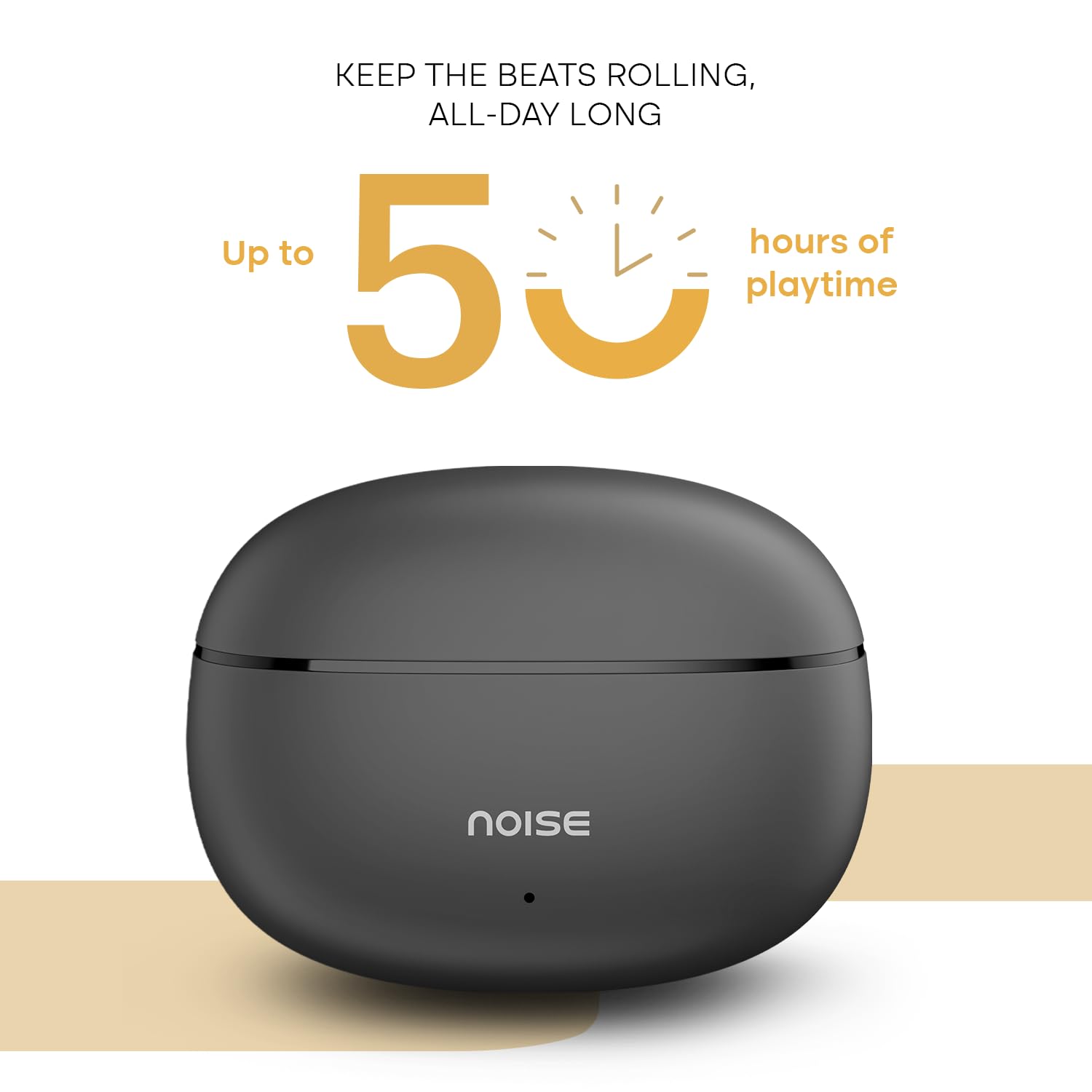
Image: A person wearing a Noise Buds VS501 earbud, illustrating the Quad Mic with ENC feature for clear conversations.
Onderhoud
Proper maintenance ensures the longevity and optimal performance of your Noise Buds VS501.
- Skoonmaak: Maak die oorfone en laaikas gereeld skoon met 'n sagte, droë, pluisvrye lap. Moenie harde chemikalieë of skuurmiddels gebruik nie.
- Waterweerstand: Die oorfone is IPX5 waterbestand, meaning they can withstand splashes and sweat. Do not submerge them in water or expose them to heavy rain.
- Berging: Wanneer dit nie gebruik word nie, bêre die oorfone in hul laaikassie om hulle te beskerm en gelaai te hou. Bêre op 'n koel, droë plek weg van uiterste temperature.
- Laaipoort: Keep the Type-C charging port free from dust and debris.
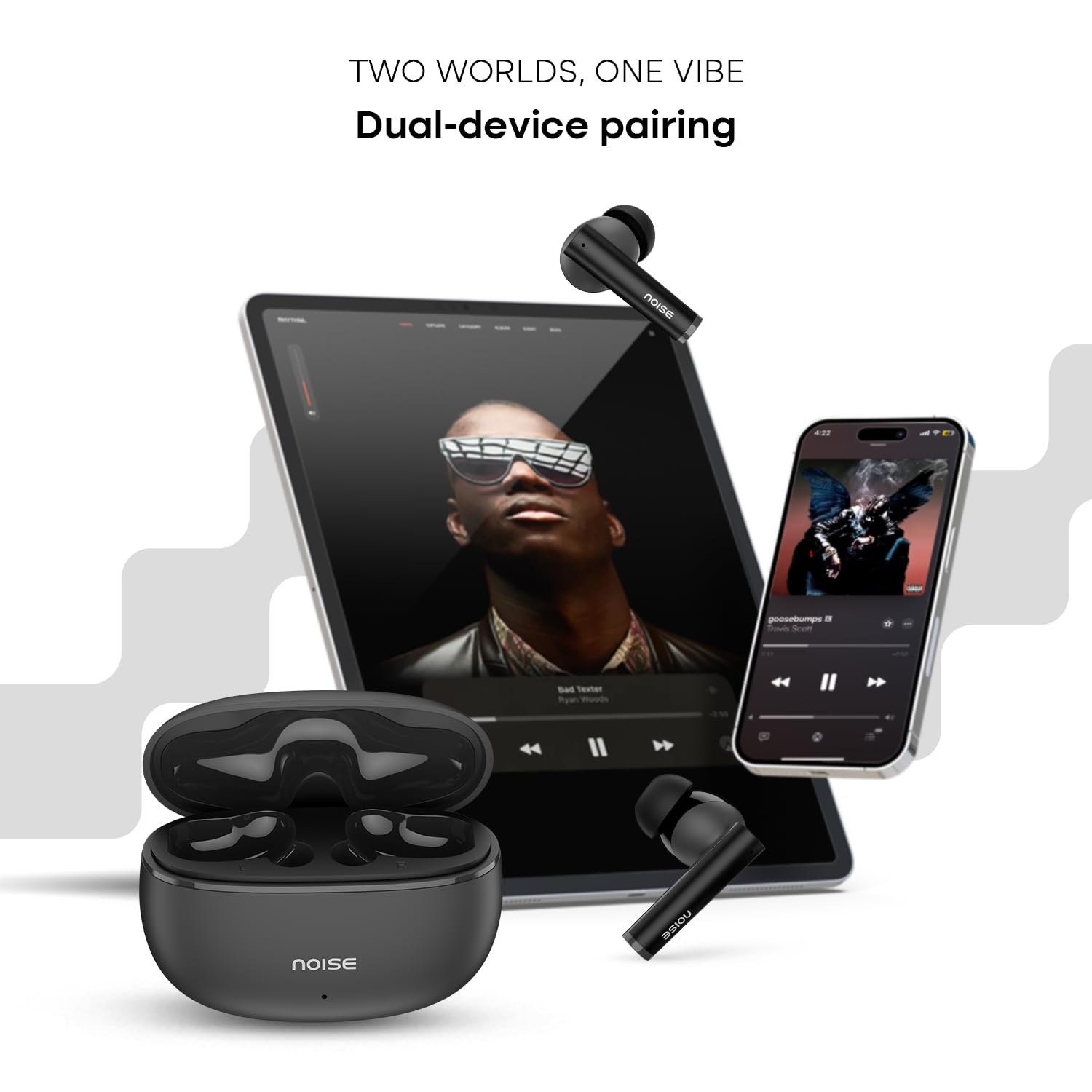
Image: Visual representation of HyperSync, Bluetooth v5.3, and IPX5 water resistance features of the Noise Buds VS501.
Probleemoplossing
If you encounter issues with your Noise Buds VS501, refer to the following common solutions:
- Oordopjes koppel/koppel nie:
- Maak seker dat beide oordopjes gelaai is.
- Skakel Bluetooth op jou toestel af en aan.
- Forget "Noise Buds VS501" from your device's Bluetooth list and try pairing again.
- Perform a factory reset (refer to the manufacturer's website or contact support for specific instructions).
- Slegs een oordoppie werk:
- Plaas albei oordopjes terug in die laaikas, maak die deksel toe, wag 'n paar sekondes en maak dit dan weer oop.
- Maak seker dat beide oordopjes gelaai is.
- Maak die laaikontakte op beide oordopjes en binne-in die houer skoon.
- Voer 'n fabrieksterugstelling uit.
- Laai kwessies:
- Maak seker dat die laaikabel stewig aan beide die kas en die kragbron gekoppel is.
- Probeer 'n ander tipe-C-laaikabel en kragadapter.
- Maak die laaipoort op die kas skoon.
- Lae volume of swak klankgehalte:
- Pas die volume op jou gekoppelde toestel aan.
- Maak seker dat die oorfone behoorlik in jou ore sit.
- Maak enige oorsmeer of puin van die oordopjes se spuitpunte skoon.
Spesifikasies
| Handelsmerk | Geraas |
| Model Naam | Buds VS501 |
| Modelnommer | AUD-HDPHN-BUDSVS501-BLK |
| Oorplasing | In Oor |
| Vormfaktor | Ware draadloos |
| Bluetooth weergawe | 5.3 |
| Bluetooth-reeks | 10 meter |
| Battery Gemiddelde Lewe | 50 Ure (Totale Speeltyd met Omhulsel) |
| Oudiobestuurdergrootte | 10 millimeter |
| Produk Kenmerke | Noise Cancellation (ENC), Dual Device Pairing |
| Waterweerstandvlak | IPX5 waterbestand |
| Koptelefoonaansluiting | Tipe-C vinnige laai-aansluiting |
| Beheer metode | Voice, Touch |
| Tipe beheerder | Google Assistant, Siri |
| Item gewig | 50 gram |
| Materiaal | Polikarbonaat (PC) |
Waarborg en Ondersteuning
Waarborg inligting
Your Noise Buds VS501 come with a 1 jaar waarborg verskaf deur die vervaardiger vanaf die aankoopdatum. Bewaar asseblief u bewys van aankoop vir waarborgeise.
Kliënte ondersteuning
For any technical assistance, warranty claims, or product-related inquiries, please contact Noise customer support:
- Vervaardiger: Nexxbase Marketing Pvt. Ltd
- Adres: Khasra No-146/25/2/1, Jail Road Badshahpur, Gurugram Haryana-122101
- Kontaknommer: 8882-132-132