1. Inleiding
This manual provides essential information for the safe and efficient operation of your PowMr Pure Sine Wave Solar Inverter, Model LVM3K-24V. This device is designed to convert 24V DC power from batteries or solar panels into 110/120V AC power, suitable for various household and office loads. It features a built-in 80A MPPT charge controller and supports multiple charging and output modes.
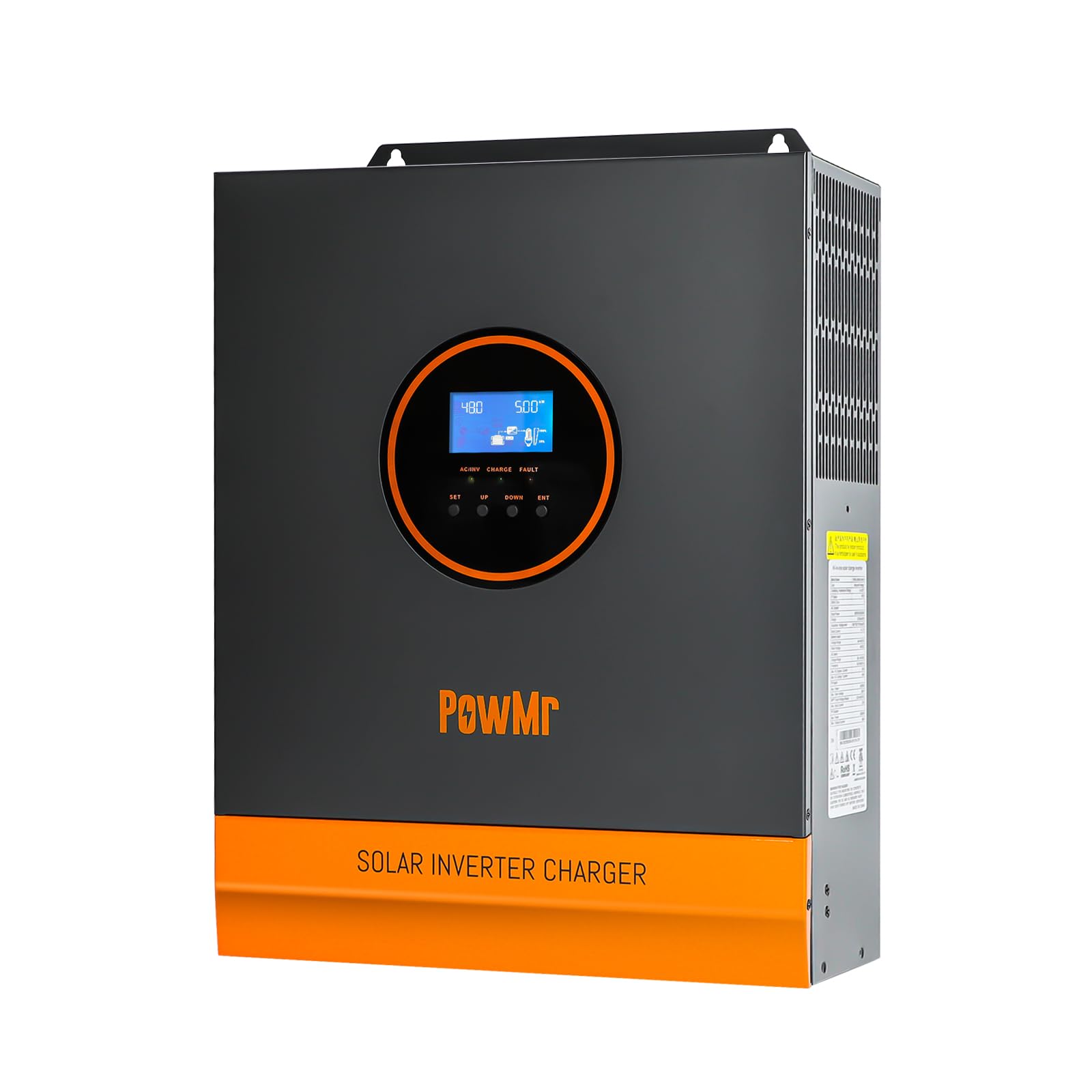
Beeld: Voorkant view of the PowMr 3KW Solar Inverter, highlighting its key features and design.
2. Veiligheidsinstruksies
Please read and follow all safety instructions carefully before installation and operation. Failure to do so may result in electric shock, fire, or serious injury.
- Installasie moet deur gekwalifiseerde personeel uitgevoer word.
- Verseker behoorlike aarding van die omskakelaar.
- Moenie die omsetter uitmekaar haal nie. Daar is geen onderdele binne wat deur die gebruiker onderhou kan word nie.
- Hou die omsetter weg van vlambare materiale, vog en direkte sonlig.
- Verseker voldoende ventilasie rondom die omsetter om oorverhitting te voorkom.
- Verifieer dat alle verbindings stewig en korrek is voordat die krag aangeskakel word.
- Ontkoppel altyd die krag voordat u enige onderhoud of bedrading uitvoer.
3. Produk verbyview
Familiarize yourself with the various ports and indicators on your inverter.
Beeld: Agter en sykant view of the PowMr 3KW Solar Inverter with numbered labels for each port and indicator.
- WS-invoerpoort: Connects to grid utility or generator AC power.
- AC uitsetpoort: Connects to AC loads (e.g., appliances).
- CAN communication port: For advanced communication.
- USB communication port: For data monitoring and configuration.
- RS485 kommunikasiepoort: For data monitoring and configuration.
- Droë kontakpoort: Vir eksterne beheer of sein.
- Grounding screw hole: For connecting the system ground.
- Oorbelasting beskermer: Circuit breaker for overload protection.
- Battery port: Connects to the battery bank (24V DC).
- Waaier: Dissipates heat during operation.
- ON/OFF rocker switch: Hoofkragskakelaar vir die omsetter.
- PV port: Connects to solar panel array.
- Raak-sleutel: For navigating the LCD display.
- LED-aanwyser: Toon operasionele status.
- LCD-skerm: Displays system data and settings.
4. Opstelling en installering
4.1 Bedradingsdiagram
Refer to the following diagram for proper wiring connections. Ensure all connections are secure and follow local electrical codes.

Image: Detailed wiring diagram showing connections for solar panels, battery, AC input (utility/generator), and AC output (loads).
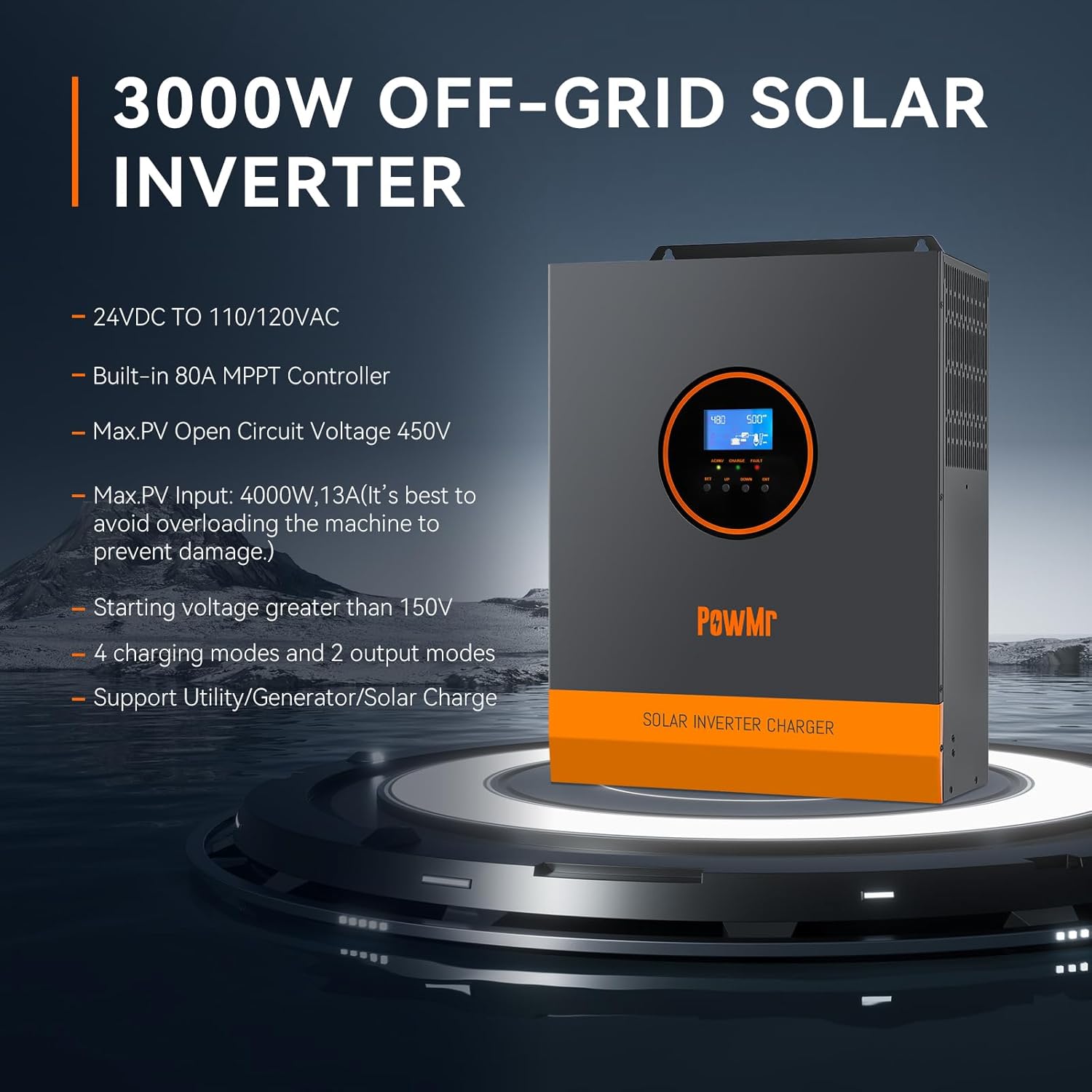
- Sonpaneelverbinding: Max PV Input Power 4000W, Max PV Input Current 13A. Total Open Circuit Voltage (Voc) ≤ 450V. Start-up voltage needs to be greater than 150V. Use 12AWG PV wire. At least 4-6 solar panels are typically needed to meet the starting voltage, depending on individual panel specifications.
- Batteryverbinding: Compatible with 24V Lithium/Lead-acid batteries. Recommended battery capacity: 200AH. Use 2AWG battery wire. The battery must be connected for the system to operate.
- AC-invoerverbinding: Connect to 120Vac±5% utility or generator. Frequency: 50Hz/60Hz. Max AC Bypass Current: 40A. Max AC Charge Current: 40A. Use 10 AWG AC wire. Be sure to connect the PE protective conductor (ground) first.
- WS-uitvoerverbinding: Max Output Power ≤ 3000W. Rate Voltage: 120Vac±5%. Rate Current: 27.5A.
4.2 Batteryversoenbaarheid
The inverter is compatible with a wide range of 24V battery types.

Image: Graphic illustrating compatibility with various battery types including AGM, GEL, FLD (Flooded), LI (Lithium), and SLD (Sealed Lead-Acid).
- Lead-Acid Batteries (Sealed, AGM, Gel, Flooded)
- Litium batterye
Ensure the correct battery type is selected in the inverter settings for optimal charging and discharge performance.
5. Bedryfswyses
The inverter offers flexible operating modes to suit different application requirements.
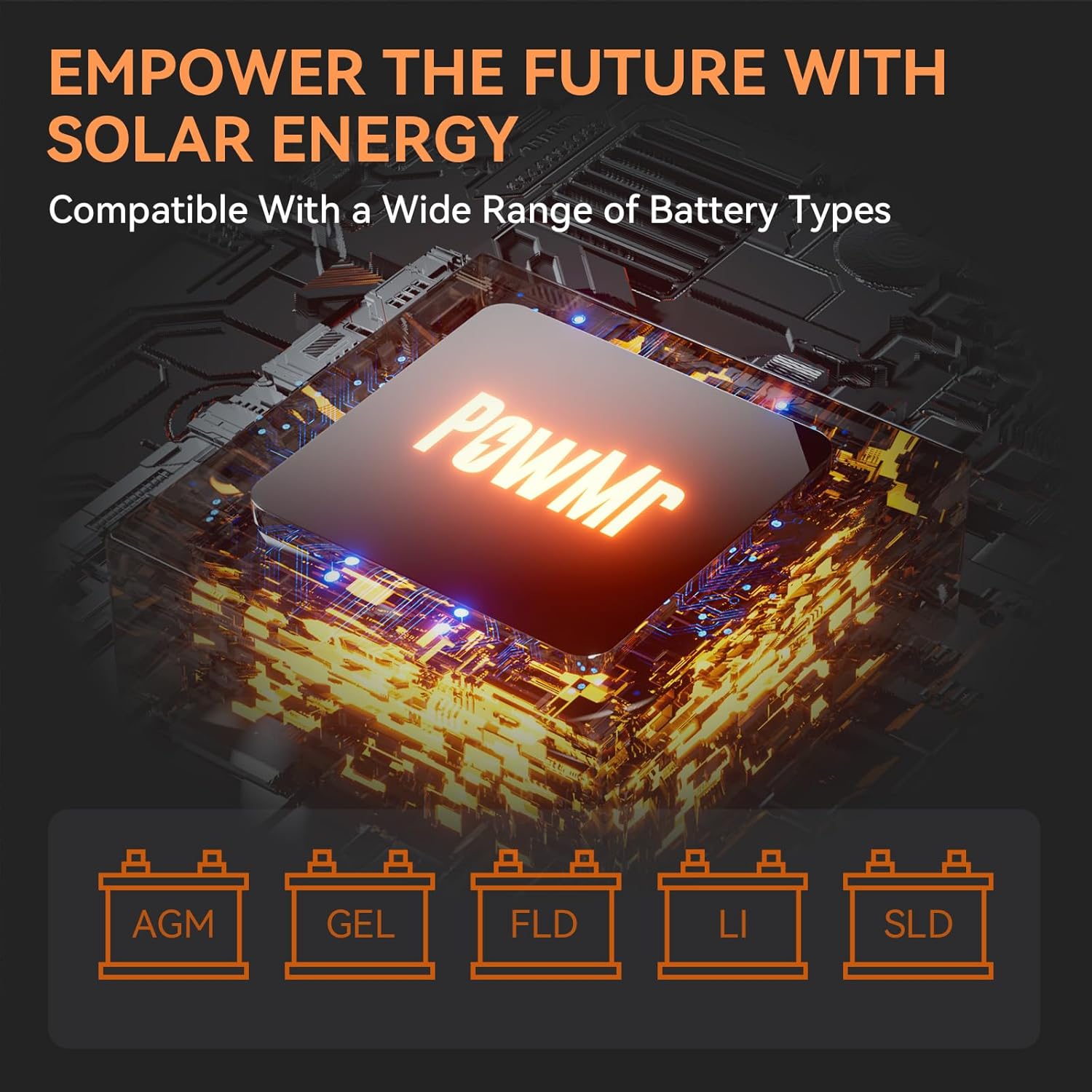
Image: Diagram showing the four charging modes and three load output working modes of the inverter.
5.1 Laaimodusse
- PV Priority (Solar Charging): Solar power is prioritized for charging the battery.
- Utility Priority (Electricity Utility Priority): Grid power is prioritized for charging the battery.
- Hibriede laai: A combination of solar and utility power is used for charging.
- Only Solar Charging: Only solar power is used for charging the battery.
5.2 Laai Uitset Werkmodusse
- PV-prioriteit: Solar power is prioritized to supply the loads.
- Nutsvoorkeur: Grid power is prioritized to supply the loads.
- Omskakelaarmodus: Battery power is used to supply the loads via the inverter.
These modes can be configured via the LCD display to optimize energy usage based on your specific needs.
6. LCD-skerm en aanwysers
The inverter features an LCD display and three LED indicators for real-time monitoring of system data and operational status.
- LCD-skerm: Provides detailed information such as input/output voltage, current, power, battery status, and selected operating modes. Use the touch keys to navigate through the menus.
- LED-aanwysers: Provide quick visual status updates (e.g., power on, fault, charging status). Refer to the user manual for specific LED patterns and their meanings.
An intelligent variable speed fan is integrated to efficiently dissipate heat, extending the system's lifespan.
7. Beskermingskenmerke
The PowMr Solar Inverter is equipped with comprehensive protection mechanisms to ensure safe and reliable operation:
- Kortsluitingbeskerming: Voorkom skade as gevolg van kortsluitings.
- Oor Voltage Beskerming: Voorsorgmaatreëls teen oormatige volumetage insette.
- Onder Voltage Beskerming: Protects batteries from deep discharge.
- Oorladingsbeskerming: Prevents damage when connected loads exceed the inverter's capacity.
- Omgekeerde beskerming: Protects against incorrect battery polarity connection.
8. Onderhoud
Gereelde onderhoud verseker die lang lewensduur en optimale werkverrigting van u omsetter.
- Skoonmaak: Periodically clean the inverter's exterior and ventilation openings to prevent dust buildup. Ensure the inverter is off and disconnected from all power sources before cleaning.
- Verbindings: Annually check all electrical connections (PV, battery, AC input/output) for tightness and corrosion.
- Omgewing: Maak seker dat die installasie-omgewing binne die gespesifiseerde temperatuur- en humiditeitsreekse bly.
- Battery gesondheid: Monitor battery health and perform maintenance as recommended by the battery manufacturer.
9. Probleemoplossing
If the inverter is not operating as expected, refer to the following basic troubleshooting steps. For complex issues, contact customer support.
- Geen krag: Check the ON/OFF switch, battery connections, and battery voltage. Ensure the overload protector has not tripped.
- Geen WS-uitset: Verify AC output connections and ensure no overload condition exists. Check if the inverter is in a fault state indicated by LEDs or LCD.
- Geen sonkraglaai: Kontroleer PV-paneelverbindings, verseker PV-volumetage is above the starting voltage (150V), and verify sufficient sunlight.
- Oorladingswaarskuwing: Reduce the connected load. The inverter may automatically restart after a cool-down period.
- Foutkodes: Consult the full user manual for specific error codes displayed on the LCD and their corresponding solutions.
10. Spesifikasies
| Kenmerk |
Spesifikasie |
| Handelsmerk |
PowMnr |
| Model Naam |
LVM3K-24V |
| Wattage |
3000 watt |
| Piek uitsetkrag |
4000 watt |
| Invoer Voltage |
24 Volt (DC) |
| Uitset Voltage |
110/120 Vac |
| Elektriese Uitsetgolfvorm |
Suiwer Sinusgolf |
| Maksimum PV-insetkrag |
4000 W |
| Max PV-invoer Voltage (oop kring) |
450 V |
| PV Starting Voltage |
>150V |
| Built-in Charge Controller |
80A MPPT |
| Itemafmetings (L x B x H) |
4 cm L x 11.02 cm B x 14.88 cm H |
| Item gewig |
8 kilogram |
| Aanbevole gebruike |
Home, Recreational Vehicle, Travel |
11. Waarborg en Ondersteuning
11.1 Waarborginligting
This PowMr Solar Inverter comes with a 1 jaar waarborg vanaf die aankoopdatum. Die waarborg dek defekte in materiale en vakmanskap onder normale gebruik. Dit dek nie skade wat veroorsaak word deur onbehoorlike installasie, misbruik, ongelukke of ongemagtigde wysigings nie.
11.2 Kliëntediens
For technical assistance, troubleshooting beyond this manual, or warranty claims, please contact PowMr customer support. Have your model number (LVM3K-24V) and purchase information ready when contacting support.
You can find contact information on the official PowMr webwebwerf of deur jou kleinhandelaar.


