
Inleiding
Thank you for choosing the AWEI T28 Wireless Earbuds. This manual provides detailed instructions for setting up, operating, and maintaining your earbuds to ensure optimal performance and longevity. Please read this manual thoroughly before using the product.
Pakketinhoud
Verifieer dat alle items in jou pakket teenwoordig is:
- Wireless Bluetooth Headset (Left and Right Earbuds)
- Wireless Bluetooth Headset Charging Case
- USB-C-laaikabel
- User Instructions (This Manual)
Produk verbyview
The AWEI T28 Wireless Earbuds are designed for a comfortable in-ear fit, offering high-fidelity audio and clear call performance. They feature Bluetooth 5.3 technology for stable connectivity and touch controls for easy operation.

Figuur 1: AWEI T28 Wireless Earbuds and Charging Case. This image displays the white earbuds resting inside their open charging case, highlighting their compact and sleek design.

Figuur 2: Earbuds and Charging Case. The image shows the earbuds removed from the charging case, which is open, illustrating the product's design and indicating its readiness for use or charging.
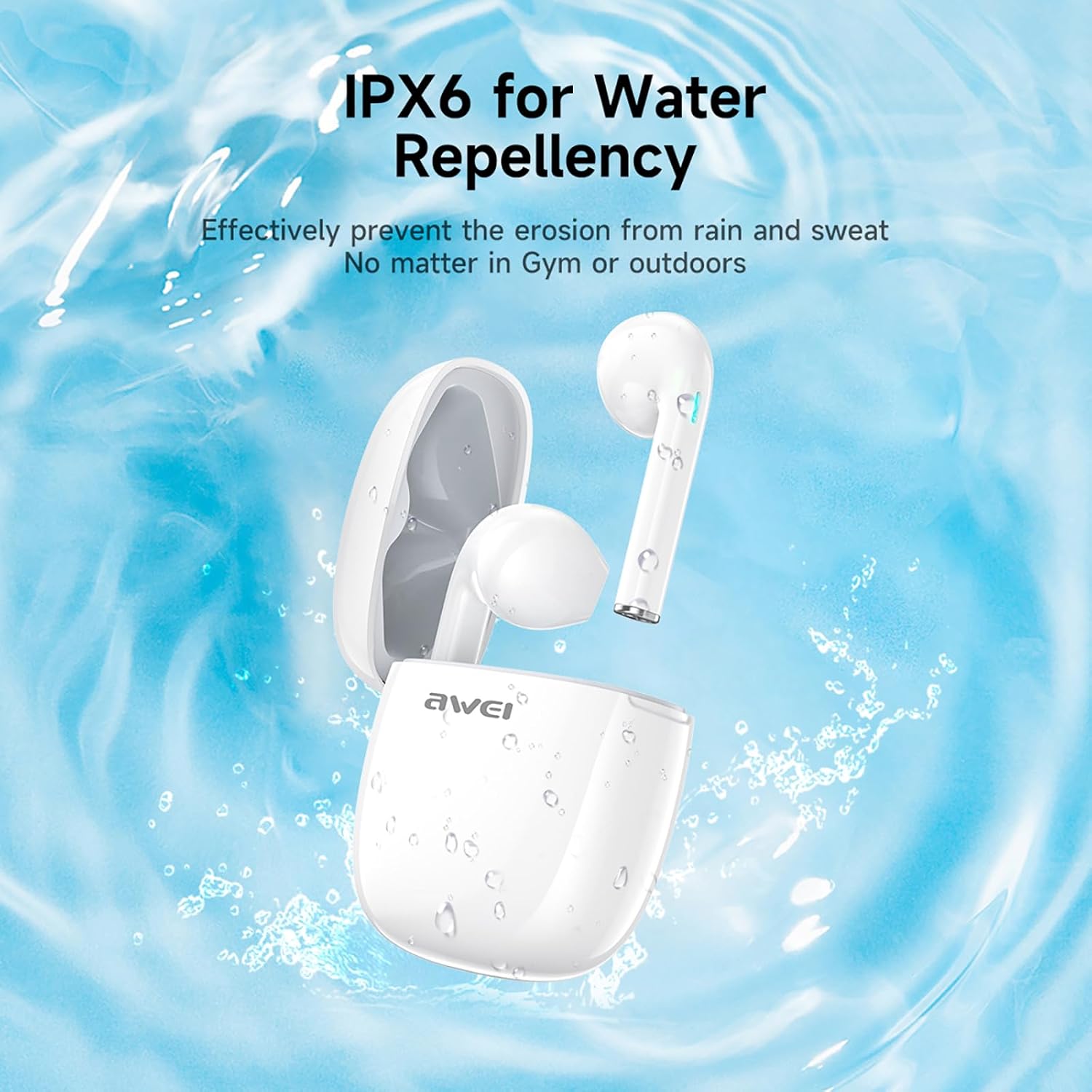
Figuur 3: IPX6 Water Repellency. This image depicts the earbuds and charging case with water splashes, visually representing their IPX6 waterproof rating, suitable for use during exercise or in light rain.
Opstelling
1. Laai die oordopjes en houer
- Aanvanklike heffing: Laai die oordopjes en die laaikassie volledig voor die eerste gebruik.
- Laai die saak: Connect the provided USB-C charging cable to the charging port on the case and to a USB power source. The charging time for the case is approximately 1.5 hours.
- Laai die oordopjes: Place the earbuds into the charging case. They will automatically begin charging. The earbuds provide approximately 7 hours of continuous use per charge. The charging case extends total playback time to 35 hours in dual-ear mode, or up to 70 hours in single-ear mode by alternating earbuds.
- Battery-aanwysers: Refer to the LED indicators on the case and earbuds for charging status.
2. Koppel met 'n Toestel
- Krag aan: Maak die laaikas oop. Die oorfone sal outomaties aanskakel en in paringsmodus gaan.
- Aktiveer Bluetooth: On your smartphone, tablet, or other Bluetooth-enabled device, go to the Bluetooth settings and turn on Bluetooth.
- Kies Toestel: Look for "AWEI T28" in the list of available devices and select it to connect.
- Bevestiging: Once connected, you will hear an audio prompt from the earbuds, and the device's Bluetooth settings will show "AWEI T28" as connected.
- Outomatiese herverbinding: After the initial pairing, the earbuds will automatically connect to the last paired device when removed from the charging case, provided Bluetooth is enabled on the device.
Bedryfsinstruksies
Raak kontroles
The AWEI T28 earbuds feature smart touch controls on each earbud for convenient management of audio playback and calls.
- Speel/pouse: Enkele tik op enige van die oordopjes.
- Volgende liedjie: Dubbeltik op die regteroorknoppie.
- Vorige liedjie: Dubbeltik op die linkeroorknoppie.
- Volume op: Tik drie keer op die regteroorkop.
- Volume af: Tik drie keer op die linkeroorknoppie.
- Beantwoord/beëindig oproep: Enkeltik op enige oordopjes tydens 'n inkomende oproep.
- Verwerp oproep: Druk en hou enige oordopjes vir 2 sekondes in tydens 'n inkomende oproep.
- Aktiveer stemassistent: Press and hold either earbud for 3 seconds (functionality may vary by device).
Monaural and Binaural Mode
The earbuds support both monaural (single earbud) and binaural (both earbuds) modes. You can seamlessly switch between modes:
- Binaurale modus: Remove both earbuds from the charging case. They will automatically connect to each other and then to your device.
- Monomodus: Remove only one earbud from the charging case. It will connect to your device independently. You can place the other earbud back in the case or keep it off.
- Skakel: If using one earbud, simply remove the other from the case to automatically switch to binaural mode. If using both, place one back in the case to switch to monaural mode.
Onderhoud
Proper maintenance ensures the longevity and performance of your AWEI T28 Wireless Earbuds.
- Skoonmaak: Maak die oorfone en laaikas gereeld skoon met 'n sagte, droë, pluisvrye lap. Moenie skuurmiddels of oplosmiddels gebruik nie.
- Oorwenke: If applicable, gently remove ear tips and clean them with mild soap and water, then dry thoroughly before reattaching.
- Laai kontakte: Maak seker dat die laaikontakte op beide die oordopjes en binne-in die houer skoon en vry van puin is om behoorlike laai te handhaaf.
- Waterweerstand: The earbuds are IPX6 waterproof, meaning they are resistant to strong jets of water. However, they are not designed for swimming or submersion. Ensure they are dry before placing them back in the charging case.
- Berging: Wanneer dit nie gebruik word nie, bêre die oorfone in hul laaikassie om hulle teen stof en skade te beskerm. Bêre op 'n koel, droë plek weg van uiterste temperature.
Probleemoplossing
If you encounter issues with your AWEI T28 Wireless Earbuds, refer to the following common solutions:
- Oorfone koppel nie met toestel nie:
- Maak seker dat albei oordopjes ten volle gelaai is.
- Skakel Bluetooth op jou toestel af en skakel dit dan weer aan.
- Forget "AWEI T28" from your device's Bluetooth list and attempt to pair again.
- Ensure the earbuds are in pairing mode (usually indicated by flashing LED lights).
- Probeer om dit met 'n ander toestel te koppel om toestelspesifieke probleme uit te sluit.
- Slegs een oordoppie werk:
- Place both earbuds back into the charging case, close the lid, wait a few seconds, then open the lid and remove both earbuds simultaneously.
- Maak seker dat beide oordopjes gelaai is.
- Check if the earbuds are connected in monaural mode. If so, try re-pairing both earbuds.
- Oorfone laai nie:
- Maak seker dat die laaikas gelaai is.
- Check that the charging contacts on the earbuds and inside the case are clean and free of obstructions.
- Maak seker dat die oordopjes korrek in die laaikas geplaas is.
- Probeer 'n ander USB-C-kabel of kragadapter gebruik.
- Lae volume of swak klankgehalte:
- Verstel die volume op beide jou toestel en die oordopjes.
- Ensure the earbuds are properly seated in your ears for a good seal.
- Maak enige oorsmeer of puin van die oordopjes se spuitpunte skoon.
- Try playing different audio sources to determine if the issue is with the earbuds or the audio file.
- Verbinding val gereeld af:
- Ensure there are no significant obstacles (walls, large electronic devices) between the earbuds and your connected device.
- Keep the earbuds within the 10-meter Bluetooth range of your device.
- Avoid environments with high Wi-Fi or other wireless interference.
Spesifikasies
| Model | T28 |
| Handelsmerk | Awei |
| Verbindingstegnologie | Draadloos (Bluetooth 5.3) |
| Oorplasing | In Oor |
| Tipe beheer | Raak Beheer |
| Waterweerstandvlak | IPX6 waterdig |
| Gemiddelde batterylewe (oordopjes) | 7 ure |
| Totale speeltyd met laaikas | Up to 35 Hours (Dual-ear), 70 Hours (Single-ear) |
| Laaityd (kas) | 1.5 ure |
| Materiaal | Silikoon |
| Item gewig | 150 g |
| Versoenbare toestelle | Smartphones, Computers, TVs |
Waarborg en Ondersteuning
For warranty information and customer support, please refer to the documentation provided with your purchase or contact the retailer where you purchased the AWEI T28 Wireless Earbuds. Keep your proof of purchase for any warranty claims.
For further assistance, you may also visit the official Awei webwebwerf of kontak hul kliëntediens direk.