
Inleiding
Dankie vir die aankoopasing the Kenko Pieni 8 Digital Toy Camera. This miniature camera is designed to capture photos and videos with a unique retro aesthetic, reminiscent of 8mm film cameras. Its compact size and simple operation make it an enjoyable device for capturing everyday moments with a nostalgic feel. This manual provides detailed instructions for proper setup, operation, and maintenance of your camera.
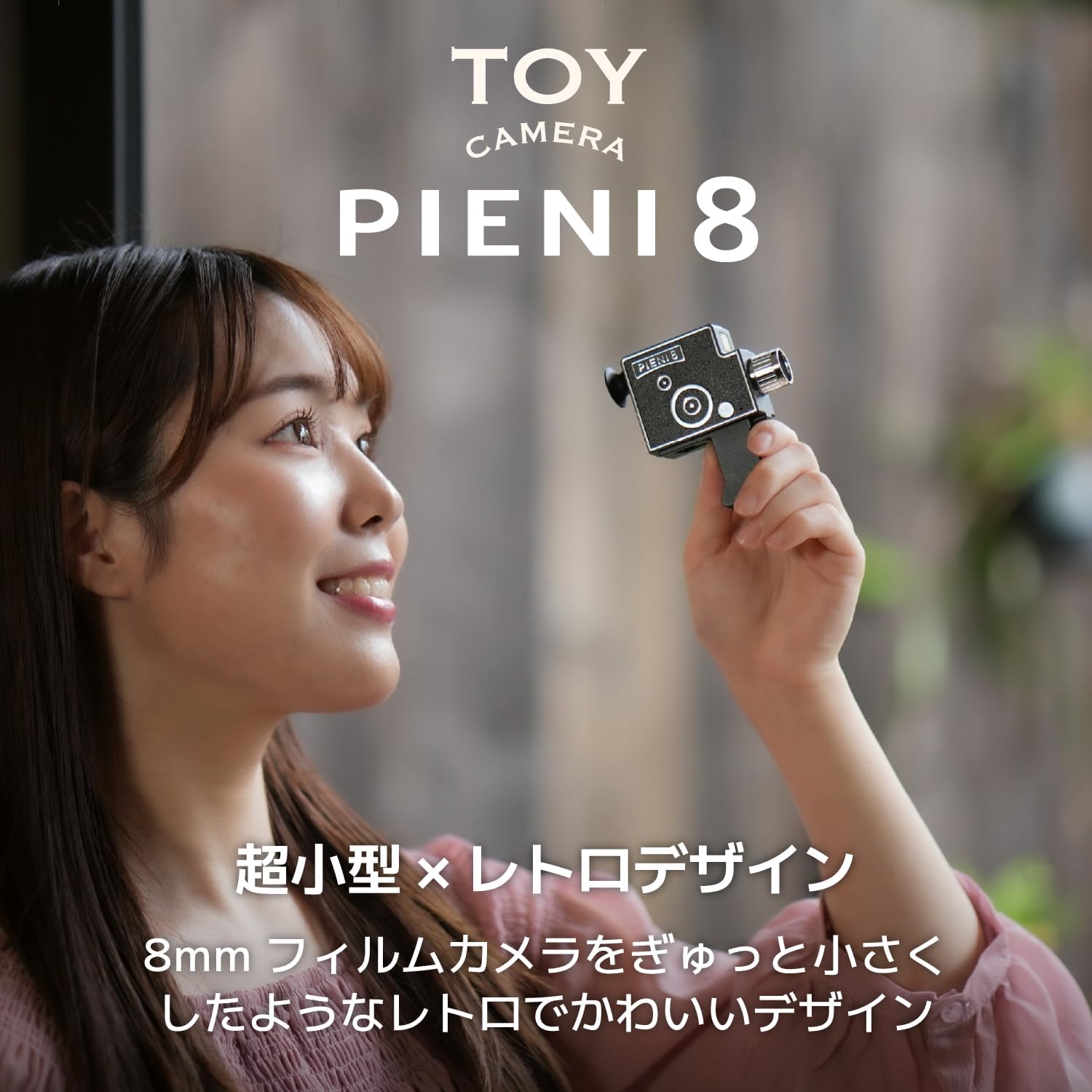
Image: The Kenko Pieni 8 camera, demonstrating its small, handheld form factor.
Veiligheidsinligting
- Do not expose the camera to water or excessive moisture. The camera is not water-resistant.
- Vermy om die kamera te laat val of dit aan harde impakte bloot te stel.
- Hou die kamera weg van uiterste temperature en direkte sonlig.
- Moenie probeer om die kamera uitmekaar te haal of te wysig nie. Dit sal die waarborg ongeldig maak.
- Gebruik slegs die meegeleverde USB-kabel vir laai en data-oordrag.
- Store the camera and accessories out of reach of small children.
Pakketinhoud
Maak asseblief seker dat al die volgende items in u pakket ingesluit is:
- Kenko Pieni 8 Digital Toy Camera (Main Unit)
- Handband
- Sleutelketting
- USB-kabel (tipe-A tot tipe-C)
- Instruksie Handleiding

Image: The Kenko Pieni 8 camera shown with the hand strap and keychain accessories.
Produk verbyview
The Kenko Pieni 8 features a simple design with minimal controls, focusing on ease of use and its unique retro output.

Beeld: Voorkant view of the Kenko Pieni 8 camera, resembling a classic 8mm film camera.
Sleutel kenmerke:
- Retro Image Capture: Records photos and videos with a nostalgic, film-like appearance.
- Oudio-opname: Videos include audio.
- Kompakte ontwerp: Miniature size, ideal for portability.
- MicroSDHC Support: Stores media on external microSDHC cards (up to 32GB, not included).
- USB Tipe C: Vir laai en data-oordrag.
- No LCD Monitor: Encourages a surprise element when viewing captured media on a computer or smartphone.
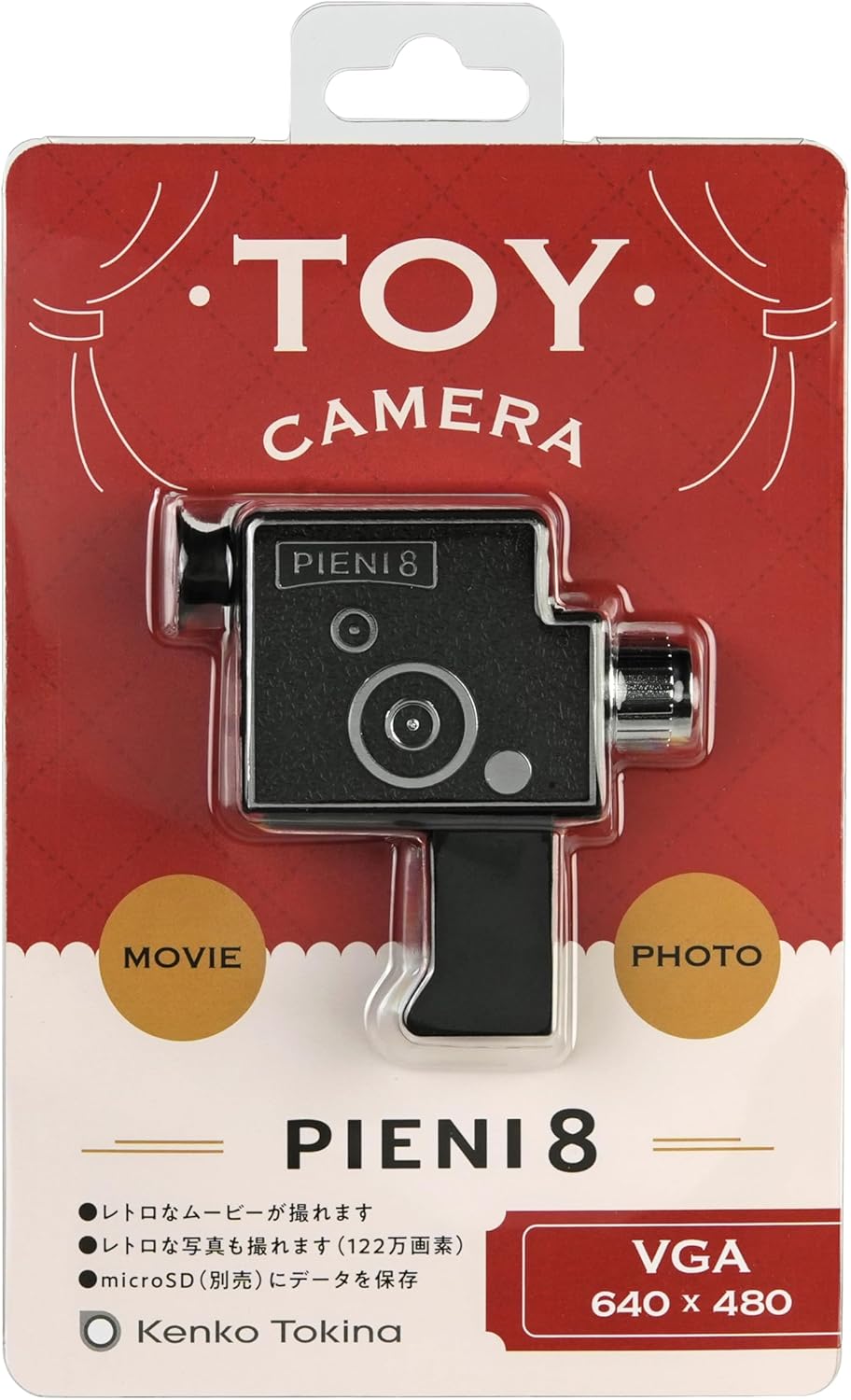
Image: A user looking through the camera's viewfinder, which serves as a guide for framing shots.
Opstelling
1. Invoeging van 'n MicroSD-kaart
The Kenko Pieni 8 requires a microSDHC card (sold separately, up to 32GB) to store photos and videos. There is no internal memory.
- Locate the microSD card slot on the camera body.
- Gently insert the microSDHC card into the slot with the gold contacts facing down, until it clicks into place.
- To remove the card, push it in gently until it springs out.

Image: The microSD card slot on the camera, indicating where to insert the memory card.
2. Laai die battery
The camera has a built-in lithium-ion battery. Charge it before first use and whenever the battery is low.
- Connect the small end of the included USB Type-C cable to the USB port on the camera.
- Connect the larger end of the USB Type-A cable to a USB power adapter (not included) or a computer's USB port.
- Die laai-aanwyserliggie sal tydens laai brand en afskakel wanneer dit volledig gelaai is.

Image: The camera connected via USB-C cable to a computer for charging.
Bedryfsinstruksies
Krag aan/af
- To power on, press and hold the power button until the indicator light turns on.
- To power off, press and hold the power button until the indicator light turns off.
Neem Foto's
- Ensure the camera is powered on and a microSD card is inserted.
- Point the camera at your subject. Use the viewfinder for general framing.
- Press the shutter button once to take a photo. The indicator light may flash briefly.
Opname van video's
- Ensure the camera is powered on and a microSD card is inserted.
- Rig die kamera op jou onderwerp.
- Press and hold the shutter button to start recording video. The indicator light will typically remain on or flash slowly.
- Release the shutter button to stop recording.

Beeld: 'n sample image demonstrating the retro video and photo style produced by the camera.
Die oordrag van data
Since the Pieni 8 does not have an LCD screen, you will need to transfer files to a computer or smartphone to view hulle.
- Connect the camera to your computer using the provided USB Type-C cable.
- The camera will appear as a removable storage device (like a USB drive).
- Open the camera's folder and copy the desired photo (JPEG) and video (MJPEG/AVI) files na jou rekenaar.
- Alternatively, you can remove the microSD card and insert it into a card reader connected to your computer or smartphone.
Onderhoud
- Skoonmaak: Use a soft, dry cloth to wipe the camera body. For the lens, use a lens cleaning cloth. Do not use liquid cleaners or abrasive materials.
- Berging: When not in use for extended periods, store the camera in a cool, dry place, away from direct sunlight and dust. Ensure the battery is partially charged (around 50%) before long-term storage to prolong battery life.
- Batterysorg: Avoid fully discharging the battery frequently. Recharge it regularly to maintain optimal performance.
Probleemoplossing
- Kamera skakel nie aan nie:
- Ensure the battery is charged. Connect the camera to a power source using the USB cable and allow it to charge for at least 30 minutes.
- Druk en hou die aan/af-knoppie stewig vir 'n paar sekondes in.
- Kan nie foto's/video's neem nie:
- Check if a microSDHC card is properly inserted.
- Ensure the microSDHC card has sufficient free space.
- The battery might be too low. Charge the camera.
- Files are not appearing on the computer:
- Maak seker dat die USB-kabel stewig aan beide die kamera en die rekenaar gekoppel is.
- Probeer 'n ander USB-poort op jou rekenaar.
- Try removing the microSD card and using a separate card reader.
- Ensure the camera is powered on when connected to the computer for data transfer.
- Swak beeld-/videokwaliteit:
- The Pieni 8 is designed for a retro, lo-fi aesthetic. Image quality will not be comparable to modern digital cameras.
- Maak seker dat die lens skoon en vry van vlekke is.
- Shoot in well-lit environments, as the camera has fixed ISO sensitivity.
Spesifikasies
| Kenmerk | Detail |
|---|---|
| Beeldsensor | 1/9 type 1.2 megapixel CMOS sensor |
| Lens | f=1.8mm F2.8 |
| Skietafstand | Approx. 0.3 m ~ (fixed focus) |
| Interne geheue | Geen |
| Eksterne geheue | microSDHC card (~32GB) |
| Stilbeeld-formaat | JPEG |
| Video-formaat | MJPEG (AVI) |
| Stilbeeldgrootte | 1280 x 960 |
| Video grootte | 640 x 480 30 fps (12 fps for retro effect) |
| Sluiterspoed | 1/100 seconds (fixed) |
| ISO sensitiwiteit | 100 XNUMX (vas) |
| Kragtoevoer | Lithium-ion battery (built-in) |
| Invoer / Uitsetpoort | USB Type-C port (for charging and data transfer) |
| Afmetings (L x B x H) | Ongeveer 76 x 77 x 23 mm (0.91 x 2.99 x 3.03 duim) |
| Gewig | Ongeveer. 32 g (slegs hoofeenheid) |
| Kleur | Swart |
Let wel: Spesifikasies is onderhewig aan verandering sonder kennisgewing vir produkverbetering.
Waarborg en Ondersteuning
Waarborg inligting
Kenko products are manufactured under strict quality control standards. This product is covered by a limited warranty against defects in materials and workmanship from the date of purchase. Please refer to the warranty card included in your package for specific terms and conditions, including the warranty period and claim procedures. Keep your proof of purchase for warranty service.
Kliënte ondersteuning
If you encounter any issues or have questions regarding your Kenko Pieni 8 Digital Toy Camera that are not addressed in this manual, please contact Kenko customer support. Contact information can typically be found on the Kenko official webwebwerf of op die waarborgkaart.
For the latest information and support resources, please visit the official Kenko webwebwerf: www.kenko-tokina.co.jp/english/