
1. oorview
The VIZIO SV210D-0806 All-in-One Soundbar is designed to deliver immersive audio with Dolby Atmos 3D audio and DTS:X. This compact soundbar features two built-in subwoofers for enhanced bass. It offers versatile connectivity options including HDMI, Bluetooth, and USB, and can be controlled via the VIZIO mobile app.
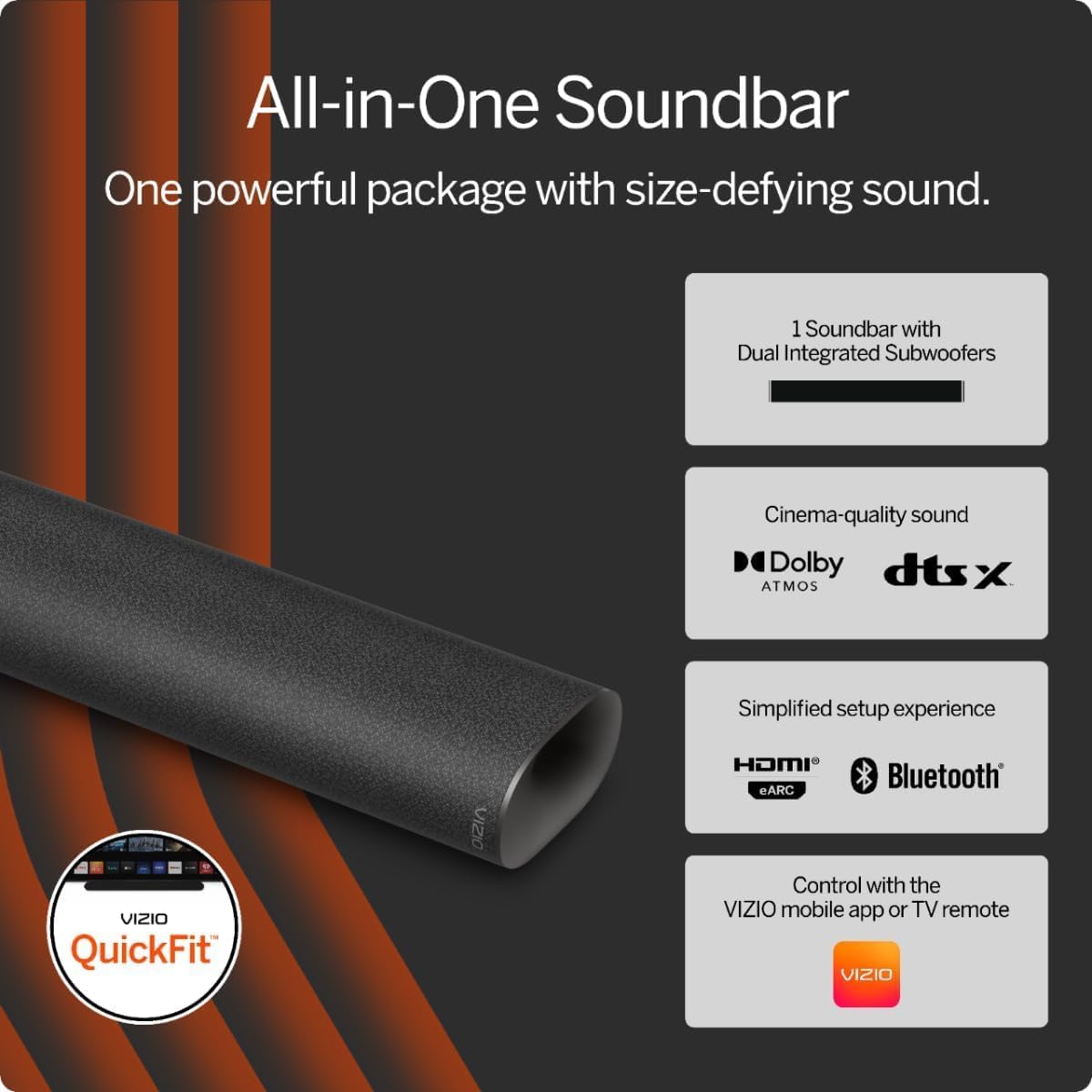
Figure 1: VIZIO All-in-One Soundbar with key features including dual integrated subwoofers, Dolby Atmos, DTS:X, HDMI eARC, Bluetooth, and VIZIO app control.

Figure 2: Experience cinema-quality sound with the VIZIO soundbar, supporting Dolby Atmos and DTS:X for immersive entertainment.
2. Opstelling
2.1. Uitpak en Pakketinhoud
Carefully remove all items from the packaging. The box should contain the following:
- VIZIO All-in-One Soundbar (Model: SV210D-0806)
- Kragkabel
- HDMI (ARC/eARC) Cable
- Vinnige instellingsgids
- Mounting Screws (for compatible VIZIO TVs)
- Muurmontering sjabloon

Figure 3: The VIZIO All-in-One 2.1 System includes the soundbar with 4 speakers and 2 integrated subwoofers, an HDMI eARC cable, and QuickFit mounting screws for compatible VIZIO TVs.
2.2. Plasingsopsies
The soundbar can be placed on a flat surface below your TV or wall-mounted. For optimal audio performance, ensure the soundbar is centrally aligned with your TV.

Figure 4: The soundbar is designed for flexible placement, fitting neatly under your TV for a space-saving audio solution.
Muurmontering (opsioneel)
If wall-mounting, use the provided wall mounting template to ensure correct positioning and leveling. The soundbar is compatible with VIZIO QuickFit mounting solutions for select VIZIO TVs.

Figure 5: QuickFit mounting allows for seamless attachment of the soundbar directly to the bottom of compatible VIZIO TVs, providing a clean and integrated look.
2.3. Koppel die Soundbar
- Kragverbinding: Plug the power cable into the soundbar's power input and then into a wall outlet.
- HDMI (ARC/eARC) Connection: Connect one end of the included HDMI cable to the HDMI ARC/eARC port on your soundbar and the other end to the HDMI ARC/eARC port on your TV. Ensure your TV's CEC (Consumer Electronics Control) feature is enabled for seamless control. Refer to your TV's manual for specific instructions.
- USB-verbinding: A USB port is available on the back of the soundbar for firmware updates or connecting compatible devices.
2.4. VIZIO Mobile App Setup
For enhanced control and sound settings, download the VIZIO Mobile app. Scan the QR code provided in the Quick Setup Guide or on the product packaging to download the app from the App Store (iOS) or Google Play Store (Android). Create a VIZIO account to access full functionality, settings, and system updates.

Figure 6: The VIZIO app provides comprehensive audio controls, allowing you to personalize settings like EQ modes, treble, ClearDialog, bass, subwoofer, and height levels directly from your smartphone.
2.5. Unboxing and Setup Video Guide
Video 1: This video provides a detailed unboxing experience, showcasing the contents of the VIZIO All-in-One Soundbar package. It also guides users through the initial setup process, including physical connections and an overview of the soundbar's features and controls.
3. Bediening van die klankbalk
3.1. Beheermaatreëls op die toestel
The soundbar features accessible control buttons on its top surface:
- Kragknoppie: Skakel die klankbalk aan of af.
- Volumeknoppies (+/-): Verstel die hoofvolumevlak.
- Bluetooth-knoppie: Initiates Bluetooth pairing mode for connecting mobile devices.
3.2. LED-aanwysers
An LED light on the lower left-hand corner of the soundbar indicates its status:
- Vaste rooi: Bystandmodus.
- Rooi flikker: Error or specific mode indication (refer to app for details).
- Light Green/Blue: On or Bluetooth pairing mode.
The LED indicator can be turned off via the VIZIO mobile app if desired.
3.3. Klankaanpassing
The soundbar supports advanced audio formats like Dolby Atmos and DTS:X for a cinematic experience. You can customize sound settings using the VIZIO mobile app or your TV's audio control menu (if using a compatible VIZIO TV).
- Equalizer (EQ) modusse: Select from various preset EQ modes or personalize settings for bass, treble, and subwoofer levels.
- ClearDialog: Enhance vocal clarity for dialogue, making conversations easier to understand.

Figure 7: The TV's audio control menu (for compatible VIZIO TVs) allows adjustment of various sound settings, including ClearDialog for improved voice clarity.
3.4. Bluetooth-stroming
To stream audio from a mobile device:
- Press the Bluetooth button on the soundbar or select Bluetooth input via the VIZIO app. The LED indicator will change to indicate pairing mode.
- On your mobile device, go to Bluetooth settings and select the VIZIO soundbar from the list of available devices.
- Sodra dit gekoppel is, kan jy klank vanaf jou toestel na die klankbalk stroom.
3.5. Audio Demonstration Video
Video 2: Hierdie video bied 'n algemene oorsigview and demonstration of the VIZIO soundbar's audio capabilities in a home environment, highlighting its sound quality for various media.
Video 3: A short audio demonstration showcasing the soundbar's performance, particularly for movies, to illustrate its ability to enhance the viewondervinding.
4. Onderhoud
4.1. Skoonmaak
To maintain the appearance and performance of your soundbar:
- Vee die buite-oppervlaktes af met 'n sagte, droë, pluisvrye lap.
- Do not use liquid cleaners, aerosol sprays, or harsh chemicals, as these may damage the finish or internal components.
4.2. Berging
Indien die klankbalk vir 'n lang tydperk gestoor word, ontkoppel dit van die krag en bêre dit op 'n koel, droë plek weg van direkte sonlig en uiterste temperature.
5. Probleemoplossing
If you encounter issues with your VIZIO soundbar, refer to the following common troubleshooting steps:
| Kwessie | Moontlike Oplossing |
|---|---|
| Geen klank nie |
|
| Bluetooth-koppelingsmislukking |
|
| VIZIO App Connectivity Issues |
|
6. Spesifikasies
| Kenmerk | Detail |
|---|---|
| Handelsmerk | VIZIO |
| Model Naam | SV210D-0806 |
| Modelnommer | 10612320241 |
| Luidspreker Maksimum uitsetkrag | 54 Watt |
| Frekwensierespons | 50 Hz |
| Verbindingstegnologie | Bluetooth, HDMI, USB |
| Klankuitvoermodus | Omring |
| Montage tipe | Wall Mount and Quick Fit Compatible |
| Omhulselmateriaal | Plastiek |
| Tipe luidspreker | Klankbalk |
| Bykomende kenmerke | Bluetooth Streaming, DTS: X, Dolby Atmos, VIZIO QuickFit |
| Kleur | Grys |
| Beheer metode | Toep |
| Luidsprekergrootte | 36.61 Inches (Length) |
| Aantal oudiokanale | 5.1 or 7.1 (Supported formats) |
| Draadlose Tegnologie | Bluetooth |
| Verbindingsprotokol | Bluetooth, HDMI |
| Kragbron | Elektries met koord |
| Itemafmetings (D x B x H) | 4.72" D x 34" B x 2.6" H |
| Item gewig | 10.1 pond |
| UPC | 703670748134 |
7. Waarborg en Ondersteuning
7.1. Produkwaarborg
This VIZIO soundbar comes with a 90-day limited warranty. Please refer to the warranty card included in your package for full terms and conditions.
7.2. Kliëntediens
For further assistance, technical support, or to register your product, please visit the official VIZIO website or use the VIZIO Mobile app. The app provides access to support resources, FAQs, and direct contact options.