
Logitech Zone 300
Logitech Zone 300 Draadlose Bluetooth-oorfone Gebruikershandleiding
Model: Sone 300
Inleiding
The Logitech Zone 300 Wireless Bluetooth Headset is designed to provide a superior audio experience for both work and leisure. Featuring multipoint Bluetooth connectivity, noise-canceling microphones, and a comfortable, lightweight design, this headset ensures clear communication and extended wearability. This manual provides essential information for setting up, operating, maintaining, and troubleshooting your Zone 300 headset.
Wat is in die boks

The package for your Logitech Zone 300 Wireless Bluetooth Headset includes the following items:
- Logitech Zone 300 Wireless Bluetooth Headset
- USB-C-laaikabel
- Beskermende sakkie
Opstelling
1. Laai die headset
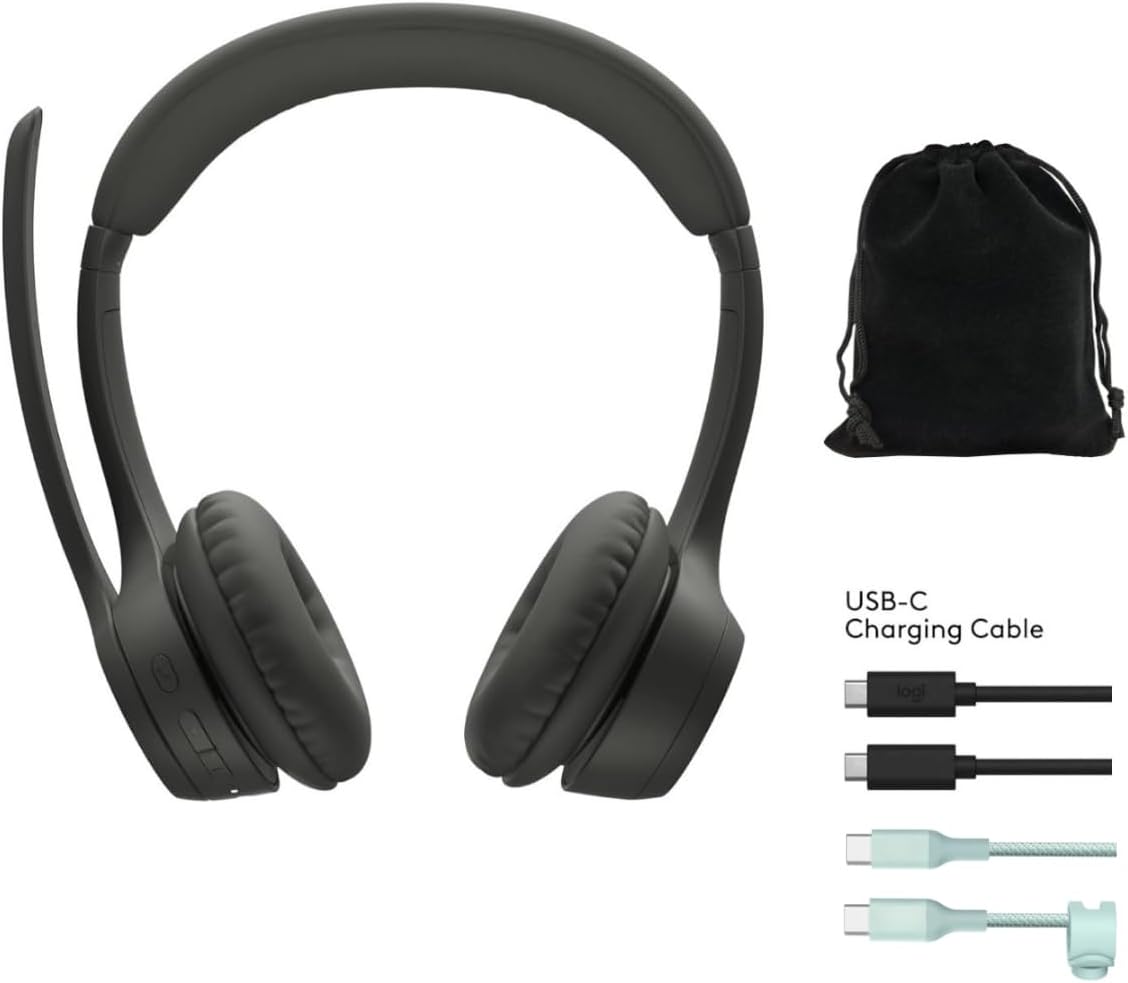
Before first use, fully charge your Zone 300 headset. Connect the included USB-C charging cable to the headset's charging port and the other end to a USB power source. A full charge provides up to 20 hours of listening time or 16 hours of talk time. A quick 5-minute charge can provide up to 1 hour of talk time.
2. Pairing with Devices (Multipoint Bluetooth)
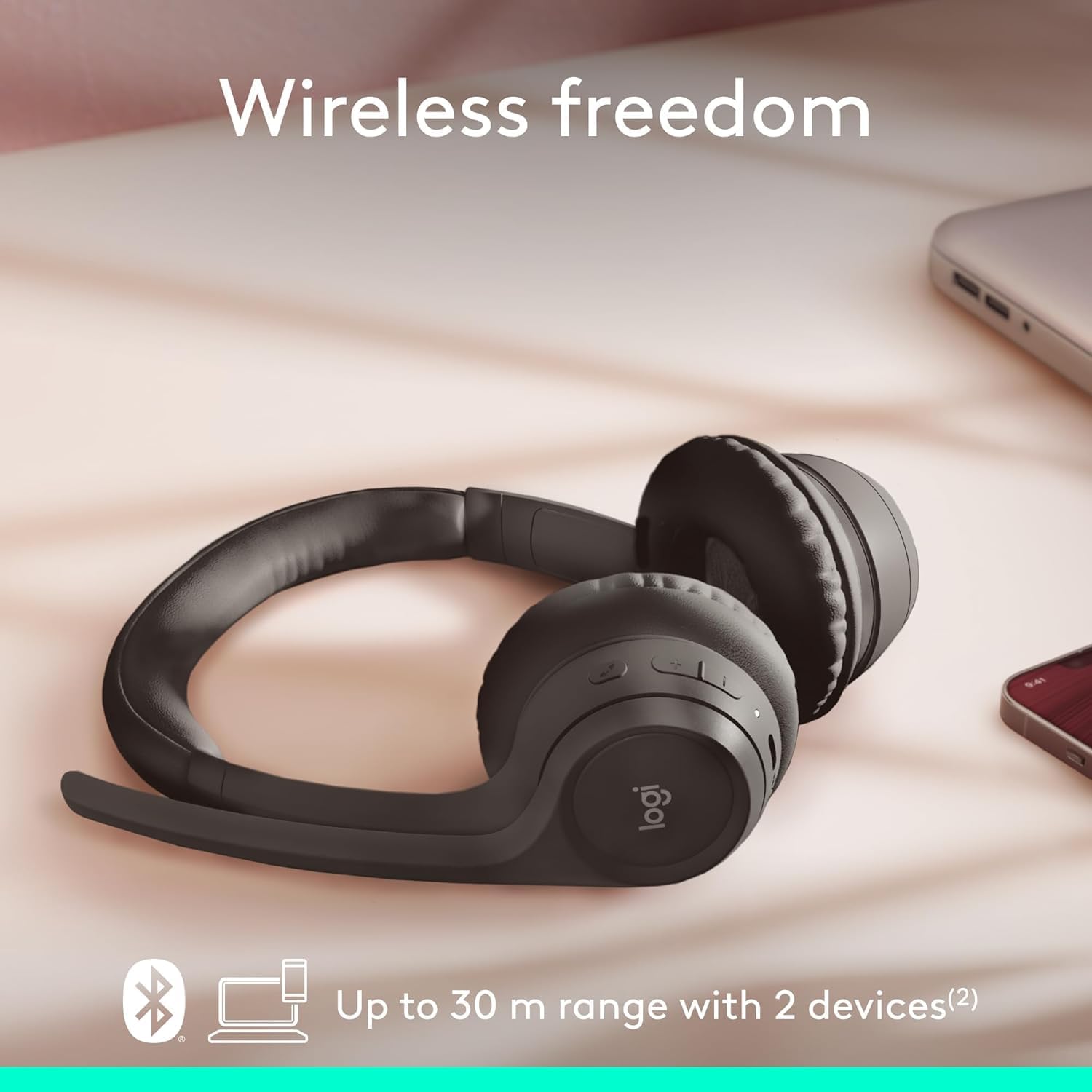
The Zone 300 supports multipoint Bluetooth, allowing it to pair with up to six devices and connect simultaneously to two. This enables seamless switching between your computer and mobile phone, for example.
- Verseker dat die koptelefoon aangeskakel is.
- Activate Bluetooth on your device (e.g., Windows PC, macOS, iOS, Android smartphone/tablet).
- Put the headset into pairing mode (refer to the headset's power/Bluetooth button for specific instructions, usually a long press). The LED indicator will typically flash to indicate pairing mode.
- Select "Logitech Zone 300" from the list of available Bluetooth devices on your device.
- Sodra dit gekoppel is, sal die LED-aanwyser op die oorfone 'n vaste liggie wys.
Die gebruik van die koptelefoon
1. Basiese kontroles
The headset features intuitive controls for managing calls and audio playback. These controls are typically located on the earcup or inline on the cable (if applicable). Refer to the physical buttons on your headset for specific functions such as volume up/down, play/pause, track skip, and call answer/end.
2. Mikrofoongebruik
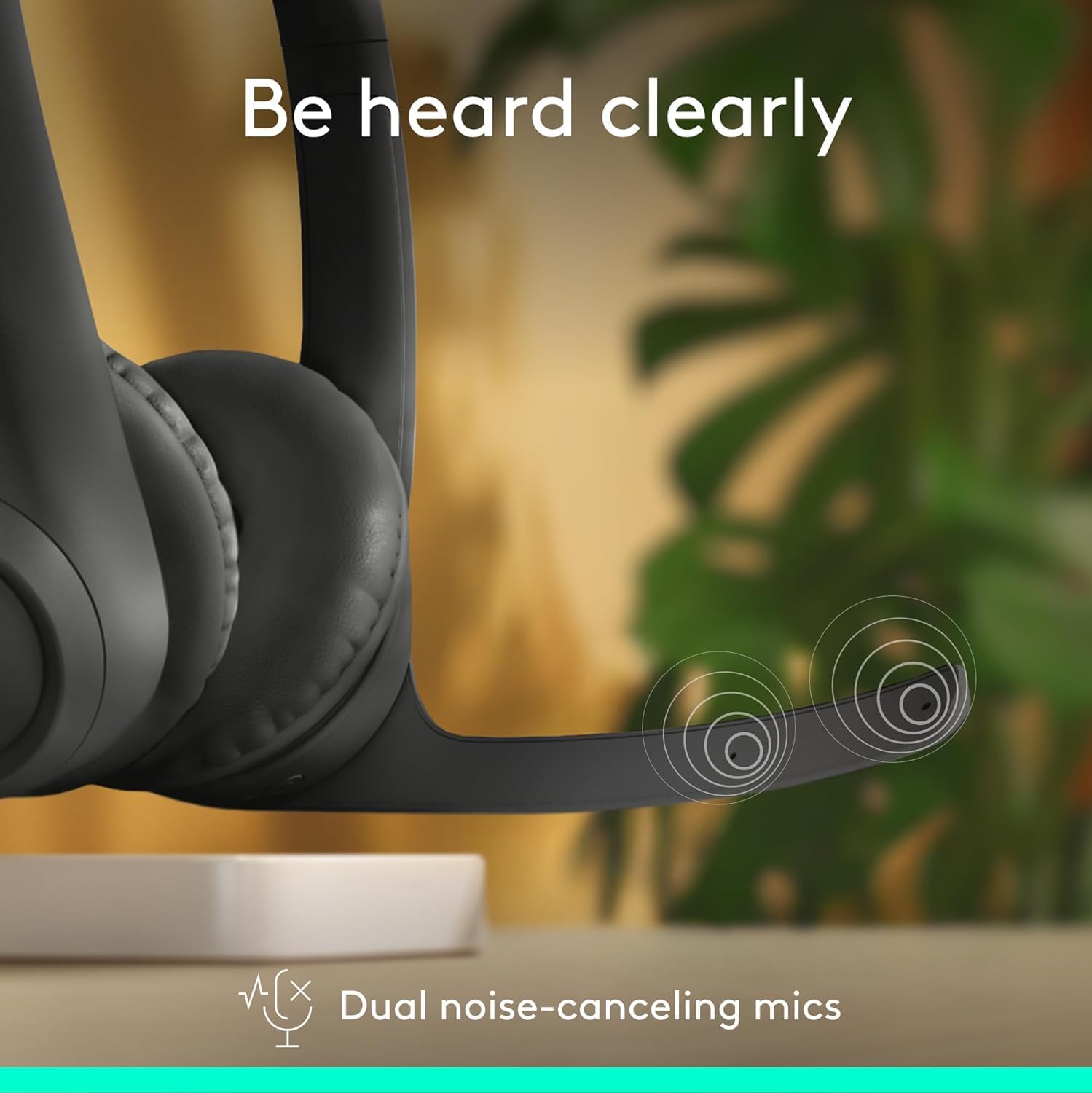
The Zone 300 is equipped with dual noise-canceling microphones on an extended boom. This design effectively suppresses background noise, ensuring your voice is heard clearly during calls and online meetings. Position the microphone boom approximately two fingers' width from your mouth for optimal voice pickup.
- Demp/Ontdemp: Locate the microphone mute button on the headset to quickly mute or unmute your voice during calls.
- Mikrofoonposisie: Adjust the flexible microphone boom for the best voice clarity.
3. Oudio-ervaring

The headset features enhanced dynamic speakers designed to deliver impressive audio quality for both communication and media consumption. The on-ear design with comfortable earpads ensures a pleasant listening experience for extended periods.
Onderhoud
Proper maintenance ensures the longevity and optimal performance of your Logitech Zone 300 headset.
- Skoonmaak: Use a soft, dry cloth to wipe down the headset. For earpads, a slightly damp ’n Lap met sagte seep kan gebruik word, maar maak seker dat hulle heeltemal droog is voor gebruik. Vermy harde chemikalieë of skuurmiddels.
- Berging: When not in use, store the headset in its protective pouch to prevent dust accumulation and physical damage. Avoid storing in extreme temperatures or high humidity.
- Batterysorg: Om die batterylewe te verleng, vermy om die oorfone gereeld heeltemal te ontlaai. Laai dit gereeld, selfs al word dit nie voortdurend gebruik nie.
Probleemoplossing
If you encounter issues with your Zone 300 headset, try the following common troubleshooting steps:
| Kwessie | Moontlike Oplossing |
|---|---|
| Koptelefoon word nie aangeskakel nie | Ensure the headset is fully charged. Connect it to a power source and wait a few minutes before attempting to power on again. |
| Kan nie met toestel koppel nie |
|
| Poor audio quality or no sound |
|
| Mikrofoon werk nie |
|
Spesifikasies
| Kenmerk | Detail |
|---|---|
| Model Naam | Sone 300 |
| Verbindingstegnologie | Draadloos |
| Draadlose kommunikasietegnologie | Bluetooth |
| Ingesluit komponente | Kabel, beskermende omhulsel |
| Materiaal | Plastiek |
| Versoenbare toestelle | Desktops (also Windows, macOS, iOS, Android) |
| Frekwensiereeks | 20 Hz - 20,000 XNUMX Hz |
| Beheer metode | Afgeleë |
| Bluetooth-reeks | Tot 30 meter (98 voet) |
| Bluetooth weergawe | 4.2 |
| Oorstukvorm | Op-oor |
| Item gewig | 122 gram (4.3 onse) |
| Batterylewe (luister) | Tot 20 uur |
| Batterylewe (Gesprekstyd) | Tot 16 uur |
| Vinnige laai | 5 minutes for 1 hour talk time |
| Herwinde Plastiekinhoud | Up to 55% post-consumer recycled plastic |
Waarborg en Ondersteuning
Logitech products are designed for reliability and performance. For information regarding your product's warranty, please refer to the warranty card included with your purchase or visit the official Logitech support webwerf. Die website provides comprehensive support resources, including FAQs, driver downloads, and contact information for customer service.
For the most up-to-date support and warranty details, please visit: www.logitech.com/support