
1. Inleiding
The Awei H15 Smartwatch is designed to integrate seamlessly into your daily life, offering health monitoring, communication features, and smart notifications. This manual provides essential information for setting up, operating, and maintaining your device.
2. Wat is in die boks
- 1 x Awei H15 Smartwatch
- 1 x Laaikabel
- 1 x Gebruikershandleiding (hierdie dokument)
3. Produk verbyview
Familiarize yourself with the key components of your Awei H15 Smartwatch.
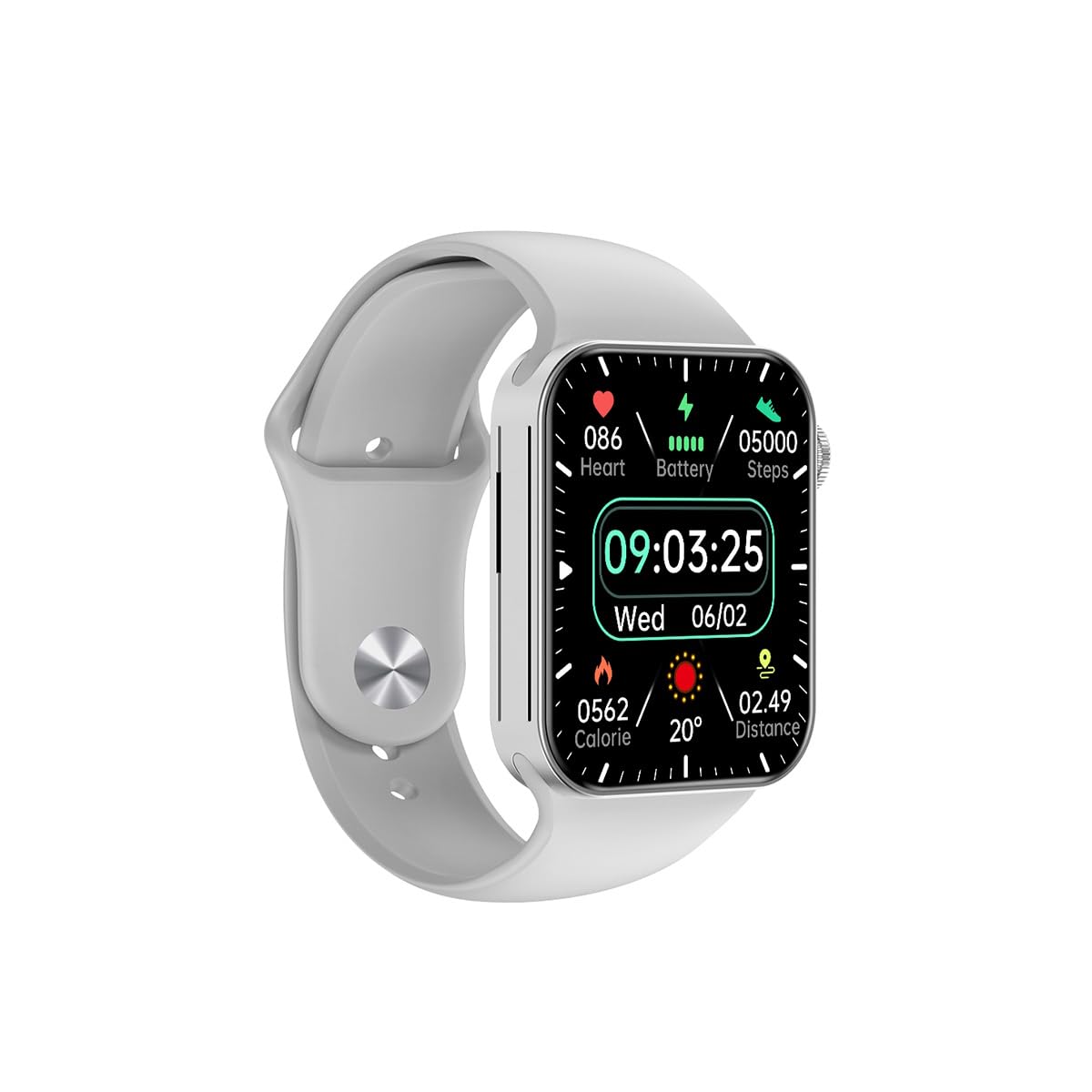
Figuur 3.1: Voorkant view of the Awei H15 Smartwatch display, illustrating various health metrics and time.

Figuur 3.2: Kant view of the smartwatch, highlighting the rotary crown for navigation and an additional button.
4. Opstelling
4.1 Laai die slimhorlosie
Before first use, fully charge your Awei H15 Smartwatch. Connect the provided charging cable to the charging port on the back of the watch and to a standard USB power adapter (not included).
- Laaityd: Ongeveer 2-3 uur vir 'n volle lading.
- Battery Life: Up to 7 days with calls, up to 15 days without calls.
4.2 Krag aan/af
- Om aan te skakel: Press and hold the side button until the Awei logo appears.
- Om af te skakel: Druk en hou die syknoppie in, en kies dan 'Skakel af' op die skerm.
4.3 Koppel met jou slimfoon
The Awei H15 Smartwatch uses Dual Bluetooth 3.0/5.0 for stable connectivity. To unlock full features, download the companion app (refer to the packaging or quick start guide for app name) from your smartphone's app store.
- Ensure your smartwatch is powered on and fully charged.
- Aktiveer Bluetooth op jou slimfoon.
- Open the companion app and follow the on-screen instructions to search for and connect to your Awei H15 Smartwatch.
- Bevestig die paringsversoek op beide jou slimfoon en slimhorlosie.
5. Bedryfsinstruksies
5.1 Basiese navigasie
- Raakskerm: Veeg links, regs, op of af om deur spyskaarte en skerms te navigeer. Tik om items te kies.
- Roterende Kroon: Rotate the crown to scroll through lists or zoom in/out (where applicable). Press the crown to return to the home screen or confirm selections.
5.2 Multi-Dial Switching
Customize your smartwatch's appearance by switching between various watch faces.

Figuur 5.1: Examples of different watch faces available on the Awei H15 Smartwatch.
Om die horlosie te verander:
- From the home screen, press and hold the display.
- Swipe left or right to browse available watch faces.
- Tap on a watch face to select it.
5.3 Gesondheidsmonitering
The Awei H15 Smartwatch tracks various health metrics to support your active lifestyle.
- Hartklop: Monitor your heart rate throughout the day.
- Aktiwiteitnasporing: The built-in G-Sensor (MSA311) accurately tracks steps, distance, and calories burned.
- Slaapmonitering: Track your sleep patterns (light sleep, deep sleep, wake-up times).
Access detailed health data through the companion app on your smartphone.
5.4 Slim kenmerke
- Oproepe: Maak en ontvang oproepe direk vanaf jou slimhorlosie wanneer dit via Bluetooth aan jou foon gekoppel is.
- Kennisgewings: Ontvang waarskuwings vir boodskappe, e-posse en app-kennisgewings.
- Weeropdaterings: Kry intydse weerinligting.
- Musiekbeheer: Beheer musiekweergawe op jou slimfoon.
6. Onderhoud
6.1 Skoonmaak
Maak jou slimhorlosie gereeld skoon om optimale werkverrigting en higiëne te verseker.
- Vee die skerm en liggaam af met 'n sagte, pluisvrye lap.
- Vir hardnekkige vuiligheid, effens dampMaak die lap met water skoon. Vermy harde chemikalieë.
- Maak die laaikontakte gereeld skoon om 'n goeie verbinding te verseker.
6.2 Waterbestandheid (IP67)
The Awei H15 Smartwatch is IP67 water-resistant, meaning it is protected against dust and can withstand immersion in water up to 1 meter for 30 minutes.
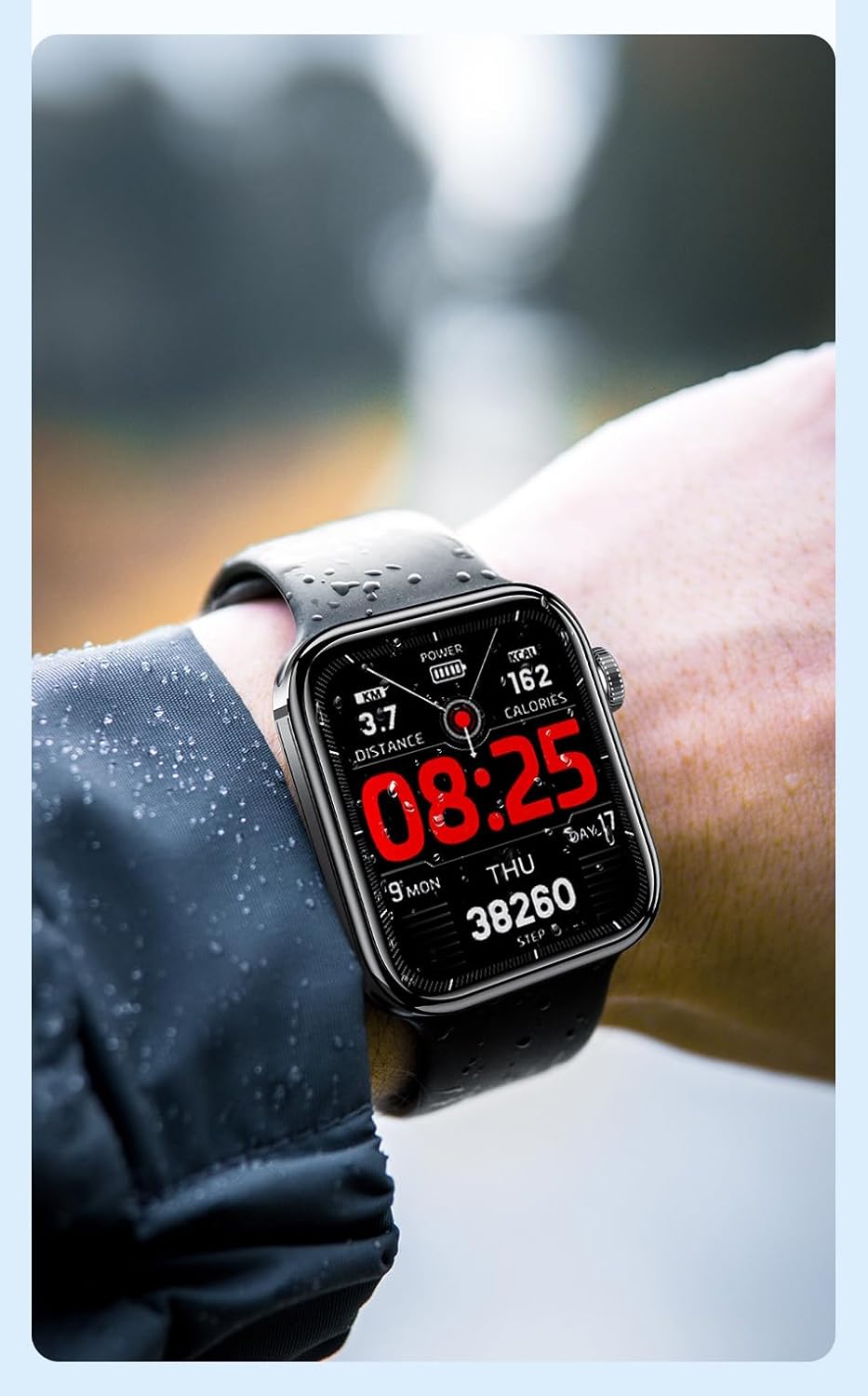
Figuur 6.1: The Awei H15 Smartwatch is designed to withstand splashes and dust.
Important: IP67 rating does not mean the watch is suitable for swimming, showering, or diving. Avoid exposing the watch to hot water, steam, or high-velocity water.
7. Probleemoplossing
- Horlosie skakel nie aan nie: Maak seker dat die horlosie volledig gelaai is. Koppel dit vir ten minste 30 minute aan die laaier.
- Kan nie met slimfoon koppel nie:
- Maak seker dat Bluetooth op jou foon en die horlosie geaktiveer is.
- Maak seker dat die horlosie binne die bereik van jou foon is.
- Herbegin beide die horlosie en jou foon.
- Kontroleer of die metgesel-app na die nuutste weergawe opgedateer is.
- Onakkurate gesondheidsdata: Maak seker dat die horlosie styf om jou pols gedra word, nie te styf of te los nie. Maak die sensor aan die agterkant van die horlosie skoon.
- Kort batterylewe: Verminder die skermhelderheid, deaktiveer onnodige kennisgewings en beperk deurlopende hartklopmonitering.
8. Spesifikasies
| Kenmerk | Spesifikasie |
|---|---|
| Model | H15 |
| Verbindingstegnologie | Bluetooth 3.0/5.0 |
| Waterweerstand | IP67 |
| Battery kapasiteit | 260mAh |
| Laai tyd | 2-3 uur |
| Gebruik Tyd | Up to 7 days (with calls), 15 days (without calls) |
| G-sensor | MSA311 |
| Afmetings | 36.8 × 42.5 × 13.2 mm |
| Armband lengte | 270 mm |
| Vervaardiger | Awei |
9. Waarborg en Ondersteuning
Your Awei H15 Smartwatch comes with a 6 maande waarborg vanaf die aankoopdatum. Hierdie waarborg dek vervaardigingsdefekte onder normale gebruik.
For warranty claims or technical support, please contact your retailer or the official Awei customer service. Keep your proof of purchase for warranty validation.