
Nova NHT 1102
NOVA NHT 1102 Trimmer Gebruikershandleiding
Model: NHT 1102
1. Inleiding
This manual provides essential instructions for the safe and effective use of your Nova NHT 1102 Trimmer. Please read it thoroughly before first use and retain it for future reference. This cordless trimmer is designed for personal grooming, offering precision trimming with multiple length settings and a long-lasting rechargeable battery.
2. Belangrike veiligheidsinstruksies
- Moenie die trimmer in water dompel of naby water gebruik nie (bv. bad, stort, wasbak).
- Hou die toestel weg van kinders.
- Always check the trimmer for damage before use. Do not use if the blades or housing are damaged.
- Use only the charging cable provided with the trimmer.
- Do not attempt to disassemble or repair the trimmer yourself. Contact qualified service personnel for assistance.
- Ensure your hands are dry when plugging or unplugging the charging cable.
- Berg die trimmer op 'n droë plek wanneer dit nie gebruik word nie.
3. Pakketinhoud
Verifieer dat alle items in die pakket teenwoordig is:
- Nova NHT 1102 Trimmer
- 3 Gidskamme (1mm, 2mm, 3mm)
- USB Type-C laaikabel
- Skoonmaak Borsel
- Lubricating Oil (may be included)

Image 3.1: Nova NHT 1102 Trimmer with included accessories and packaging.
4. Produk verbyview
Familiarize yourself with the components of your Nova NHT 1102 Trimmer:
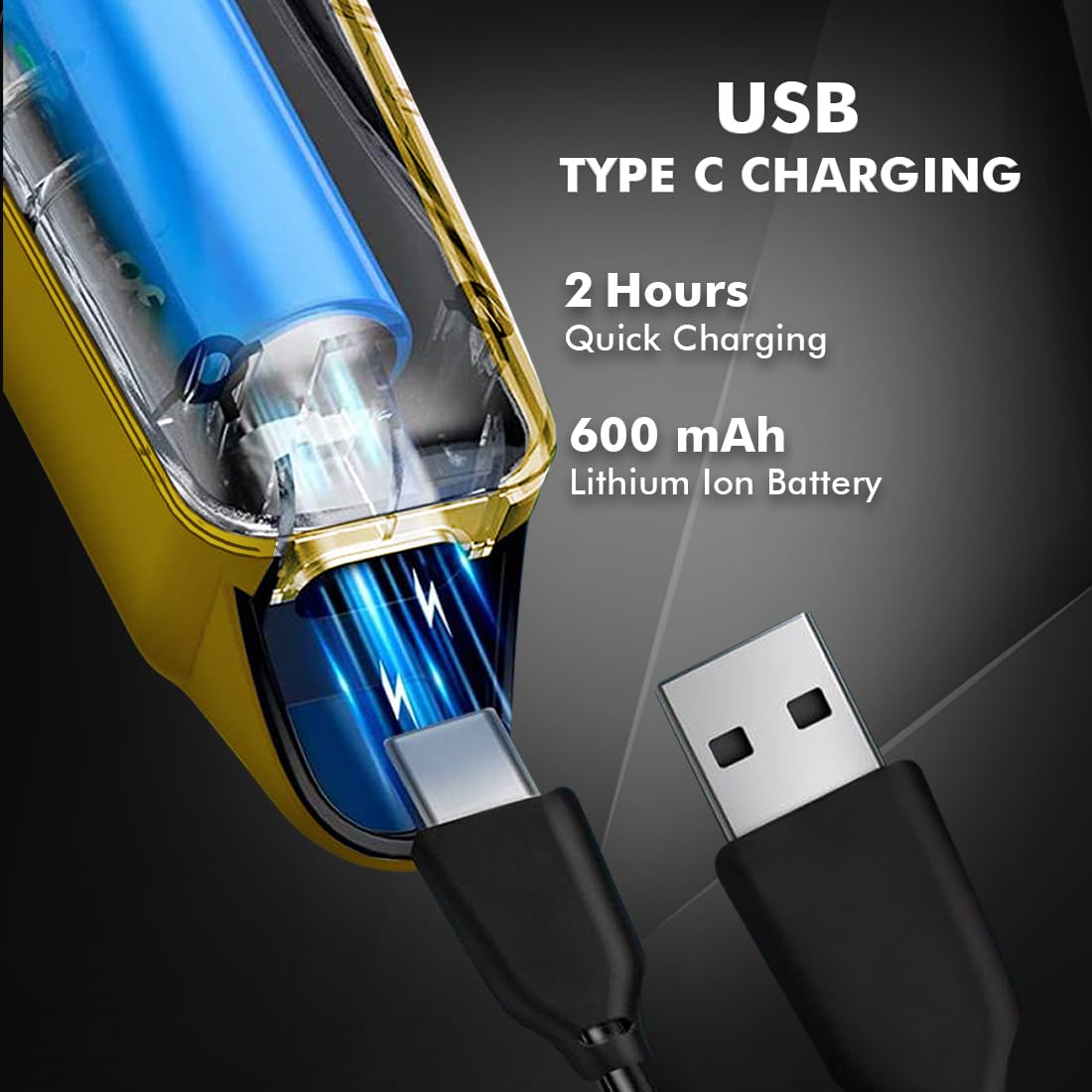
Image 4.1: Key features and components of the Nova NHT 1102 Trimmer.
- Vlekvrye staal lemme: Durable and self-sharpening blades for precise cutting.
- Kragknoppie: Controls power on/off and speed settings.
- Aanwyserlig: Displays charging status and operational mode.
- USB-laaipoort: For convenient charging via USB Type-C cable.
- Hanghaak: Vir maklike berging.
- Gidskamme: Detachable combs for various trimming lengths (1mm, 2mm, 3mm).
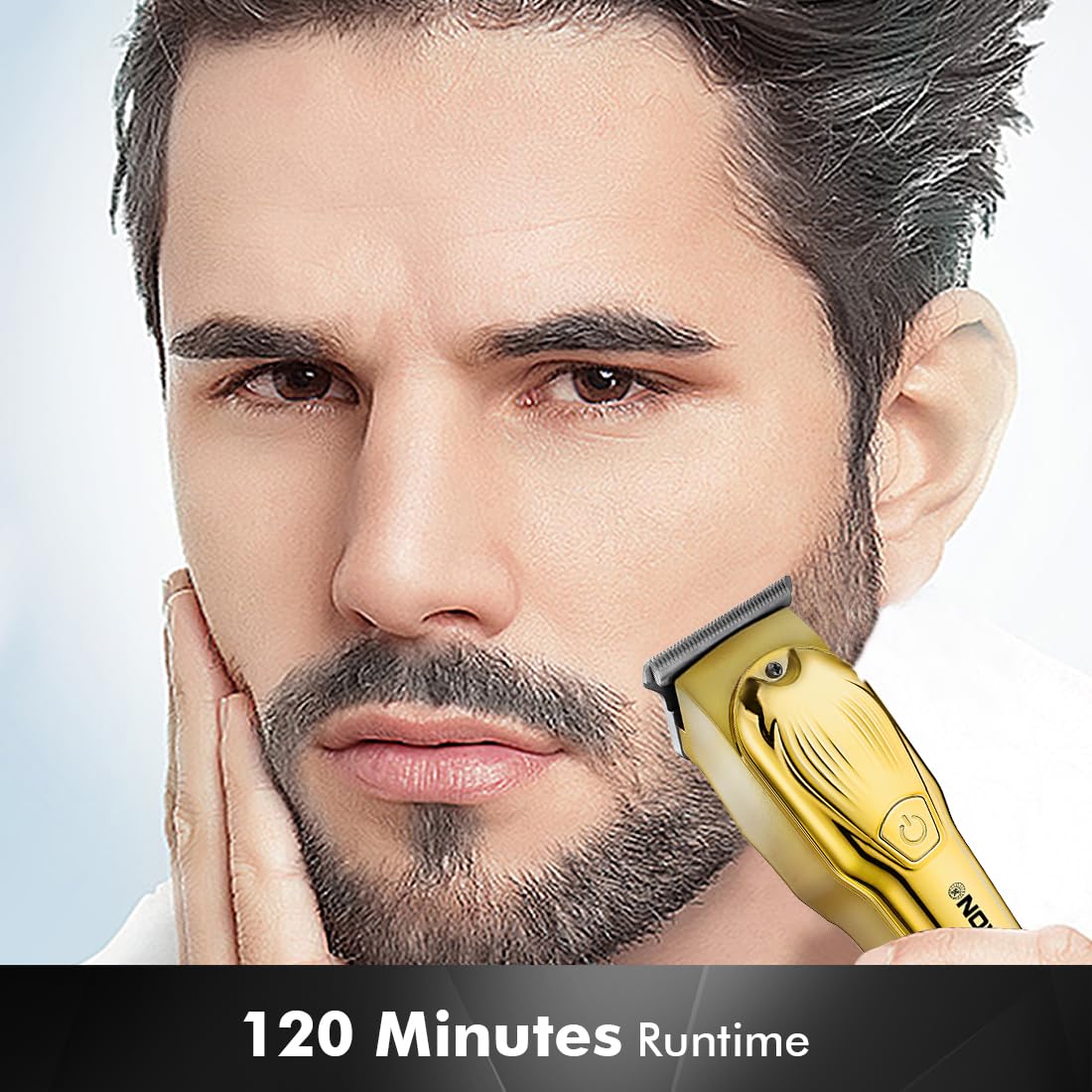
Image 4.2: Detail of the self-sharpening stainless steel blades.
5. Opstelling
5.1 Aanvanklike laai
Before first use, fully charge the trimmer. The Nova NHT 1102 Trimmer features a 600 mAh Lithium-Ion battery.
- Connect the USB Type-C charging cable to the trimmer's charging port.
- Steek die ander kant van die USB-kabel in 'n versoenbare USB-kragadapter (nie ingesluit nie) of 'n USB-poort op 'n rekenaar.
- The indicator light will illuminate to show charging is in progress.
- A full charge takes approximately 2 hours, providing up to 120 minutes of cordless runtime.
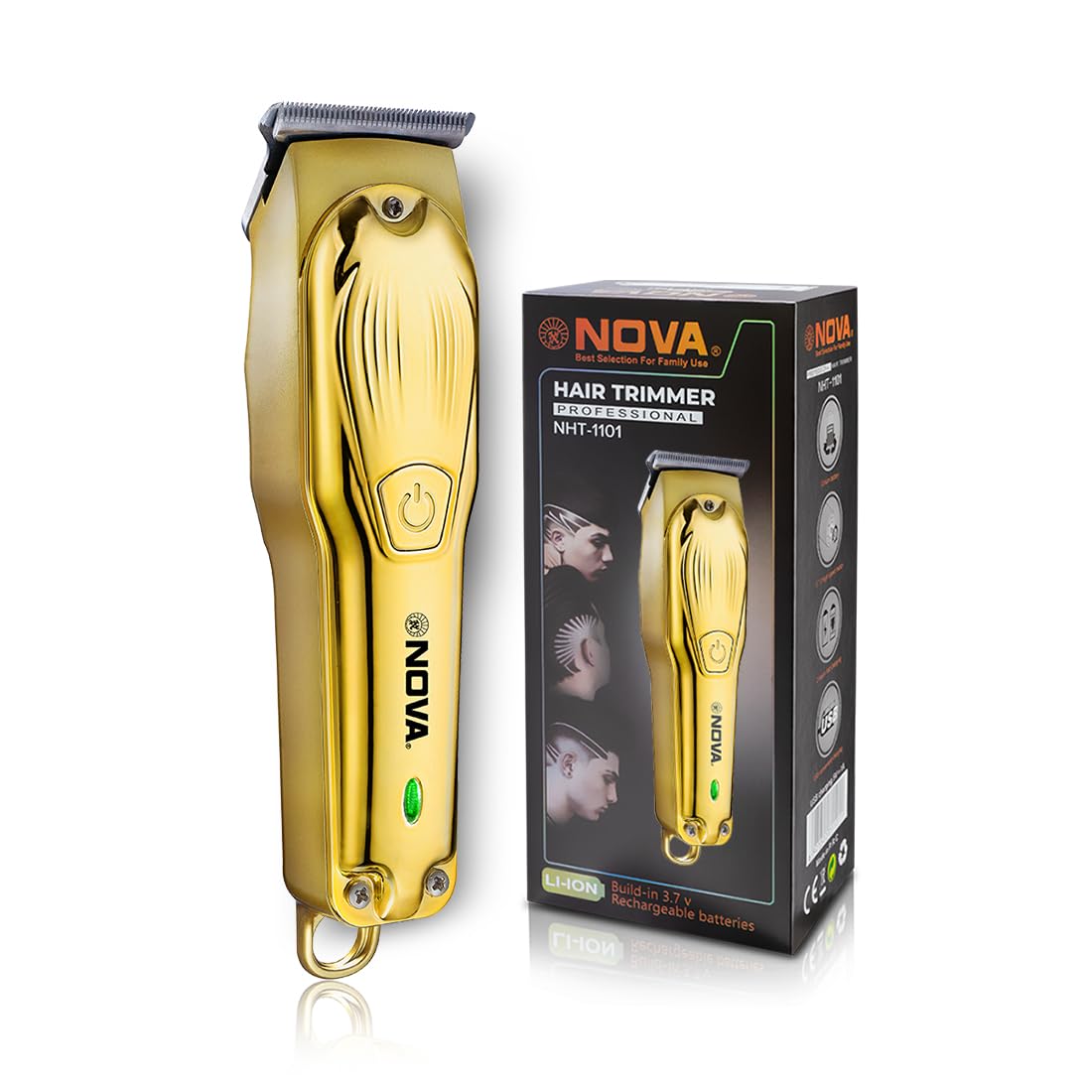
Image 5.1: USB Type-C charging mechanism.
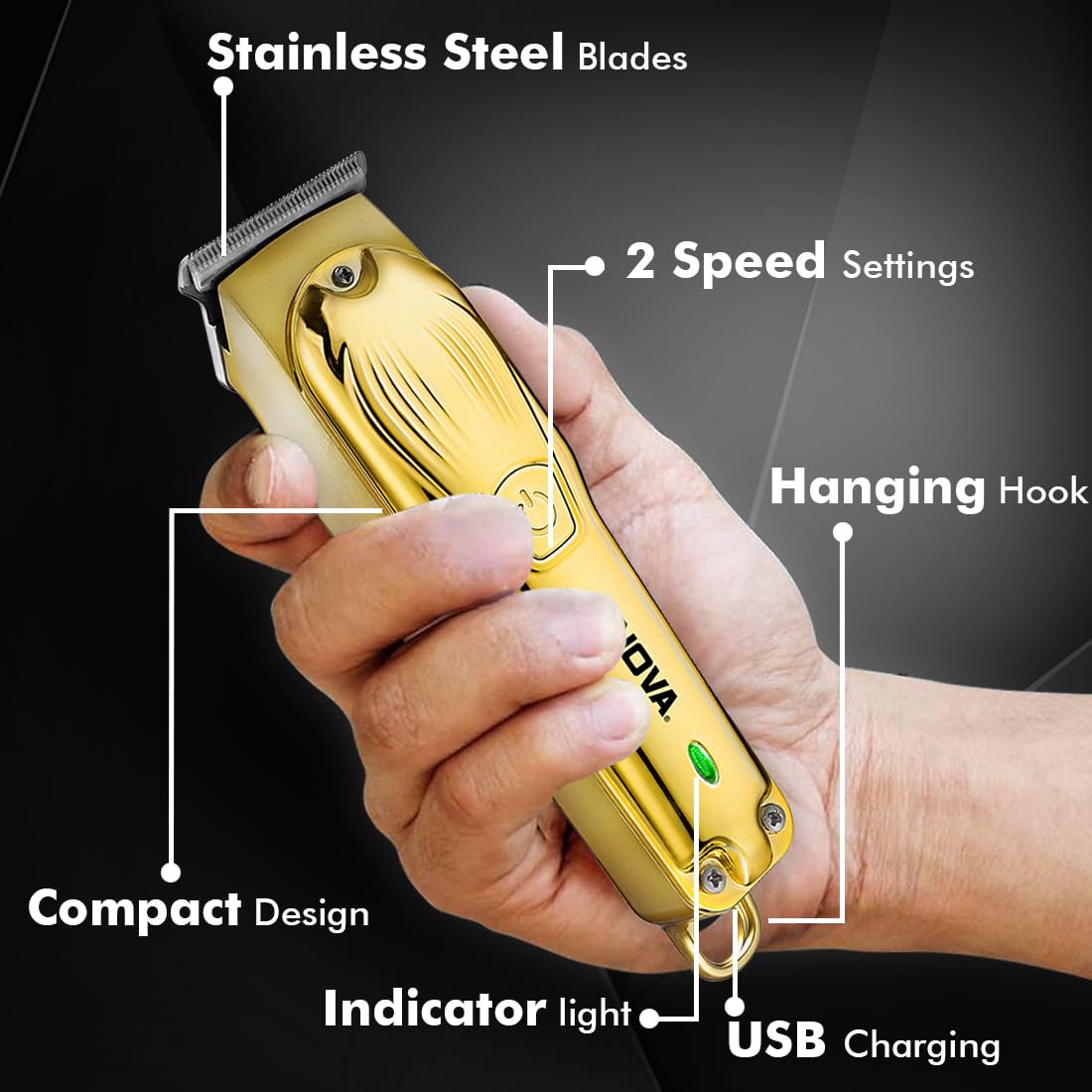
Image 5.2: Trimmer charging via USB Type-C.
5.2 Aanheg van gidskamme
The trimmer comes with 3 guide combs for different hair lengths:
- 1mm comb
- 2mm comb
- 3mm comb
To attach a guide comb, align the comb with the trimmer head and push it firmly until it clicks into place. To remove, gently pull the comb away from the trimmer head.
6. Bedryfsinstruksies
6.1 Turning On/Off and Speed Settings
- To turn the trimmer on, press the power button once. The trimmer will start at the default speed setting.
- To switch between the 2 available speed settings, press the power button again while the trimmer is running.
- To turn the trimmer off, press the power button until it stops.
6.2 Turbo-funksie
For increased power, activate the Turbo Function:
- While the trimmer is running, double-press the power button to engage the turbo mode.
- Double-press again to return to normal speed.
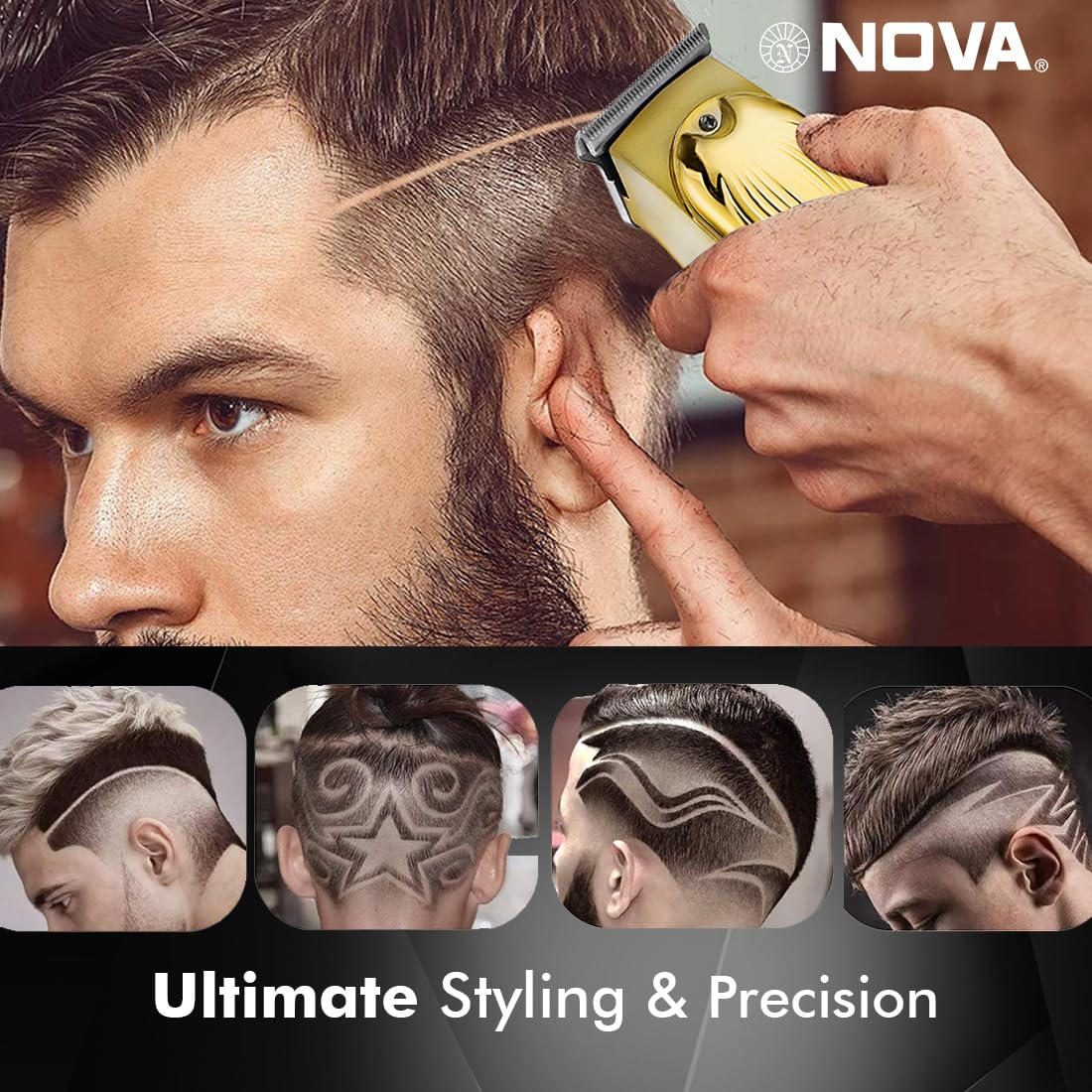
Image 6.1: Illustration of the Turbo Function.
6.3 Snoei
Ensure hair is clean and dry before trimming for optimal results.
- Sonder Gids Kam: For precision trimming and close cuts (0.5mm), use the trimmer without any guide comb attached.
- Met gidskam: Select the desired guide comb (1mm, 2mm, or 3mm) and attach it securely.
- Hou die trimmer met die lemme plat teen die vel en beweeg dit stadig teen die rigting van haargroei.
- Vir die beste resultate, strek die vel styf met jou vrye hand.
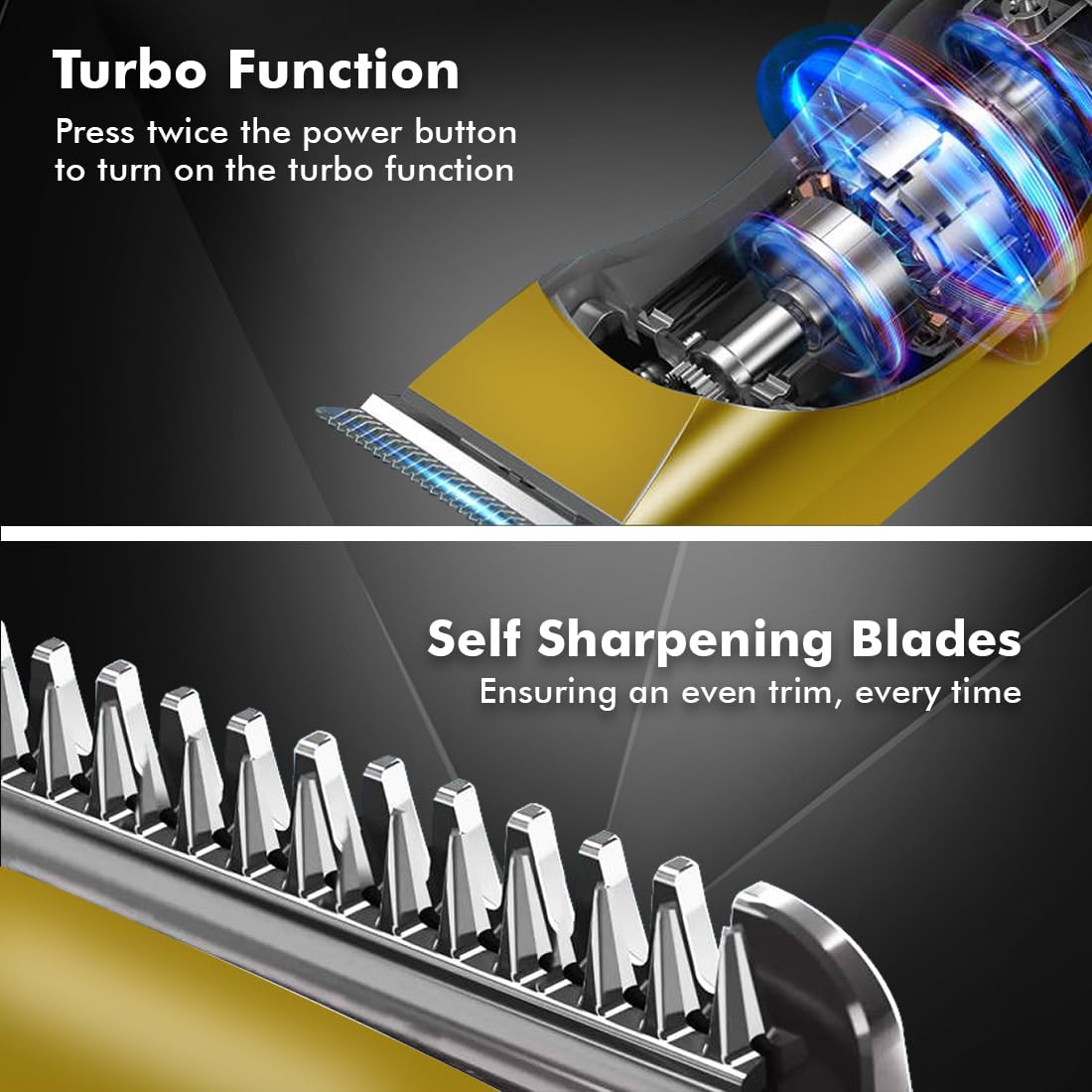
Image 6.2: Demonstrating hair trimming with the device.
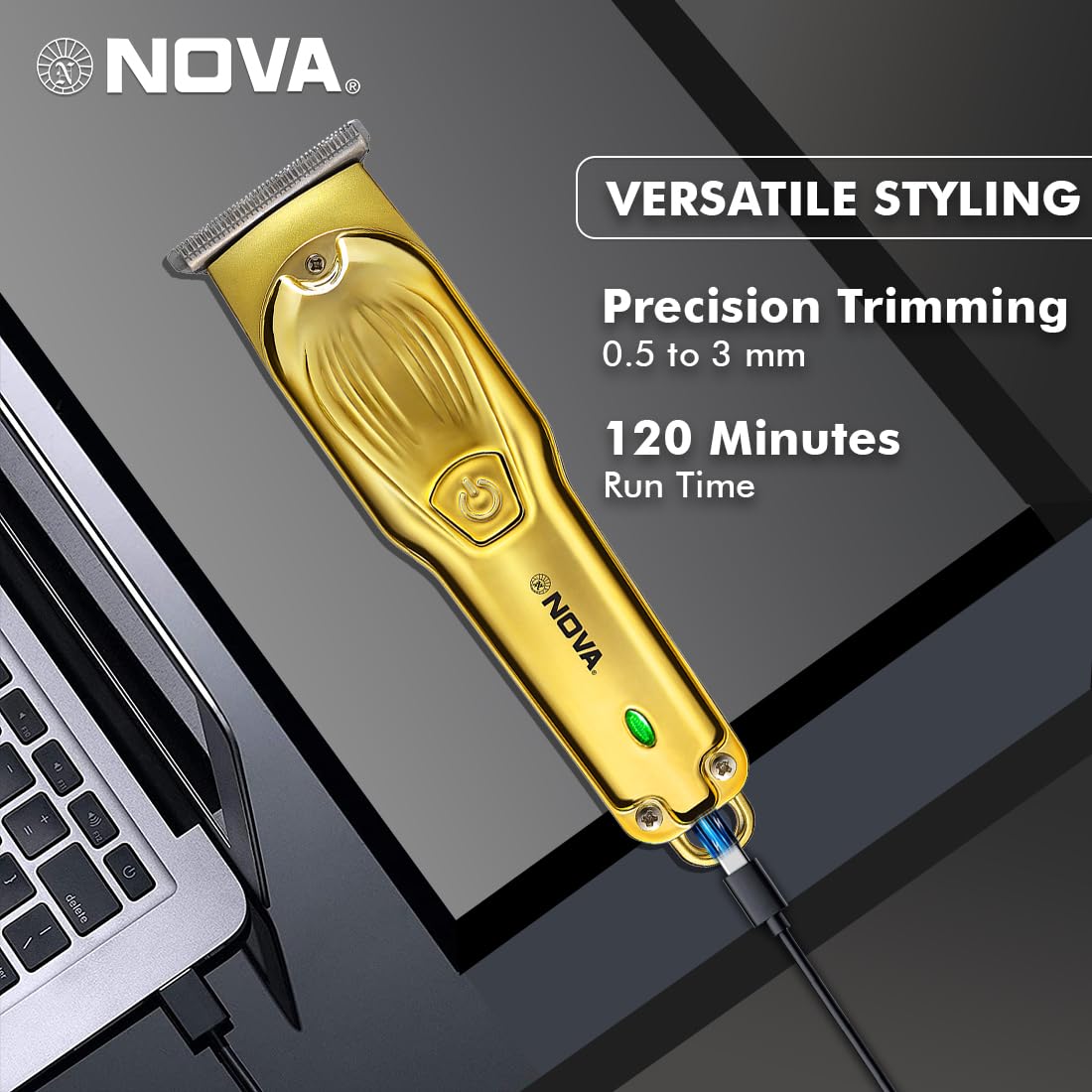
Image 6.3: Demonstrating beard trimming with the device.
7. Onderhoud
7.1 Skoonmaak van die lemme
Gereelde skoonmaak verseker optimale prestasie en higiëne.
- Skakel die trimmer af en ontkoppel dit van die kragbron.
- Carefully remove any attached guide comb.
- Gebruik die meegeleverde skoonmaakborsel om haarafval van die lemme en die trimmerkop te verwyder.
- The blades are self-sharpening, reducing the need for manual sharpening.
7.2 Smering
To maintain blade performance, apply a small drop of lubricating oil (if included) to the blades after every few uses. Turn the trimmer on for a few seconds to distribute the oil evenly.
7.3 Berging
Store the trimmer in a cool, dry place, away from direct sunlight and moisture. Ensure the trimmer is clean and dry before storage.
8. Probleemoplossing
| Probleem | Moontlike oorsaak | Oplossing |
|---|---|---|
| Trimmer skakel nie aan nie. | Battery is ontlaai. | Laai die trimmer vir ten minste 2 uur. |
| Aan/af-knoppie nie korrek gedruk nie. | Ensure a firm press on the power button. | |
| Swak snoeiprestasie. | Die lemme is verstop met hare. | Maak die lemme skoon met die skoonmaakborsel. |
| Lemme benodig smering. | Wend 'n druppel smeerolie op die lemme aan. | |
| Battery laai nie. | Laaikabel of adapter is foutief. | Probeer 'n ander USB Tipe-C-kabel of kragadapter. |
| Charging port is damaged. | Kontak kliëntediens. |
9. Spesifikasies
| Kenmerk | Detail |
|---|---|
| Model | NHT 1102 |
| Bladmateriaal | Vlekvrye staal |
| Sny lengtes | 0.5mm (without comb), 1mm, 2mm, 3mm (with guide combs) |
| Battery Tipe | Litium-ioon (600 mAh) |
| Laai tyd | Ongeveer. 2 uur |
| Looptyd | Tot 120 minute |
| Laai-koppelvlak | USB Tipe-C |
| Spoedinstellings | 2 |
| Spesiale kenmerke | Turbo Function, Self-Sharpening Blades, Cordless Operation, Hanging Hook |
| Afmetings (L x B x H) | 9 x 11 x 14 cm |
| Item gewig | 480 g |
| Vervaardiger | Nova Manufacturing Hong Kong |
| Land van oorsprong | China |
10. Waarborg en Ondersteuning
For detailed warranty information, please refer to the warranty card included with your product or the official Nova website. For technical support, service, or replacement parts, please contact Nova customer service through the contact information provided on your product packaging or the official brand channels.