
Inleiding
Thank you for choosing the Defender ARGA GM-049 Gaming Mouse. This manual provides detailed instructions for setting up, operating, maintaining, and troubleshooting your new gaming mouse. Please read this manual carefully before use to ensure optimal performance and longevity of your device.
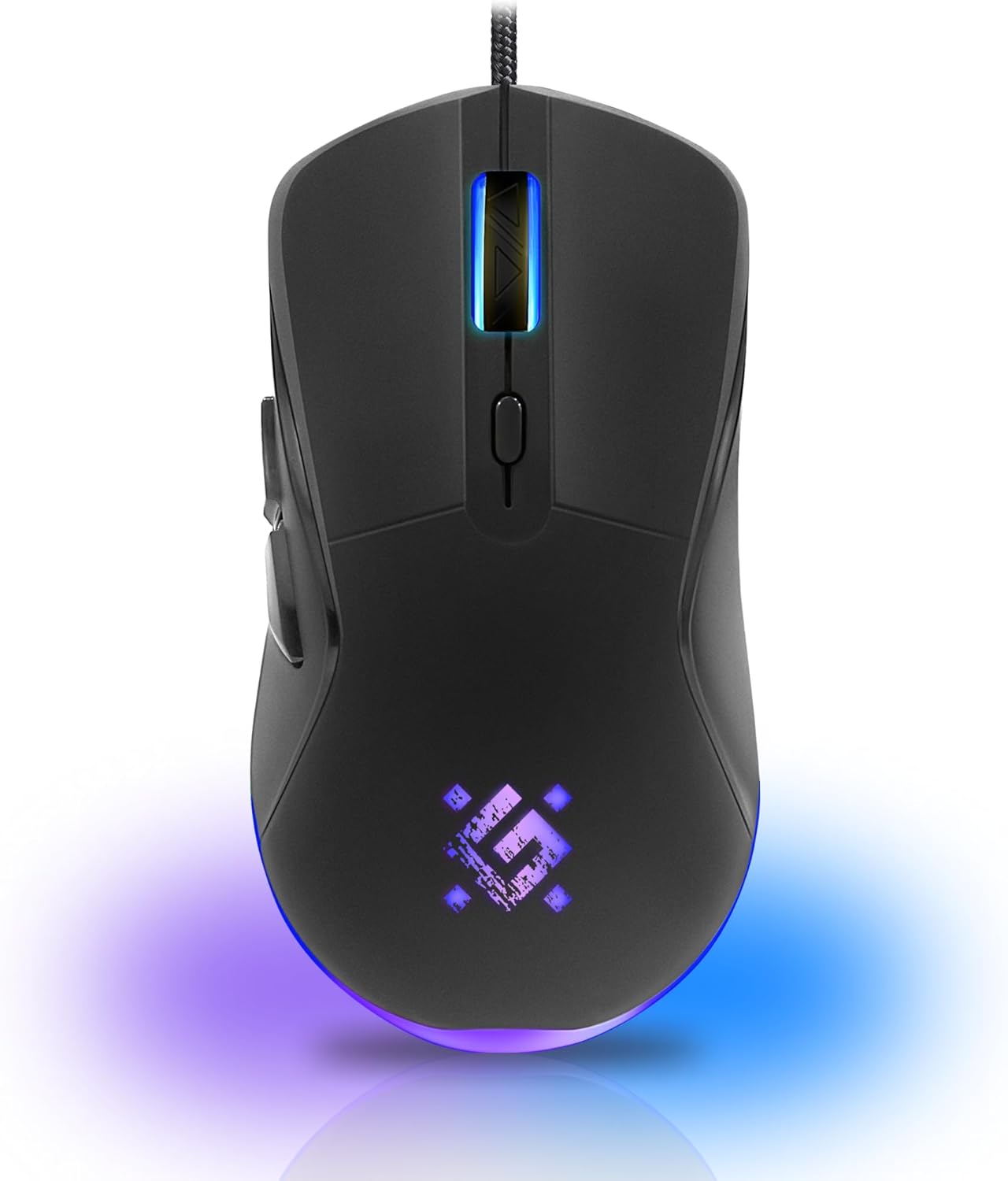
Beeld: Voorkant view of the Defender ARGA GM-049 Gaming Mouse, showcasing its ergonomic design and customizable RGB lighting.
Opstelling
1. Koppel die muis
- Vind 'n beskikbare USB-poort op jou rekenaar.
- Plug the gold-plated USB connector of the Defender ARGA GM-049 mouse into the USB port.
- Die bedryfstelsel sal outomaties die nodige drywers opspoor en installeer. Hierdie proses kan 'n paar oomblikke neem.
2. Sagteware-installasie (Opsioneel)
For advanced customization, including macro programming and button remapping, install the Defender Game Center Software.
- Visit the official Defender website to download the latest version of the Defender Game Center Software.
- Volg die instruksies op die skerm om die installasie te voltooi.
- Sodra dit geïnstalleer is, begin die sagteware om jou muisinstellings te konfigureer.

Image: Diagram illustrating the Defender Game Center Software, macro editor, optical sensor, and compatibility with Windows 2000/XP/Vista/7/8/10+ and macOS X10+.
Bedryfsinstruksies
1. Basiese funksies
- Links klik: Primêre aksie.
- Regs klik: Sekondêre aksie, maak tipies kontekskieslyste oop.
- Rolwiel: Blaai op/af dokumente of web pages. Pressing the scroll wheel often acts as a middle click.
2. DPI-aanpassing
The Defender ARGA GM-049 features adjustable DPI (Dots Per Inch) settings, allowing you to change mouse sensitivity on the fly. The available DPI levels are 1200, 1800, 2400, and 3600.
- Press the dedicated DPI button (usually located behind the scroll wheel) to cycle through the preset DPI levels.
- Each DPI level may correspond to a different LED lighting color for easy identification (refer to software for customization).
3. Programmeerbare knoppies
The mouse is equipped with 6 buttons, 5 of which are programmable using the Defender Game Center Software. These include the two main clicks, the scroll wheel click, and two side buttons.
- Launch the Defender Game Center Software.
- Navigate to the button assignment section.
- Select a button and assign a desired function, macro, or key combination.
4. RGB-beligting
The ARGA GM-049 features customizable RGB lighting. The lighting effects and colors can be configured through the Defender Game Center Software to match your preferences or current DPI setting.

Image: Visual representation of the mouse's features including 10 million clicks lifespan, 5 programmable buttons, RGB lighting, and DPI settings (1200/1800/2400/3600).
Onderhoud
Behoorlike onderhoud verseker die lang lewensduur en optimale werkverrigting van jou speelmuis.
1. Skoonmaak
- Ontkoppel die muis van jou rekenaar voordat jy dit skoonmaak.
- Gebruik 'n sagte, droë, pluisvrye lap om die oppervlak van die muis af te vee.
- Vir hardnekkige vuiligheid, effens dampMaak die lap skoon met water of 'n sagte, nie-skurende skoonmaakmiddel. Vermy harde chemikalieë.
- Use a cotton swab or compressed air to clean around the buttons and scroll wheel.
- Do not allow liquids to enter the mouse casing.
2. Algemene Sorg
- Vermy om die muis te laat val of dit aan harde impakte bloot te stel.
- Keep the mouse away from extreme temperatures and direct sunlight.
- Do not attempt to disassemble the mouse, as this may void your warranty.
Probleemoplossing
If you encounter issues with your Defender ARGA GM-049 mouse, refer to the following common solutions:
| Probleem | Moontlike Oplossing |
|---|---|
| Muis reageer nie |
|
| Onreëlmatige beweging van die wyser |
|
| Knoppies of blaaiwiel werk nie |
|
| LED-beligting werk nie |
|
Spesifikasies
| Kenmerk | Detail |
|---|---|
| Handelsmerk | Verdediger |
| Model | ARGA GM-049 |
| Verbindingstegnologie | Wired USB (Gold-plated connector) |
| Bewegingsopsporingstegnologie | Opties |
| DPI-vlakke | 1200/1800/2400/3600 |
| Aantal knoppies | 6 (5 programmeerbaar) |
| Spesiale kenmerke | RGB LED lighting, Programmable buttons, Macro editor, Durable rubberized surface, Teflon feet, Ferrite noise filter |
| Kabellengte | 1.5 meters (Braided cable structure) |
| Knoppie Lewensduur | Tot 10 miljoen klikke |
| Verenigbaarheid | Windows 2000/XP/Vista/7/8/10+, macOS X10+ |
| Bykomstigheid ingesluit | Mouse Pad (220 x 180 mm) |

Image: Product packaging highlighting key features such as rainbow backlight, 2 thumb buttons, 4 resolution modes up to 3600 DPI, wide rubberized backlit scroll wheel, 5 customizable buttons, durable Teflon feet, ferrite noise filter, gold-plated USB connector, and bonus mouse pad.

Image: The Defender ARGA GM-049 Gaming Mouse shown alongside its included mouse pad, indicating dimensions of 220mm by 180mm.
Waarborg en Ondersteuning
Waarborg inligting
For detailed warranty information regarding your Defender ARGA GM-049 Gaming Mouse, please refer to the warranty card included with your product or consult the retailer from whom you purchased the device. Warranty terms and conditions may vary by region and retailer.
Tegniese Ondersteuning
If you require further assistance or encounter issues not covered in this manual, please visit the official Defender website for support resources, FAQs, and contact information for technical support.