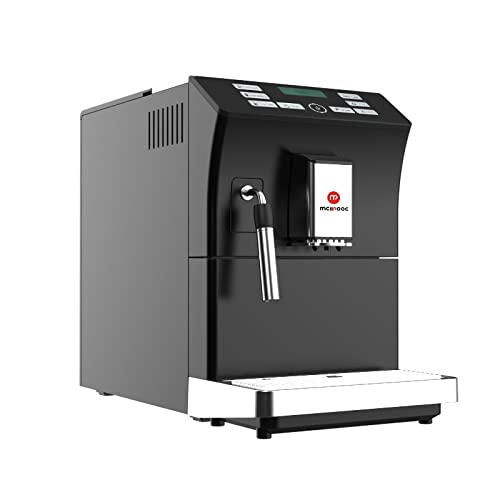
Mcilpoog WS-201 Automatic Espresso Machine User Manual
Model: WS-201 | Brand: Mcilpoog
1. Produk verbyview
The Mcilpoog WS-201 is a fully automatic espresso machine designed for convenience and versatility. It supports both whole coffee beans and pre-ground coffee powder, offering a wide range of beverage options through its intuitive touch screen interface. Key features include an adjustable grinding thickness, automatic cleaning functions, and a manual steam wand for milk frothing.
Image 1: Product Features. This image highlights the main functionalities of the Mcilpoog WS-201, including the steam pipe, soy flour dual-purpose, adjustable brewing dose, bean/water shortage alarm, automatic cleaning, adjustable grinding thickness, and adjustable coffee outlet height.Image 2: Touch Screen Interface. ’n Nabyskoot view of the machine's full touch screen, showing various beverage options and control buttons for easy operation.
2. Components and Parts Diagram
Familiarize yourself with the various parts of your Mcilpoog WS-201 espresso machine.
Image 3: Product Parts Diagram. This diagram illustrates the main components of the WS-201 machine, including the Water Tank, Warm Cup area, Touch Screen, Water Pans, Manual Steam Pipe, Bean Box, Main Power Switch (Machine Back), Brewing Door, and Coffee Grounds Box.
Watertenk: Located at the side, holds water for brewing.
Warm Cup Area: Top surface for pre-warming cups.
Raakskerm: Front-facing display for selecting beverages and settings.
Water Pans: Collects excess water and drips.
Manual Steam Pipe: For frothing milk manually.
Bean Box: Boonste kompartement vir heel koffiebone.
Hoofskakelaar: Located at the back of the machine.
Brewing Door: Side access panel for the brewing unit.
Uitpak: Verwyder alle verpakkingsmateriaal en beskermende films versigtig van die masjien.
Plasing: Place the machine on a stable, flat surface away from heat sources and direct sunlight. Ensure adequate ventilation.
Watertenk: Remove the water tank, rinse it, and fill it with fresh, purified water up to the MAX level. Insert it back into the machine.
Bean Box: Open the lid of the bean box and fill it with your preferred whole coffee beans. Close the lid securely.
Kragverbinding: Steek die kragkabel in 'n geaarde elektriese aansluiting.
Aanvanklike spoel: Turn on the machine. It will perform an automatic rinse cycle. Follow any on-screen prompts.
Waterhardheidstoets: Perform a water hardness test using the provided strip (if included) and adjust the machine's settings accordingly for optimal performance and descaling reminders.
4. Bedryfsinstruksies
4.1. Espresso maak
The machine offers various espresso options. Select your desired espresso type (e.g., Espresso, Double Espresso) from the touch screen. You can customize coffee strength and volume before brewing.
Image 4: Espresso Brewing. This image shows the machine dispensing a double espresso into a cup, demonstrating the brewing process.
4.2. Using Whole Beans or Ground Coffee
The Mcilpoog WS-201 supports both whole beans and pre-ground coffee. For whole beans, simply fill the bean box. For ground coffee, use the dedicated powder warehouse.
Image 5: Bean Tank and Powder Warehouse. This image displays the top compartments of the machine, showing the Bean Tank filled with whole coffee beans and the separate Powder Warehouse for pre-ground coffee.
Adjust the grinding thickness using the knob inside the bean box. Turn towards 'Fine' for high roast or cinnamon roast coffee beans, suitable for brewing fancy coffee. Turn towards 'Coarse' for full-city roast or high roast coffee beans, suitable for brewing black coffee.
4.3. Manual Milk Frothing
Utilize the manual steam pipe to froth milk for lattes, cappuccinos, or other milk-based beverages. Ensure the milk container is properly connected and the steam function is selected on the touch screen.
5. Onderhoud
Gereelde onderhoud verseker die lang lewensduur en optimale werkverrigting van jou espressomasjien.
Outomatiese skoonmaak: The machine features an auto-clean function. Follow the prompts on the touch screen to initiate cleaning cycles.
Emptying Coffee Grounds Box: Regularly empty the coffee grounds box to prevent overflow and maintain hygiene.
Cleaning Water Pans: Empty and clean the water pans as needed.
Ontkalking: The machine will indicate when descaling is required. Use a suitable descaling solution and follow the instructions in the service menu.
Skoonmaak van brougroep: The brewing unit can be removed for manual cleaning. Refer to the parts diagram for its location.
6. Probleemoplossing
Indien u probleme ondervind, raadpleeg hierdie afdeling voordat u ondersteuning kontak.
Geen koffie uitgegee nie: Check water tank level, coffee bean level, and ensure the brew group is correctly inserted.
Swak koffie: Adjust coffee strength settings, check grinding thickness (finer grind for stronger coffee), and ensure fresh beans are used.
Masjien skakel nie aan nie: Verify power connection and check the main power switch at the back.
Foutboodskappe: Follow on-screen instructions for specific error codes. Common issues include low water, full grounds box, or descaling required.
7. Spesifikasies
Kenmerk
Detail
Handelsmerk
Mcilpoog
Model Naam
WS-201
Kleur
Swart
Produk afmetings
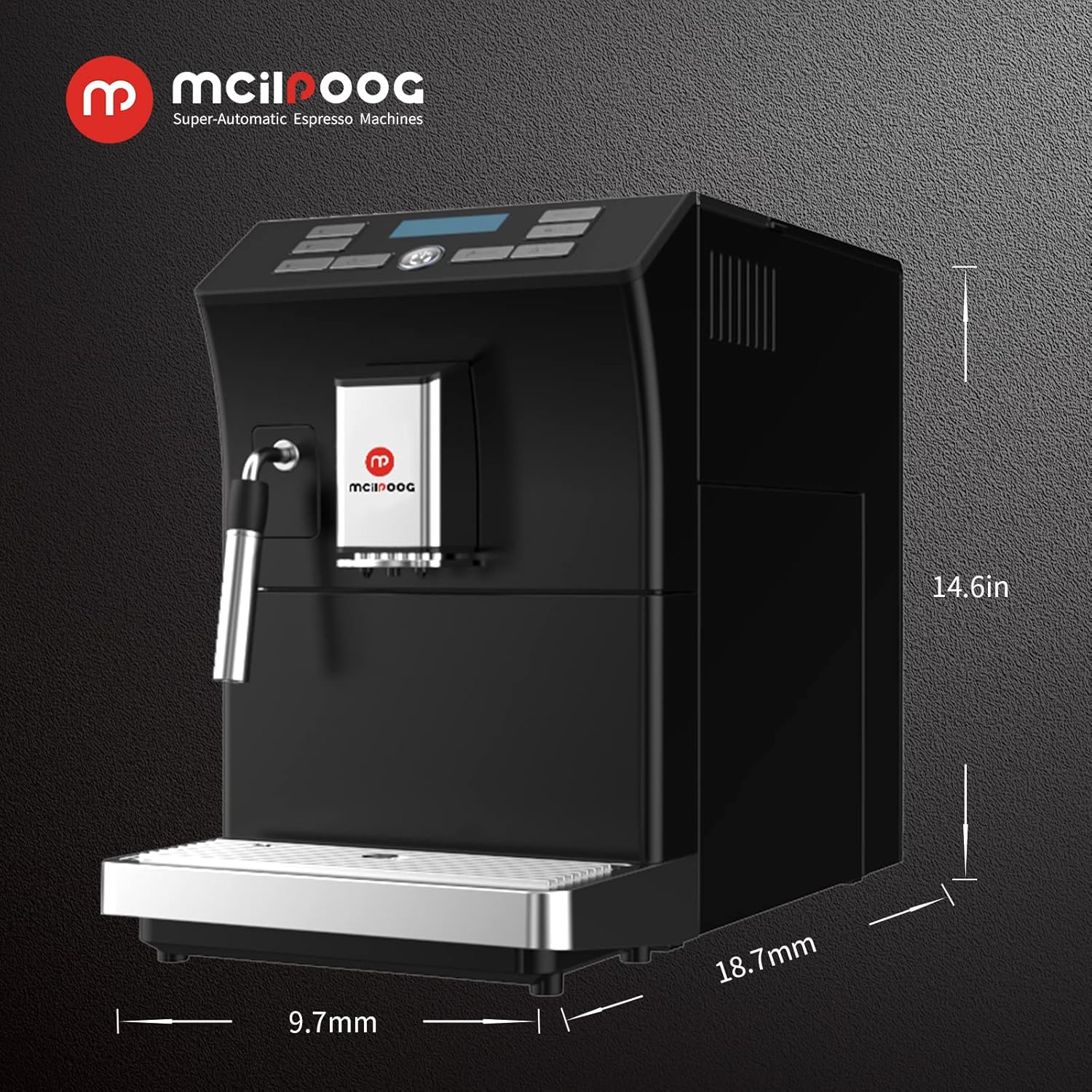
18.7" D x 9.7" B x 14.6" H
Item gewig
28 pond
Spesiale kenmerk
Outomatiese skoonmaakfunksie
Koffiemaker Tipe
Espressomasjien
Spesifieke gebruike vir produk
Espresso
Ingesluit komponente
Melkvreter
Aantal items
1
Kapasiteit
1.8 liter
Beeld 6: Produkdimensies. This image provides a visual representation of the machine's dimensions: 18.7 inches deep, 9.7 inches wide, and 14.6 inches high.
8. Waarborg en Ondersteuning
For warranty information, technical support, or service inquiries, please refer to the documentation included with your product or contact Mcilpoog customer service directly. Keep your purchase receipt as proof of purchase.
Ask a question about this manual
Ask about setup, troubleshooting, compatibility, parts, safety, or missing instructions. Manuals+ will review the question and use this page’s manual context to help answer it.