
Inleiding
This user manual provides essential information for the safe and effective use of your CJP-Geek UL 12V Power Adapter, model PSCJQ918WPR-248. This adapter is designed to provide a stable 12V power supply for compatible mini PCs and desk computers, including AWOW AK-41, AK34-J, NYi3, and Beelink T4 models. Please read this manual thoroughly before use and retain it for future reference.
Veiligheidsinligting
Om veilige werking te verseker en skade te voorkom, neem asseblief die volgende veiligheidsmaatreëls in ag:
- Invoer Voltage: Maak seker dat die kragaansluiting se volumetage is within the specified range of 100-240V AC.
- Beskermingskenmerke: The adapter includes built-in Over Voltage Protection, Over Current Protection, Short Circuit Protection, and Input Protection to safeguard your devices.
- Omgewingstoestande: Use the adapter in a dry environment. Avoid exposure to water, moisture, or high humidity.
- Ventilasie: Moenie die adapter tydens gebruik bedek nie, aangesien dit tot oorverhitting kan lei.
- Fisiese skade: Do not drop, disassemble, or attempt to repair the adapter. If damaged, discontinue use immediately.
- Kabelversorging: Do not place heavy objects on the power cord or subject it to excessive bending or pulling.
- Kinders: Hou die adapter buite bereik van kinders.
Pakketinhoud
Verifieer dat alle items teenwoordig is wanneer die pakkie oopgemaak word:
- CJP-Geek UL 12V Power Adapter (Model: PSCJQ918WPR-248)
Produk verbyview
Familiarize yourself with the components and features of your power adapter.

Figuur 1: Hoof view of the CJP-Geek 12V Power Adapter, showing the adapter block with a 2-prong plug and the attached DC output cable with a round tip connector.
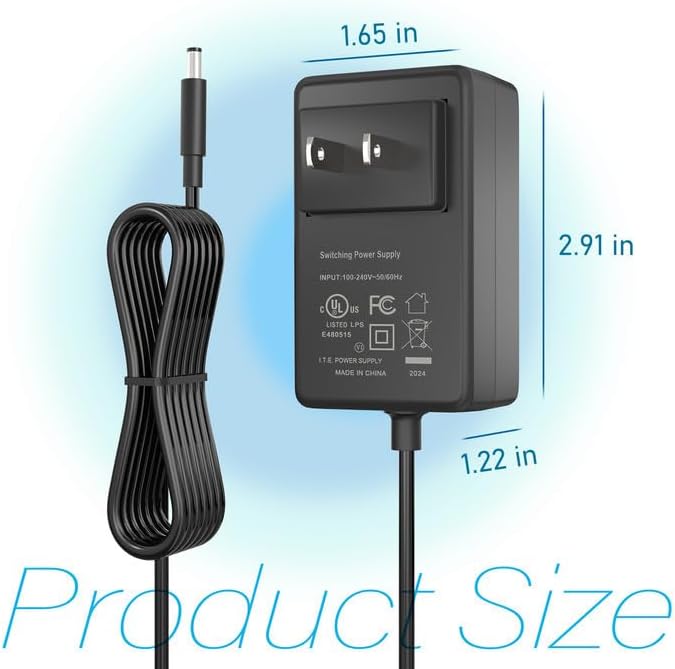
Figuur 2: Product dimensions of the CJP-Geek 12V Power Adapter. The adapter block measures approximately 1.65 inches in width, 2.91 inches in height, and 1.22 inches in depth.

Figuur 3: Diagram illustrating the multi-certification security features of the CJP-Geek 12V Power Adapter, including Over Temperature Protection, Overcharge Protection, Short Circuit Protection, Overvoltage Protection, Overcurrent Protection, and Overpower Protection.
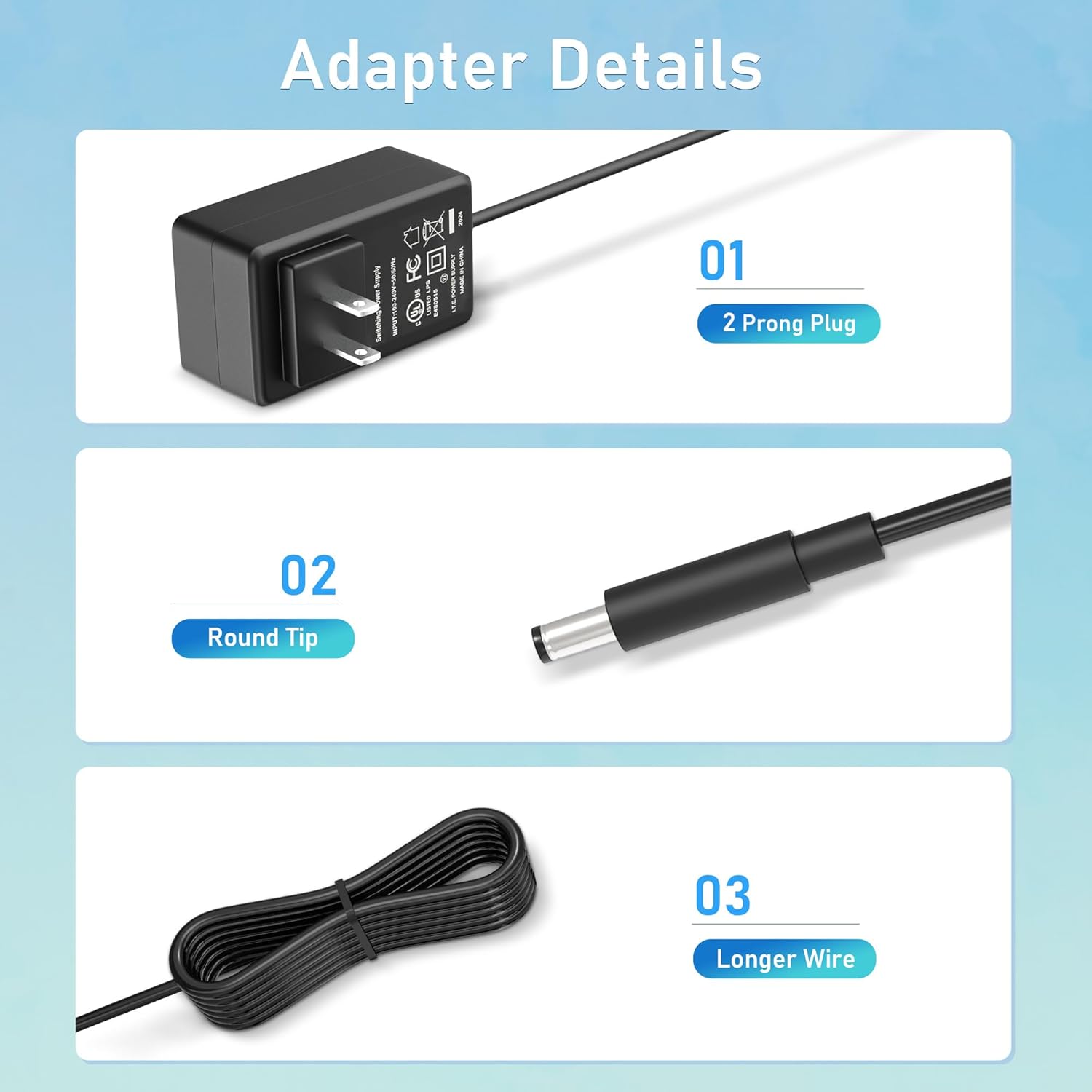
Figuur 4: Gedetailleerd view of the adapter's key components: (01) a standard 2-prong plug for wall outlets, (02) a round tip DC connector for device input, and (03) a longer wire for extended reach.
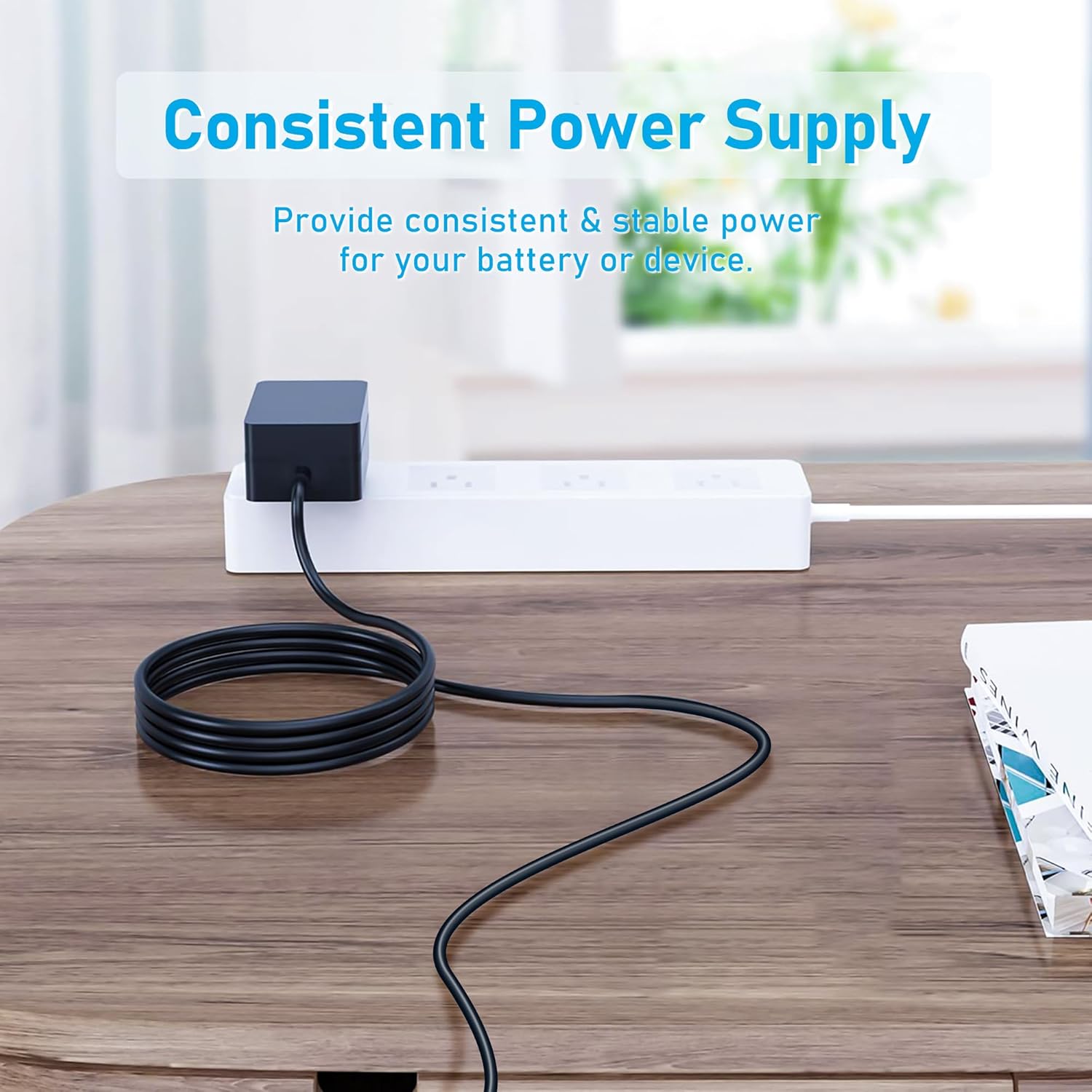
Figuur 5: The CJP-Geek 12V Power Adapter connected to a power strip, demonstrating its ability to provide consistent and stable power to a device (not shown) on a desk.
Opstel instruksies
- Verifieer verenigbaarheid: Ensure your device requires a 12V DC input and has a compatible round tip power port. Refer to your device's manual for power specifications.
- Koppel aan toestel: Insert the round tip DC connector of the CJP-Geek power adapter firmly into the power input port of your mini PC or compatible device.
- Koppel aan kraguitlaat: Plug the 2-prong AC plug of the power adapter into a standard 100-240V AC wall outlet or power strip.
- Krag aan: Once connected, your device should receive power. Follow your device's instructions to power it on.
Bedryfsinstruksies
The CJP-Geek 12V Power Adapter operates automatically once connected to a power source and a compatible device. It provides a continuous and stable power supply. No user intervention is required for its basic operation.
- Maak seker dat die adapter in 'n goed geventileerde area geplaas word om oorverhitting te voorkom.
- Ontkoppel die adapter van die kragtoevoer wanneer dit nie vir lang tye gebruik word nie.
Onderhoud
Proper maintenance ensures the longevity and reliable performance of your power adapter:
- Skoonmaak: Disconnect the adapter from all power sources before cleaning. Use a soft, dry cloth to wipe the exterior. Do not use liquid cleaners or abrasive materials.
- Berging: Bêre die adapter op 'n koel, droë plek weg van direkte sonlig en uiterste temperature wanneer dit nie gebruik word nie.
- Kabel inspeksie: Periodically inspect the power cord and connectors for any signs of damage, fraying, or loose connections. If damage is found, discontinue use.
Probleemoplossing
If you encounter issues with your power adapter, refer to the following common solutions:
- Geen krag na toestel:
- Maak seker dat die adapter stewig in 'n werkende muuraansluiting ingeprop is.
- Verify that the DC connector is fully inserted into your device's power port.
- Toets die muuraansluiting met 'n ander toestel om te bevestig dat dit funksioneel is.
- Check for any visible damage to the adapter or cable.
- Adapter oorverhit:
- Maak seker dat die adapter in 'n goed geventileerde area is en nie bedek is nie.
- Confirm that your device's power requirements do not exceed the adapter's specifications.
- Device Not Charging/Powering On:
- Confirm that the adapter's output voltage (12V) and connector type are compatible with your device.
- If the issue persists, consult your device's manual or contact customer support.
Spesifikasies
| Kenmerk | Spesifikasie |
|---|---|
| Modelnommer | PSCJQ918WPR-248 |
| Invoer Voltage | 100-240V AC |
| Invoerfrekwensie | 50/60HZ |
| Uitset Voltage | 12V GS |
| Connector Tipe | Ronde Wenk |
| Tipe prop | 2-Prong US Standard |
| Kleur | Swart |
| Item gewig | 3 onse (ongeveer 85 gram) |
| Veiligheidskenmerke | Oor Voltage Protection, Over Current Protection, Short Circuit Protection, Input Protection, Over Temperature Protection, Overcharge Protection, Overpower Protection |
| Versoenbare toestelle | AWOW AK-41, AK34-J, NYi3, Beelink T4 Mini PC Desk Computer, and other devices requiring 12V DC with a compatible round tip connector. |
Waarborg en Ondersteuning
For warranty information or technical support, please refer to the product packaging or contact CJP-Geek customer service through their official channels. Keep your purchase receipt as proof of purchase.