
amazon basics AB-IBT-82ANC
Amazon Basics Pro Series Wireless Noise Cancelling ANC Over Ear Headphone
Model: AB-IBT-82ANC
Inleiding
This manual provides detailed instructions for the setup, operation, maintenance, and troubleshooting of your Amazon Basics Pro Series Wireless Noise Cancelling ANC Over Ear Headphones. Please read this manual thoroughly before using the product to ensure proper function and longevity.

Image: The Amazon Basics Pro Series Wireless Noise Cancelling ANC Over Ear Headphone in black, showcasing sy slanke ontwerp.
Pakketinhoud
Verifieer dat alle items in die pakket teenwoordig is:
- Amazon Basics Pro Series Wireless Noise Cancelling ANC Over Ear Headphone
- USB Type-C laaikabel
- 3.5 mm AUX-kabel
- Gebruikershandleiding (hierdie dokument)
Opstelling
1. Aanvanklike laai
Before first use, fully charge the headphones. Connect the supplied USB Type-C charging cable to the headphone's charging port and the other end to a USB power source (e.g., computer USB port or wall adapter). The LED indicator will show charging status and turn off or change color when fully charged.
A full charge provides up to 74 hours of playback at 50% volume with ANC off, or 34 hours with ANC on.
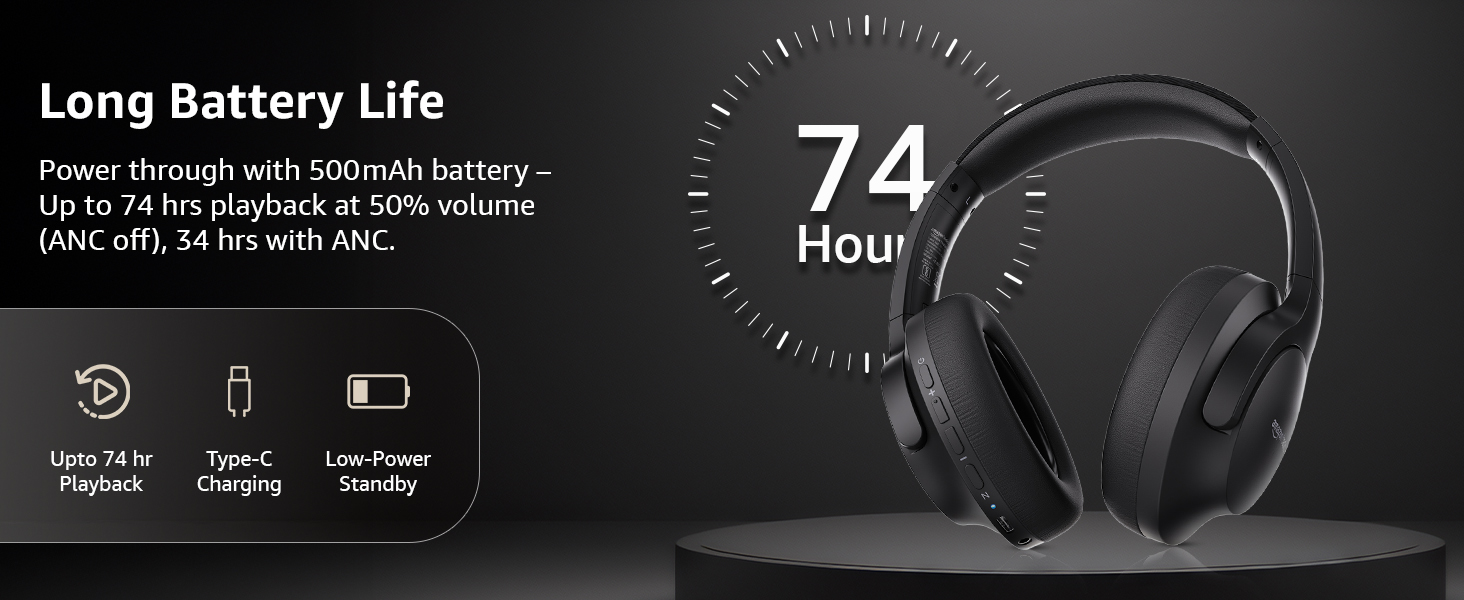
Image: An illustration highlighting the long battery life of the headphones, indicating up to 74 hours of playback.
2. Bluetooth-koppeling
- Maak seker dat die oorfone gelaai en afgeskakel is.
- Druk en hou die aan/af-knoppie in totdat die LED-aanwyser blou en rooi flikker, wat paringsmodus aandui.
- Aktiveer Bluetooth op jou toestel (slimfoon, tablet, skootrekenaar) en soek vir beskikbare toestelle.
- Select "AB-IBT-82ANC" from the list of found devices.
- Sodra dit gekoppel is, sal die LED-aanwyser blou word of stadig flikker.
The headphones support dual pairing, allowing connection to two devices simultaneously for seamless switching.

Image: The headphones shown connected to both a smartphone and a laptop, illustrating the multi-pairing capability.
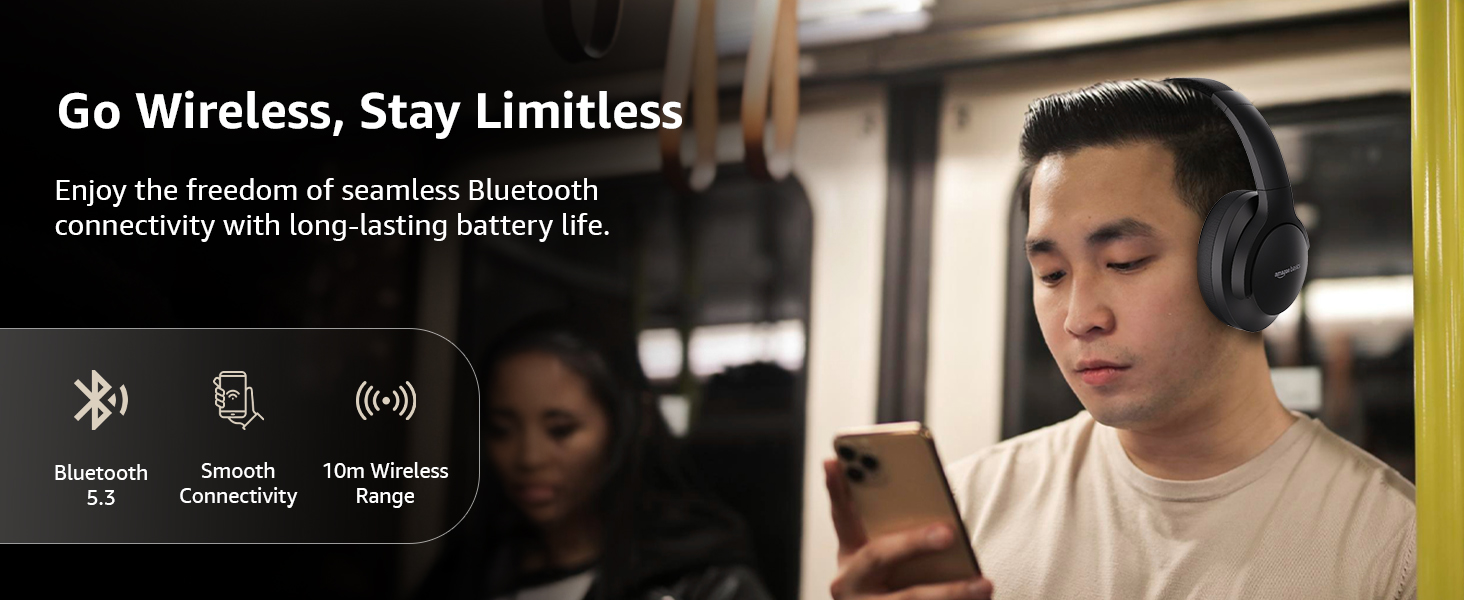
Image: A visual representation of the wireless capabilities, including Bluetooth 5.3 and a 10-meter wireless range.
3. Bedrade verbinding (AUX-modus)
For a wired connection, plug the 3.5mm AUX cable into the headphone's AUX port and the other end into your audio device's 3.5mm jack. This mode does not require battery power.
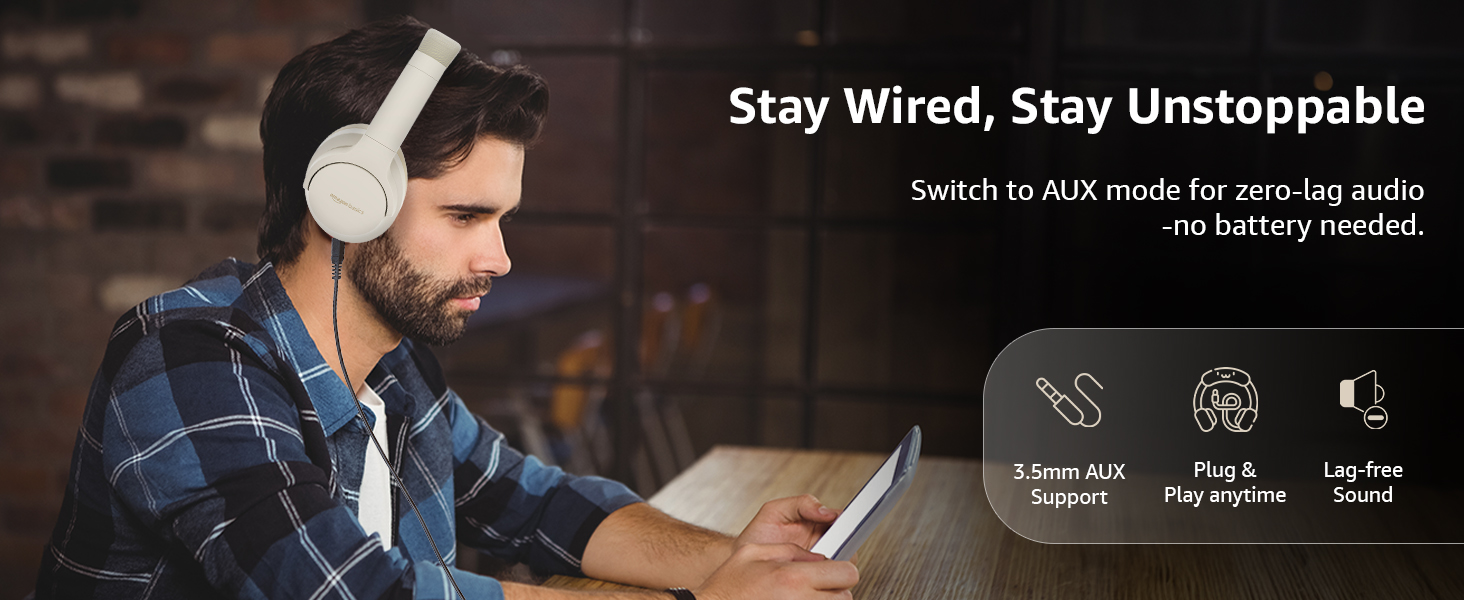
Image: A user demonstrating the wired AUX connection, emphasizing lag-free audio without needing battery power.
Bedryfsinstruksies
1. Skakel aan/af
- Krag aan: Druk en hou die kragknoppie vir ongeveer 3 sekondes.
- Skakel af: Druk en hou die kragknoppie vir ongeveer 5 sekondes.
2. Accessible Controls
The headphones feature intuitive controls located on the earcups:
- Volume op/Volgende snit: Druk kort vir volume op, druk lank vir die volgende snit.
- Volume af/vorige snit: Druk kort om volume te verlaag, druk lank vir die vorige snit.
- Speel/Ontbreek/Beantwoord Oproep: Druk die multifunksieknoppie een keer.
- Beëindig oproep: Single press the multi-function button during a call.
- Verwerp oproep: Long press the multi-function button during an incoming call.
- Aktiveer Stemassistent (Siri/Google Assistent): Dubbeldruk die multifunksieknoppie.
- ANC aan/af: Dedicated ANC button to toggle Active Noise Cancellation.
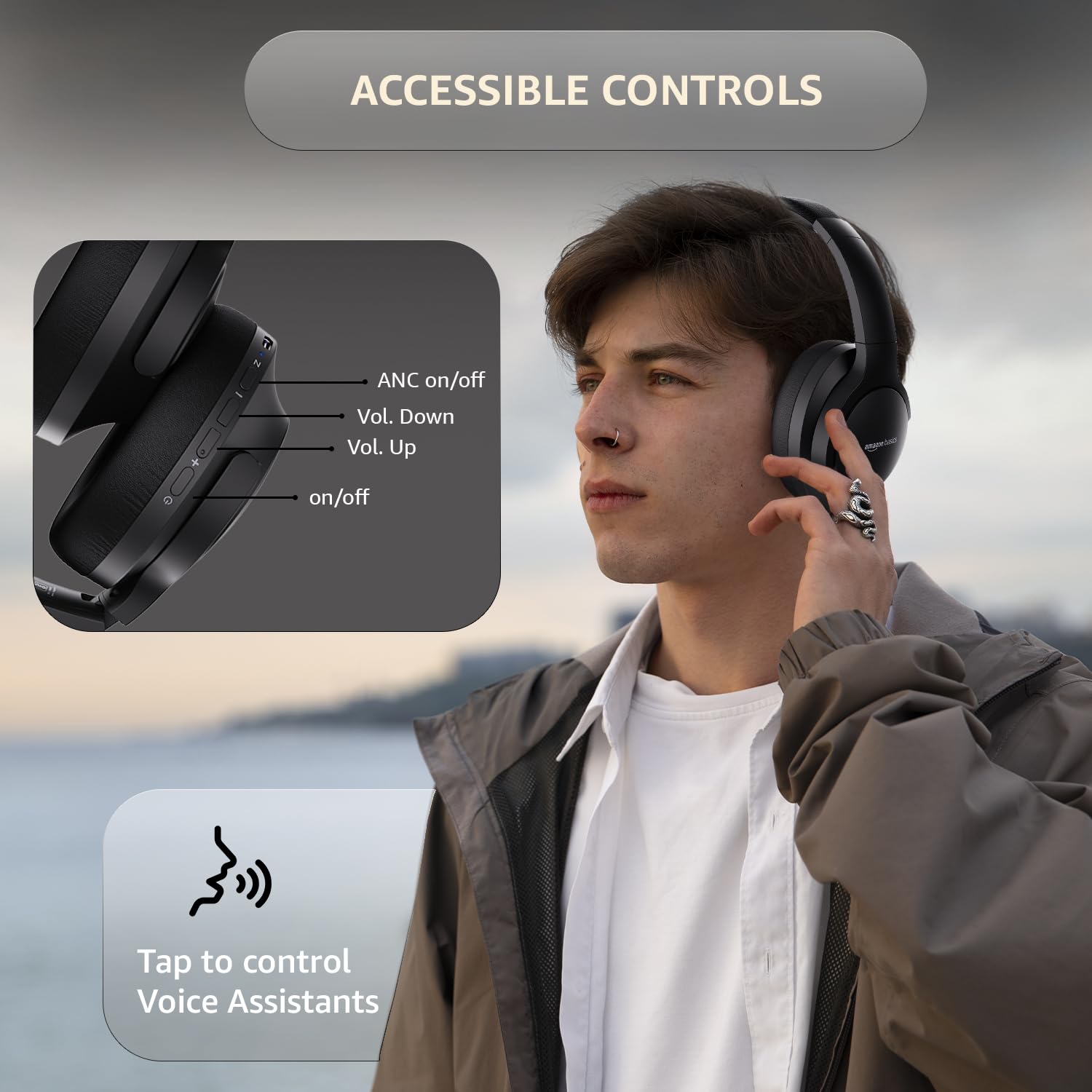
Image: A detailed diagram illustrating the location and function of the accessible controls on the headphone earcup.
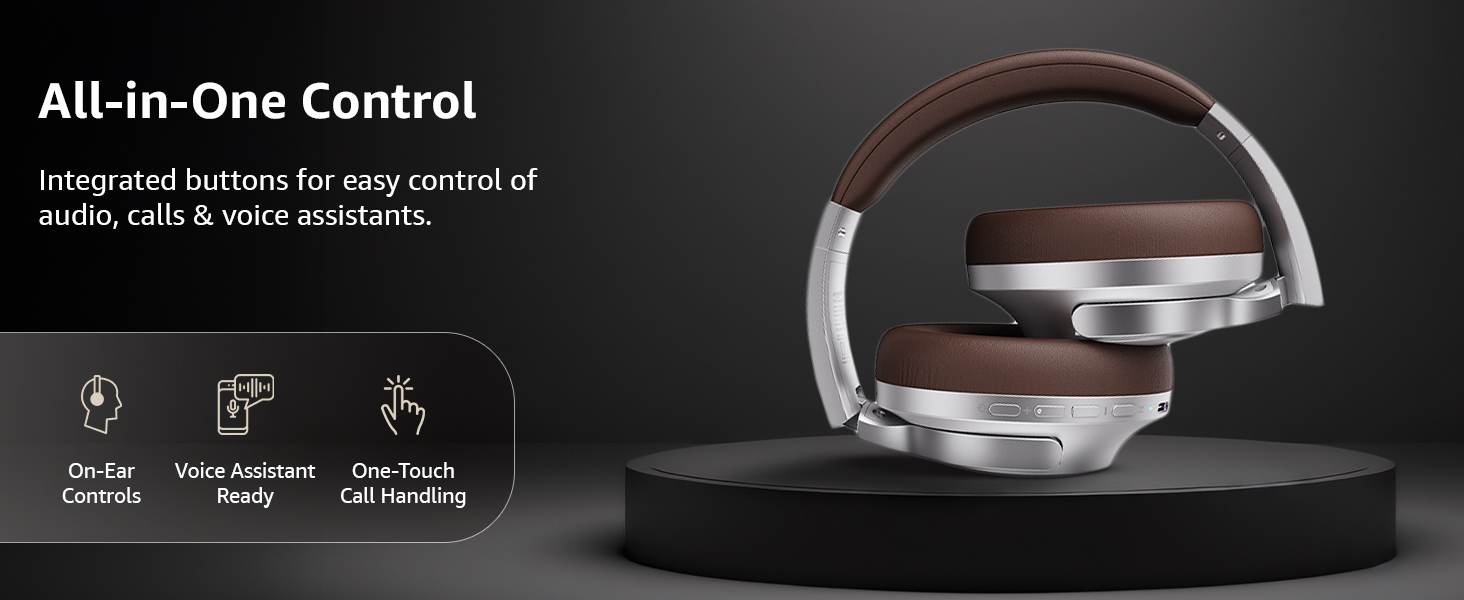
Beeld: 'n Oorview of the integrated controls, highlighting ease of use for audio, calls, and voice assistants.
3. Aktiewe Geraasdemping (ANC)
The Active Noise Cancellation feature reduces ambient noise, providing a more immersive listening experience. Press the dedicated ANC button to activate or deactivate this feature. Note that ANC functionality may slightly reduce overall battery life.

Image: A person wearing the headphones in a public setting, illustrating the effectiveness of Active Noise Cancellation in reducing distractions.
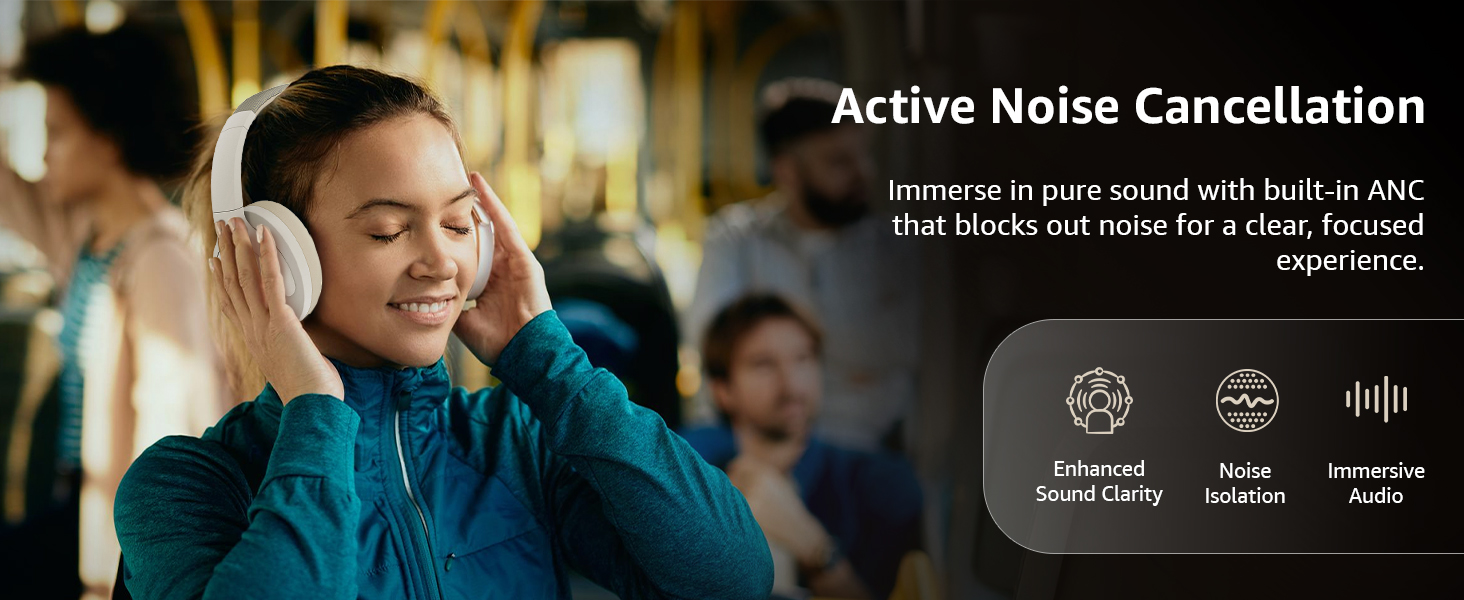
Image: A graphic emphasizing the benefits of Active Noise Cancellation, including enhanced sound clarity and immersive audio.
4. Oudiokwaliteit en drywers
The headphones are equipped with 40mm drivers, designed to deliver rich bass, clear mids, and precise highs for a balanced audio experience.
Beeld: 'n Ontplofte view diagram illustrating the 40mm drivers, which are responsible for the headphone's sound output.
Onderhoud
1. Skoonmaak
- Vee die oorfone af met 'n sagte, droë, pluisvrye lap.
- Do not use abrasive cleaners, solvents, or spray cleaners directly on the headphones.
- Clean the ear cushions gently with a damp cloth if necessary, and allow them to air dry completely before use.
2. Berging
When not in use, store the headphones in a cool, dry place, away from direct sunlight and extreme temperatures. The headphones feature a sleek and foldable design for convenient storage and portability.
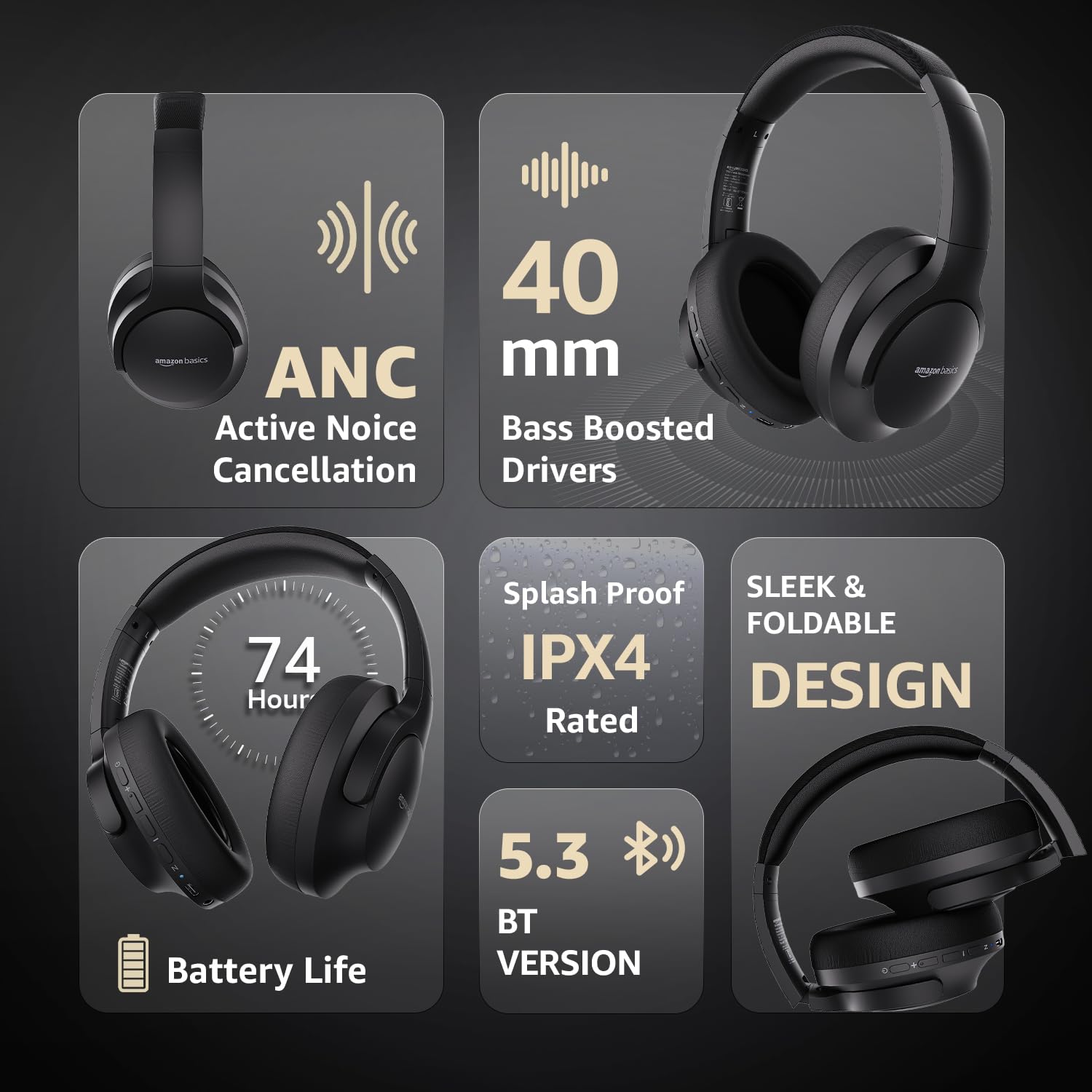
Image: An infographic highlighting key features, including the sleek and foldable design of the headphones for easy storage.
3. Batteryversorging
- Vermy om die battery gereeld heeltemal te ontlaai.
- Charge the headphones regularly, even if not used for extended periods, to maintain battery health.
- Moenie die battery aan hoë temperature blootstel nie.
Probleemoplossing
| Probleem | Moontlike oorsaak | Oplossing |
|---|---|---|
| Oorfone skakel nie aan nie. | Lae battery. | Charge the headphones fully using the supplied USB Type-C cable. |
| Kan nie via Bluetooth koppel nie. | Oorfone nie in paringsmodus nie; toestel Bluetooth af; te ver van toestel. | Ensure headphones are in pairing mode (flashing blue/red). Turn Bluetooth on your device. Move headphones closer to the device (within 10m). |
| Geen klank nie. | Volume te laag; verkeerde klankbron; oorfone nie gekoppel nie. | Increase volume on headphones and device. Verify correct audio output on device. Re-pair Bluetooth or check AUX cable connection. |
| Die ANC werk nie effektief nie. | ANC not activated; environmental noise too high. | Press the ANC button to activate. ANC is most effective against low-frequency, constant noise. |
Spesifikasies
| Kenmerk | Detail |
|---|---|
| Modelnommer | AB-IBT-82ANC |
| Verbindingstegnologie | Wireless (Bluetooth 5.3), Wired (3.5mm AUX) |
| Bestuurder grootte | 40 mm |
| Battery kapasiteit | 500 mAh litiumpolimeer |
| Batterylewe (ANC af) | Tot 74 uur (teen 50% volume) |
| Batterylewe (ANC Aan) | Up to 34 hours (at 100% volume), 62 hours (at 50% volume) |
| Laaipoort | USB Tipe-C |
| Wireless Range | Tot 10 meter |
| Waterweerstandgradering | IPX4 (Splash proof) |
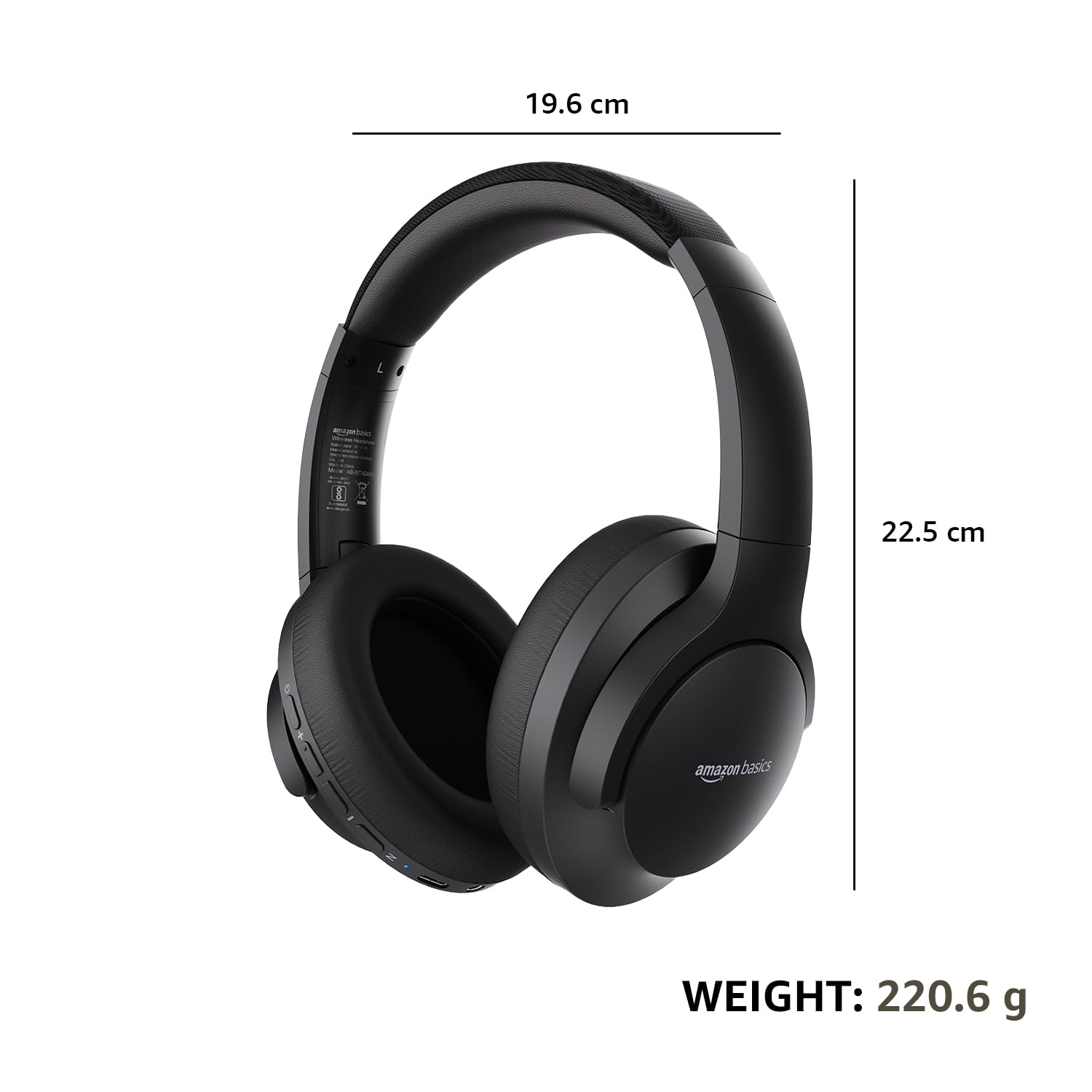
| Dimensions (Headphone) | 19.61 x 22.5 x 8.72 cm |
| Gewig (Koptelefoon) | 220.6 g |
| Materiaal | Plastic, Polyurethane (PU) |
| Versoenbare toestelle | Cellphones, Gaming Consoles, Laptops, Tablets |

Image: A visual representation of the headphone's dimensions and weight for reference.
Gerief en Ontwerp
The headphones are designed for extended wear with an over-ear fit, soft ear cushions, and an adjustable headband, ensuring comfort during long listening sessions.

Image: A person wearing the headphones, demonstrating the comfortable over-ear fit.
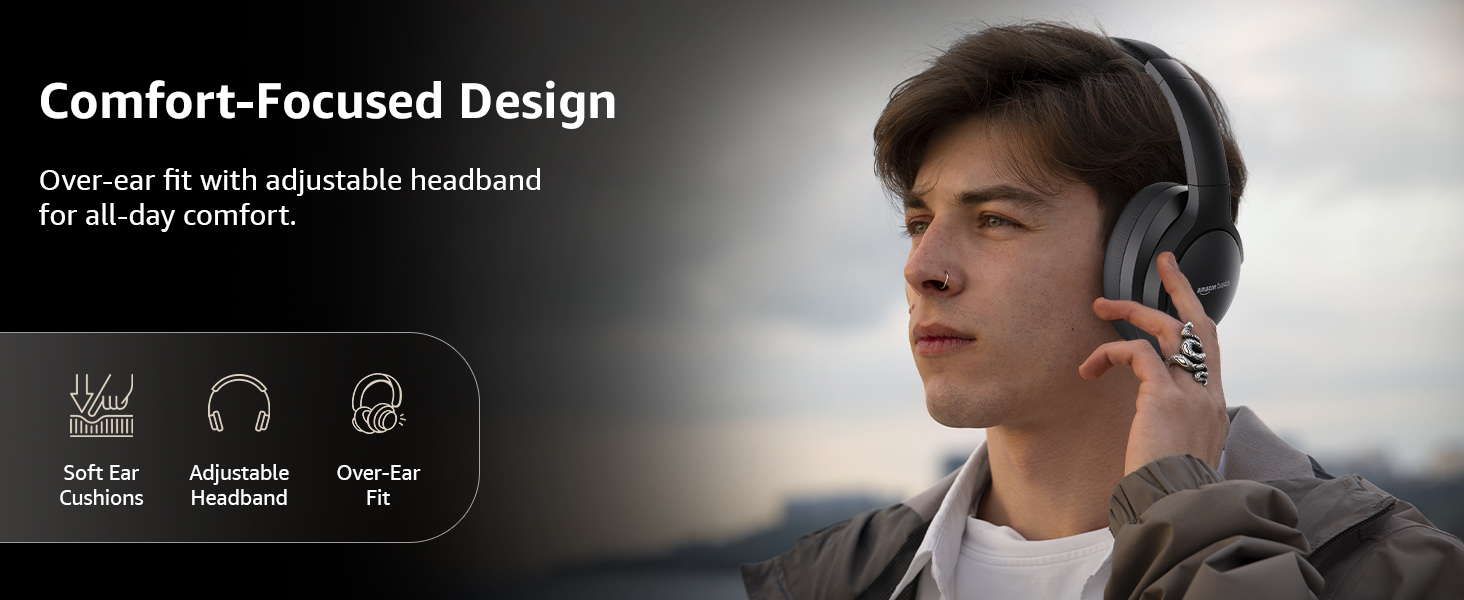
Image: A graphic detailing the comfort-focused design elements, including soft ear cushions and an adjustable headband.
Waarborg en Ondersteuning
Warranty information for your Amazon Basics Pro Series Wireless Noise Cancelling ANC Over Ear Headphones is typically provided with the product packaging or can be found on the Amazon Basics official website. For technical support or warranty claims, please refer to the contact information provided with your purchase or visit the Amazon Basics support page.
Bewaar asseblief u aankoopbewys vir enige waarborgverwante navrae.
Ask a question about this manual
Ask about setup, troubleshooting, compatibility, parts, safety, or missing instructions. Manuals+ will review the question and use this page’s manual context to help answer it.