
1. Inleiding
Dankie vir die aankoopasing the Salange HY300Pro Mini Projector. This manual provides essential information for setting up, operating, and maintaining your projector. Please read it thoroughly before use to ensure optimal performance and longevity of your device.
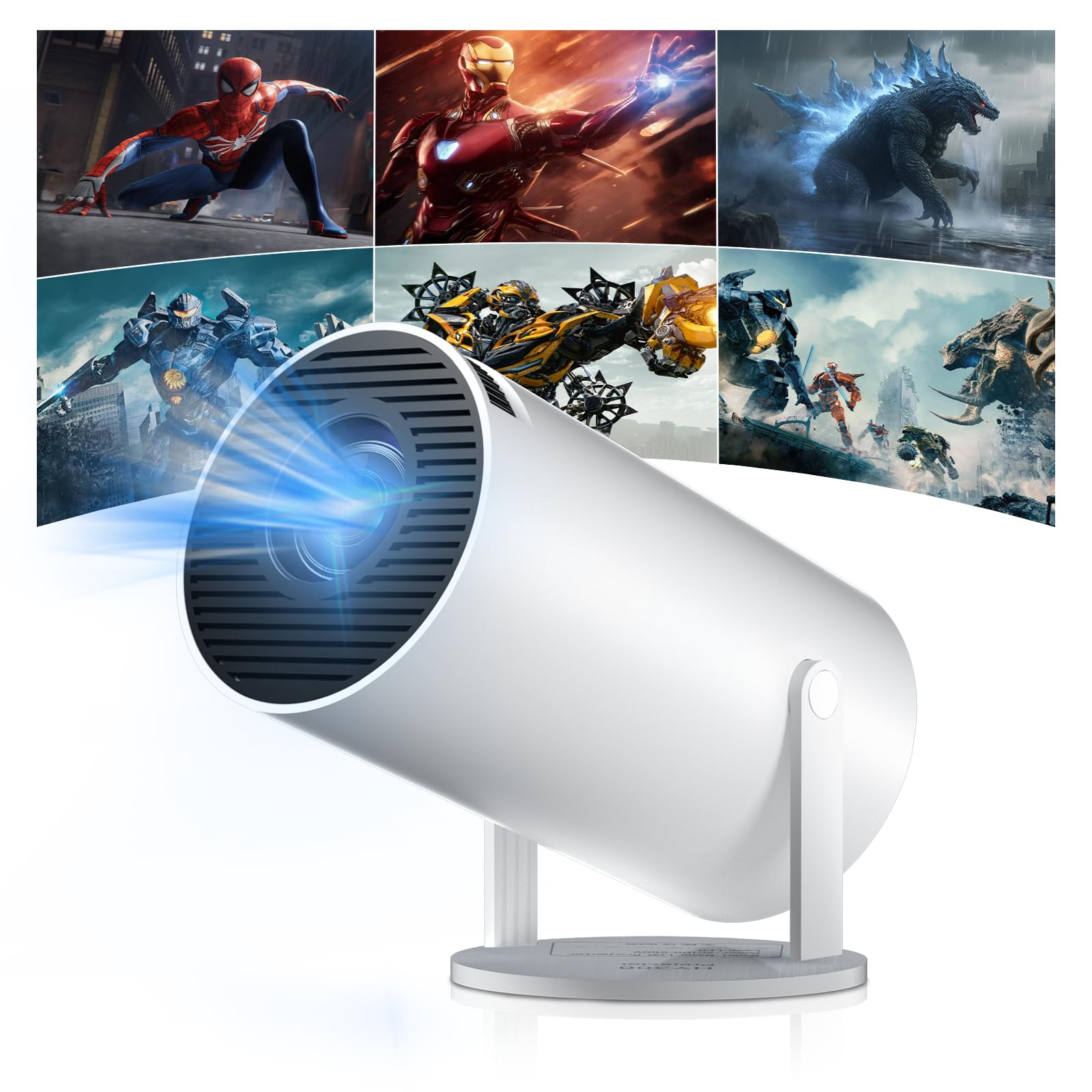
Figure 1: Salange HY300Pro Mini Projector
2. Produk verbyview
Sleutel kenmerke
- Dual-Band WiFi 6 & Bluetooth 5.4: Ensures fast and stable network connectivity and seamless audio pairing with external speakers or headphones.
- Android 11.0-bedryfstelsel: Supports installation of various applications directly on the projector for versatile entertainment and productivity.
- 4K Support & Native 720P Resolution: Delivers clear and vibrant images, supporting 1080P and 4K video playback.
- 180° rotasie: Flexible projection angles for various setups, including ceiling, wall, or angled surfaces.
- Automatic Keystone Correction & Manual Focus: Intelligently corrects image distortion and allows for fine-tuning clarity.
- Kompakte en draagbare ontwerp: Weighs only 700g, making it easy to transport for outdoor activities or different rooms.

Figuur 2: oorview of Salange HY300Pro features including 8K support, WiFi 6, Bluetooth 5.4, 180° rotation, and auto keystone correction.
Wat is in die boks
- 1 x Salange HY300Pro Projector
- 1 x Gebruikershandleiding
- 1 x Kragkabel
- 1 x afstandbeheer

Figure 3: Contents of the Salange HY300Pro package.
3. Opstelling
3.1 Uitpak en plasing
- Verwyder alle komponente versigtig uit die verpakking.
- Place the projector on a stable, flat surface. Ensure adequate ventilation around the device.
- The projector's 180° rotation feature allows flexible placement. Adjust the projector's angle to project onto a wall, ceiling, or screen as desired.

Figure 4: Projector demonstrating 180-degree rotation for various projection surfaces.
3.2 Kragverbinding
Connect the provided power cable to the projector's power input and then to a power outlet.
3.3 Aanvanklike aanskakeling en fokusaanpassing
- Druk die kragknoppie op die projektor of die afstandbeheerder om die toestel aan te skakel.
- The projector features automatic keystone correction. It will intelligently detect and correct image distortion to ensure a square image.
- For fine-tuning the image clarity, use the manual focus adjustment ring on the projector.

Figure 5: Illustration of automatic keystone correction and manual focus adjustment.
3.4 Netwerkverbinding (WiFi)
- Navigate to the 'Settings' menu on the projector's home screen.
- Select 'Network & Internet' and enable Wi-Fi.
- Choose your desired Wi-Fi network from the list and enter the password if prompted. The projector supports dual-band 2.4G + 5G WiFi 6 for fast and stable connections.

Figure 6: Visual representation of the projector's WiFi 6 capabilities for ultra-fast streaming.
3.5 Bluetooth -koppeling
- From the 'Settings' menu, select 'Connected Devices' or 'Bluetooth'.
- Aktiveer Bluetooth en soek vir beskikbare toestelle.
- Kies jou Bluetooth-luidspreker of -oorfone uit die lys om te koppel.

Figure 7: Projector connected to various Bluetooth audio devices.
3.6 Eksterne Toestelle Koppel
The projector supports HDMI and USB connections.
- HDMI: Connect your laptop, game console, Blu-ray player, or TV stick using an HDMI cable. Select the corresponding HDMI input source from the projector's input menu.
- USB: Steek 'n USB-skyf in om media te speel files directly. Access the files through the media player application on the Android OS.
4. Bedryfsinstruksies
4.1 Navigasie deur die Android-bedryfstelsel
The Salange HY300Pro runs on Android 11.0, providing a smart TV experience.
- Use the remote control to navigate through the home screen, applications, and settings.
- The interface is intuitive, similar to an Android smartphone or tablet.

Figure 8: Projector displaying the Android OS home screen with various streaming apps.
4.2 Toepassingsbestuur
You can install and manage applications directly on the projector.
- Access the app store (e.g., Google Play Store) to download streaming services, games, and productivity tools.
- To uninstall an app, go to 'Settings' > 'Apps' and select the desired app.
4.3 Skermspieëling
Mirror your smartphone or tablet screen to the projector wirelessly.
- Maak seker dat beide jou toestel en die projektor aan dieselfde Wi-Fi-netwerk gekoppel is.
- On the projector, select the screen mirroring function (e.g., 'Miracast', 'AirPlay', or 'Screen Share').
- On your smartphone/tablet, enable screen mirroring and select the projector from the list of available devices.
4.4 Beeld- en klankinstellings
Adjust various settings to optimize your viewondervinding.
- Prentinstellings: Access 'Settings' > 'Display' to adjust brightness, contrast, color, and aspect ratio.
- Klankinstellings: Access 'Settings' > 'Sound' to adjust volume, sound mode, and output device.

Figure 9: Projector displaying a large image, illustrating its ability to create a home cinema experience.
5. Onderhoud
5.1 Skoonmaak van die lens
Gebruik 'n sagte, pluisvrye lap wat spesifiek vir optiese lense ontwerp is om die projektorlens saggies af te vee. Moenie skuurmiddels of oormatige krag gebruik nie.
5.2 Ventilasie
Ensure the projector's ventilation vents are clear of dust and obstructions. Blocked vents can lead to overheating and reduced performance. Periodically clean the vents with a soft brush or compressed air.
5.3 Berging
When not in use for extended periods, store the projector in a cool, dry place, away from direct sunlight and extreme temperatures. Use the original packaging or a protective case to prevent dust accumulation and damage.
6. Probleemoplossing
| Probleem | Moontlike oorsaak | Oplossing |
|---|---|---|
| Geen prent word vertoon nie | Power cable disconnected; Incorrect input source; Projector in standby mode. | Check power connection; Select correct HDMI/USB input; Press power button to wake up. |
| Beeld is vaag | Fokus nie aangepas nie; Projektor te ver/naby aan die skerm. | Adjust manual focus ring; Ensure projector is within optimal projection distance. |
| Geen klank nie | Volume too low; Muted; Incorrect audio output selected; Bluetooth device not paired. | Increase volume; Unmute; Check audio settings; Re-pair Bluetooth device. |
| Wi-Fi/Bluetooth connection issues | Incorrect password; Out of range; Interference. | Verify password; Move closer to router/device; Reduce interference from other electronics. |
| Afstandbeheer werk nie | Dead batteries; Obstruction; Not paired. | Vervang batterye; Verwyder obstruksies; Herkoppel afstandbeheer indien nodig. |
7. Spesifikasies
| Kenmerk | Detail |
|---|---|
| Handelsmerk | Salange |
| Modelnommer | X-HY300PRO |
| Reeks | Salange Mini Beamer |
| Kleur | Wit |
| Tipe vertoon | LCD |
| Inheemse resolusie | 1280 x 720P |
| Max Display Resolution | 3840 x 2160 (4K ondersteun) |
| Verbindingstegnologie | Bluetooth, Wi-Fi (WiFi 6) |
| Hardeware-koppelvlak | Bluetooth, HDMI, USB |
| Versoenbare toestelle | Smartphones, Laptops, Game Consoles, Blu-ray Players, Media Players |
| Itemafmetings (L x B x H) | 9.5 x 9.5 x 15.7 sentimeter |
| Spesiale kenmerke | Wi-Fi Compatible, Digital Keystone Correction, Lightweight, Portable, 180° Rotation |
| Aanbevole gebruike | Business, Home Cinema, Gaming, Education |
| Vormfaktor | Draagbaar |
| Montage tipe | Tafelberg |
8. Waarborg en Ondersteuning
For warranty information and technical support, please refer to the documentation included with your purchase or visit the official Salange webwebwerf. Bewaar u bewys van aankoop vir waarborgeise.