
Inleiding
The WAAW by ALOK BOOM 200 is a powerful Bluetooth speaker designed to deliver an immersive audio experience. Featuring 80W RMS power, IPX4 splash protection, dynamic light shows, and TWS (True Wireless Stereo) technology, it's built for versatility and high-quality sound. This manual provides essential information for setting up, operating, and maintaining your speaker.
Sleutel kenmerke sluit in:
- TWS Tegnologie: Connects up to two BOOM 200 speakers for enhanced stereo sound.
- Bluetooth 5.3: Ensures stable and extended wireless connectivity.
- Tot 12 uur speeltyd: Enjoy long-lasting music on a single charge.
- IPX4 beskerming: Resistant to splashes, making it suitable for various environments.
- 3 Luidsprekers: Equipped with one subwoofer and two tweeters for clear bass, mids, and highs.
- 80W RMS Power: Delivers robust and clear audio output.
- Dinamiese ligskou: Integrated LED lighting to enhance your listening experience.
- Power Bass: Feature for powerful bass reinforcement.
- Veelvuldige verbindingsopsies: USB and 3.5mm AUX IN ports.
Pakketinhoud
Maak asseblief seker dat al die volgende komponente teenwoordig is wanneer u dit uitpak:
- WAAW by ALOK BOOM 200 Bluetooth Speaker
- Lader
- USB-C-kabel
- Gebruikershandleiding

Image: WAAW BOOM 200 speaker, USB-C cable, and user manual.
Opstelling
Laai die luidspreker
Before initial use, fully charge your WAAW BOOM 200 speaker.
- Koppel die meegeleverde USB-C-kabel aan die laaipoort op die luidspreker.
- Connect the other end of the USB-C cable to the charger, then plug the charger into a power outlet.
- A red LED indicator will illuminate, indicating that the speaker is charging.
- The LED indicator will turn off once charging is complete.
Let wel: When the battery level is low, you will hear an audible notification.

Image: Close-up of the charging port on the WAAW BOOM 200 speaker.
Bedryfsinstruksies
Krag aan/af
To power on or off the speaker, press and hold the power button located on the control panel.

Beeld: Bo view of the speaker showing the power button and other controls.
Bluetooth-koppeling
- Ensure the speaker is powered on and in Bluetooth pairing mode (indicated by a flashing LED, refer to product for specific indicator).
- Aktiveer Bluetooth op jou toestel (slimfoon, tablet, skootrekenaar) en soek vir beskikbare toestelle.
- Select "WAAW BOOM 200" from the list of devices.
- Sodra dit gekoppel is, sal die luidspreker 'n hoorbare bevestiging gee, en die LED-aanwyser sal verander (bv., soliede blou).
TWS (ware draadlose stereo) -paring
The WAAW BOOM 200 features TWS technology, allowing you to connect two BOOM 200 speakers for a true stereo sound experience.
- Ensure both BOOM 200 speakers are powered on and not connected to any other Bluetooth device.
- On one of the speakers, press and hold the TWS button (refer to product for specific button). The speakers will search for each other.
- Once connected, you will hear an audible confirmation, and the LED indicators on both speakers will synchronize.
- Now, connect your device to one of the paired speakers via Bluetooth as described in the "Bluetooth Pairing" section. Both speakers will play audio in stereo.

Image: Illustration of two WAAW BOOM 200 speakers wirelessly connected using TWS technology.
Kontroles en kenmerke
- Volumebeheer: Use the '+' and '-' buttons on the control panel to adjust the volume.
- Speel/pouse: Druk die speel/pouse-knoppie om musiekweergawe te beheer.
- Dinamiese ligskou: The speaker features integrated LED lighting. Use the light button (often indicated by a sun icon) to cycle through different light modes or turn them off.
- Power Bass: Activate this feature for enhanced bass. Refer to the product's physical buttons for the specific Power Bass control.
- USB-invoer: Connect USB devices for audio playback.
- AUX IN (3.5mm Audio Input): Connect devices using a 3.5mm audio cable (not included).
- Microphone Input (P10 6.35mm): Koppel 'n mikrofoon vir karaoke of aankondigings.

Beeld: Gedetailleerd view of the WAAW BOOM 200 speaker, highlighting the control panel and various input ports (USB, AUX, Mic).
Onderhoud
Waterweerstand (IPX4)
The WAAW BOOM 200 is rated IPX4, meaning it is resistant to splashes of water. This allows for use in environments where it might be exposed to light water spray, such as near pools or at the beach. However, it is nie waterproof and should not be submerged in water.
Stel die luidspreker terug
If the speaker experiences issues or becomes unresponsive, you can perform a reset:
- Locate the reset button (typically a small pinhole).
- Using a pointed object (e.g., a paperclip), gently insert it into the reset button hole.
- Press and hold the reset button for 6 seconds. The speaker will automatically reset.
Spesifikasies
| Kenmerk | Detail |
|---|---|
| Bluetooth weergawe | 5.3 |
| Uitsetkrag (RMS) | 80 W |
| Waterbeskermingsgradering | IPX4 (Spatbestand) |
| Speeltyd | Tot 12 uur |
| Battery kapasiteit | 4400 mAh (Litium-ioon) |
| Luidsprekerkonfigurasie | 1x 5" Subwoofer, 2x 2.75" Tweeters |
| Frekwensierespons | 70Hz ~ 20KHz |
| Bluetooth Profiles | A2DP/AVRCP/VDP/HFP |
| Maksimum reeks | 10m |
| Laaipoort | USB-C |
| Oudio-insette | USB, 3.5mm AUX IN, P10 (6.35mm) Microphone Input |
| Afmetings (LxBxH) | 19.3 x 19.3 x 34 cm |
| Gewig | 3.14 kg |
| Outomatiese afskakeling | Ja, na 10 minute se onaktiwiteit |
Waarborg inligting
The WAAW BOOM 200 speaker comes with the following warranty:
- Produk waarborg: 1 Year (3 months legal warranty + 9 months special manufacturer warranty).
- Batterywaarborg: 6 Months (3 months legal warranty + 3 months special manufacturer warranty).
Please retain your proof of purchase for warranty claims. For further support, contact WAAW customer service.
Produk verbyview
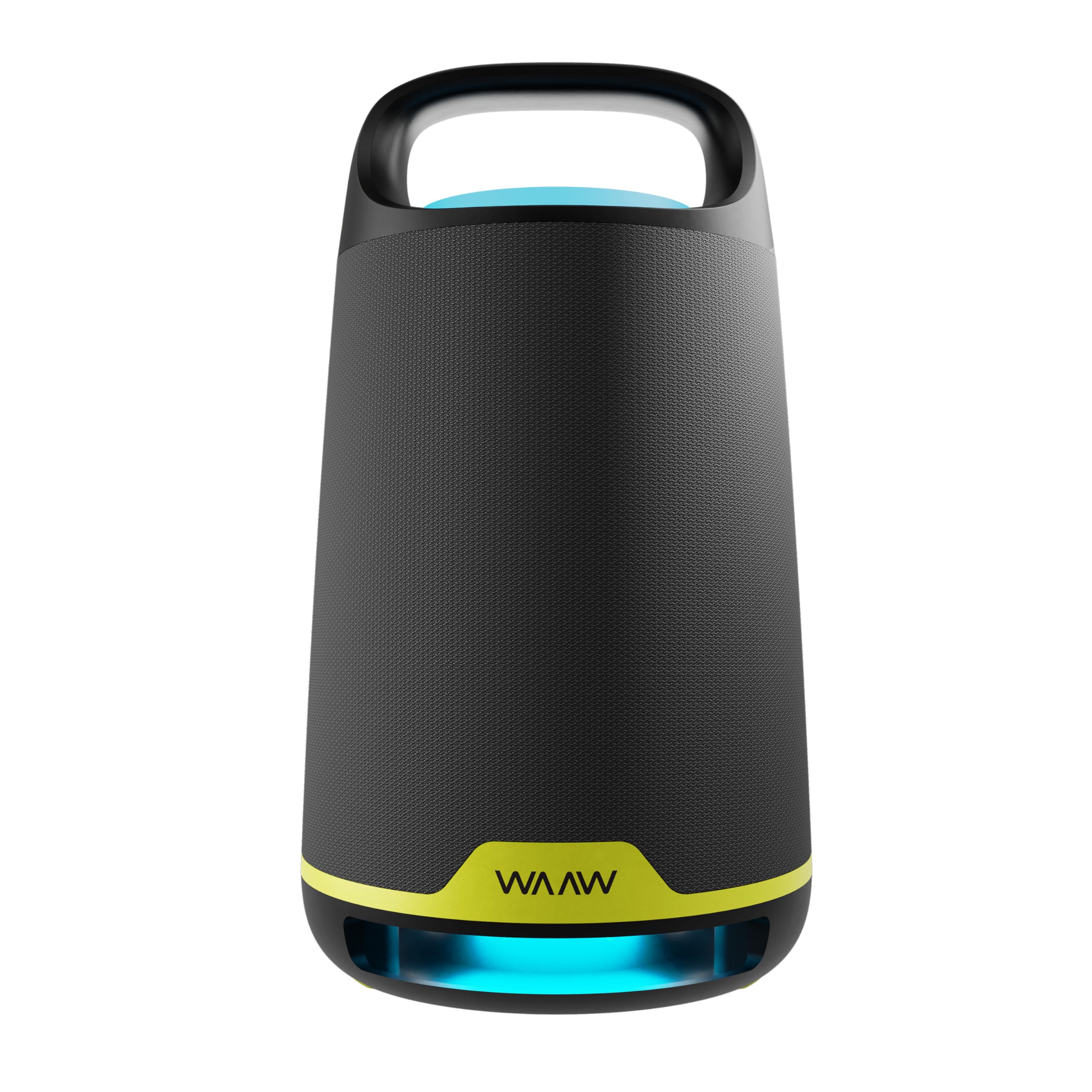
Beeld: Voorkant view of the WAAW BOOM 200 Bluetooth Speaker, showcasing sy ontwerp.

Beeld: Sykant view of the WAAW BOOM 200 Bluetooth Speaker, highlighting its ergonomic handle.
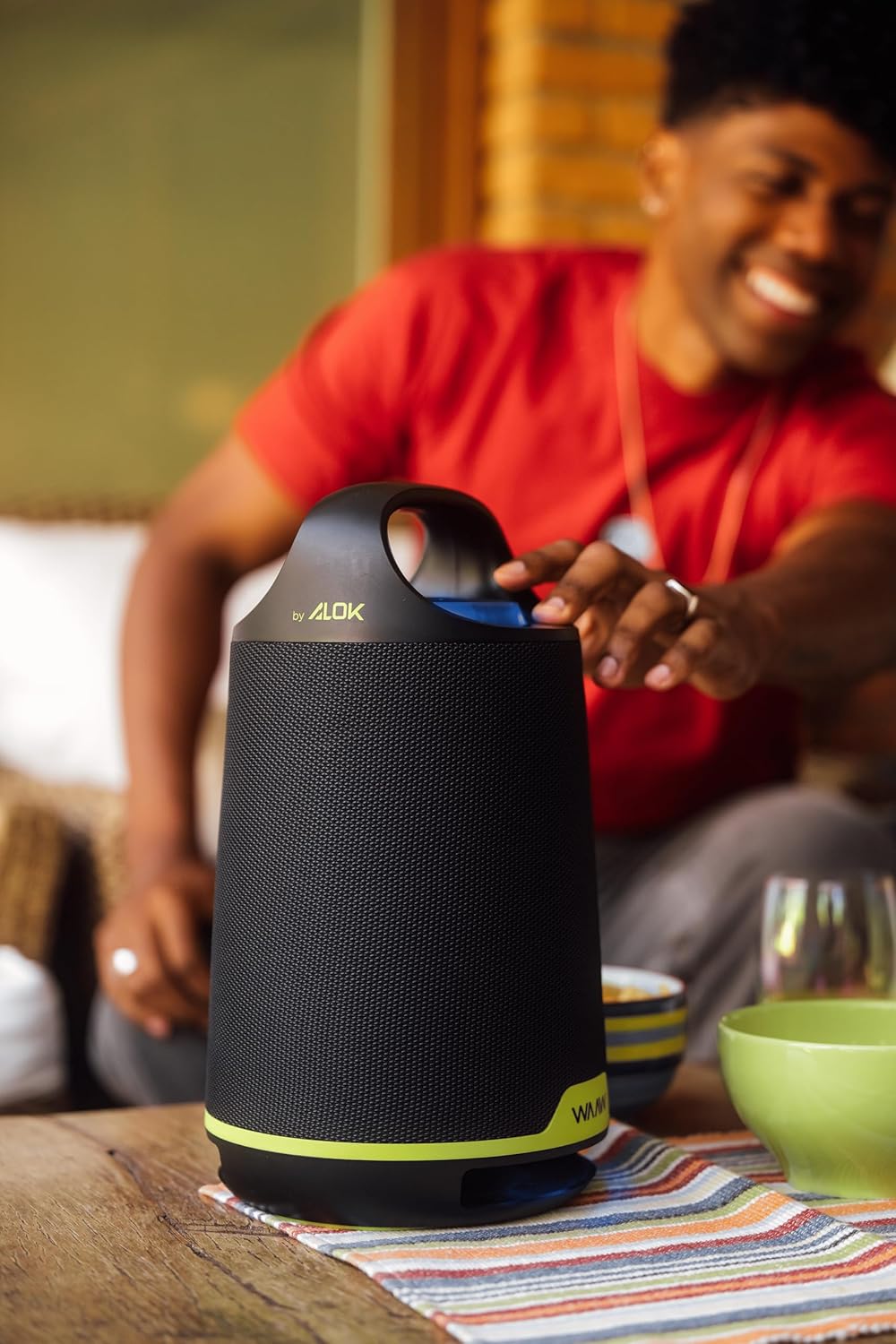
Beeld: Agterkant view of the WAAW BOOM 200 Bluetooth Speaker.
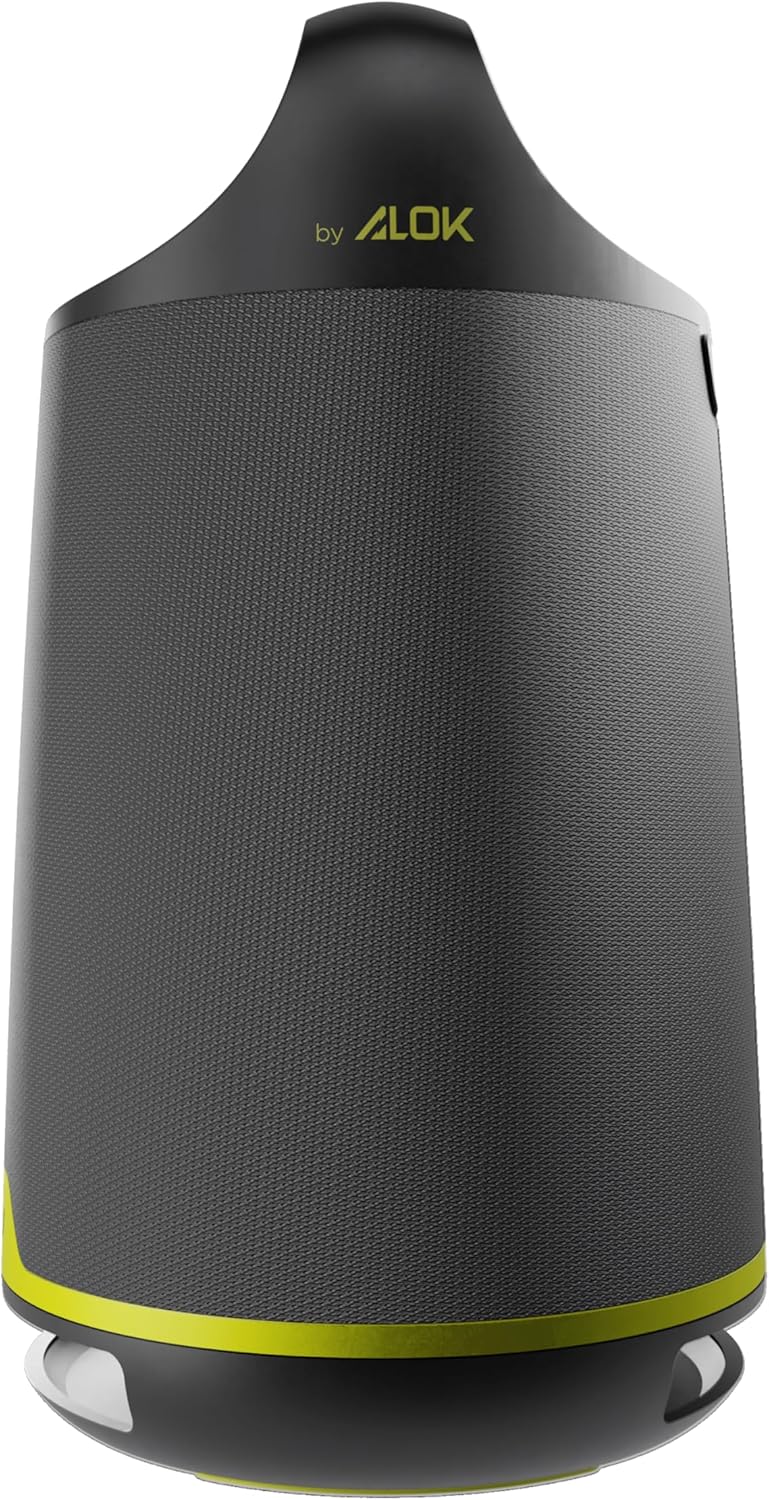
Image: The WAAW BOOM 200 speaker displaying its dynamic LED light feature.

Image: The WAAW BOOM 200 speaker with a visual representation of its powerful bass reinforcement (Power Bass) feature.

Image: The WAAW BOOM 200 speaker emphasizing its 80W RMS output power for clear and strong sound.
Bykomende inligting
Product in Use

Image: The WAAW BOOM 200 speaker being used in a relaxed outdoor social gathering.
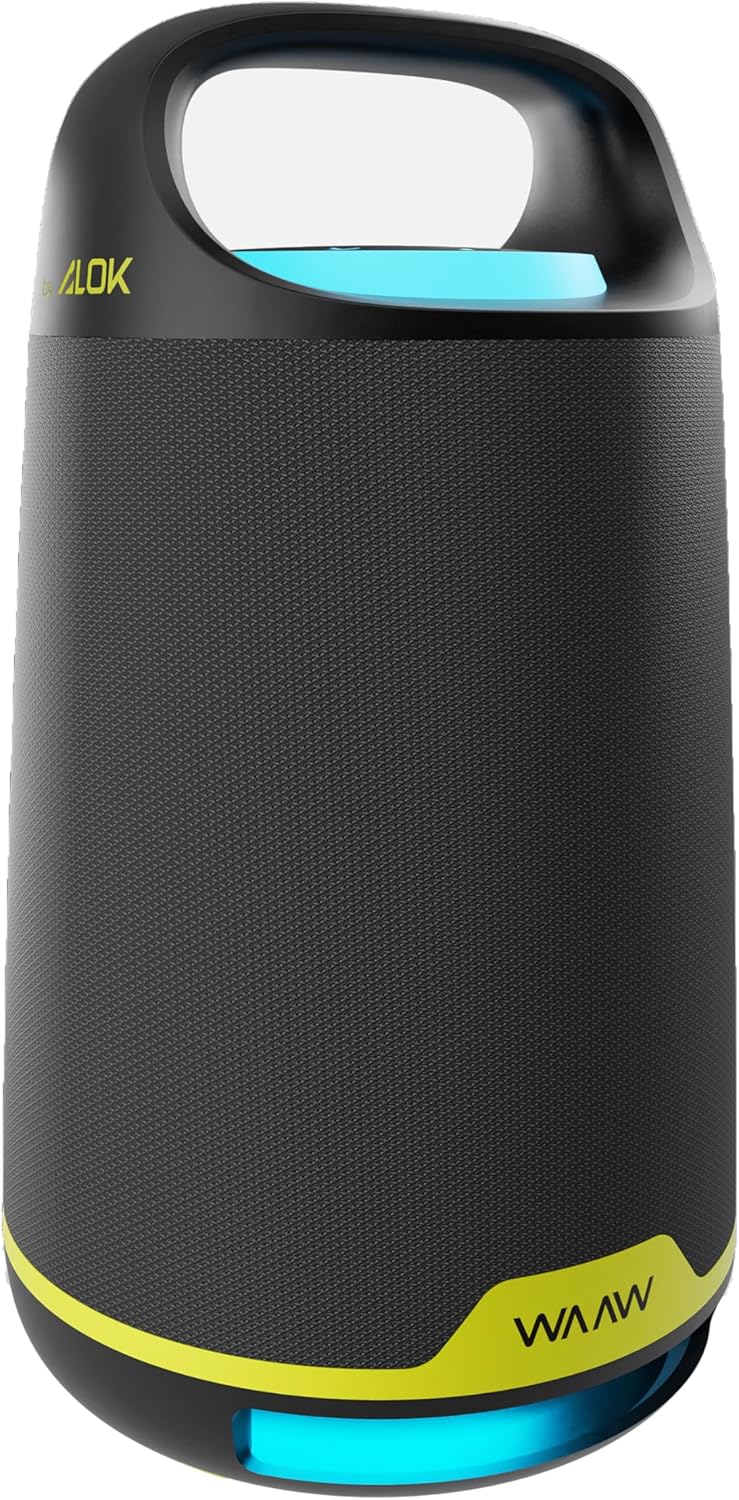
Image: A person adjusting the WAAW BOOM 200 speaker on a table.

Image: A person carrying the WAAW BOOM 200 speaker by its integrated handle.

Image: The WAAW BOOM 200 speaker positioned on a table, with a person relaxing in the background.

Image: Two WAAW BOOM 200 speakers enhancing the audio experience in a social environment.
Visuele kenmerke

Image: Three WAAW BOOM 200 speakers demonstrating various dynamic LED light colors.

Image: Two WAAW BOOM 200 speakers, one with blue and one with green LED lighting, showcasing their visual appeal.