
1. Inleiding
The Nillkin TW004 Wireless Earbuds are designed for audio playback and communication, featuring Bluetooth 5.0 connectivity, CVC noise cancellation, and IPX5 water resistance. This manual provides instructions for proper setup, operation, and maintenance of your earbuds.
2. Pakketinhoud
Verifieer asseblief dat alle items in u pakket teenwoordig is:
- Nillkin TW004 Wireless Earbuds (Left and Right)
- Laaikas
- USB-laaikabel
- Verskeie groottes oordoppe (S, M, L)
- Gebruikershandleiding

Image: Nillkin TW004 Wireless Earbuds and Charging Case, illustrating key features such as excellent sound quality, Apt-X audio decoding, CVC noise cancellation, Qualcomm 5.0, TWS Plus, mini compact design, 13 hours playtime, and IPX5 water-resistance.
3. Produkkenmerke
- Bluetooth 5.0: Provides stable and efficient wireless connection.
- CVC Noise Cancellation: Verbeter oproepduidelikheid deur omgewingsgeraas te verminder.
- Apt-X High Audio Decoding: Delivers lossless sound quality with minimal transmission delay.
- IPX5 Waterweerstand: Beskerm teen sweet en ligte spatsels, geskik vir sport.
- Raakbeheer: Intuïtiewe kontroles vir musiekweergawe en oproepbestuur.
- Kompakte en liggewig ontwerp: Ergonomic fit for comfortable and stable wearing.
- Verlengde batterylewe: Up to 13 hours of continuous earphone use, with additional charges from the case.

Image: A banner displaying the Nillkin TW004 Wireless Earbuds and charging case, highlighting features such as excellent sound quality, Apt-X audio decoding, CVC noise cancellation, Qualcomm 5.0, TWS Plus, mini compact design, 13 hours playtime, and IPX5 water-resistance.
4. Opstelling
4.1 Laai die oordopjes en houer
Before first use, fully charge the earbuds and the charging case. Connect the provided USB charging cable to the charging case and a power source. The indicator lights on the case will show the charging status. Ensure the earbuds are properly seated in the charging slots inside the case.

Image: Nillkin TW004 Earbuds and charging case displaying Bluetooth V5.0, 13 hours continuous earphone use, 52 hours with charging box, 50 days standby time, 500mAh charging box battery, and 4-5 times earphone charging capacity.
4.2 Automatic Power On and Pairing
Once removed from the charging case, the earbuds will automatically power on and enter pairing mode. On your device (e.g., smartphone), enable Bluetooth and search for 'Nillkin TW004' in the list of available devices. Select it to connect. A voice prompt will confirm successful pairing.
Video: An official product video demonstrating the automatic power-on and pairing process of the Nillkin TW004 Wireless Earbuds when removed from their charging case.
4.3 Dra van die oordopjes
Choose the ear tips that provide the most comfortable and secure fit for your ears. Insert the earbuds into your ear canals and gently twist them to ensure a snug fit. A proper fit is essential for optimal sound quality and noise isolation.

Image: A person wearing a Nillkin TW004 earbud, demonstrating the mini body design and stable fit in the ear. The image emphasizes the ergonomic and invisible design, with a weight of only 5.6g per earphone, suitable for human auricle.

Image: Illustration showing small (S), medium (M), and large (L) ear tips, indicating options for a customized and stable fit for the Nillkin TW004 earbuds.
5. Bedryfsinstruksies
5.1 Raak kontroles
The Nillkin TW004 earbuds feature touch-sensitive controls on the outer surface of each earbud. Refer to the following table for common functions:
| Aksie | Funksie |
|---|---|
| Enkele tik (links/regs) | Speel/pouse musiek, beantwoord/beëindig oproep |
| Dubbeltik (Regs) | Volgende Snit |
| Dubbeltik (links) | Vorige Snit |
| Langdruk (Links/Regs) | Verwerp oproep, aktiveer stemassistent |
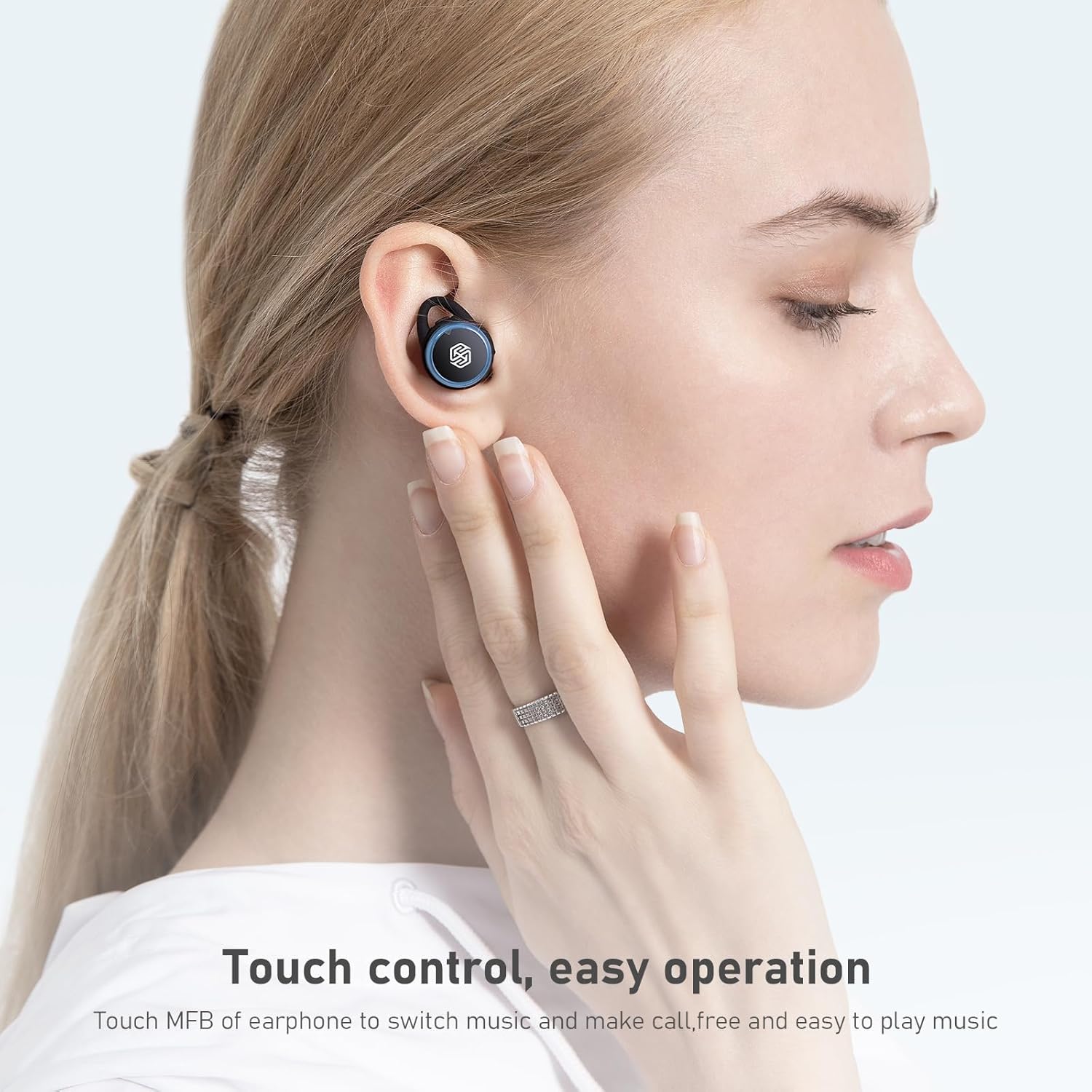
Image: A hand demonstrating touch control on a Nillkin TW004 earbud, illustrating the ease of operation for switching music and managing calls.
5.2 Krag aan/af
- Krag aan: Die oorfone skakel outomaties aan wanneer dit uit die laaikas verwyder word.
- Skakel af: Plaas die oordopjes terug in die laaikas om hulle outomaties af te skakel en te begin laai.
6. Onderhoud
6.1 Skoonmaak
Maak jou oordopjes en laaikas gereeld skoon om optimale werkverrigting en higiëne te verseker.
- Gebruik 'n sagte, droë, pluisvrye lap om die oorfone en laaikas af te vee.
- Verwyder die oordoppe en maak dit skoon met sagte seep en water. Maak seker dat hulle heeltemal droog is voordat jy dit weer vasmaak.
- Maak die laaikontakte op beide die oordopjes en die binnekant van die houer versigtig skoon met 'n droë wattestokkie.
6.2 Berging
Wanneer dit nie gebruik word nie, bêre die oordopjes in hul laaikassie om hulle teen stof en skade te beskerm en om hulle gelaai te hou.

Image: Nillkin TW004 earbuds with water droplets on their surface, illustrating their IPX5 waterproof rating, suitable for sports and protection against sweat and rain.
7. Probleemoplossing
If you encounter issues with your Nillkin TW004 Wireless Earbuds, refer to the following common solutions:
- Oordopjes koppel nie:
Ensure both earbuds are fully charged. Place them back in the case, then remove them to re-enter pairing mode. Delete 'Nillkin TW004' from your device's Bluetooth list and attempt to pair again. - Geen geluid uit een oorfone nie:
Check if both earbuds are charged. Try resetting the earbuds by placing them in the charging case and then taking them out. Ensure they are properly paired as a stereo pair. - Laaikas laai nie:
Verify the USB cable is securely connected to both the case and the power source. Try a different charging cable or power adapter. - Swak klank kwaliteit:
Ensure the earbuds are properly seated in your ears with the correct size ear tips. Move closer to your connected device to avoid interference. - Aanraakkontroles reageer nie:
Ensure your fingers are clean and dry. Try cleaning the touch surface of the earbuds.
8. Spesifikasies
| Kenmerk | Detail |
|---|---|
| Modelnommer | TW004 (GO TW004) |
| Bluetooth weergawe | 5.0 |
| Beheer metode | Raak |
| Waterweerstand | IPX5 |
| Oorfoonspeeltyd | Tot 13 uur (aaneenlopend) |
| Totale speeltyd (met omhulsel) | Tot 65 uur |
| Laaikas battery | 500mAh |
| Oudio-dekodering | Apt-X |
| Geraasonderdrukking | CVC |
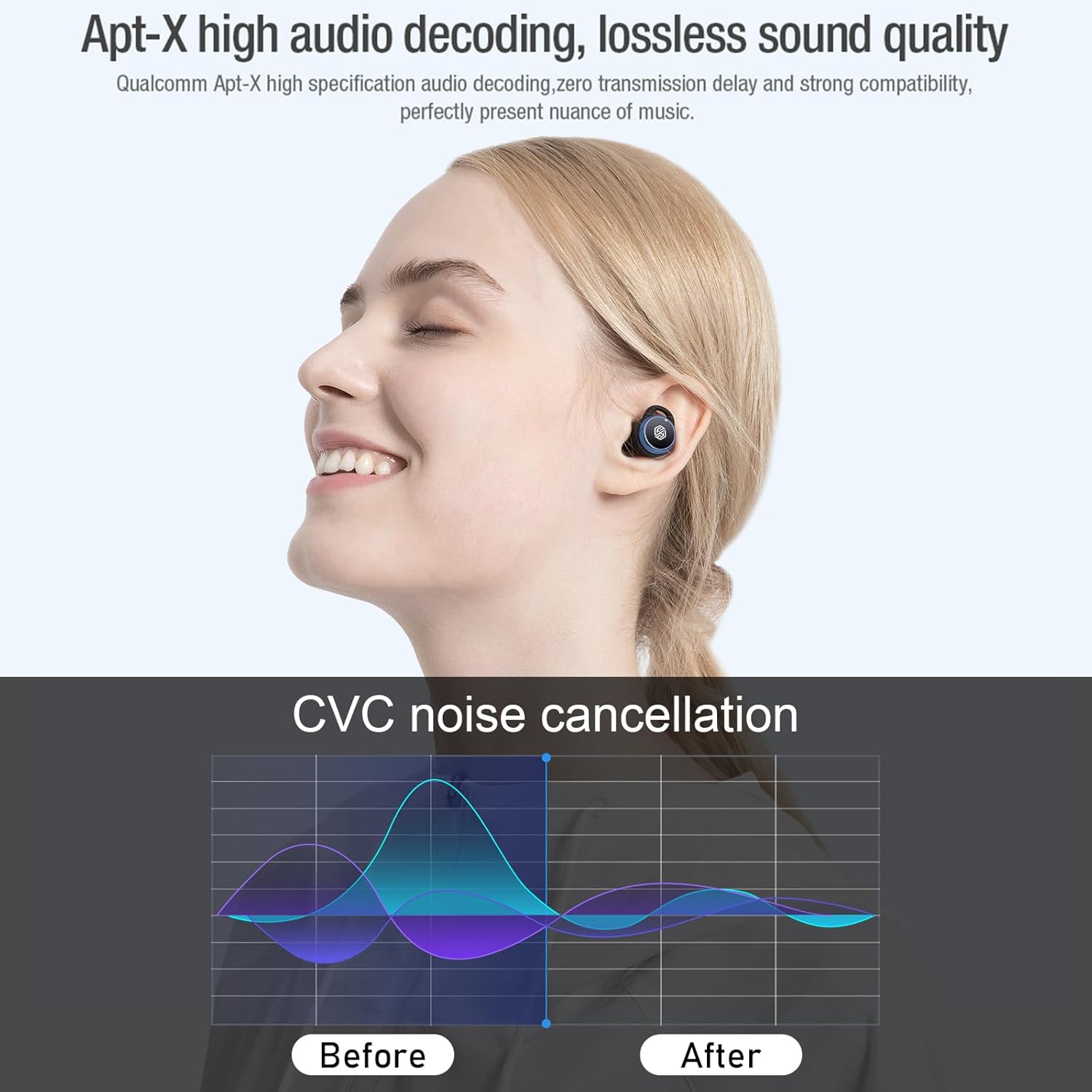
Image: Nillkin TW004 earbud illustrating Apt-X high audio decoding for lossless sound quality and a graph demonstrating CVC noise cancellation effectiveness before and after.
9. Waarborg en Ondersteuning
Nillkin products are manufactured to high quality standards. For warranty information, technical support, or customer service inquiries, please refer to the warranty card included in your product packaging or visit the official Nillkin webwebwerf. Bewaar u aankoopbewys as bewys van aankoop.