
1. Inleiding
This manual provides essential information for the safe and effective operation of your HAVIT Smart Life Series PJ211 PRO projector. Please read this manual thoroughly before using the device and retain it for future reference.
The HAVIT PJ211 PRO is a compact smart projector designed for home entertainment, gaming, and presentations. It features a native HD resolution of 1280x720, supporting up to 4K input, and integrates Android TV 9.0 for direct access to streaming services.
2. Pakketinhoud
Maak asseblief seker dat alle items teenwoordig en in 'n goeie toestand is wanneer u dit uitpak:
- HAVIT Smart Life Series PJ211 PRO Projector
- Kragkabel
- Afstandbeheer
- Gebruikershandleiding (hierdie dokument)
3. Produk verbyview
Familiarize yourself with the projector's physical components and connection ports.
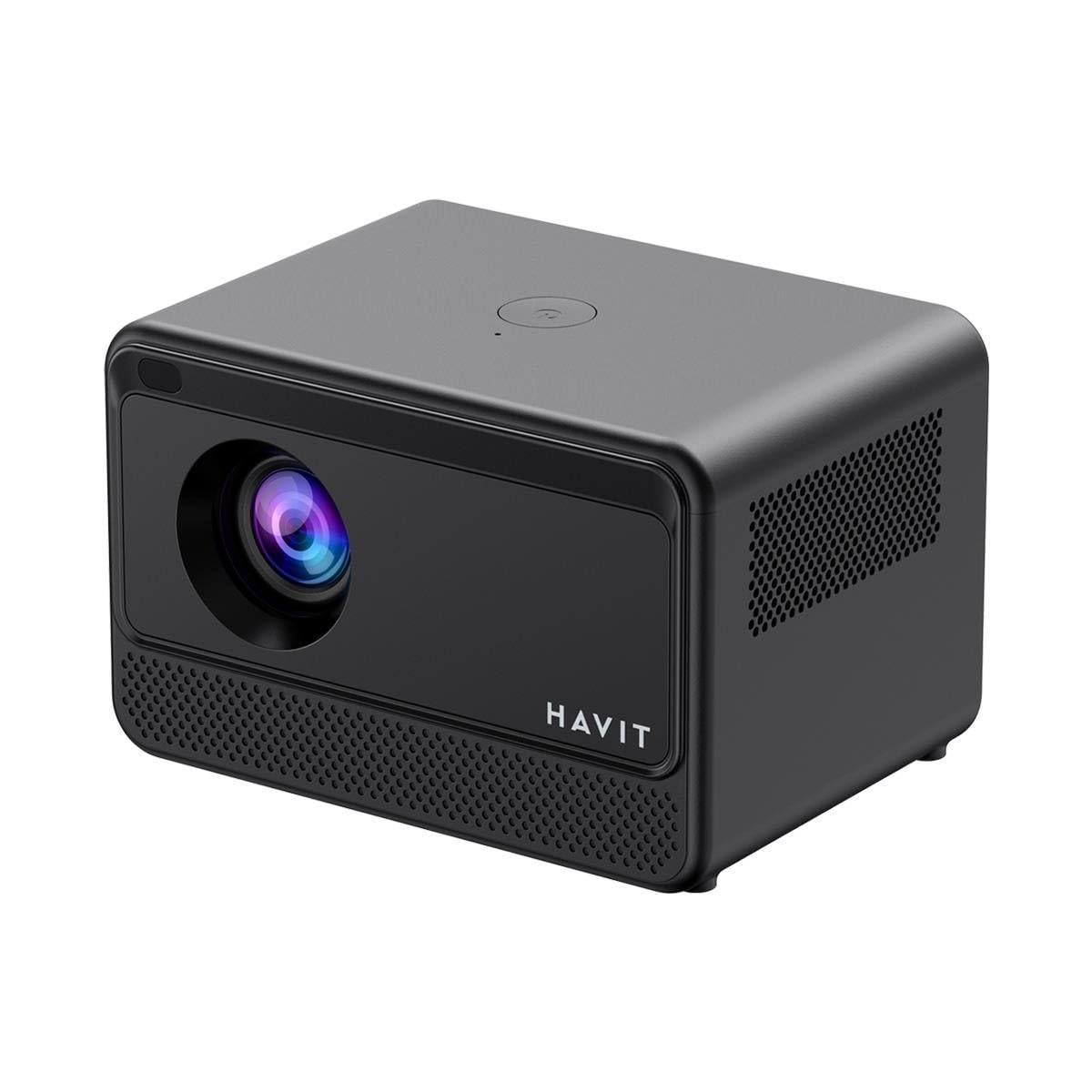
Beeld: Agter en sykant view of the HAVIT PJ211 PRO projector, highlighting the power input, HDMI, USB, and audio ports.

Beeld: Voorkant view of the HAVIT PJ211 PRO projector, showing the projection lens and front grille.
Poorten en Beheer:
- Kragtoevoer: Koppel aan die kragadapter.
- HDMI-poort: Vir die koppeling van eksterne videobronne soos skootrekenaars, speletjiekonsoles of Blu-ray-spelers.
- USB-poorte: Vir die koppeling van USB-bergingstoestelle om media te speel files or connect peripherals.
- AV-invoer: Vir die koppeling van ouer toestelle met behulp van 'n AV-kabel.
- 3.5 mm oudio-aansluiting: Vir die koppeling van eksterne luidsprekers of oorfone.
- Kragknoppie: Located on the top panel for turning the projector on/off.
4. Opstelling
4.1 Plasing
Position the projector on a stable, flat surface. Ensure there is adequate ventilation around the device. The optimal projection distance ranges from 1 to 4 meters, yielding a screen size between 32 and 150 inches.
4.2 Kragverbinding
- Koppel die kragkabel aan die projektor se kragtoevoerpoort.
- Steek die ander kant van die kragkabel in 'n geskikte elektriese aansluiting.
4.3 Aanvanklike aanskakeling
Press the power button on the projector or the remote control to turn on the device. The projector will boot up and display the Android TV interface.
4.4 Fokus- en Keystone-korreksie
The PJ211 PRO features semi-auto focus and semi-auto keystone correction. The projector will attempt to adjust these settings automatically upon startup or movement. Fine-tuning can be done via the on-screen menu if needed.
4.5 Netwerkverbinding
To access online content, connect the projector to a Wi-Fi network.

Image: Illustration showing the projector's support for both 2.4G and 5G dual-band Wi-Fi connections, indicating improved transmission rates and smoother online viewing with 5G.
- Navigate to the 'Settings' menu on the Android TV interface.
- Kies 'Netwerk en internet'.
- Kies jou verlangde Wi-Fi-netwerk uit die lys.
- Enter the password if prompted and confirm the connection. The projector supports 2.4G and 5G dual-band Wi-Fi for stable connectivity.
5. Bedryfsinstruksies
5.1 Android TV 9.0-koppelvlak
The projector runs on Android TV 9.0, providing access to various applications and streaming services. Use the remote control to navigate the interface, select apps, and adjust settings.
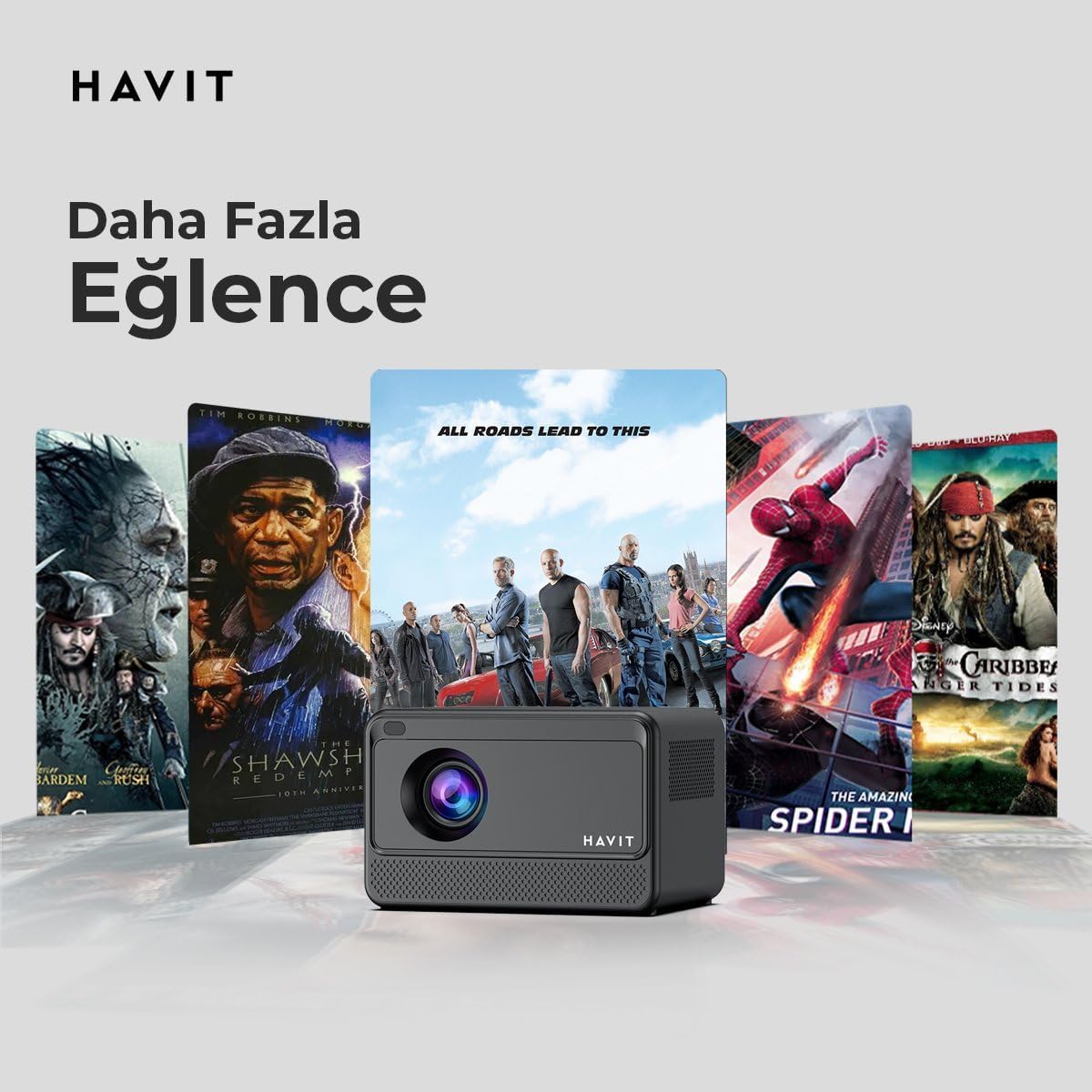
Image: The HAVIT PJ211 PRO projector displaying a selection of popular streaming service icons, illustrating its 'More Entertainment' capability through Android TV.
5.2 Eksterne Toestelle Koppel
You can connect various external devices to the projector:
- HDMI: Connect a device (e.g., laptop, game console) using an HDMI cable. Select the HDMI input source from the projector's input menu.
- USB: Insert a USB drive into a USB port. The projector's media player will typically detect the drive, allowing you to browse and play supported media files.
- VAN: Use an AV cable to connect compatible devices. Select the AV input source.
- Oudio-uitvoer (3.5 mm-aansluiting): Connect external speakers or headphones for enhanced audio. The projector has a built-in 3W speaker for standard audio output.
6. Onderhoud
6.1 Skoonmaak
- Lens: Gebruik 'n sagte, pluisvrye lap wat spesifiek vir optiese lense ontwerp is. Moenie skuurmiddels of lappe gebruik nie.
- Buitekant: Vee die buitekant van die projektor af met 'n sagte, droë lap. Vermy die gebruik van vloeibare skoonmaakmiddels direk op die toestel.
- Ventilasie: Maak seker dat die ventilasie-openinge vry van stof en obstruksies is om oorverhitting te voorkom.
6.2 Lamp Lewe
Die LED lamp in your PJ211 PRO projector has an estimated life of 30,000 hours, providing long-term reliability under normal usage conditions.
7. Probleemoplossing
Indien u probleme met u projektor ondervind, raadpleeg die volgende algemene probleme en oplossings:
| Probleem | Moontlike oorsaak | Oplossing |
|---|---|---|
| Geen prent word vertoon nie | Power cable disconnected, incorrect input source, lens cap on. | Check power connection, select correct input source (HDMI, USB, AV), remove lens cap. |
| Beeld is vaag | Uit fokus, verkeerde projeksieafstand. | Adjust focus manually via settings, ensure projector is within 1-4 meters of screen. |
| Geen klank nie | Volume too low, external speakers not connected properly, audio settings. | Increase volume, check external speaker connection, verify audio output settings. |
| Wi-Fi-verbindingskwessies | Verkeerde wagwoord, routerprobleme, seinsteuring. | Re-enter Wi-Fi password, restart router, ensure projector is within Wi-Fi range. |
8. Spesifikasies
Detailed technical specifications for the HAVIT Smart Life Series PJ211 PRO projector:

Image: A visual representation of the HAVIT PJ211 PRO projector's specifications, including system, resolution, projection distance, brightness, and connectivity.
- Vertoon tegnologie: LCD
- Inheemse resolusie: 1280 720 x XNUMX (HD)
- Ondersteunde resolusie: Tot 3840 x 2160 (4K)
- Helderheid: Over 5000 lumens (180+ ANSI lumens)
- Kontrasverhouding: 1500:1
- Aspekverhouding: 16:9 / 4:3
- Projeksie afstand: 1 – 4 meter
- Skermgroottereeks: 32 – 150 duim
- Fokus verstelling: Semi-Auto Focus
- Keystone-korreksie: Semi-Auto Keystone
- Ingeboude luidspreker: 3W
- Bedryfstelsel: Android TV 9.0
- Draadlose konneksie: Wi-Fi (2.4G/5G Dual-Band)
- Invoerpoorte: HDMI, USB, AV, 3.5mm audio jack
- Lamp Tipe: LED
- Lamp Lewe: 30,000 uur
- Kragverbruik: 65 W
- Item gewig: 2.3 kilogram
- Kleur: Swart
9. Waarborg en Ondersteuning
9.1 Waarborginligting
The HAVIT Smart Life Series PJ211 PRO projector comes with a 1-jaar waarborg vanaf die aankoopdatum. Hierdie waarborg dek vervaardigingsdefekte en wanfunksies onder normale gebruik. Bewaar asseblief u bewys van aankoop vir waarborgeise.
9.2 Kliëntediens
For technical assistance, troubleshooting beyond this manual, or warranty inquiries, please contact HAVIT customer support through their official website or the retailer where the product was purchased. Please have your model number (PJ211 PRO) and purchase details ready when contacting support.