
MEZE AUDIO BoomMic
MEZE AUDIO Boom Mic Instruksiehandleiding
Model: BoomMic
Handelsmerk: MEZE AUDIO
Inleiding
The MEZE AUDIO Boom Mic is an omnidirectional, plug-and-play microphone designed to transform your existing headphones into a high-quality headset. Ideal for gaming, remote work, and online communication, it offers clear audio and convenient controls. This manual provides essential information for setup, operation, maintenance, and troubleshooting to ensure optimal performance of your Boom Mic.

Image: The MEZE AUDIO Boom Mic, showcasing its omnidirectional microphone, flexible arm, in-line controls, and dual 3.5mm male connectors.
Opstelling
Follow these steps to set up your MEZE AUDIO Boom Mic:
- Identify Headphone Inputs: Ensure your headphones have dual 3.5mm (1/8 inch) inputs. The Boom Mic is compatible with Meze Audio products such as the 99 Classics, 99 NEO, 109 PRO, and LIRIC 2nd Generation, as well as other headphones with dual 3.5mm inputs.
- Koppel aan oorfone: Insert the two 3.5mm male TS mono connectors from the Boom Mic cable into the corresponding left and right 3.5mm inputs on your headphones.
- Koppel aan toestel: Plug the single 3.5mm male connector from the Boom Mic's in-line control unit into the 3.5mm jack output of your device (e.g., computer, gaming console controller, smartphone, DAC, DAP, headphone amp).
- Using the Y Splitter: If your device requires separate microphone and headphone inputs, use the included Y splitter. Connect the Boom Mic's single 3.5mm connector to the Y splitter, then connect the splitter's microphone and headphone plugs to the respective ports on your device.
- Plaas die mikrofoon: Adjust the flexible boom arm to position the omnidirectional microphone optimally for clear vocal pickup, typically near the corner of your mouth.

Image: The MEZE AUDIO Boom Mic connected to a pair of headphones, illustrating the dual 3.5mm TS mono input connectors and the 2.5m (8.2ft) cable length.

Image: Visual representation of the Boom Mic's compatibility with various 3.5mm jack output devices, including Headphone Amps, DACs, DAPs, MP3/MP4 players, iPads, PCs, Laptops, and Smartphones.
Bedryfsinstruksies
The MEZE AUDIO Boom Mic is designed for intuitive operation:
- Stemhelderheid: The omnidirectional microphone is engineered for vocal precision, ensuring your voice is reproduced with crystal clear audio quality during calls, gaming sessions, or recordings.
- In-line Mute Control: Locate the mute switch on the in-line control clip. Toggle this switch to instantly mute or unmute your microphone. This is useful for privacy or when you don't wish to transmit audio.
- Roterende volumebeheer: Use the rotary dial on the in-line control clip to adjust the output volume of your headphones. Turn the dial clockwise to increase volume and counter-clockwise to decrease it.
- Aansoeke: The Boom Mic is optimized for various uses, including:
- Speletjies: Communicate effectively with teammates, ensuring your commands and discussions are heard clearly.
- Remote Work/Conferences: Participate in virtual meetings and video calls with pristine audio quality, making sure you are heard without distortion.

Beeld: 'n Nabyskoot view of the omnidirectional microphone head, designed for optimizing vocal precision.
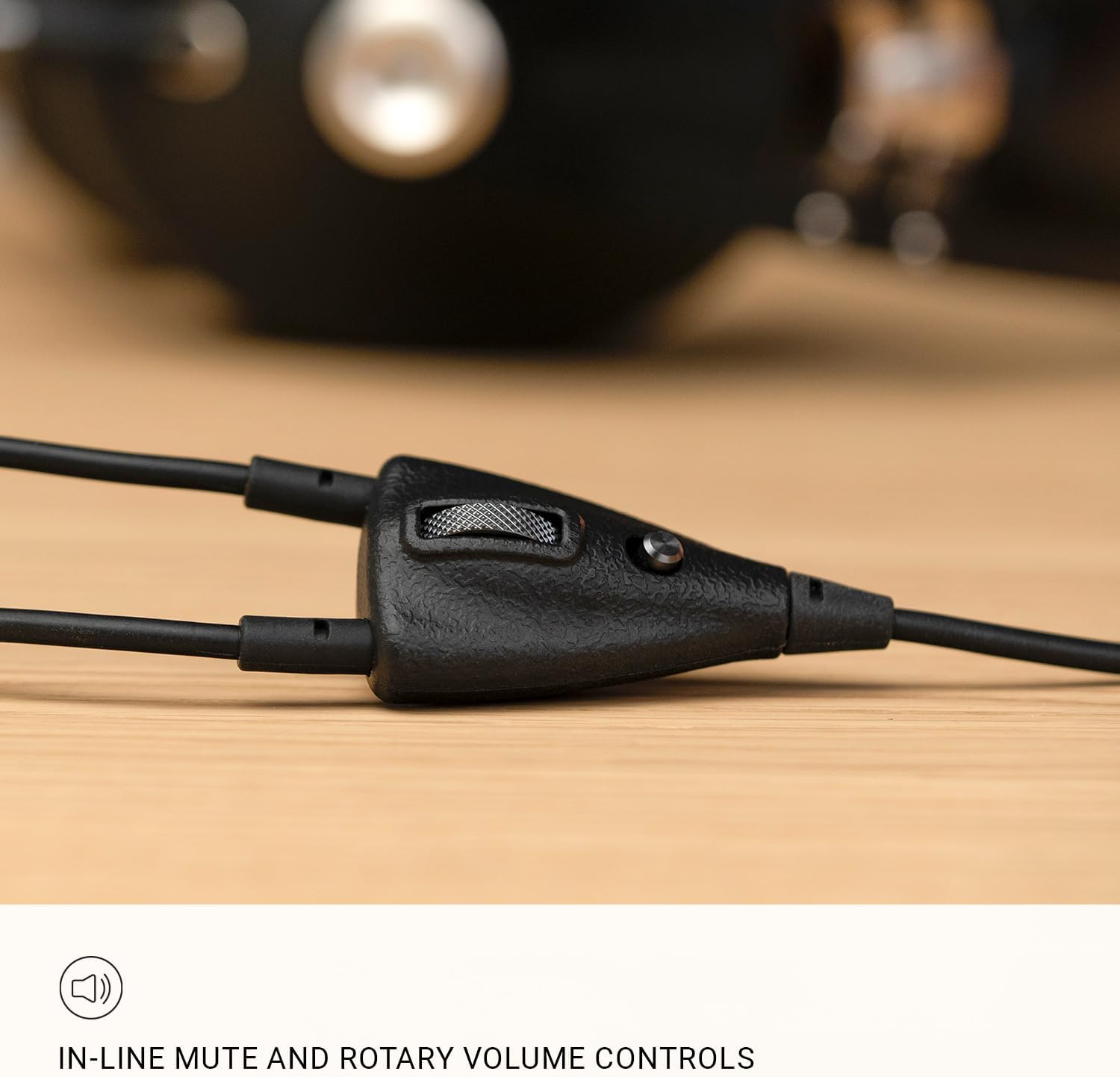
Beeld: 'n Gedetailleerde view of the in-line control clip, featuring the mute button and rotary volume control for easy adjustments.
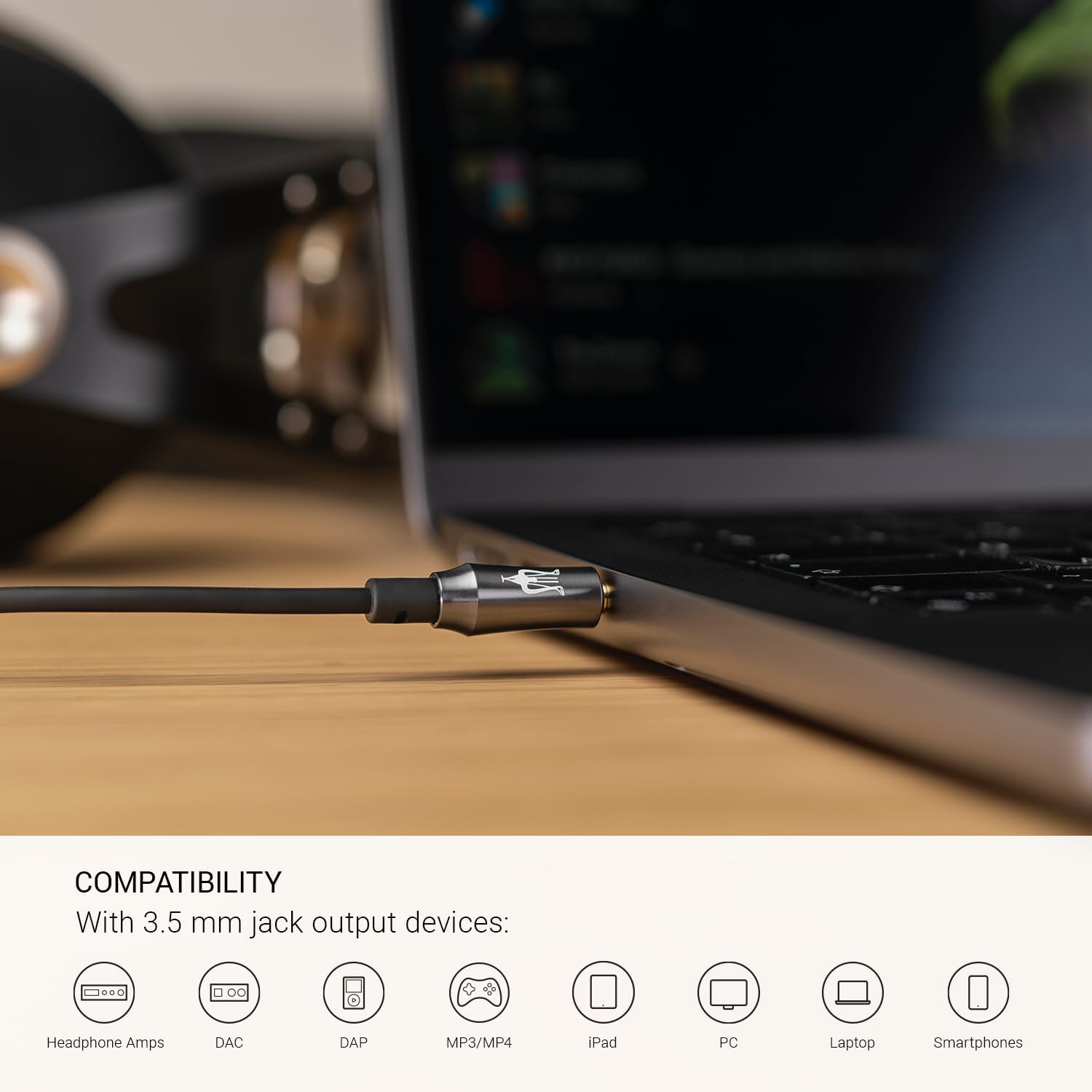
Image: A user wearing headphones with the MEZE AUDIO Boom Mic attached, engaged in gaming, demonstrating its suitability for gaming communication.
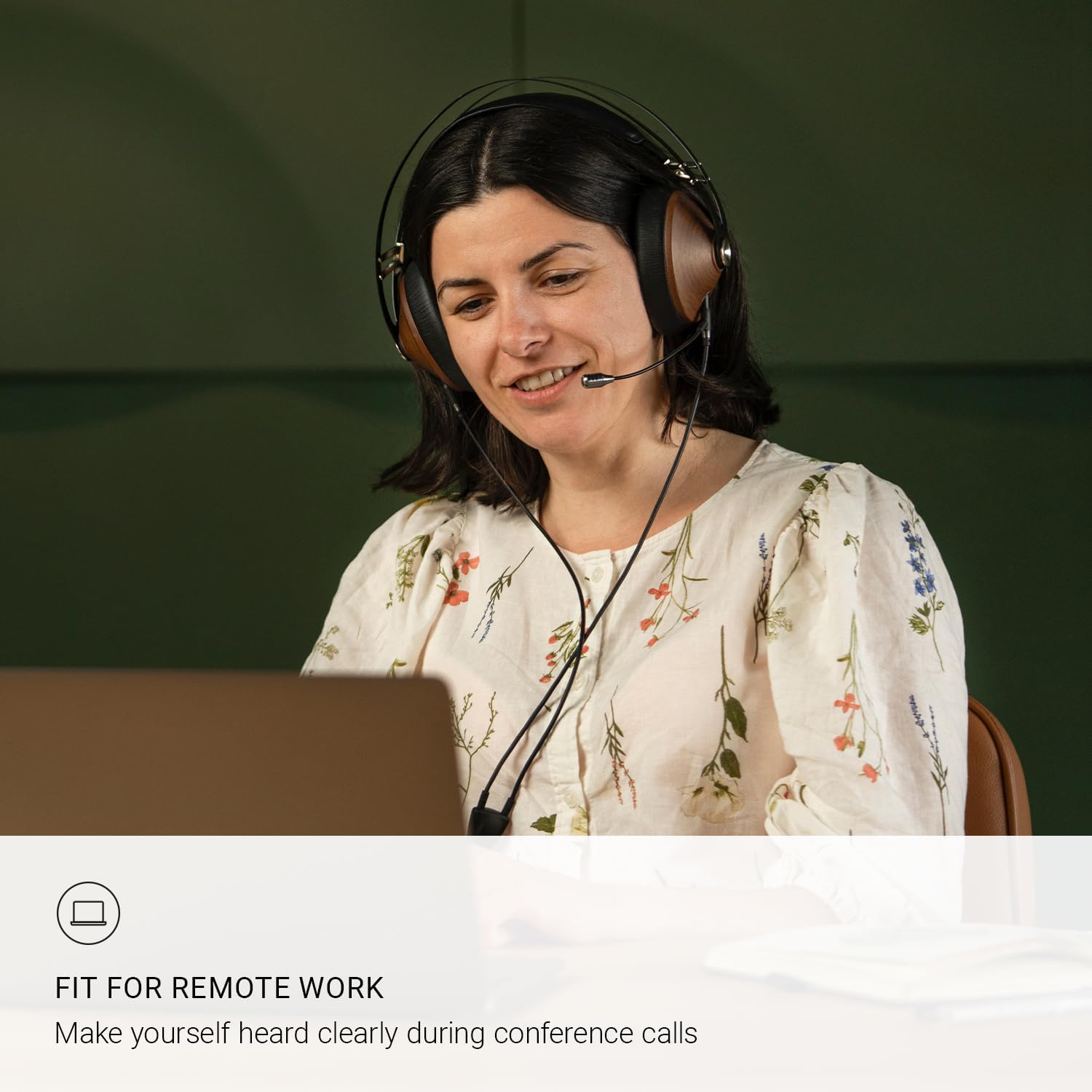
Image: A user wearing headphones with the MEZE AUDIO Boom Mic attached, participating in a remote work conference call, highlighting its utility for clear communication in professional settings.
Onderhoud
Proper care will extend the life and performance of your MEZE AUDIO Boom Mic:
- Skoonmaak: Use a soft, dry cloth to gently wipe the microphone, cable, and control unit. Avoid using harsh chemicals, solvents, or abrasive materials, as these can damage the finish or internal components.
- Berging: When not in use, store the Boom Mic in a clean, dry place away from extreme temperatures, humidity, and direct sunlight. Avoid tightly coiling the cable to prevent kinks or damage.
- Hantering: Handle the microphone and connectors with care. Avoid pulling on the cable to disconnect it; always grasp the plug itself. Do not bend the boom arm excessively beyond its intended flexibility.
Probleemoplossing
If you encounter issues with your MEZE AUDIO Boom Mic, try the following troubleshooting steps:
- No Sound from Microphone:
- Ensure the mute switch on the in-line control is not engaged.
- Verify all 3.5mm connectors are fully inserted into both your headphones and the audio device.
- Check your device's audio settings to ensure the correct microphone input is selected and its volume is not set to zero or muted.
- If using the Y splitter, ensure it is correctly connected to the microphone and headphone ports on your device.
- Poor Audio Quality / Buzzing Noise:
- Ensure the microphone is positioned correctly and not too far from your mouth.
- Kyk vir enige los verbindings.
- Test the microphone with a different device to rule out issues with your primary audio source.
- Reduce the microphone input gain on your device if distortion occurs.
- Ensure there are no strong electromagnetic interference sources nearby.
- Volumebeheer werk nie:
- Ensure the rotary volume control on the in-line clip is not at its minimum setting.
- Check your device's system volume settings.
- Headphones Not Receiving Audio:
- Verify the 3.5mm connectors are securely plugged into both headphone inputs.
- Ensure the main 3.5mm connector is fully inserted into your audio source.
- Check your device's audio output settings and volume levels.
Indien hierdie stappe nie die probleem oplos nie, verwys asseblief na die Ondersteuningsafdeling vir verdere hulp.
Spesifikasies
| Kenmerk | Detail |
|---|---|
| Mikrofoonvormfaktor | Koptelefoon |
| Itemafmetings (L x B x H) | 6.26 x 4.45 x 1.26 duim |
| Kragbron | Elektries met koord |
| Aantal kanale | 1 |
| UPC | 698596028258 |
| Item Modelnommer | BoomMic |
| Grootte | 3.5 mm Boom Mic |
| Aanbevole gebruike | Speletjies |
| Handelsmerk | MEZE AUDIO |
| Model Naam | Boem Mic |
| Verbindingstegnologie | Hulp |
| Connector Tipe | 3.5 mm-aansluiting |
| Spesiale kenmerk | Condenser omnidirectional microphone |
| Versoenbare toestelle | Koptelefoon |
| Ingesluit komponente | Cable with built in Microphone |
| Polêre patroon | Omnirigting |
| Item gewig | 3.2 onse |
Waarborg en Ondersteuning
Waarborginligting:
For detailed information regarding the warranty coverage for your MEZE AUDIO Boom Mic, please refer to the warranty card included with your product packaging or visit the official MEZE AUDIO webwebwerf. Waarborgbepalings en -voorwaardes kan per streek en kleinhandelaar verskil.
Kliëntediens:
If you require technical assistance, have questions about your product, or need to report an issue, please contact MEZE AUDIO customer support through their official channels. You can typically find contact information, FAQs, and support resources on the MEZE AUDIO webwebwerf:
- MEZE AUDIO Official Webwebwerf: www.mezeaudio.com
- MEZE AUDIO Amazon Store: Visit the MEZE AUDIO Store on Amazon
Please have your product model number (BoomMic) and purchase details ready when contacting support.
Ask a question about this manual
Ask about setup, troubleshooting, compatibility, parts, safety, or missing instructions. Manuals+ will review the question and use this page’s manual context to help answer it.