
1. Inleiding
The Apple iPad Air 11-inch (M2) is a versatile and powerful tablet designed for a wide range of tasks, from productivity to entertainment. It features a Liquid Retina display, the M2 chip for enhanced performance, advanced cameras, and robust connectivity options.

Image: The Apple iPad Air 11-inch (M2) in its blue finish, showcasing sy slanke ontwerp.
Sleutel kenmerke:
- M2 Chip: Provides powerful performance for demanding applications and graphics-intensive games.
- Vloeibare retina-skerm: An 11-inch display with P3 wide color, True Tone, and ultralow reflectivity for vibrant and accurate visuals.
- Gevorderde kameras: Includes a landscape 12MP Ultra Wide front camera with Center Stage and a 12MP Wide back camera for photos and 4K video.
- Wi-Fi 6E: Ensures fast and reliable wireless connections.
- Raak ID: Integrated into the top button for secure authentication and Apple Pay.
- iPadOS: Offers intuitive multitasking, Apple Pencil support, and a vast App Store ecosystem.
Wat is in die boks:
- iPad Air
- USB-C-laaikabel (1 m)
- 20W USB-C kragadapter
2. Aanvanklike Opstelling
Follow these steps to set up your new iPad Air:
- Krag aan: Hou die boonste knoppie ingedruk totdat die Apple -logo verskyn.
- Aanvanklike konfigurasie: Volg die instruksies op die skerm om jou taal en streek te kies en aan 'n Wi-Fi-netwerk te koppel.
- Data-oordrag (opsioneel): If you have a previous iPad or iPhone, you can transfer your data during setup.
- Apple ID: Sign in with your Apple ID or create a new one. This is essential for downloading apps, using iCloud, and other Apple services.
- Touch ID Setup: Configure Touch ID by placing your finger on the top button as prompted.
- Wagkode: Create a strong passcode for additional security.
- Sagteware-opdaterings: Ensure your iPadOS is up to date for the best performance and latest features.
3. Bediening van jou iPad Air
Vertoning en interaksie
The 11-inch Liquid Retina display offers a vibrant visual experience. It supports P3 wide color for accurate hues, True Tone for automatic white balance adjustment, and features ultralow reflectivity for comfortable viewin verskillende beligtingstoestande.

Image: The iPad Air display showcasing its vibrant Liquid Retina technology.
Performance with M2 Chip
The integrated M2 chip allows for seamless multitasking and efficient handling of demanding applications. You can run multiple apps simultaneously, edit high-resolution videos, and play graphics-intensive games without performance degradation. The M2 chip also contributes to the iPad Air's all-day battery life.
iPadOS Features
iPadOS enhances the iPad Air's capabilities:
- Multitasking: Use Split View or Slide Over to work with multiple apps at once. Stage Manager provides resizable, overlapping apps and external display support for advanced multitasking.
- Scribble: With Apple Pencil, write in any text field, and your handwriting will automatically convert to typed text.
- App Store: Access over a million apps designed specifically for iPad, including essential apps like Safari, Messages, and Keynote.
Apple Pencil Pro and Magic Keyboard
Enhance your productivity and creativity with compatible accessories:

Image: The iPad Air being used with an Apple Pencil Pro for creative tasks.
- Apple Pencil Pro: Transforms your iPad Air into a digital canvas and note-taking device. It offers advanced features for precision and control. Apple Pencil (USB-C) is also compatible.
- Magiese sleutelbord: Provides a comfortable typing experience with a built-in trackpad. It also serves as a protective cover for your iPad Air.

Image: The iPad Air connected to the Magic Keyboard, ready for typing and productivity.
Kameras
The iPad Air features a landscape 12MP Ultra Wide front camera, ideal for video conferencing with Center Stage, which keeps you automatically framed. The 12MP Wide back camera is suitable for capturing high-quality photos and 4K videos.

Image: A close-up of the iPad Air's camera, highlighting its capabilities.
Konnektiwiteit
With Wi-Fi 6E, the iPad Air offers fast wireless connections for quick transfers of photos, documents, and large video files. The USB-C connector allows for versatile connections to external displays and other accessories.
Security with Touch ID
Touch ID is integrated into the top button, providing a secure and convenient way to unlock your iPad Air, sign in to apps, and authorize purchases with Apple Pay using your fingerprint.
Apple Intelligensie
Apple Intelligence is a personal intelligence system designed to assist with writing, expression, and task completion. It incorporates groundbreaking privacy protections to ensure your data remains secure.

Image: The iPad Air screen showing a graphic related to Apple Intelligence.
4. Onderhoud
Batterylewe
The iPad Air is designed for all-day battery life. To optimize battery performance, ensure your iPadOS is updated, adjust screen brightness, and manage background app refresh settings.
Cleaning Your iPad Air
To clean your iPad Air, use a soft, lint-free cloth. Avoid abrasive materials, aerosols, solvents, or ammonia-based cleaners. For the screen, a slightly damp cloth is usually sufficient. Do not submerge the device in water.
Sagteware-opdaterings
Regularly check for and install iPadOS updates to ensure your device has the latest features, security enhancements, and performance improvements. Go to Instellings > Algemeen > Sagteware-opdatering.
5. Probleemoplossing
Algemene kwessies en oplossings:
- iPad Not Responding: If your iPad is unresponsive, try a force restart. Press and quickly release the volume up button, press and quickly release the volume down button, then press and hold the top button until the Apple logo appears.
- Wi-Fi-verbindingskwessies: Ensure Wi-Fi is enabled in Settings. Try restarting your Wi-Fi router and your iPad. Forget the network and reconnect.
- Programme wat vasval of vries: Close and reopen the app. If the issue persists, check for app updates in the App Store or reinstall the app.
- Battery dreineer vinnig: Review battery usage in Settings > Battery to identify power-hungry apps. Reduce screen brightness and disable unnecessary background app refresh.
- Touch ID Not Working: Ensure your finger is clean and dry. Re-register your fingerprints in Settings > Touch ID & Passcode.
For more complex issues, refer to Apple's official support resources or contact Apple Support.
6. Spesifikasies
| Kenmerk | Detail |
|---|---|
| Produk afmetings | 9.74 x 7.02 x 0.24 duim |
| Item gewig | 1.02 pond |
| Item Modelnommer | MUWR3LL/A |
| Batterye | 1 Litium-ioonbatterye benodig (ingesluit) |
| Handelsmerk | Appel |
| Model Naam | iPad Air |
| Geheue berging kapasiteit | 1 TB |
| Skerm grootte | 11 duim |
| Maksimum vertoonresolusie | 2360-by-1640 pixel resolution at 264 ppi |
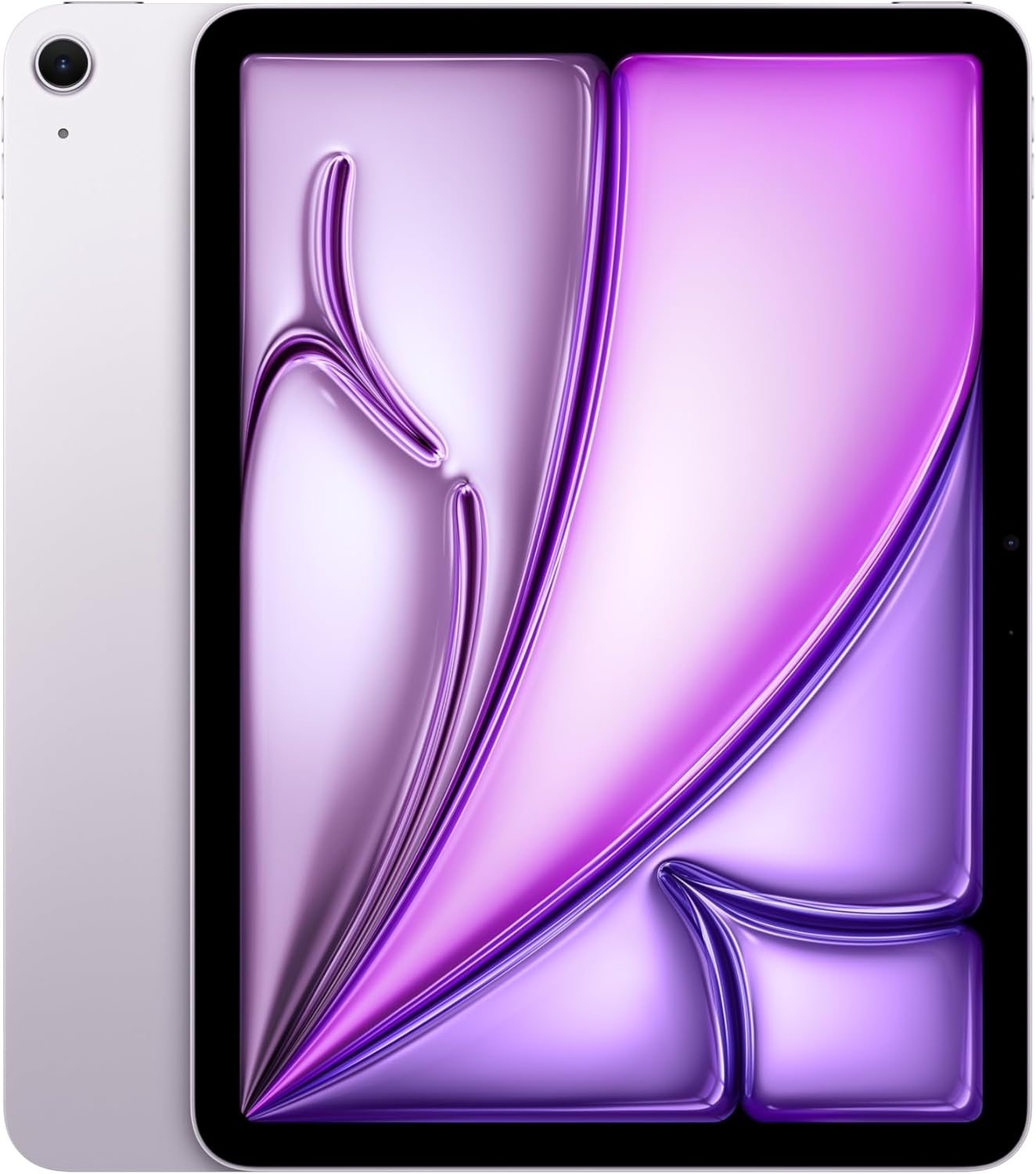
Beeld: Syprofiles of the iPad Air in various colors, highlighting its slim design.
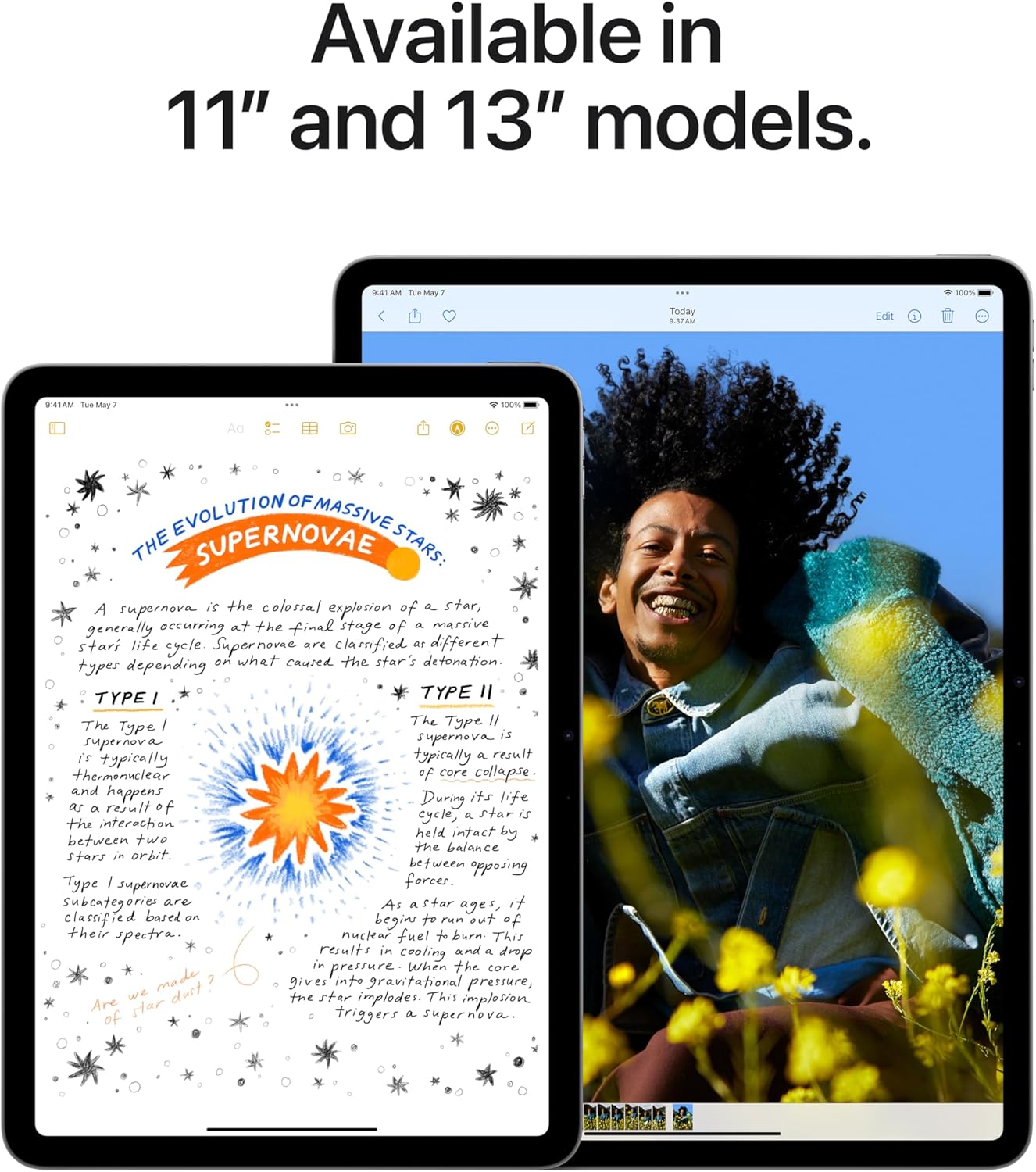
Image: Comparison of the 11-inch and 13-inch iPad Air models, showing their respective screen sizes.
7. Waarborg en Ondersteuning
AppleCare+
AppleCare+ provides extended warranty coverage and technical support for your iPad Air. It includes hardware service options and technical support from Apple experts. For details on coverage and terms, please refer to the AppleCare+ documentation or Apple's official webwebwerf.
Video: 'n Oorview of AppleCare+ benefits, including repair and replacement services for your iPad Air.
Amptelike Apple-ondersteuning
For further assistance, visit the official Apple Support website or contact Apple directly. You can find resources, FAQs, and contact information for technical support and service inquiries.
Regsvoorwaardes
This manual provides a summary of product features. Apple Intelligence will be available in beta on iPad with M1 and later, with Siri and device language set to U.S. English, as part of iPadOS 18 this fall. Features and availability may vary by region and software version. Accessories are sold separately.
Video: 'n Promosievideovertoningasing the key features and capabilities of the new iPad Air.