
GoorDik J3
GoorDik Wireless Lavalier Microphone User Manual
Model: J3
Inleiding
This manual provides detailed instructions for the GoorDik Wireless Lavalier Microphone (Model J3), designed for high-quality audio recording with iOS devices.
Wat is ingesluit
- 2 Wireless Microphone Transmitters
- 1 Wireless Microphone Receiver
- 2 Extra Foam Mic Covers
- 2 Mic Furry Windscreen Muffs

Image: The complete GoorDik Wireless Lavalier Microphone set, showcasing the two transmitters with furry wind screens, the receiver, and additional foam mic covers.
Opstelgids
Charging the Transmitters
Each transmitter contains a 60mAh battery. Use the included one-to-two charging cable to charge both transmitters simultaneously. A full charge takes approximately 1.5 hours. The receiver does not require charging.
Koppel aan u toestel
The receiver features a Lightning connector. Plug the receiver directly into the Lightning port of your iPhone or iPad.
Note: This microphone set is compatible with iPhone 14/13/11 and earlier models with a Lightning port. It is not compatible with iPhone 15 or any devices with a USB-C port.
Aanskakel en saambind
Once the receiver is plugged in, press the "on" button on each transmitter. The transmitters and receiver will automatically pair. Indicator lights on the transmitters will confirm pairing status.

Image: Showing the pairing process: Step 1 illustrates the receiver plugged into a phone, Step 2 shows a transmitter clipped to clothing, and Step 3 displays the transmitter and receiver connected with green indicator lights.
Bedryfsinstruksies
Heg die mikrofoon aan
Each microphone transmitter is equipped with a rotatable clip, allowing you to attach it securely to your clothing for optimal omni-directional sound pickup.

Image: Close-up image of the microphone transmitter showing its rotatable clip, highlighting its 360-degree adjustability for flexible positioning.
Noise Reduction Modes
The microphone features advanced active denoise technology with dual noise reduction modes:
- Geraasverminderingsmodus: Activates advanced DSP noise cancellation for clear audio in noisy environments.
- Original Sound Mode: Captures audio with minimal processing, ideal for controlled environments.
The package includes 2 furry mic windscreen muffs and 4 foam mic covers to further reduce wind noise and improve audio clarity.
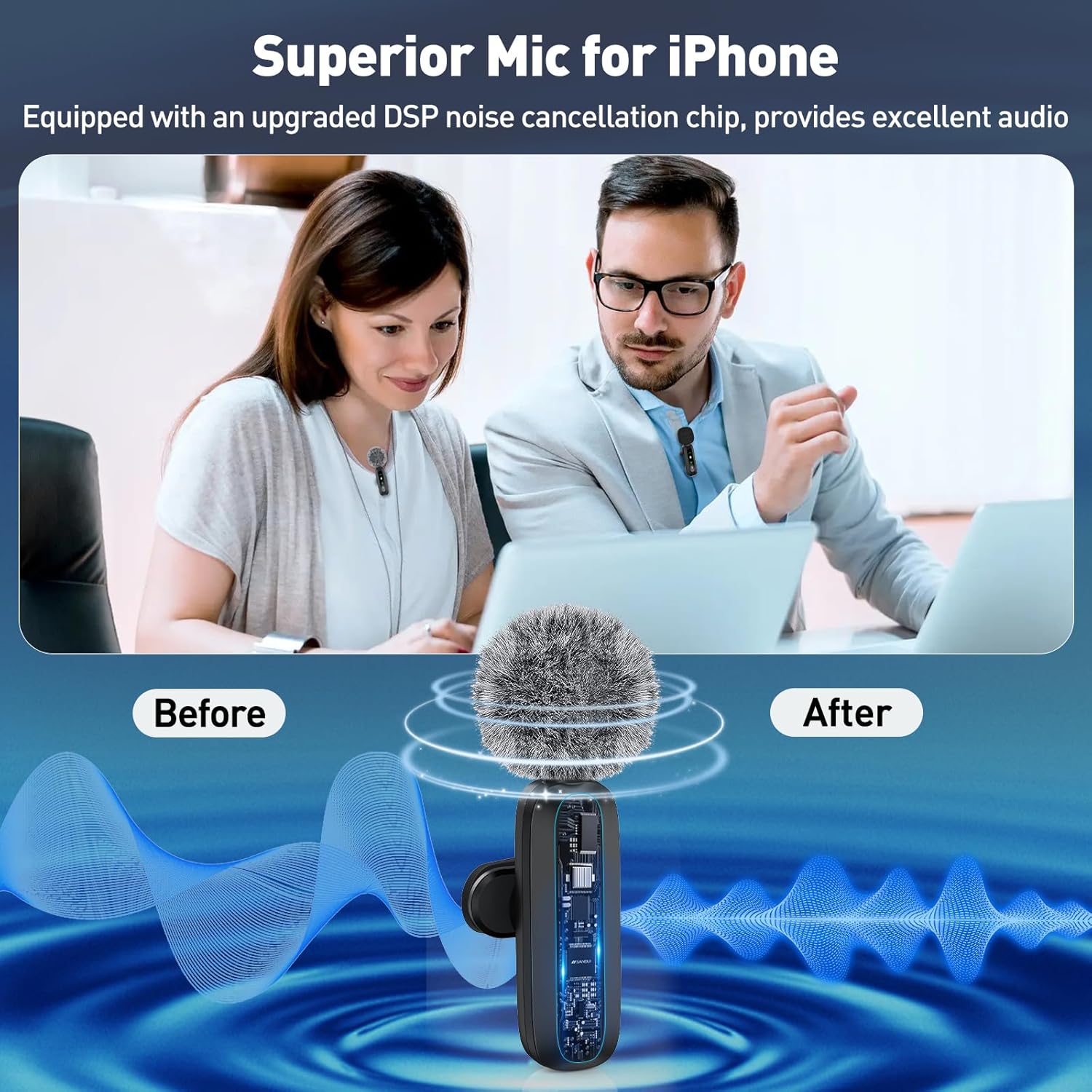
Image: Illustrating the superior sound quality with noise cancellation, showing a 'Before' and 'After' comparison of audio waveforms to demonstrate the effect of the DSP noise cancellation chip.
Batterylewe en laai
Each transmitter provides 6-12 hours of usage on a single charge. The receiver has a USB-C charging port to allow simultaneous phone charging during recording, ensuring uninterrupted operation.

Image: Depicting two microphone transmitters with a clock background, indicating 6 hours of recording per transmitter and up to 12 hours when alternating, emphasizing extended usage time.
Gebruik Scenario's
The GoorDik wireless microphone offers a wireless range of up to 20 meters (65 feet), making it suitable for various recording scenarios:
- Poduitsendings
- Video-opnames
- Regstreekse uitsendings
- Vlogs
- YouTube video's
- TikTok short videos
- Voice-over recordings
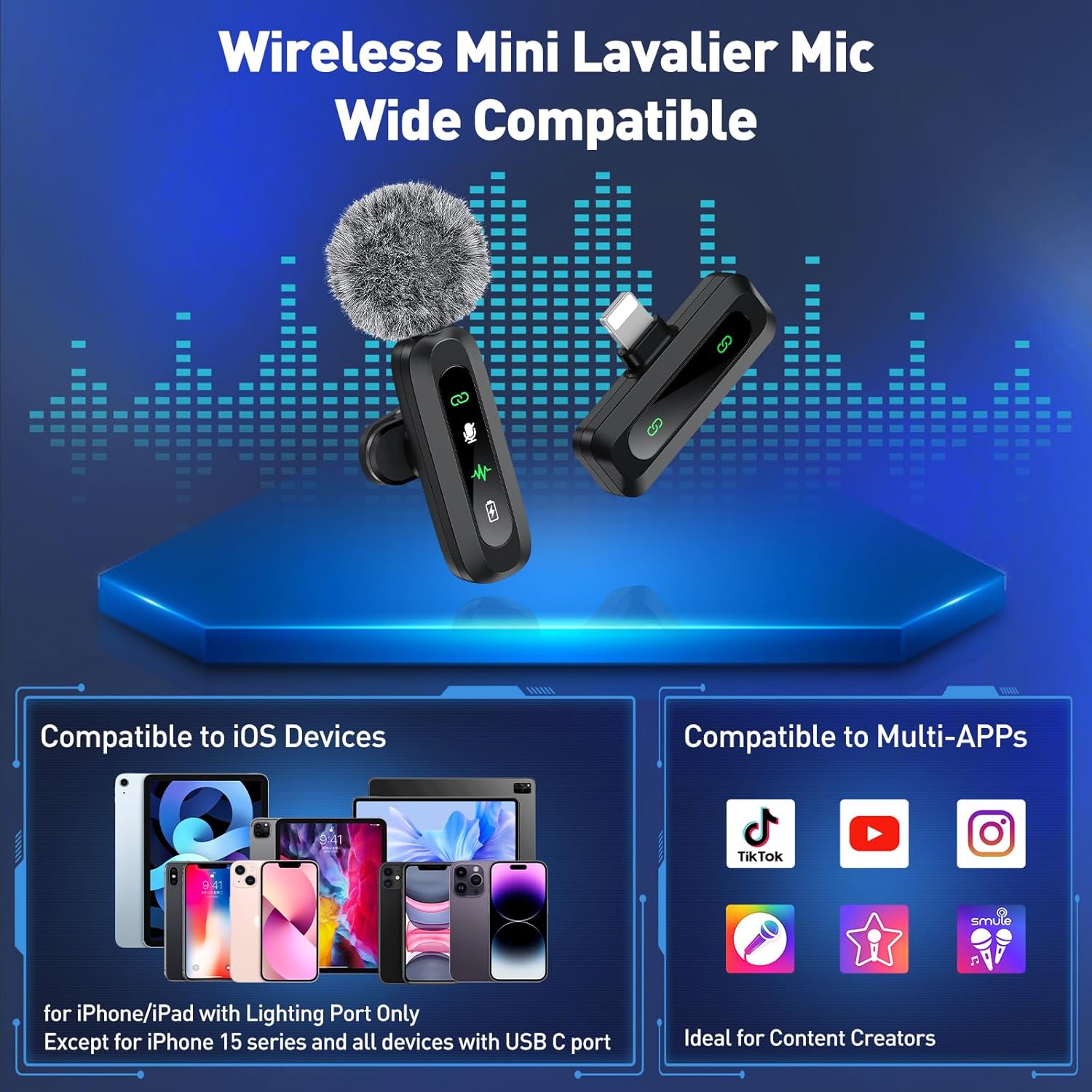
Image: Showing a person recording outdoors with the microphone, demonstrating the 65-foot wide range transmission capability for remote video recording without interference.
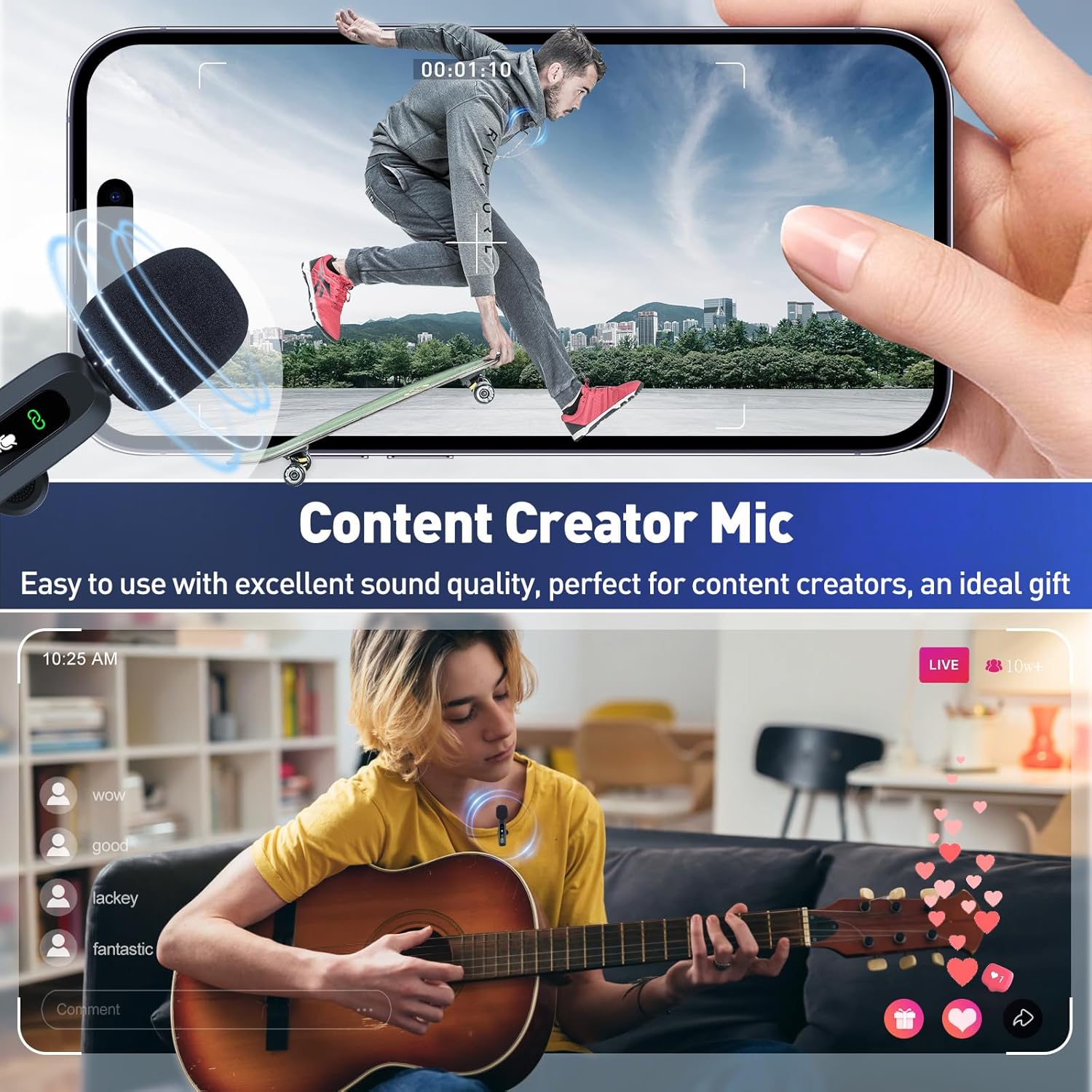
Image: Showing various content creation scenarios, including a person recording a video while skateboarding and another playing guitar and live streaming, highlighting the microphone's versatility and ease of use for content creators.
Sorg en Onderhoud
To ensure the longevity and optimal performance of your GoorDik Wireless Lavalier Microphone, follow these guidelines:
- Keep the microphones and receiver clean and dry. Avoid exposure to moisture or extreme temperatures.
- Store the components in a protective case when not in use to prevent damage.
- Regularly clean the foam mic covers and furry windscreens. Replace them if they become worn or damaged to maintain sound quality.
- Use only the provided charging cable to charge the transmitters.
Probleemoplossing
| Probleem | Moontlike oorsaak | Oplossing |
|---|---|---|
| No Sound/Low Volume | Mikrofoon nie aangeskakel nie. | Ensure the transmitter is turned on and the indicator light is green. |
| No Sound/Low Volume | Ontvanger nie behoorlik gekoppel nie. | Ensure the receiver is fully plugged into your device's Lightning port. |
| No Sound/Low Volume | Microphone not paired. | Check indicator lights; if not green, power cycle both transmitter and receiver. |
| Poor Sound Quality/Background Noise | Noise reduction mode not active or insufficient. | Activate noise reduction mode. Use the included furry windscreens or foam covers in windy or noisy environments. |
| Poor Sound Quality/Background Noise | Microphone too far from source or obstructed. | Ensure microphone is clipped close to the sound source and within the 20-meter range. |
| Toestel nie versoenbaar nie | Using an incompatible device. | This mic set is only compatible with iPhone/iPad with Lightning Port. It does not work with iPhone 15 or USB-C devices. |
Tegniese spesifikasies
| Kenmerk | Detail |
|---|---|
| Handelsmerk | GoorDik |
| Modelnommer | J3 |
| Verbindingstegnologie | Draadloos |
| Connector Tipe | Weerlig |
| Mikrofoonvormfaktor | Lavalier |
| Polêre patroon | Omnirigting |
| Maksimum frekwensie | 20 KHz |
| Minimum frekwensie | 20 Hz |
| Wireless Range | Tot 20 meter (65 voet) |
| Kragbron | Battery aangedrewe |
| Battery Tipe | Litiumioon (2 ingesluit) |
| Sender Battery Kapasiteit | 60mAh (elk) |
| Batterylewe | 6-12 hours per transmitter |
| Materiaal | Plastiek, vlekvrye staal |
| Itemafmetings (L x B x H) | 5.2 x 3.82 x 0.67 duim |
| Item gewig | 2.12 onse (60 gram) |
| Versoenbare toestelle | Smartphone, Tablet (iOS devices with Lightning port only, excluding iPhone 15 and USB-C devices) |
| Spesiale kenmerke | Battery Indicator Light, Rotatable Clip, Mute Function, Noise Reduction |
Waarborg en Ondersteuning
Waarborg inligting
Please refer to the product packaging or the official GoorDik webwebwerf vir spesifieke waarborgbesonderhede en -bepalings.
Kliënte ondersteuning
For technical assistance, troubleshooting, or product inquiries, please contact GoorDik customer support through their official webwebwerf of die platform waar die produk gekoop is.
Besoek die GoorDik Store vir meer inligting.
Ask a question about this manual
Ask about setup, troubleshooting, compatibility, parts, safety, or missing instructions. Manuals+ will review the question and use this page’s manual context to help answer it.