
1. Inleiding
The BTECH BS-22 Wireless Speaker Microphone is designed to provide seamless and clear communication with your BTECH GMRS-PRO and UV-PRO series radios. This device offers enhanced control and customization of your radio settings, ensuring reliable and uninterrupted communication in various environments. Its rugged, weatherproof design and efficient charging capabilities make it suitable for both outdoor adventures and professional use.
2. Wat is in die boks
- BS-22 Bluetooth Speaker Mic
- Gebruikershandleiding
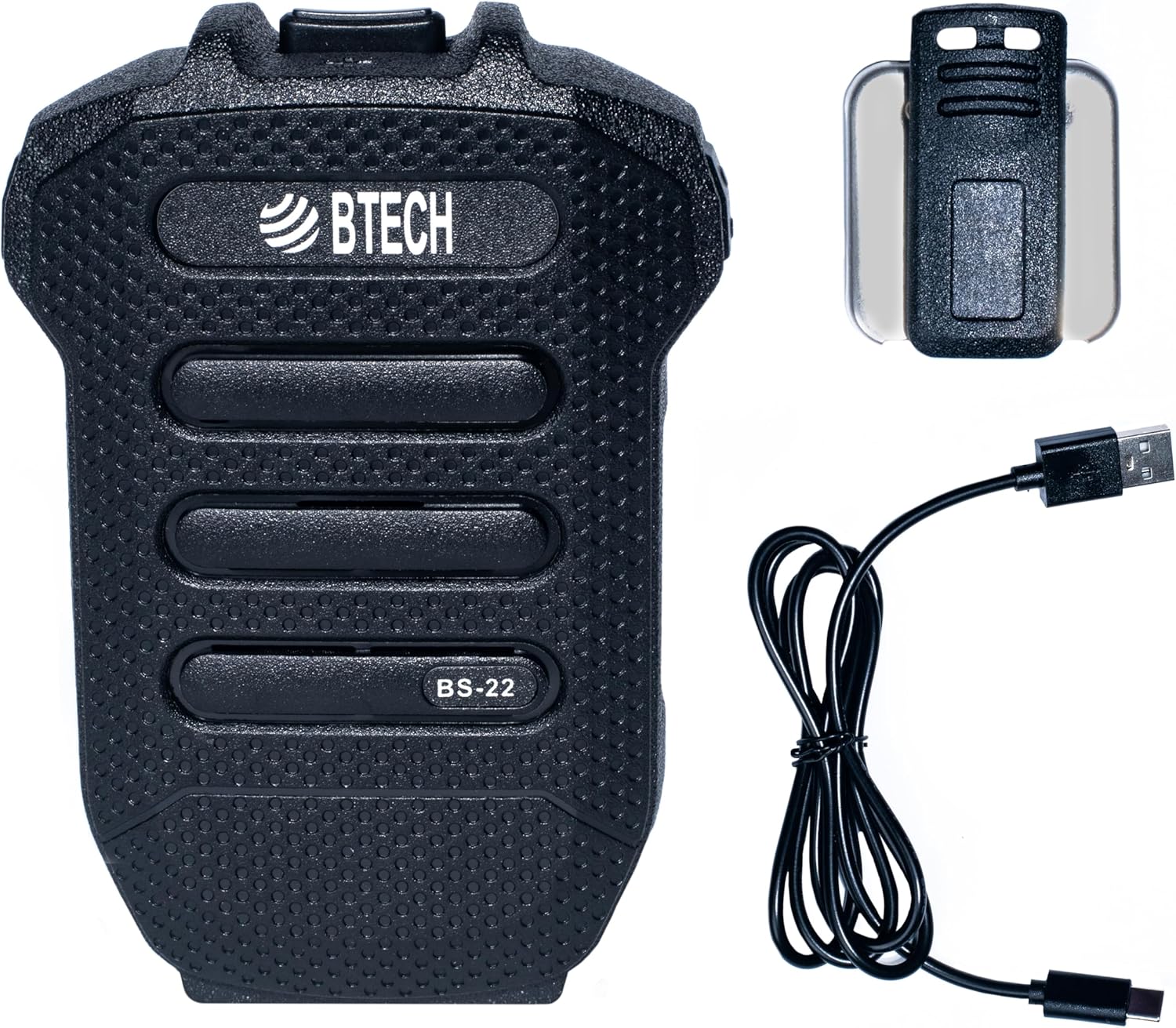
Image 1: BTECH BS-22 Wireless Speaker Mic with included detachable clip and USB-C charging cable.
3. Produk verbyview en kenmerke
The BS-22 Wireless Speaker Mic integrates several key features for optimal performance:
- Effortless Wireless Integration: Seamlessly connects to BTECH GMRS-PRO and UV-PRO radios via Bluetooth for easy control and communication.
- Rapid USB-C Charging: Equipped with a USB-C port for quick and efficient power replenishment.
- Kristalhelder kommunikasie: Operates via Bluetooth, providing reliable, interference-free communication with clear audio.
- Rugged and Weatherproof: Designed with an IP54 rating, capable of withstanding harsh weather conditions.
- Ingeboude litiumbattery: Features a 1200 mAh, 3.7V lithium battery for extended use.

Image 2: The BS-22 Wireless Speaker Mic positioned next to a BTECH GMRS-PRO radio, symbolizing their wireless connection.

Image 3: The BS-22 Wireless Speaker Mic shown in splashing water, highlighting its weatherproof (IP54) capabilities.
4. Opstelinstruksies
4.1. Charging the BS-22
Before initial use, fully charge your BS-22 Wireless Speaker Mic. The device is equipped with a USB-C port for convenient charging.
- Connect the provided USB-C cable to the charging port on the BS-22.
- Connect the other end of the USB cable to a compatible USB power source (e.g., wall adapter, computer USB port).
- Die laai-aanwyserliggie sal rooi brand tydens laai.
- Sodra dit ten volle gelaai is, sal die aanwyserliggie groen word.
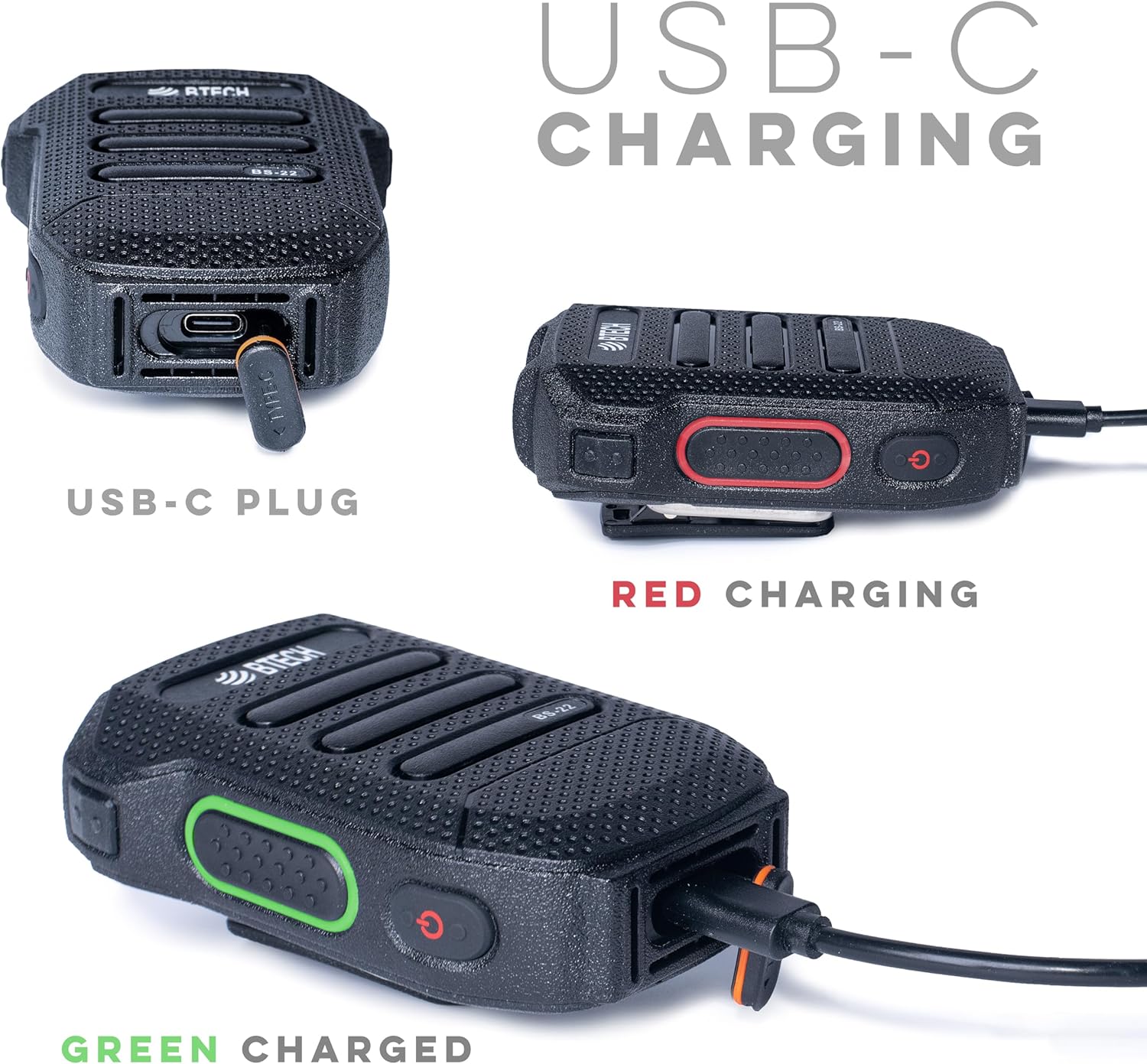
Beeld 4: Gedetailleerd views of the USB-C charging port and the red (charging) and green (charged) indicator lights.
4.2. Pairing with Your Radio
The BS-22 connects wirelessly to your BTECH GMRS-PRO or UV-PRO radio via Bluetooth.
- Ensure your BTECH radio's Bluetooth feature is enabled and in pairing mode. Refer to your radio's manual for specific instructions on enabling Bluetooth pairing.
- On the BS-22, perform a very quick double press of the side key to activate pairing mode. The device is designed to recognize a rapid double press as a distinct command.
- Look for auditory or visual feedback from the BS-22, such as a beep or a specific light pattern, indicating it has entered pairing mode.
- On your radio, select the BS-22 from the list of available Bluetooth devices to complete the pairing process.
Let wel: If the double press is too slow, the device might not register the command correctly, leading to pairing issues. Ensure the presses are rapid and decisive.
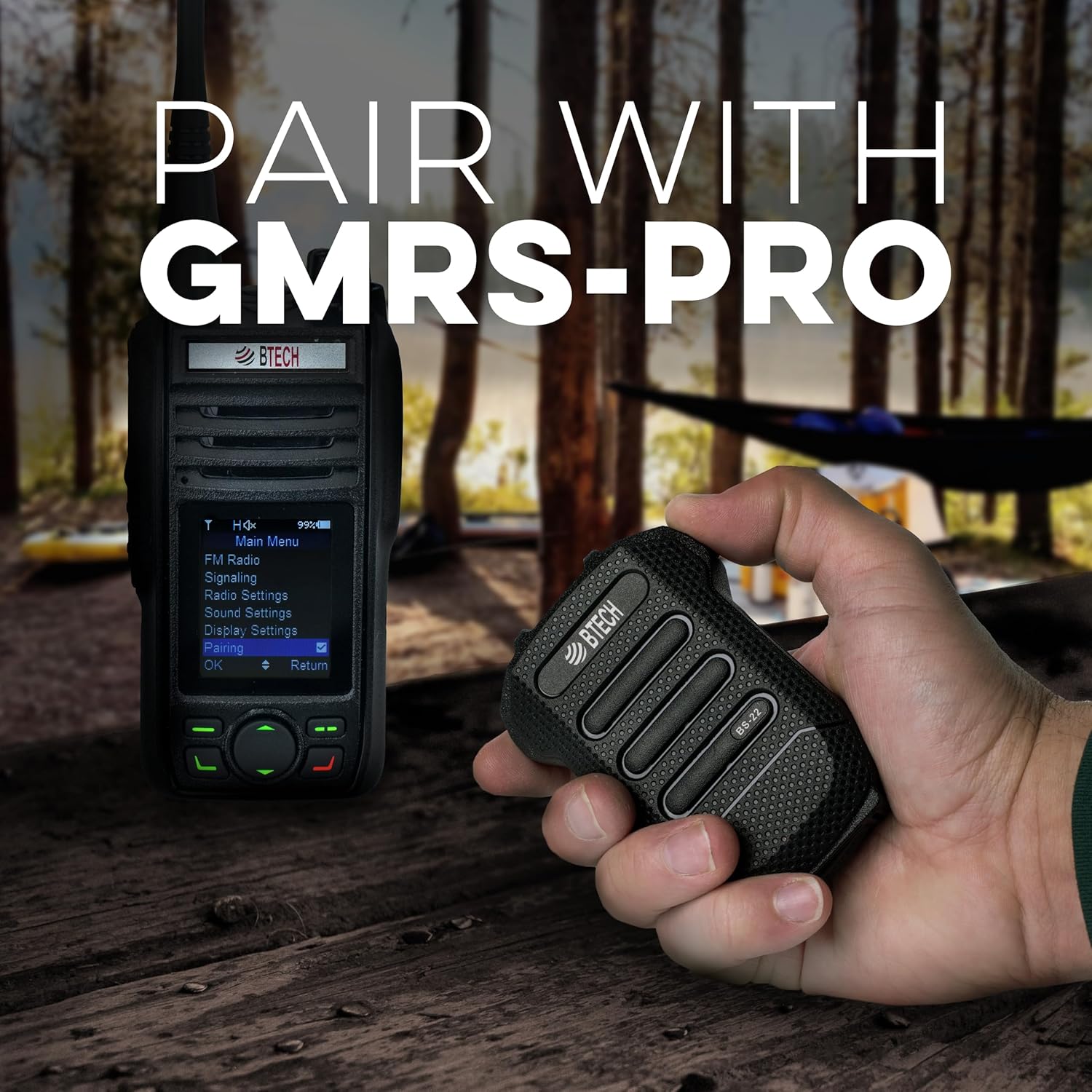
Image 5: Demonstrates the BS-22 being held near a GMRS-PRO radio, with the radio's screen showing the 'Pairing' option.
5. Bedryfsinstruksies
5.1. Push-to-Talk (PTT) Function
The large button on the front of the BS-22 serves as the Push-to-Talk (PTT) button.
- To transmit, press and hold the PTT button.
- Laat die PTT-knoppie los om die uitsending te stop en terug te keer na ontvangmodus.
5.2. Volumebeheer
The BS-22 features dedicated buttons for adjusting the speaker volume.
- Gebruik die Volume op button (typically P2) to increase the audio output.
- Gebruik die Volume af button (typically P1) to decrease the audio output.
5.3. Mute/Unmute Function
Om die mikrofoon te demp of te ontdemp:
- Voer a very quick double press of the side key to mute or unmute the microphone. This is the same action used for pairing.
- When the speaker is manually muted, the LED on the PTT button may slowly dim and brighten.
- To unmute the speaker if it was muted, a short click of the Volume Up (P2) button may be required.
6. Onderhoud
To ensure the longevity and optimal performance of your BS-22 Wireless Speaker Mic, follow these maintenance guidelines:
- Skoonmaak: Vee die toestel af met 'n sagte, damp lap. Vermy die gebruik van harde chemikalieë of skuur skoonmakers.
- Berging: Store the BS-22 in a cool, dry place away from direct sunlight and extreme temperatures.
- Waterblootstelling: While the device is weatherproof (IP54), avoid prolonged submersion in water. Ensure the USB-C port cover is securely closed when not charging to maintain water resistance.
- Batterysorg: Vir optimale batterylewe, vermy om die battery gereeld volledig te ontlaai. Laai die toestel gereeld, veral as dit vir 'n lang tydperk gestoor gaan word.
7. Probleemoplossing
If you encounter issues with your BS-22, refer to the following common troubleshooting steps:
7.1. Pairing Issues or Microphone Muted
If the device is not pairing or the microphone appears muted:
- Vinnige dubbeldruk: The most common solution is to ensure you are performing a very quick double press of the side key. If the double press is too slow, the device may not register the command for pairing or mute/unmute.
- Auditory/Visual Feedback: Listen for a beep or observe the LED indicator for confirmation that the device has recognized the double press.
- Radio Bluetooth: Confirm that your radio's Bluetooth is enabled and in pairing mode.
7.2. Speaker Mute/Unmute Behavior
If the speaker is muted and the LED is slowly fading on and out:
- A short click of the Volume Up (P2) button may unmute the speaker without changing the volume level.
7.3. Garbled Audio or Disconnection
If audio becomes garbled or the device disconnects:
- Reeks: Bluetooth range can be affected by obstacles and distance. Try reducing the separation between the BS-22 and your radio.
- Krag siklus: If audio remains unintelligible after moving closer, turn the BS-22 off and then on again to re-establish a clear connection.
8. Spesifikasies
| Kenmerk | Spesifikasie |
|---|---|
| Model Naam | BS-22 |
| Verbindingstegnologie | Bluetooth, Draadloos |
| Connector Tipe | USB-C |
| Kragbron | Batteryaangedrewe (1 litiumioonbattery benodig) |
| Battery kapasiteit | 1200 mAh, 3.7 V (Built-in) |
| Mikrofoonvormfaktor | Handheld |
| Polêre patroon | Eenrigting |
| Weerbestande gradering | IP54 |
| Item gewig | 1.5 onse |
| Produkafmetings (L x B x H) | 53 x 2 x 0.25 duim |
| UPC | 850004124505 |
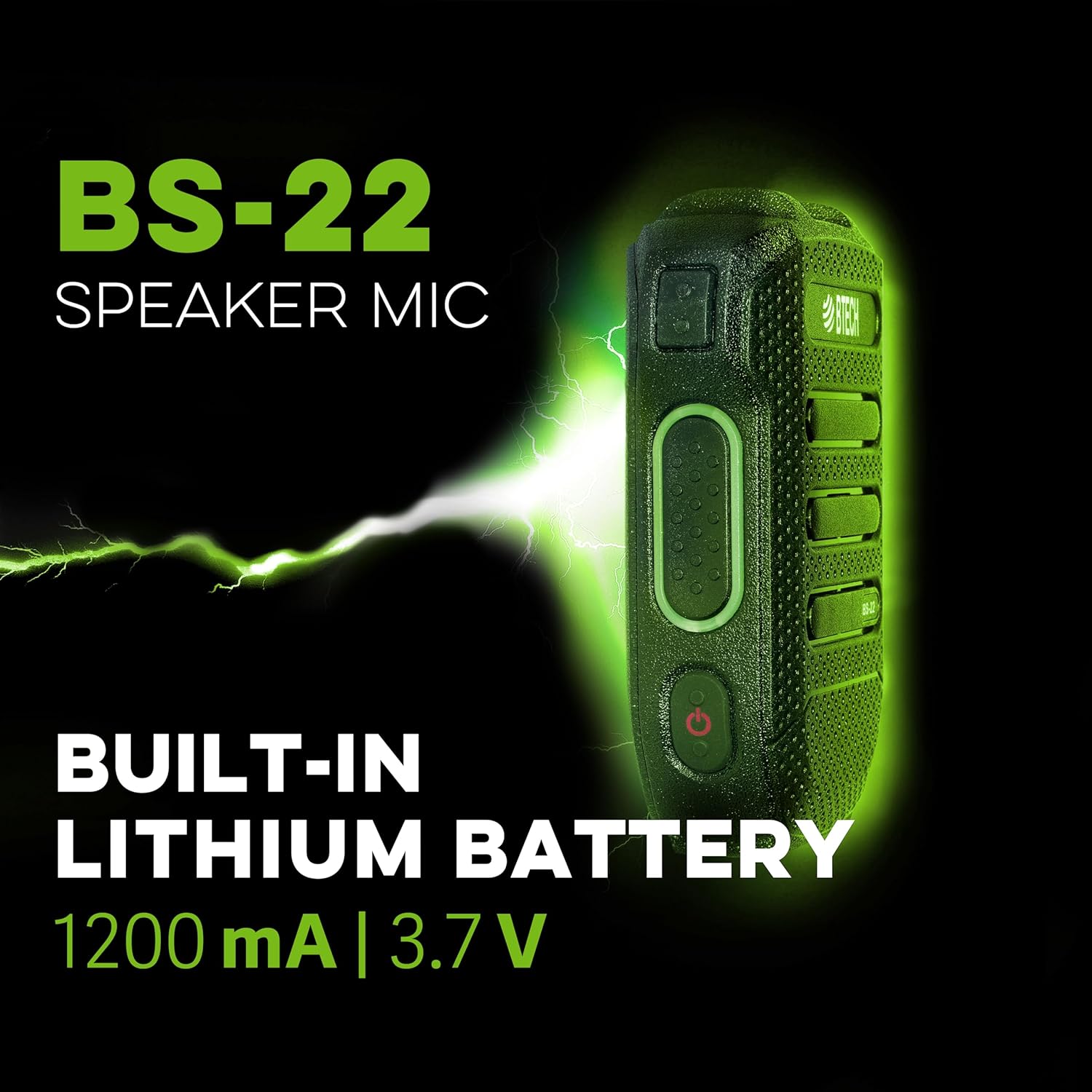
Beeld 6: 'n Syprofile of the BS-22 Speaker Mic, emphasizing its internal 1200 mAh, 3.7V lithium battery.
9. Waarborg en Ondersteuning
BTECH products are designed in the USA (South Dakota) and are backed by a real USA warranty and support. For any issues that may arise, local support is available.
For additional resources, including software downloads and video tutorials, please visit:
- Sagteware aflaai: https://baofengtech.com/download
- YouTube-tutoriale: https://www.youtube.com/c/Baofengtechradio