
IDAKODU T78
IDAKODU Bluetooth Headset DD97181-White-YC-150
Gebruikershandleiding
Inleiding
The IDAKODU T78 Wireless Bluetooth 5.0 Earbuds are designed to provide a superior audio experience with advanced features such as fast transmission speed, stable connectivity, and high-quality sound. This manual provides detailed instructions on how to set up, operate, and maintain your new earbuds.
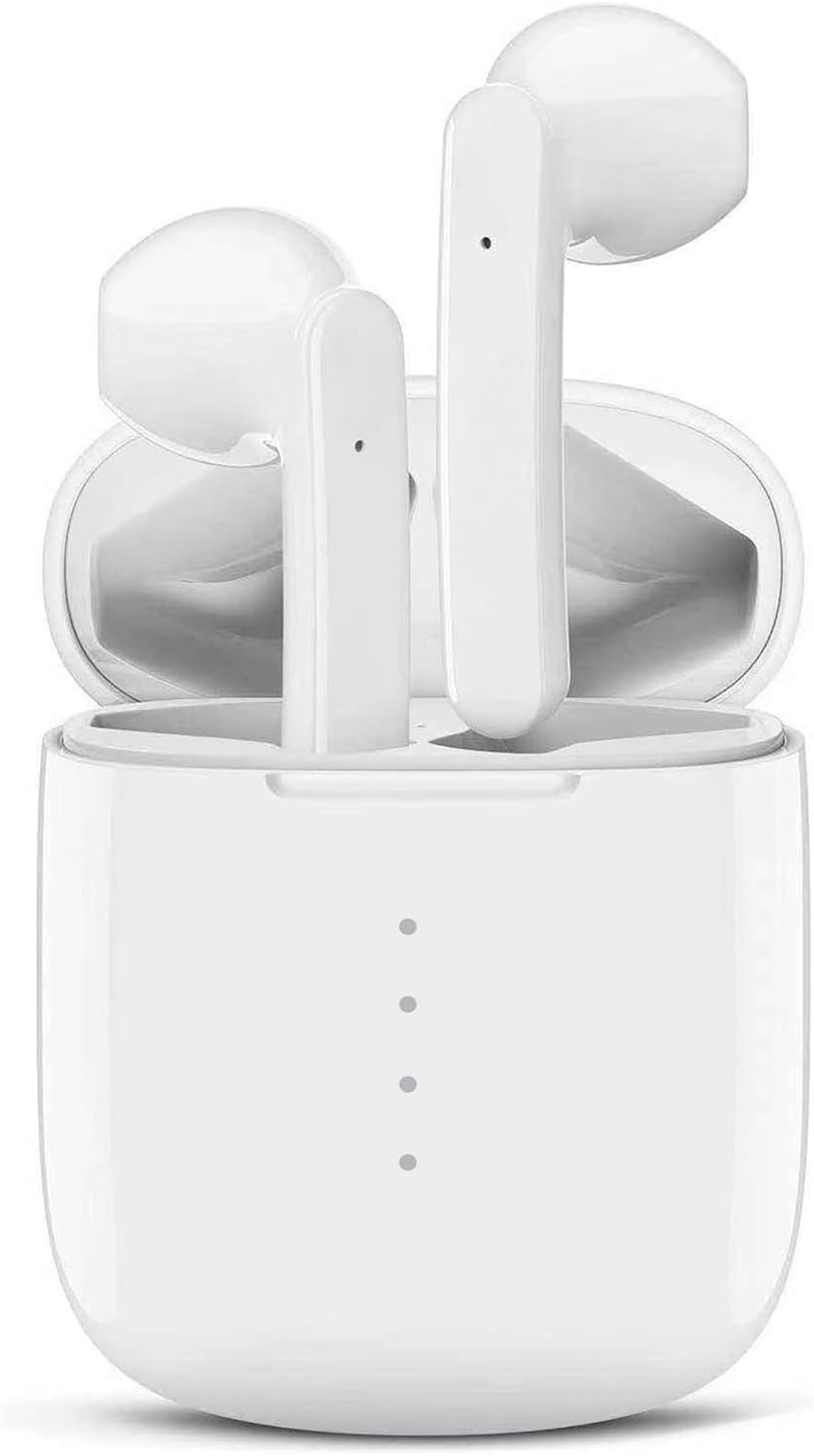
Image: The IDAKODU T78 Bluetooth Earbuds are shown resting inside their open white charging case, highlighting their compact and sleek design.
Pakketinhoud
Kontroleer asseblief die pakkie noukeurig om seker te maak dat alle items teenwoordig is:
- Wireless Earbud × 2 (Left and Right)
- Laaikas × 1
- USB Type C Data Cable × 1
- Gebruikershandleiding × 1
Spesifikasies
| Produknommer | T78 |
| Bluetooth weergawe | V5.0 + EDR |
| Wireless Range | 15 m (50 voet) |
| Laaikas batterykapasiteit | 350mAh |
| Oordopjes se batterykapasiteit | 30mAh |
| Werkstyd | 5 uur (enkele lading) |
| Totale speeltyd (met laaikas) | 30 uur |
| Laaityd (oordopjes) | 1 uur |
| Vinnige laai | 15 minutes charge for 2 hours use |
| Materiaal | Plastiek |
| Waterdigte gradering | IPX8 |
Opstelling en paring
The IDAKODU T78 earbuds feature an automatic pairing system for a hassle-free experience.
- Aanvanklike paring: Maak die laaikas oop. Die oorfone sal outomaties aanskakel en in paringsmodus gaan.
- Gaan na die Bluetooth-instellings op jou selfoon of Bluetooth-geaktiveerde toestel.
- Look for "T78" in the list of available devices and select it to connect.
- Once connected, the light on the left earbud will stop flashing, indicating a successful connection.
- Outomatiese herverbinding: After the initial pairing, the earbuds will automatically connect to the last paired device when you open the charging case.

Image: This illustration demonstrates the simple one-step pairing process: take the earbuds out of the case to pair, and put them back to charge. A smartphone screen shows "T78" connected in Bluetooth settings.
Operating and Controls
The IDAKODU T78 earbuds feature intuitive touch controls on each earbud, allowing you to manage music playback, calls, and voice assistants.
Aanraakbeheerfunksies:
- Enkelklik:
- Speel/onderbreek musiek: Click either earbud.
- Beantwoord oproep: Click either earbud.
- Bel oproep: Click either earbud.
- Activate Siri (iOS only): Click either earbud.
- 2-Second Press:
- Volgende liedjie: Druk en hou die Reg oordopjes vir 2 sekondes.
- Vorige liedjie: Druk en hou die Links oordopjes vir 2 sekondes.
- Verwerp oproep: Druk en hou enige oordopjes vir 2 sekondes.
- Switch Call (between phone and earbuds): Press and hold either earbud for 2 seconds during a call.
- Krag aan/af: Druk en hou enige oordopjes vir 2 sekondes.
- Volumebeheer:
- Verhoog volume: Dubbelklik op die Reg oordop.
- Verlaag volume: Dubbelklik op die Links oordop.
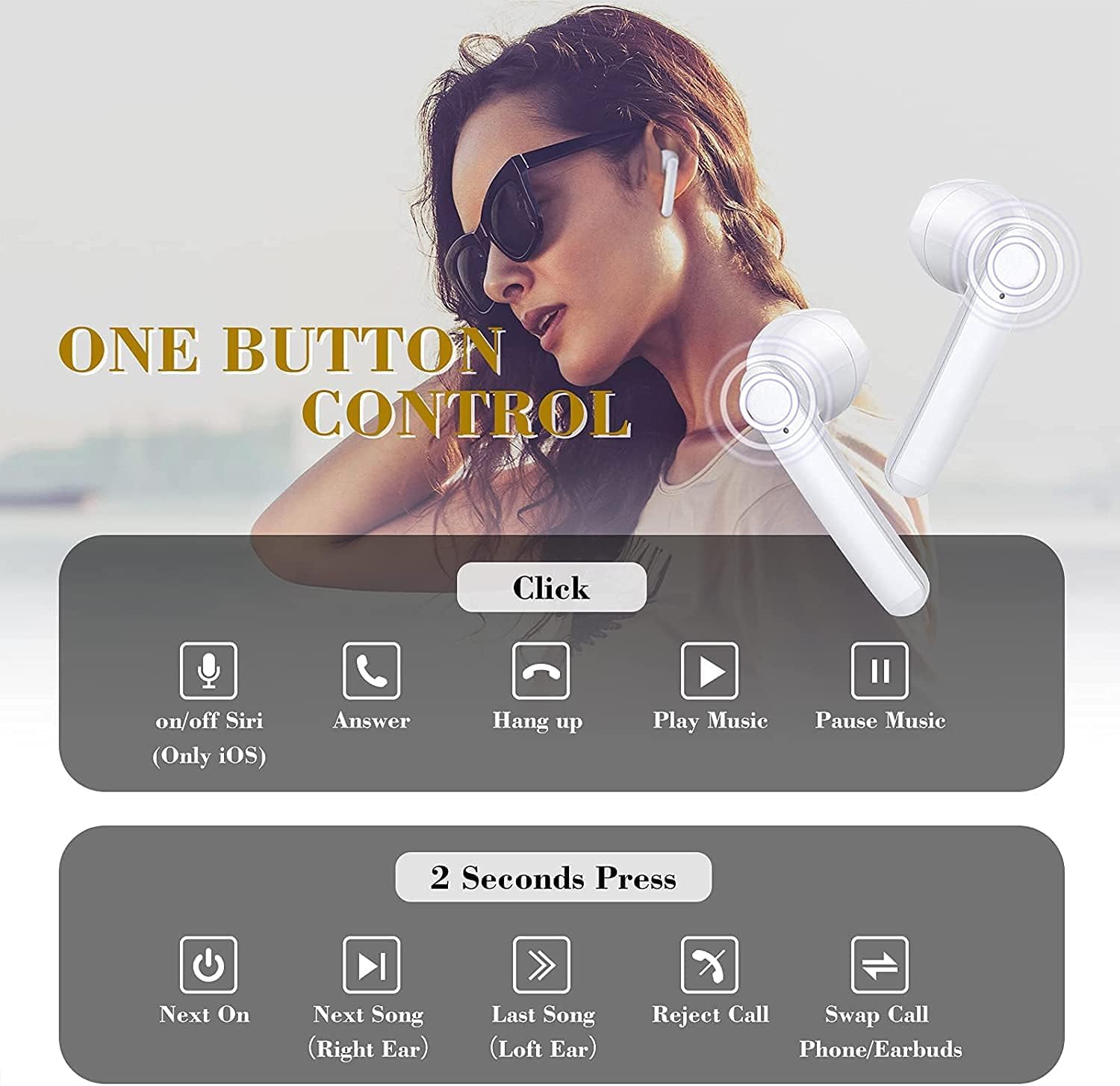
Image: This graphic illustrates the various touch control functions of the IDAKODU T78 earbuds, including single clicks for play/pause, answer/hang up calls, and Siri activation, and 2-second presses for next/previous song, rejecting calls, and power on/off.
Sound Quality and Compatibility
The IDAKODU T78 earbuds are engineered for superior audio performance and broad device compatibility.
Uitstekende klankgehalte:
Equipped with a built-in microphone, aptX audio coding, and CVC8.0 Noise Cancelling technology, these earbuds deliver crystal clear music with deep bass and clear definition. This technology also minimizes sound skipping and interruptions during calls, ensuring a high-quality audio experience.

Beeld: 'n Ontplofte view of an earbud's internal components, highlighting the speaker driver and sound technology responsible for crystal clear audio. Text overlays indicate 5 hours continuous playtime, 4 times full charge by charging case, and 25 hours extra long playtime.
Wye verenigbaarheid:
Thanks to Qualcomm Wireless Bluetooth 5.0, the T78 earbuds offer 2x faster transmission speed and a stable connection up to 50 feet (15 meters). They are widely compatible with various Bluetooth-enabled devices, including iPhones, Android phones, Samsung devices, iPads, tablets, laptops, and desktops.
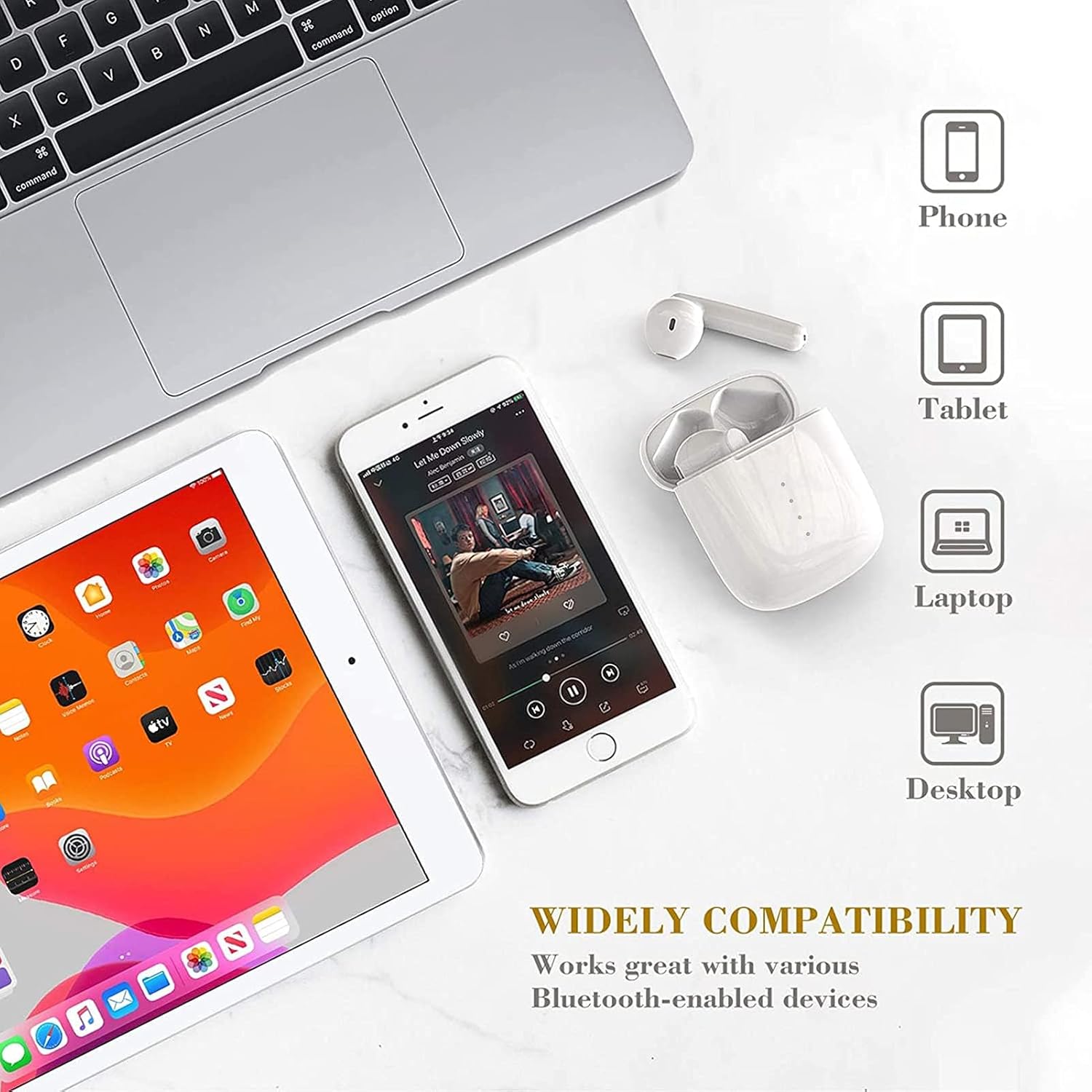
Image: This image showcases the wide compatibility of the IDAKODU T78 earbuds, depicting them alongside a smartphone, tablet, laptop, and desktop computer, indicating their ability to connect with various devices.
Battery en laai
The IDAKODU T78 earbuds offer extended playtime and convenient charging options.
- Speeltyd: Enjoy up to 5 hours of continuous use on a single charge. The charging case provides an additional 25 hours of playtime, totaling 30 hours.
- Laai: The earbuds fully charge in approximately 1 hour. The charging case can be fully charged via the fast charge USB-C cable in about 1 hour.
- Vinnige laai: 'n Vinnige 15-minuut-laai bied tot 2 uur se luistertyd.
Duursaamheid en ontwerp
The IDAKODU T78 earbuds are built for comfort and resilience.
Ergonomiese ontwerp:
Designed for ultra-comfortable wearing, these earbuds reduce pressure on the ear, ensuring they remain comfortable even during long periods of use. They are suitable for various modes of use, including single ear, binaural, and share mode.
IPX8 Waterproof Effect:
With an IPX8 waterproof rating, the earbuds offer strong resistance against sweat and water. This makes them an ideal partner for gym workouts, outdoor sports, and other activities where exposure to moisture is possible.

Image: This image highlights the ergonomic and IPX8 waterproof design of the IDAKODU T78 earbuds. It shows the earbuds being used in single ear, binaural, and share modes, and depicts them submerged in water to illustrate their waterproof capability. Compatibility with iOS, macOS, Android, and Windows is also indicated.
Onderhoud
Behoorlike onderhoud verseker die lang lewensduur en optimale werkverrigting van jou oorfone.
- Skoonmaak: Vee die oorfone en laaikas gereeld af met 'n sagte, droë, pluisvrye lap. Moenie skuurmiddels of oplosmiddels gebruik nie.
- Berging: Wanneer dit nie gebruik word nie, bêre die oorfone in hul laaikassie om hulle teen stof en skade te beskerm. Bêre op 'n koel, droë plek weg van uiterste temperature.
- Laai: Always use the provided USB Type C cable for charging. Avoid using damaged cables or chargers.
- Waterblootstelling: While IPX8 rated, avoid prolonged submersion or exposure to saltwater or other corrosive liquids. Ensure earbuds are dry before placing them back in the charging case.
Probleemoplossing
If you encounter any issues with your IDAKODU T78 earbuds, refer to the following common solutions:
- Oordopjes koppel nie:
- Maak seker dat beide oordopjes gelaai is.
- Plaas albei oordopjes terug in die laaikas, maak die deksel toe, wag 'n paar sekondes en maak dan die deksel weer oop.
- Skakel jou toestel se Bluetooth af en aan.
- Forget "T78" from your device's Bluetooth list and try pairing again.
- Slegs een oordoppie werk:
- Maak seker dat beide oordopjes gelaai is.
- Plaas albei oorfone terug in die laaikas, maak die deksel toe en maak dit dan weer oop. Dit sinchroniseer hulle dikwels weer.
- If the issue persists, try resetting the earbuds (refer to the full user manual if a specific reset procedure is available, otherwise, a full re-pairing might be needed).
- Geen geluid of lae volume:
- Kontroleer die volumevlak op beide jou toestel en die oordopjes.
- Maak seker dat die oorfone behoorlik aan jou toestel gekoppel is.
- Maak enige puin van die oordopjes se luidsprekers skoon.
- Laai kwessies:
- Maak seker dat die laaikabel stewig aan beide die kas en die kragbron gekoppel is.
- Probeer 'n ander USB-C-kabel of kragadapter.
- Maak die laaikontakte op beide die oordopjes en binne-in die houer skoon.
Waarborg en Ondersteuning
IDAKODU products are manufactured to high quality standards. For information regarding warranty coverage, technical support, or service inquiries, please refer to the warranty card included in your package or visit the official IDAKODU webwebwerf. Bewaar asseblief u bewys van aankoop vir waarborgeise.
Ask a question about this manual
Ask about setup, troubleshooting, compatibility, parts, safety, or missing instructions. Manuals+ will review the question and use this page’s manual context to help answer it.