
VOX AP3HG
VOX amPlug 3 Hoë Versterking Koptelefoon Kitaar AmpLifier Instruksiehandleiding
Model: AP3HG
Inleiding
Dankie vir die aankoopasindie VOX amPlug 3 Hoë Versterking Koptelefoon Kitaar Amplifier. This compact and portable device allows you to enjoy high-quality guitar tones and practice silently using headphones. Designed for electric guitars, it features multiple amplifier modes, built-in effects, and rhythm patterns to enhance your playing experience.

Beeld: Voorkant view van die amPlug 3 High Gain unit.
Pakketinhoud
- VOX amPlug 3 Hoë Versterking Koptelefoon Kitaar Amplewendiger
- 2 x AAA-batterye
- Instructiehandleiding (hierdie dokument)
Sleutel kenmerke
- High-Gain Tones: Delivers searing, overdriven tones suitable for heavy rock and metal genres.
- Three Dynamic Modes: Includes High Gain for intense distortion, Mid Boost for added punch, and Gain Boost for even more overdrive.
- Nine Rhythm Patterns: Features selectable rhythm patterns including metal, hard rock, and punk, ideal for practice and jamming.
- Advanced Analog Circuitry: Captures the aggressive sound and fast response characteristic of high-gain amplewendes.
- Kompak en draagbaar: Ultra-lightweight design (40 grams excluding batteries) for easy transport.
- Lang batterylewe: Operates on two AAA batteries, providing up to 17 hours of continuous playtime.
- Hulp-invoer: Allows connection of external audio sources to play along with your favorite tracks.
- Foldable Plug Mechanism: Rotates 180 degrees for optimal positioning and convenient storage.
- Outo-afskakeling: Conserves battery life by automatically shutting down when not in use.
Kontroles en funksies

Beeld: Bo view van die amPlug 3 High Gain showing the control knobs and FX button.
- 1. GAIN Knob: Adjusts the amount of distortion or overdrive. Turn clockwise for more gain, counter-clockwise for less.
- 2. TONE Knob: Controls the tonal characteristics, from brighter (clockwise) to warmer (counter-clockwise).
- 3. VOLUME Knob: Sets the overall output volume to your headphones.
- 4. FX Button: Cycles through built-in effects (Chorus, Delay, Reverb) and rhythm patterns. Press briefly to change.
- 5. AUX Input (3.5mm jack): Connect an external audio player (e.g., smartphone, MP3 player) to play along with music.
- 6. Headphone Output (3.5mm jack): Verbind jou koptelefoon hier.
- 7. Guitar Input (1/4-inch plug): Plugs directly into your electric guitar's output jack. This plug rotates 180 degrees.
- 8. Kragknoppie: Druk en hou om die eenheid aan of af te skakel.
Opstelgids
- Plaas batterye in:
Maak die batteryklep aan die agterkant van die amPlug unit. Insert two AAA batteries, ensuring correct polarity (+/-). Close the cover securely.

Image: Battery compartment with AAA batteries.
- Connect to Guitar:
Plug the 1/4-inch jack of the amPlug 3 directly into your electric guitar's output jack. The plug can rotate 180 degrees to accommodate various guitar body shapes and playing positions.
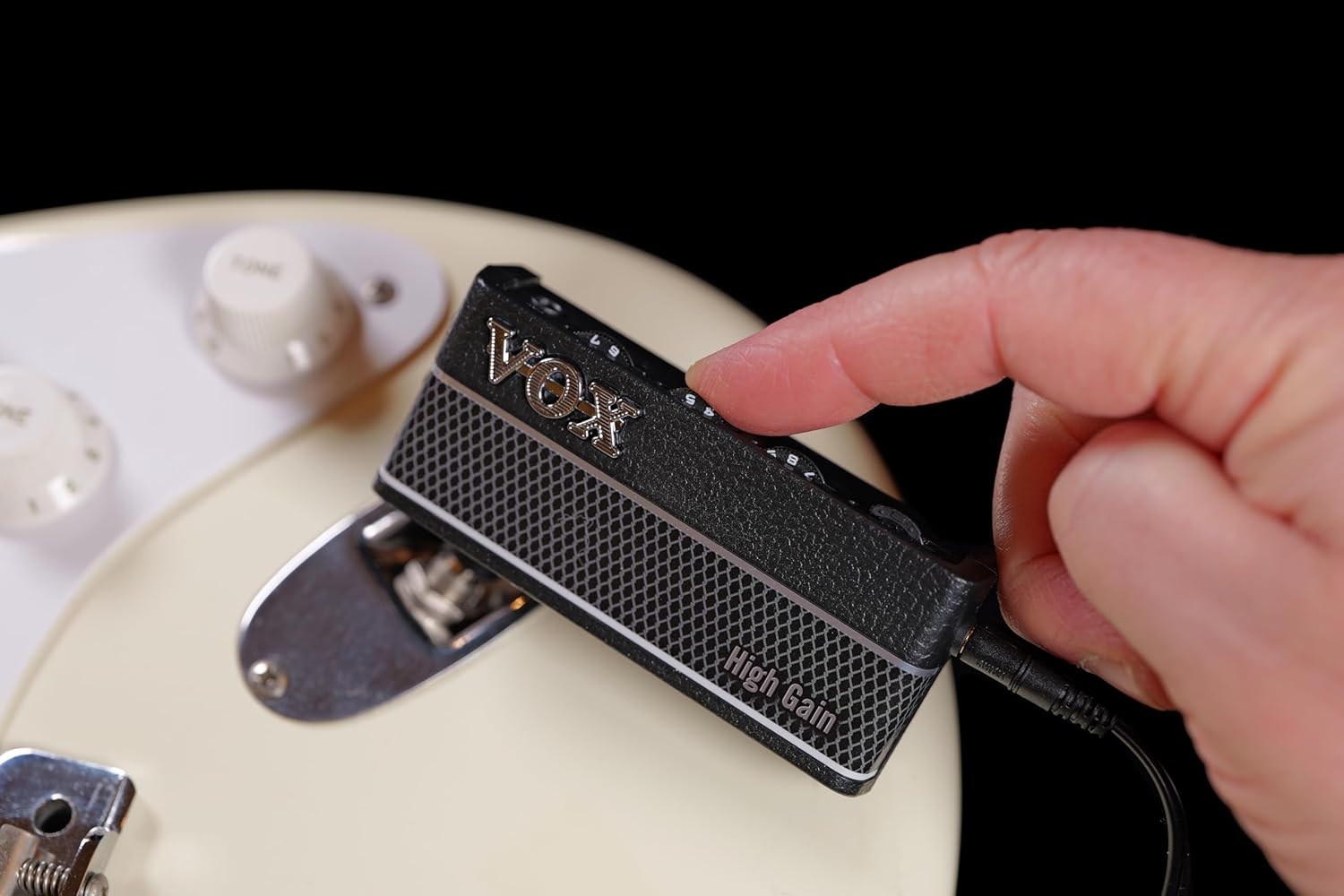
Prent: amPlug 3 connected to a guitar.
- Koppel oorfone:
Plug your headphones into the 3.5mm headphone output jack on the amPlug 3 unit.

Image: Headphones being plugged into the amPlug 3.
Bedryfsinstruksies
Krag aan/af
Press and hold the Power button (located on the side) for approximately 1 second to turn the amPlug 3 on or off. A small LED indicator will illuminate when the unit is powered on.
Adjusting Tone and Volume
Use the GAIN, TONE, and VOLUME knobs on the top of the unit to adjust your desired sound. Experiment with different settings to find your preferred tone.
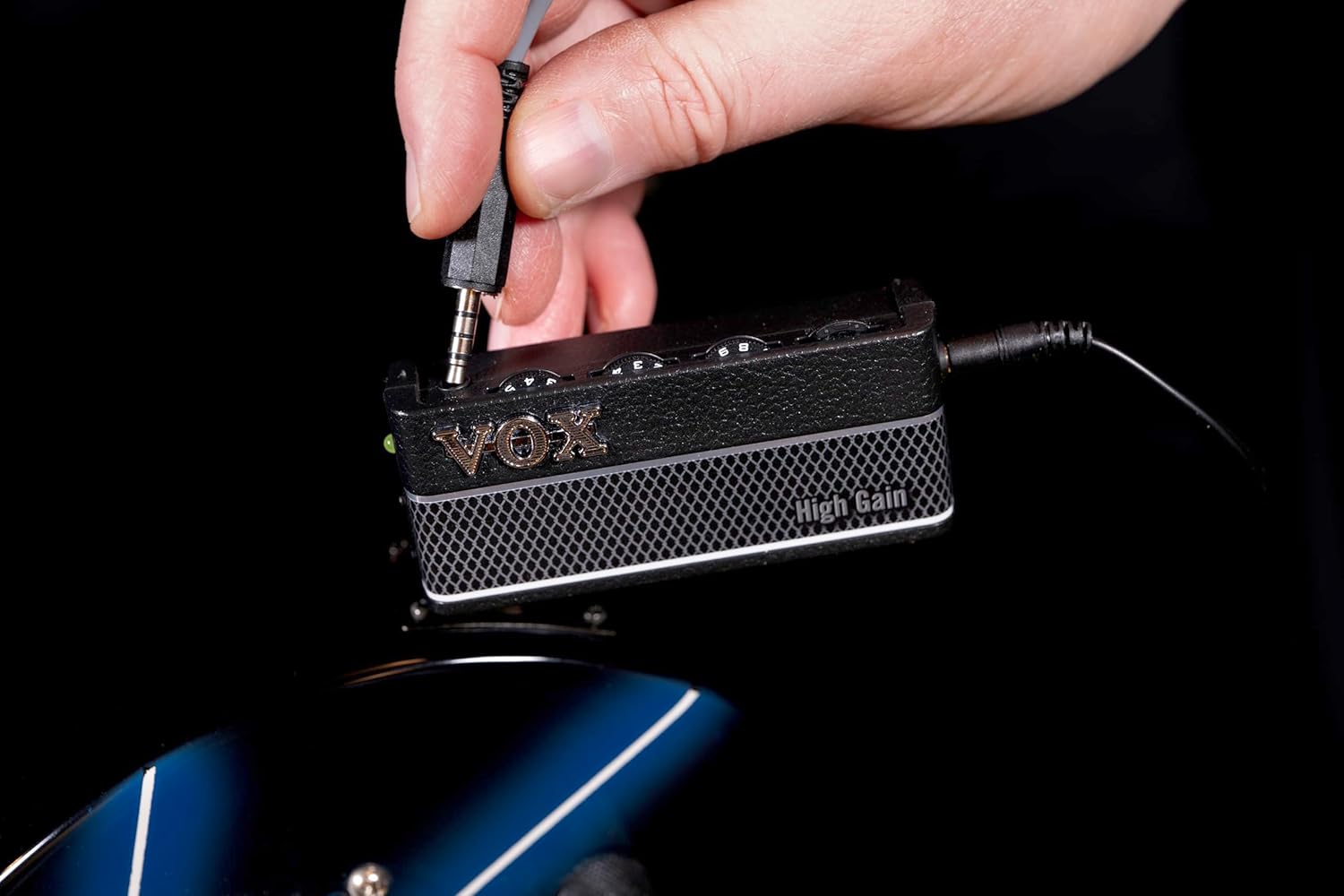
Image: Adjusting the amPlug 3 controls.
Selecting Effects and Rhythms
Press the FX button (small button on the top right) to cycle through the available effects (Chorus, Delay, Reverb) and rhythm patterns. Each press will advance to the next option. Refer to the detailed product specifications for a full list of available effects and rhythms.
Gebruik die AUX-invoer
Connect an external audio device to the AUX input jack using a 3.5mm stereo cable. You can then play along with your favorite music or backing tracks through your headphones. The volume of the external audio can be controlled by your external device.
Onderhoud
Battery vervanging
When the sound becomes distorted or the LED indicator dims, it is time to replace the batteries. Open the battery compartment on the back of the unit and replace the two AAA batteries with new ones, observing correct polarity. Always use fresh batteries for optimal performance.
Skoonmaak
Wipe the unit with a soft, dry cloth. Do not use abrasive cleaners, waxes, or solvents as these may damage the finish.
Probleemoplossing
| Probleem | Moontlike oorsaak | Oplossing |
|---|---|---|
| Geen geluid uit oorfone nie. |
|
|
| Sound is distorted or weak. |
|
|
| Die eenheid skakel onverwags af. |
|
|
Spesifikasies
| Modelnommer | AP3HG |
| Afmetings (L x B x H) | 1.42"D x 5.12"W x 7.2"H (approx. 36 x 130 x 183 mm) |
| Gewig | 2.12 ounces (approx. 60 grams) excluding batteries |
| Kragtoevoer | 2 x AAA-batterye |
| Batterylewe | Up to 17 hours (approximate, may vary with usage) |
| In-/uitset -aansluitings | 1/4" Guitar Input, 3.5mm Headphone Output, 3.5mm AUX Input |
| Effekte | Chorus, Delay, Reverb |
| Ritme patrone | 9 patterns (Metal, Hard Rock, Punk, etc.) |
| Materiaal | Plastiek |
Belangrike veiligheidsinligting
- Moenie die eenheid aan reën, vog of uiterste temperature blootstel nie.
- Vermy om die eenheid te laat val of aan harde impakte bloot te stel.
- Moenie probeer om die eenheid uitmekaar te haal of te wysig nie.
- Verwyder batterye as die eenheid vir 'n lang tydperk nie gebruik gaan word nie.
- Gooi batterye weg volgens plaaslike regulasies.
- Langdurige luister op hoë volume vlakke kan gehoorskade veroorsaak.
Waarborg en Ondersteuning
For warranty information and customer support, please refer to the official VOX website or contact your local VOX distributor. Keep your purchase receipt as proof of purchase for warranty claims.
Vervaardiger: VOX
Webwebwerf: www.voxamps.com
Ask a question about this manual
Ask about setup, troubleshooting, compatibility, parts, safety, or missing instructions. Manuals+ will review the question and use this page’s manual context to help answer it.