
1. Inleiding
Dankie vir die aankoopasing the T&G TG-516 Portable Bluetooth Speaker. This device is designed for high-quality audio playback and portability, featuring Bluetooth 5.3 connectivity, TF card and USB drive support, FM radio, and a built-in microphone for hands-free calls. Its waterproof design makes it suitable for various environments. Please read this manual carefully to ensure proper use and to maximize your speaker's performance.
2. Produkkenmerke
- Draagbaar en liggewig: Ontwerp vir maklike vervoer en gebruik onderweg.
- Bluetooth 5.3-verbinding: Provides a stable and fast wireless connection up to 10 meters.
- Veelvuldige afspeelmodusse: Supports TF (Micro SD) cards, USB drives, FM radio, and AUX input.
- Handvrye oproepe: Built-in microphone allows for answering calls directly through the speaker.
- TWS funksie: Connect two TG-516 speakers wirelessly for enhanced stereo sound.
- Waterdigte ontwerp: IPX5 rating protects against splashes and light rain, making it suitable for outdoor activities.
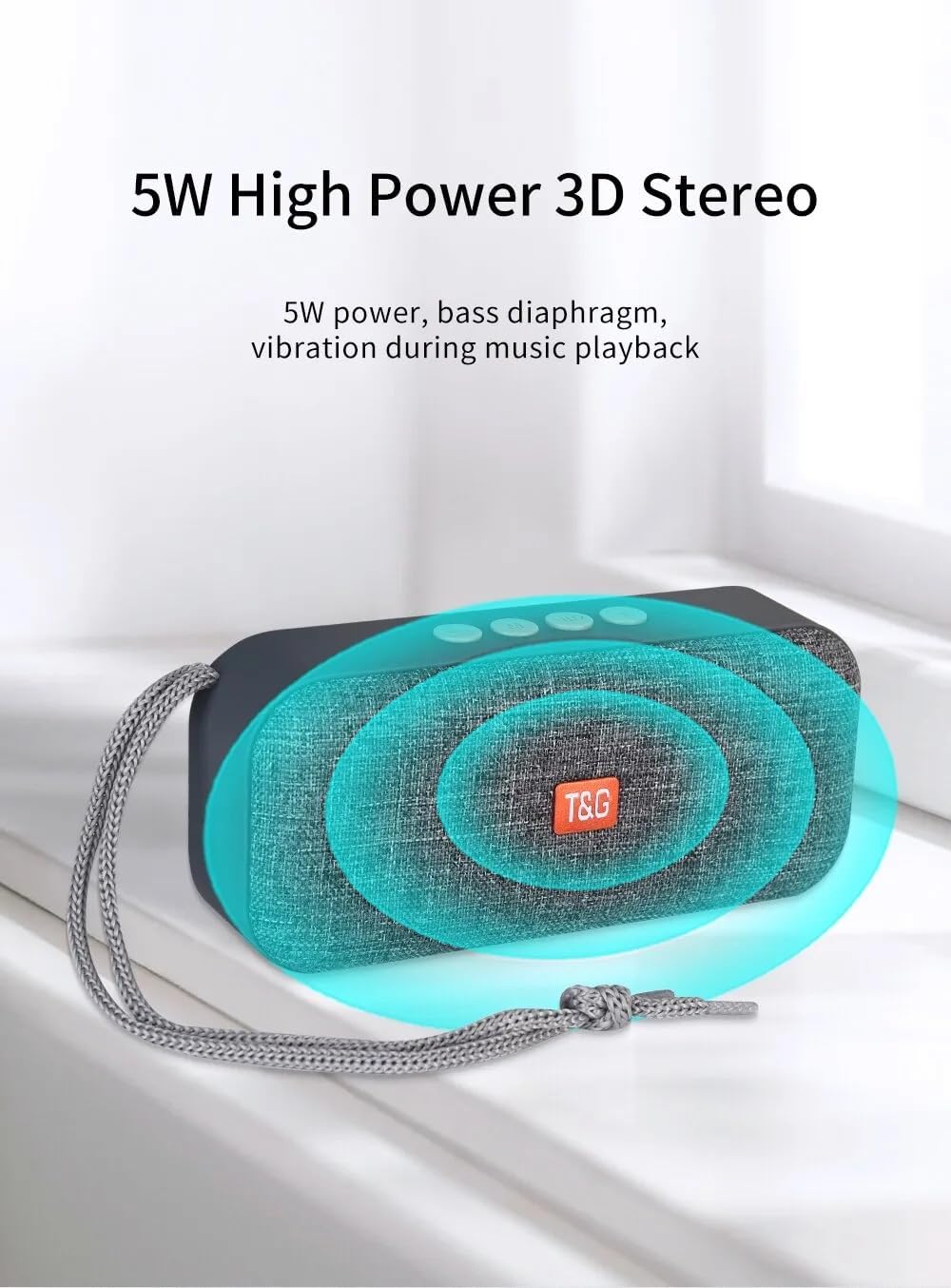
- 5W High Power 3D Stereo: Delivers clear audio with a bass diaphragm for enhanced sound.
- Langdurige battery: Integrated 500mAh battery provides approximately 1 hour of playback at moderate volume.

3. Pakketinhoud
- 1 x T&G TG-516 Portable Bluetooth Speaker
- 1 x USB-laaikabel
4. Toesteluitleg en -kontroles

- Volume af / Vorige snit: Short press for previous track (in music mode), long press to decrease volume.
- Modusskakelaar: Short press to switch between modes (USB drive, TF card, FM radio, Bluetooth, LINE IN). Long press for hard searching in FM mode.
- Play/Pause / Call Control: Short press to play/pause music. In Bluetooth mode, short press to answer a call, long press to end a call. In FM mode, short press to automatically search for radio stations, and short press during search to cancel.
- Volume op / volgende snit: Short press for next track (in music mode), long press to increase volume.
- AAN/UIT -skakelaar: Kragknoppie.
- DC 5V Power Interface: Mikro USB-laaipoort.
- TF Card Input Interface: Decodes MP3 format audio playback when a TF card is inserted.
- AUX-invoerkoppelvlak: 3.5mm audio jack for external audio input.
- USB Drive Input Interface: Decodes MP3 format audio playback when a USB drive is inserted.
5. Opstelling en aanvanklike gebruik
5.1 Laai die luidspreker
Before first use, fully charge the speaker. Connect the provided USB charging cable to the DC 5V power interface (6) on the speaker and the other end to a USB power source (e.g., computer, USB wall adapter). The charging indicator light will illuminate during charging and turn off when fully charged.

5.2 Aan-/afskakel
To power on the speaker, slide the ON/OFF switch (5) to the "ON" position. To power off, slide it to the "OFF" position.
5.3 Bluetooth -koppeling
- Ensure the speaker is powered on and in Bluetooth mode (indicated by a flashing blue light). If not, short press the Mode Switch button (2) until it enters Bluetooth mode.
- Aktiveer Bluetooth op jou mobiele toestel (slimfoon, tablet, ens.) en soek vir beskikbare toestelle.
- Select "TG-516" from the list of devices.
- Once paired, the speaker will emit a confirmation sound, and the blue light will stop flashing.

5.4 TWS (Ware Draadlose Stereo) Paring
To connect two TG-516 speakers for a stereo experience:
- Ensure both TG-516 speakers are powered on and in Bluetooth mode, but not yet paired with any device.
- On one of the speakers (this will be the primary speaker), long press the Play/Pause button (3) for a few seconds until you hear a pairing tone.
- Die twee luidsprekers sal outomaties aan mekaar koppel. Sodra dit gekoppel is, sal jy 'n bevestigingsgeluid hoor.
- Now, pair your mobile device with the primary speaker as described in section 5.3. Audio will play through both speakers in stereo.

6. Bedryfsinstruksies
6.1 Switching Playback Modes
Short press the Mode Switch button (2) to cycle through available modes: Bluetooth, TF Card, USB Drive, FM Radio, and AUX Input. The speaker will announce the current mode.
6.2 Musiekweergawe
- Speel/pouse: Short press the Play/Pause button (3).
- Volgende snit: Short press the Volume Up / Next Track button (4).
- Vorige snit: Short press the Volume Down / Previous Track button (1).
- Volume aanpassing: Long press the Volume Up / Next Track button (4) to increase volume. Long press the Volume Down / Previous Track button (1) to decrease volume.
6.3 FM-radiowerking
- Switch to FM Radio mode using the Mode Switch button (2).
- For better reception, connect the USB charging cable to the speaker; it acts as an antenna.
- Outomatiese stasiesoektog: Short press the Play/Pause button (3) to start an automatic search for radio stations. The speaker will scan and save available stations. Short press again during the search to cancel.
- Navigate Stations: Short press the Volume Up / Next Track button (4) or Volume Down / Previous Track button (1) to switch between saved stations.
6.4 Handvrye oproepe
When connected via Bluetooth to your phone:
- Beantwoord oproep: Short press the Play/Pause button (3) when an incoming call rings.
- Beëindig oproep: Long press the Play/Pause button (3) during a call to end it.
- Verwerp oproep: Long press the Play/Pause button (3) when an incoming call rings to reject it.

7. Onderhoud
- Skoonmaak: Gebruik 'n sagte, droë lap om die luidspreker skoon te maak. Moenie harde chemikalieë of skuurmiddels gebruik nie.
- Waterweerstand: The speaker is IPX5 waterproof, meaning it is protected against low-pressure water jets from any direction. Do not submerge the speaker in water or expose it to heavy rain for extended periods. Ensure all port covers are securely closed before exposure to water.
- Batterysorg: To prolong battery life, avoid fully discharging the speaker frequently. Charge it regularly, even if not in use for extended periods. Store in a cool, dry place.
- Berging: Wanneer dit nie gebruik word nie, bêre die luidspreker op 'n koel, droë plek weg van direkte sonlig en uiterste temperature.
8. Probleemoplossing
| Probleem | Moontlike oorsaak | Oplossing |
|---|---|---|
| Luidspreker skakel nie aan nie. | Battery is leeg. | Laai die luidspreker met die meegeleverde USB-kabel. |
| Kan nie via Bluetooth koppel nie. | Luidspreker is nie in paringsmodus nie of te ver van die toestel af. | Ensure speaker is in Bluetooth mode (flashing blue light). Move speaker closer to your device. Turn off and on Bluetooth on your device. |
| Geen klank nie. | Volume is te laag of gedemp. Verkeerde modus gekies. | Increase volume on both speaker and connected device. Ensure correct playback mode (Bluetooth, TF, USB, AUX) is selected. |
| Swak FM-radio-ontvangs. | No antenna connected or weak signal. | Connect the USB charging cable to the speaker; it acts as an antenna. Try moving to a location with better signal. |
| TWS-paring misluk. | Speakers already paired to a device or not in TWS pairing mode. | Ensure both speakers are not connected to any device. Follow TWS pairing steps carefully (Section 5.4). |
9. Spesifikasies
| Model: | TG-516 |
| Bluetooth weergawe: | V5.3 |
| Draadlose afstand: | Tot 10 meter (33 voet) |
| Luidsprekergrootte: | 5.2 cm (Woofer) |
| Uitset krag: | 5 Watt |
| Frekwensie reaksie: | 50 Hz - 20 kHz |
| Sein-tot-geraas-verhouding: | ≥ 85 dB |
| Battery: | 3.7 V, 500 mAh |
| Playback Time (moderate volume): | Ongeveer 1 uur |
| Afmetings: | 145 mm x 46.5 mm x 66 mm (5.7 x 1.8 x 2.6 duim) |
| Gewig: | 210 gram (0.46 lbs) |
| Waterdigte gradering: | IPX5 |
| Ondersteunde media: | Bluetooth, TF Card, USB Drive, AUX, FM Radio |
10. Waarborg en Ondersteuning
The T&G TG-516 Portable Bluetooth Speaker comes with a manufacturer's warranty. Please refer to your purchase documentation or contact your retailer for specific warranty terms and conditions. For technical support or further assistance, please contact the vendor or manufacturer directly.