
Inleiding
The Logitech Signature M550 L Wireless Mouse is designed for enhanced comfort and productivity, especially for users with larger hands. It features an adaptive SmartWheel for precise or hyper-fast scrolling, SilentTouch technology for quiet clicks, and versatile connectivity options. This manual provides detailed instructions for setup, operation, and maintenance of your device.
Pakketinhoud
- Logitech Signature M550 L Wireless Mouse
- 1 AA-battery (vooraf geïnstalleer of ingesluit)
- Logi Bolt USB Receiver (may be stored inside the mouse battery compartment)
- Gebruikersdokumentasie (hierdie handleiding)
Produk verbyview
Familiarize yourself with the key components of your Logitech Signature M550 L mouse.

Image: Top and side view of the Logitech Signature M550 L mouse, highlighting its features including the SmartWheel, silent clicking buttons, Bluetooth connectivity, ergonomic shape, and 24-month battery life.
- Links/Regs klik knoppies: Feature SilentTouch technology for reduced clicking noise.
- SmartWheel: Adaptive scroll wheel for line-by-line precision or super-fast free-spin scrolling.
- LED-aanwyser: Shows battery status and connection mode.
- Aan/af skakelaar: Geleë aan die onderkant van die muis.
- Battery kompartement: Houses the AA battery and Logi Bolt USB receiver.
- Ergonomiese ontwerp: Contoured shape with soft thumb area and rubber side grips for comfort.
Opstelling
1. Installeer die battery
- Maak die batteryklep aan die onderkant van die muis oop.
- Plaas die ingeslote AA-battery in en maak seker dat die polariteit (+/-) korrek is.
- Close the battery compartment cover. The LED indicator on the mouse may flash briefly.
2. Koppel aan jou toestel
The Signature M550 L offers two connection methods: Logi Bolt USB Receiver or Bluetooth Low Energy.
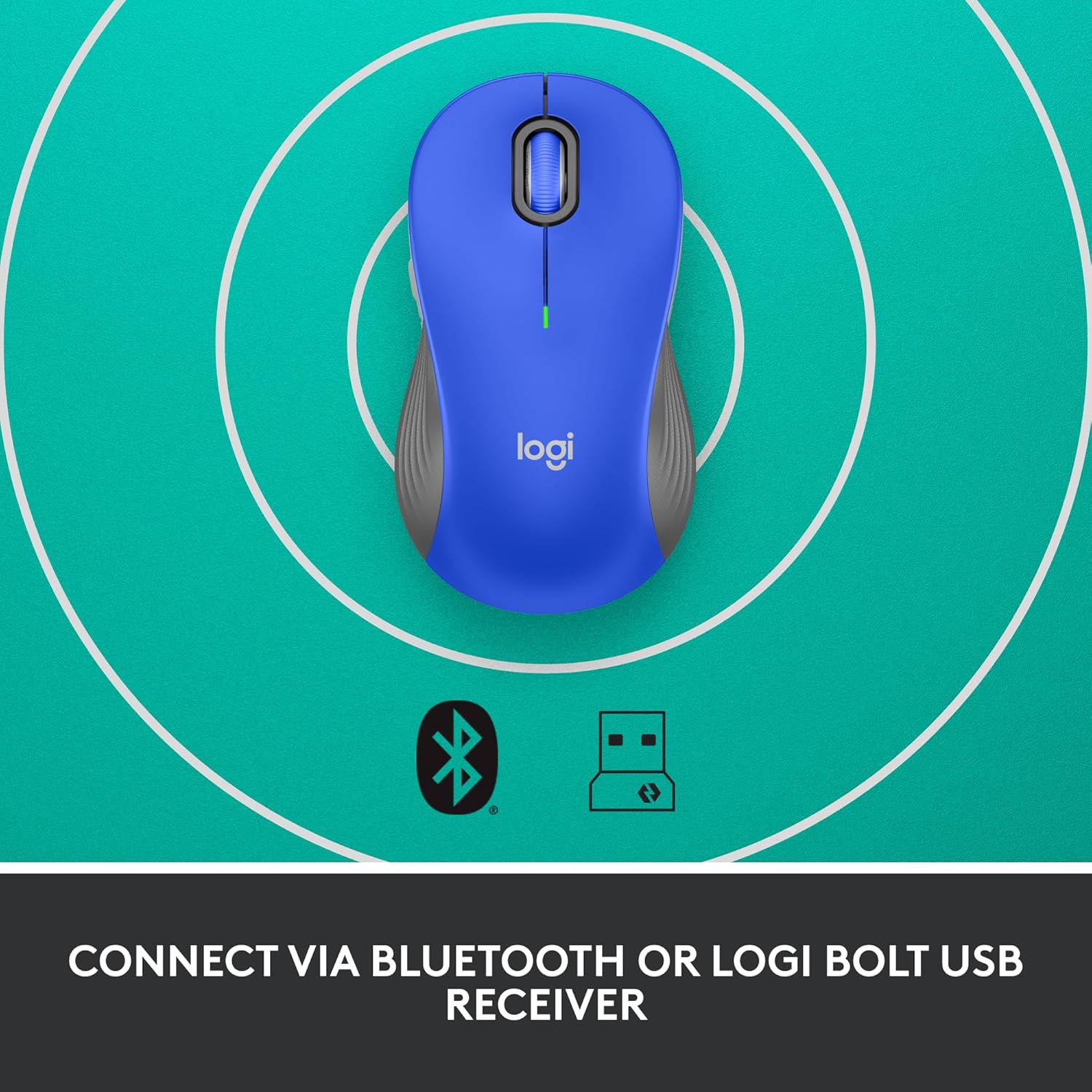
Image: The Logitech Signature M550 L mouse shown with icons representing Bluetooth and Logi Bolt USB receiver connectivity options.
Opsie A: Logi Bolt USB-ontvanger
- Locate the Logi Bolt USB receiver, typically stored inside the mouse's battery compartment.
- Koppel die Logi Bolt USB-ontvanger aan 'n beskikbare USB-poort op jou rekenaar.
- Turn on the mouse using the On/Off switch on the bottom. Your computer should automatically detect the mouse.
Opsie B: Bluetooth Lae Energie
- Skakel die muis aan met die Aan/Af-skakelaar aan die onderkant.
- Press and hold the Easy-Switch button (usually on the bottom or side, refer to product diagram if available) for 3 seconds until the LED indicator starts blinking rapidly. This indicates pairing mode.
- Maak Bluetooth-instellings op jou rekenaar of toestel oop.
- Select "Logitech M550 L" from the list of available devices and follow any on-screen prompts to complete pairing.
Die muis is versoenbaar met Windows, macOS, Linux, Chrome OS, iPadOS en Android-bedryfstelsels.
Bedryfsinstruksies
SmartWheel-blaai
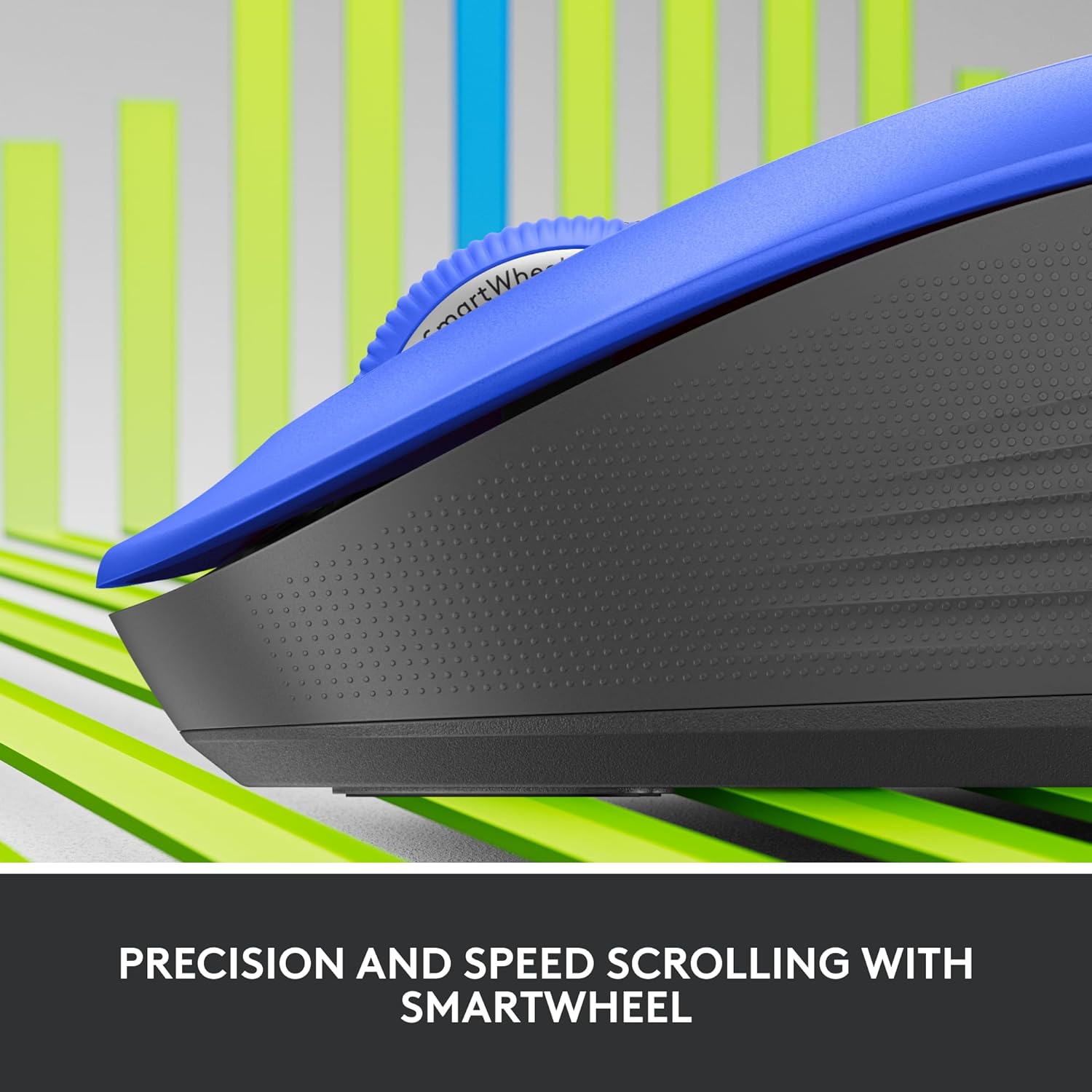
Beeld: 'n Nabyskoot view of the Logitech SmartWheel, demonstrating its precision and speed scrolling capabilities.
The SmartWheel automatically switches between two modes:
- Lyn-vir-lyn presisie: Ideal for detailed work and navigating documents. Scroll slowly for precise control.
- Super-Fast Free-Spin: For quickly navigating long web pages or documents. Flick the wheel to activate.
Stille klikke

Image: A person using the Logitech Signature M550 L mouse at a desk, illustrating the benefit of 90% less clicking noise for a focused work environment.
The mouse features Logitech's SilentTouch technology, reducing click noise by over 90% compared to traditional mice. This allows for a quieter work environment without compromising click feel.
Verenigbaarheid met verskeie toestelle
The Signature M550 L can be paired with multiple devices and switched between them using the Easy-Switch button. This feature is ideal for users who work across several computers or tablets.
Onderhoud
Battery vervanging
The mouse operates on a single AA battery, offering up to 24 months of battery life depending on usage. When the battery is low, the LED indicator will turn red. To replace:
- Skakel die muis af.
- Open the battery compartment cover on the underside.
- Remove the old AA battery and insert a new one, observing correct polarity.
- Close the cover and turn the mouse back on.
Skoonmaak
Om jou muis skoon te maak, gebruik 'n sagte, pluisvrye lap wat liggies gevee word.ampened with water or a mild cleaning solution. Avoid harsh chemicals or abrasive materials. Ensure no liquid enters the mouse's openings.
Probleemoplossing
- Muis reageer nie:
- Maak seker dat die muis aangeskakel is.
- Gaan die batteryvlak na en vervang indien nodig.
- If using the Logi Bolt receiver, try plugging it into a different USB port or a different computer to rule out port issues.
- As jy Bluetooth gebruik, maak seker dat Bluetooth op jou toestel geaktiveer is en dat die muis behoorlik gekoppel is. Probeer om die muis weer te koppel.
- Move the mouse closer to the receiver or Bluetooth-enabled device to ensure it's within range.
- Onreëlmatige wyserbeweging:
- Maak die optiese sensor aan die onderkant van die muis skoon.
- Maak seker dat jy die muis op 'n geskikte oppervlak gebruik. Vermy hoogs weerkaatsende of deursigtige oppervlaktes.
- Connectivity issues after system update:
- Herbegin jou rekenaar.
- Check for updated drivers for your mouse or Bluetooth adapter.
Spesifikasies
| Handelsmerk | Logitech |
| Modelnommer | 910-006794 |
| Verbindingstegnologie | Bluetooth Lae Energie, Logi Bolt USB Ontvanger |
| Bewegingsopsporing | Opties |
| Spesiale kenmerke | Lightweight, Portable, Silent Clicks (SilentTouch), SmartWheel, Wireless |
| Battery Tipe | 1 AA Battery |
| Batterylewe | Tot 24 maande (kan wissel na gelang van gebruik) |
| Bedryfstelselversoenbaarheid | Windows, macOS, Linux, Chrome OS, iPadOS, Android |
| Item gewig | 3.92 onse |
| Kleur | Blue (for this variant) |
Waarborg inligting
Logitech-produkte word vervaardig volgens hoë gehaltestandaarde en word gedek deur 'n beperkte hardewarewaarborg. Vir spesifieke waarborgbepalings en -voorwaardes wat van toepassing is op u streek en produk, verwys asseblief na die amptelike Logitech-webwerf. webwebwerf of die waarborgkaart wat by u aankoop ingesluit is.
Ondersteuning
For further assistance, technical support, or to download the latest software and drivers for your Logitech Signature M550 L Wireless Mouse, please visit the official Logitech support webwebwerf:
Jy kan ook algemene vrae en gemeenskapsforums op die ondersteuningswebwerf vind.