
Inleiding
Thank you for choosing the LEXIP Madara Design Headset. This manual provides detailed instructions for setting up, operating, and maintaining your headset. Please read this manual thoroughly before use to ensure optimal performance and longevity of your device.
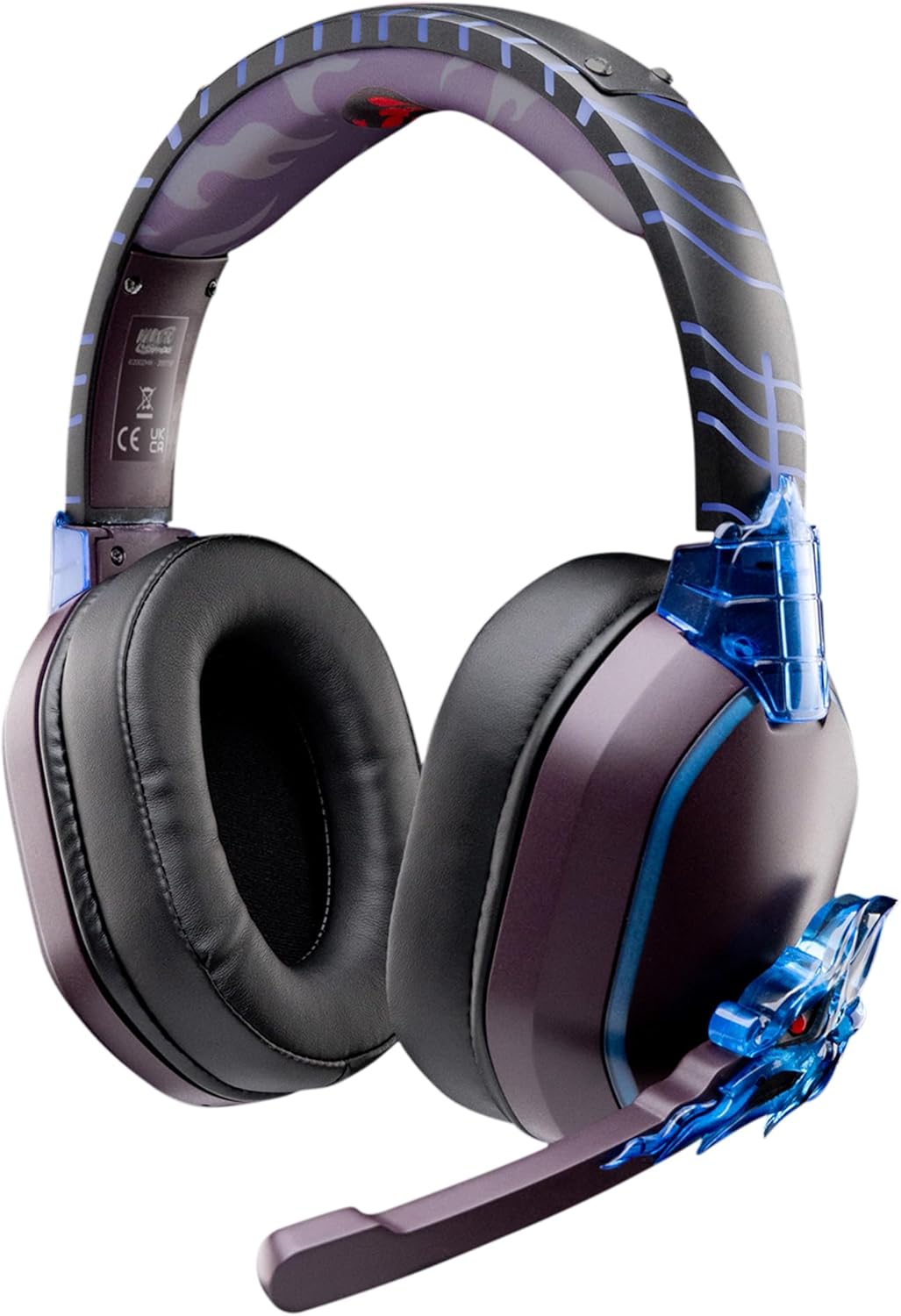
Image: The LEXIP Madara Design Headset, featuring a distinctive purple and blue color scheme with intricate design elements inspired by Madara.
Pakketinhoud
Maak seker dat alle items in die pakket teenwoordig is:
- LEXIP Madara Design Headset
- Afneembare mikrofoon
- 3.5 mm oudio kabel
- USB-laaikabel
- Gebruikershandleiding
Produk verbyview
Familiarize yourself with the components and design features of your headset.

Image: Close-up of the headset's ear cup, highlighting the intricate blue dragon design element.

Prent: View of the soft earcups and adjustable headband, designed for comfort during extended use.
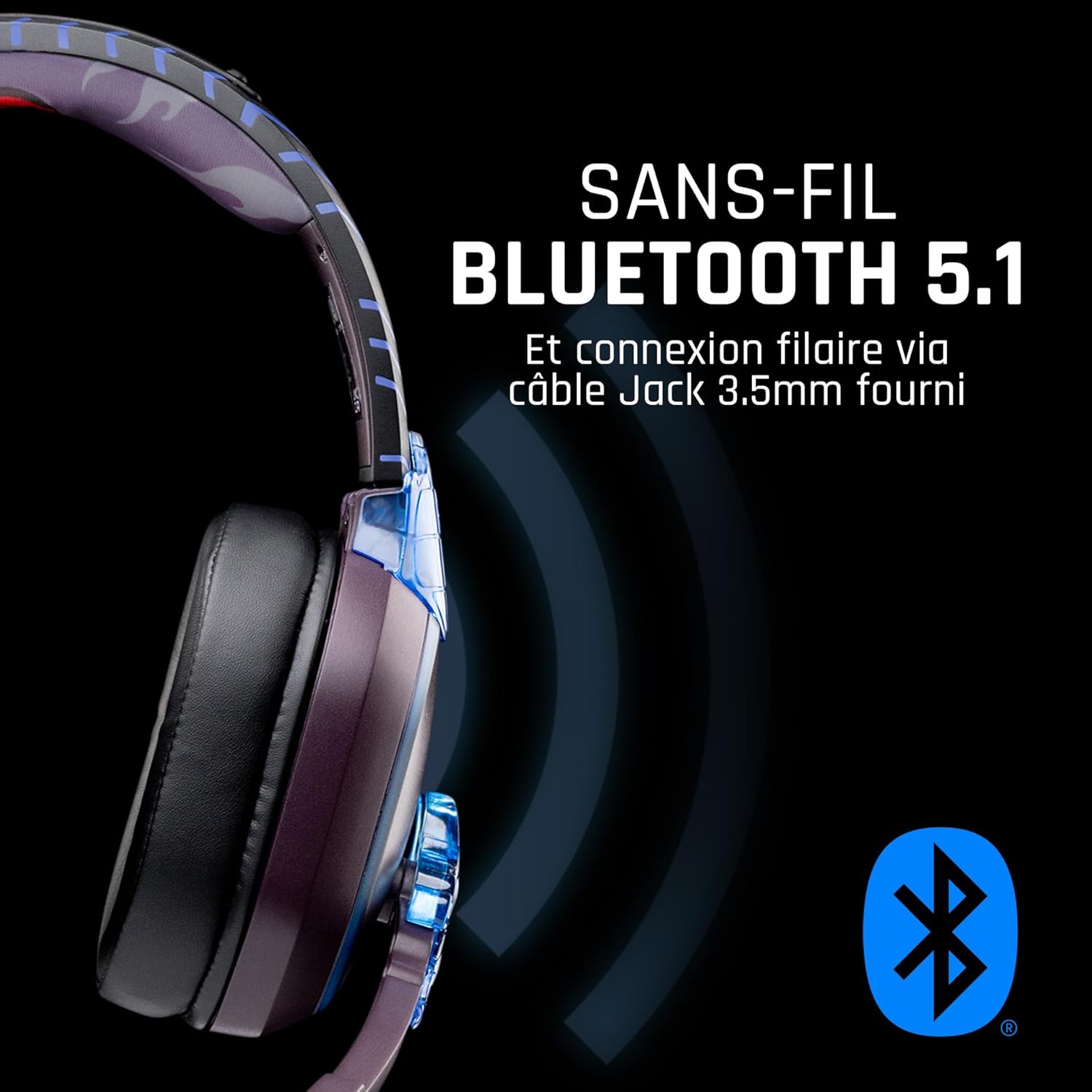
Beeld: Sykant view of the headset, illustrating its wireless Bluetooth 5.1 capability and connection points.

Image: The headset displayed on a stand, alongside a matching game controller, showcasing its gaming application.
Sleutel kenmerke:
- Wireless Bluetooth 5.1: For seamless wireless audio.
- Bedrade verbinding: Via the included 3.5mm Jack cable.
- Afneembare mikrofoon: For clear communication and versatility.
- Volumebeheer: Integrated controls for easy audio adjustment.
- Geraasisolasie: Passive noise reduction for an immersive experience.
- Gerieflike ontwerp: Adjustable headband and over-ear form factor.
Opstelling
1. Laai die headset
- Koppel die USB-laaikabel aan die laaipoort op die oorfone.
- Koppel die ander kant van die USB-kabel aan 'n versoenbare USB-kragbron (bv. 'n rekenaar se USB-poort, USB-muuradapter).
- The LED indicator on the headset will show the charging status. A full charge typically takes approximately 2-3 hours.
2. Heg die mikrofoon aan
- Locate the microphone input port on the headset, usually on the left earcup.
- Align the detachable microphone connector with the port and gently push it in until it clicks into place.
- Adjust the microphone's position for optimal voice pickup.
Bedryfsinstruksies
1. Skakel aan/af
- Om aan te skakel: Druk en hou die aan/af-knoppie vir ongeveer 3 sekondes in totdat die LED-aanwyser aanskakel.
- Om af te skakel: Druk en hou die aan/af-knoppie vir ongeveer 5 sekondes totdat die LED-aanwyser afskakel.
2. Bluetooth-paring (Draadlose modus)
- Verseker dat die koptelefoon afgeskakel is.
- Druk en hou die aan/af-knoppie vir ongeveer 5-7 sekondes totdat die LED-aanwyser vinnig flikker, wat paringsmodus aandui.
- On your device (Windows 10/11, Mac, PS5, PS4, Xbox Series X/S, Xbox One, Nintendo Switch, Android, iOS, tablets), navigate to Bluetooth settings.
- Soek vir available devices and select "LEXIP Madara Headset" (or similar name).
- Sodra dit gepaar is, sal die LED-aanwyser ophou flikker en solied blou bly.
3. Wired Connection (3.5mm Jack)
- Insert one end of the 3.5mm audio cable into the headset's audio jack.
- Insert the other end into the 3.5mm audio port of your desired device.
- The headset will operate in passive wired mode, even if the power is off.
4. Volumebeheer
- Use the volume control dial or buttons located on the headset to adjust the audio level.
Onderhoud
- Skoonmaak: Gebruik 'n sagte, droë lap om die headset skoon te maak. Moenie skuurmiddels of oplosmiddels gebruik nie.
- Berging: Bêre die oorfone op 'n koel, droë plek weg van direkte sonlig en uiterste temperature.
- Batterysorg: For optimal battery life, avoid fully discharging the headset frequently. Charge it regularly.
- Waterweerstand: The headset is not waterproof. Avoid exposure to liquids.
Probleemoplossing
| Probleem | Moontlike oorsaak | Oplossing |
|---|---|---|
| Geen klank van die oorfone nie | Headset not powered on; Volume too low; Not paired/connected; Incorrect audio output selected on device. | Ensure headset is powered on and charged. Increase volume. Re-pair Bluetooth or check 3.5mm cable connection. Select headset as audio output on your device. |
| Kan nie via Bluetooth koppel nie | Headset not in pairing mode; Device Bluetooth off; Too far from device; Interference. | Ensure headset is in pairing mode (flashing LED). Turn device Bluetooth off and on again. Move headset closer to device. Avoid strong Wi-Fi signals or other Bluetooth devices. |
| Mikrofoon werk nie | Microphone not properly attached; Muted on headset/device; Incorrect input selected on device. | Ensure microphone is securely attached. Check if microphone is muted. Select headset microphone as input device in your device's sound settings. |
| Kort batterylewe | Headset not fully charged; Old battery. | Ensure headset is fully charged before use. Battery performance may degrade over time. |
Spesifikasies
| Modelnommer | TSXLXHS0003 |
| Handelsmerk | Lexip |
| Verbindingstegnologie | Draadloos (Bluetooth 5.1), Bedraad (3.5mm-aansluiting) |
| Frekwensiereeks | 20 Hz - 20 000 Hz |
| Impedansie | 3 ohm |
| Sensitiwiteit | 116 dB |
| Ruisisolasie | Passiewe Geraasvermindering |
| Mikrofoon | Afneembaar |
| Kontroles | Volume Control, Remote Control |
| Versoenbare toestelle | Windows 10/11, Mac, PS5, PS4, Xbox Series X/S, Xbox One, Nintendo Switch, Android, iOS, tablets |
| Vormfaktor | Over-ear, Extra-aural |
| Materiaal | Gemengde materiale |
| Ouderdomsreeks | Volwasse |
| Waterweerstandvlak | Nie waterbestand nie |
| Battery | 1 non-standard battery (included) |
Waarborg en Ondersteuning
The LEXIP Madara Design Headset comes with a 2 jaar vervaardiger se waarborg vanaf die aankoopdatum. Hierdie waarborg dek defekte in materiaal en vakmanskap onder normale gebruik.
For warranty claims, technical support, or further assistance, please contact LEXIP customer service through their official website or the retailer where the product was purchased. Please have your proof of purchase and model number (TSXLXHS0003) ready when contacting support.
Let wel: Inligting rakende die beskikbaarheid van onderdele en sagteware-opdaterings is tans nie beskikbaar nie.