
1. Inleiding
This manual provides essential information for the safe and efficient operation of your Skyworth 50SUE9500 50-Inch UHD QLED Google TV. Please read it thoroughly before using the television and retain it for future reference. This television features a 50-inch 4K UHD QLED display, integrated Google TV platform, and advanced audio technologies.
2. Veiligheidsinligting
Neem altyd die volgende veiligheidsmaatreëls in ag om elektriese skok, brand of skade aan die televisie te voorkom:
- Moenie die televisie aan reën of vog blootstel nie.
- Moenie die televisie oopmaak nieasing; verwys alle diens na gekwalifiseerde personeel.
- Verseker behoorlike ventilasie rondom die televisie.
- Gebruik slegs die kragkabel wat saam met die televisie voorsien word.
- Keep the television away from direct sunlight, heat sources, and strong magnetic fields.
- Ontkoppel die televisie tydens weerligstorms of wanneer dit vir lang tye nie gebruik word nie.
3. Pakketinhoud
Verifieer dat alle items in die pakket teenwoordig is:
- 1 x Skyworth 50SUE9500 50-Inch UHD QLED Google TV
- Afstandbeheer
- Kragkoord
- TV staander komponente
- Gebruikershandleiding (hierdie dokument)
4. Opstelling
4.1. Staaninstallasie
Carefully place the television face down on a soft, clean surface. Attach the stand components to the designated slots on the bottom of the television using the provided screws. Ensure the stand is securely fastened before placing the TV upright.

Beeld: Sykant view of the Skyworth 50SUE9500 TV, illustrating the slim profile and stand attachment points.
4.2. Verbinding van eksterne toestelle
Connect your external devices such as set-top boxes, gaming consoles, or sound systems to the appropriate ports on the television. The TV features multiple interfaces to meet various connectivity needs.

Image: Diagram illustrating the various input and output ports available on the Skyworth TV, including USB 2.0 (x2), RF, AV IN, HDMI 2.0 (x3), LAN, and SPDIF.
- HDMI-poorte: Connect high-definition devices like Blu-ray players or gaming consoles. This model includes 3 HDMI 2.0 ports.
- USB-poorte: Vir die koppeling van USB-bergingstoestelle om media te speel files. This model includes 2 USB 2.0 ports.
- LAN-poort: Vir bedrade internetverbinding.
- RF-invoer: Vir die koppeling van 'n antenna of kabeltelevisie.
- AV IN: Vir die koppeling van ouer toestelle met saamgestelde video- en stereo-klankuitsette.
- SPDIF: Vir digitale oudio-uitvoer na 'n klankstelsel.
4.3. Initial Power-On and Google TV Setup
After connecting all cables and the power cord, press the power button on the remote control or the TV. Follow the on-screen instructions to complete the initial setup, including network connection, Google account login, and channel scanning. This will personalize your Google TV experience.
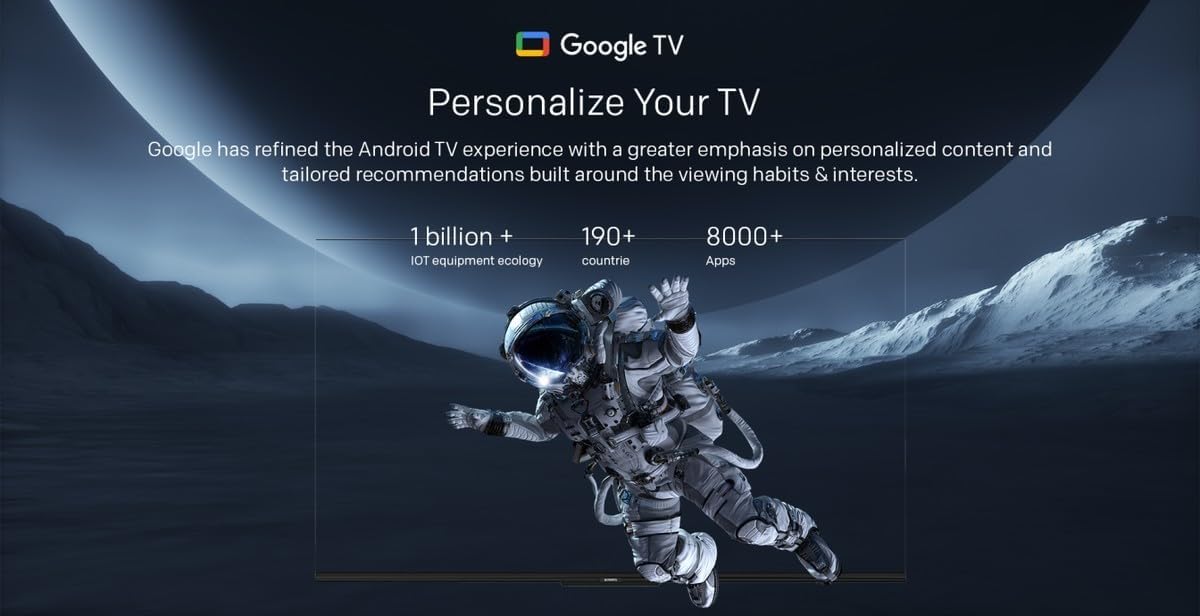
Image: A visual representation of the Google TV interface, highlighting personalized content and tailored recommendations based on viewgewoontes en belangstellings.
5. Bediening van die televisie
5.1. Basiese funksies
- Krag aan/af: Gebruik die aan/af-knoppie op die afstandbeheerder of TV.
- Invoerkeuse: Press the 'Input' button on the remote to switch between HDMI, AV, and other sources.
- Volumebeheer: Gebruik die 'Volume Op/Af'-knoppies.
- Kanaalkeuse: Use the 'Channel Up/Down' buttons or number pad.
5.2. Google TV-funksies
Your Skyworth TV integrates Google TV, offering a smart and personalized viewervaring. Belangrike kenmerke sluit in:

Image: A collection of icons representing key features: Google TV, Flicker Free, Low Blue Light, Filmmaker Mode, Dolby Audio, DTS Studio Sound, and Bidirectional Bluetooth.
- Stembeheer: Use the built-in 'Hey Google' voice assistant to search for content, control smart home devices, and manage TV functions.
- Toegang tot toepassing: Download and stream from a wide variety of applications available on the Google Play Store.
- Gepersonaliseerde Aanbevelings: Google TV learns your preferences to suggest movies, shows, and live TV.
- Daily Family Features: Access daily shortcuts, manage apps, and use daily key functions for simplified operation.

Image: A composite image demonstrating Google TV's 'Daily Family' features, including 'Daily Shortcuts' for common settings, 'Daily Manage' for app organization, and 'Daily Key' for direct access via remote, alongside 'Hey Google' voice control functionality.
5.3. Spesiale kenmerke
- Bidirectional Bluetooth: Connect mobile phones or Bluetooth audio products to the TV, or use the TV as a soundbar for external devices.
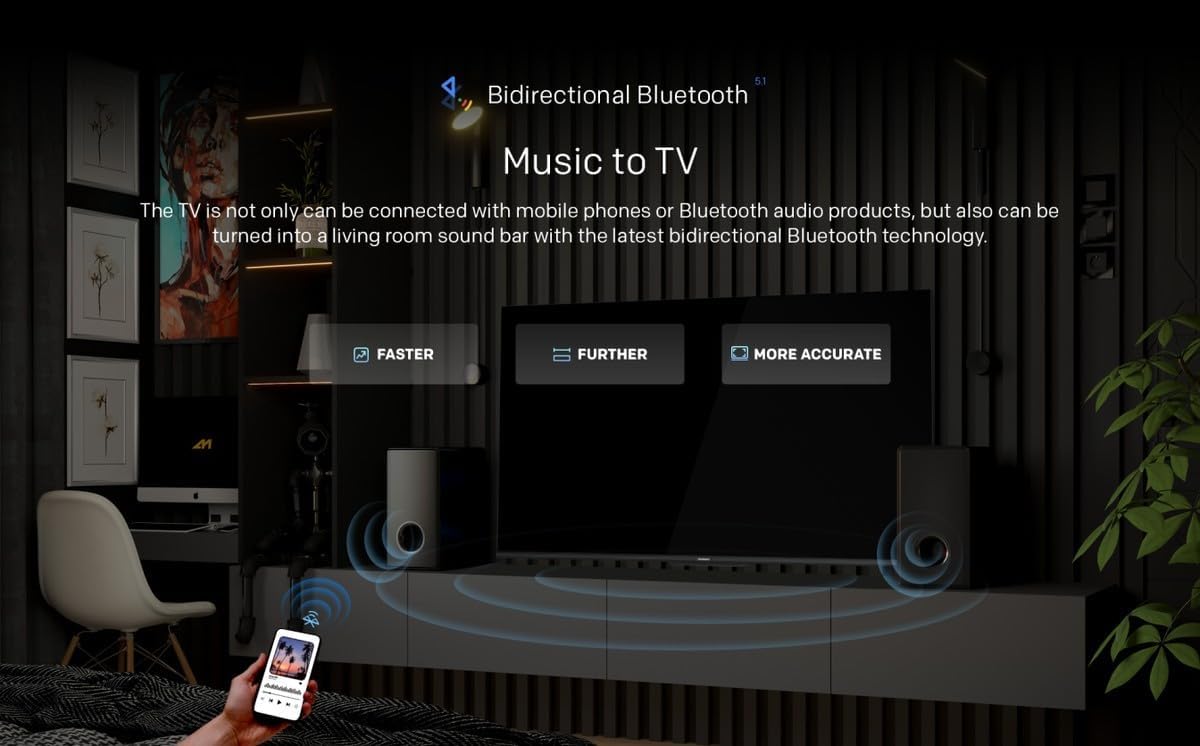
Image: A diagram showing how Bidirectional Bluetooth allows connecting mobile phones or Bluetooth audio products to the TV, or using the TV as a soundbar, emphasizing faster, further, and more accurate connections.
- Flicker Free & Low Blue Light: Designed to reduce eye strain during extended viewing.
- Filmmaker-modus: Preserves the original aspect ratio, colors, and frame rates of content as intended by the filmmaker.
- Swaiot Smart Home: Voice control connected home devices directly from your TV to adjust room temperature, lighting, and play music.
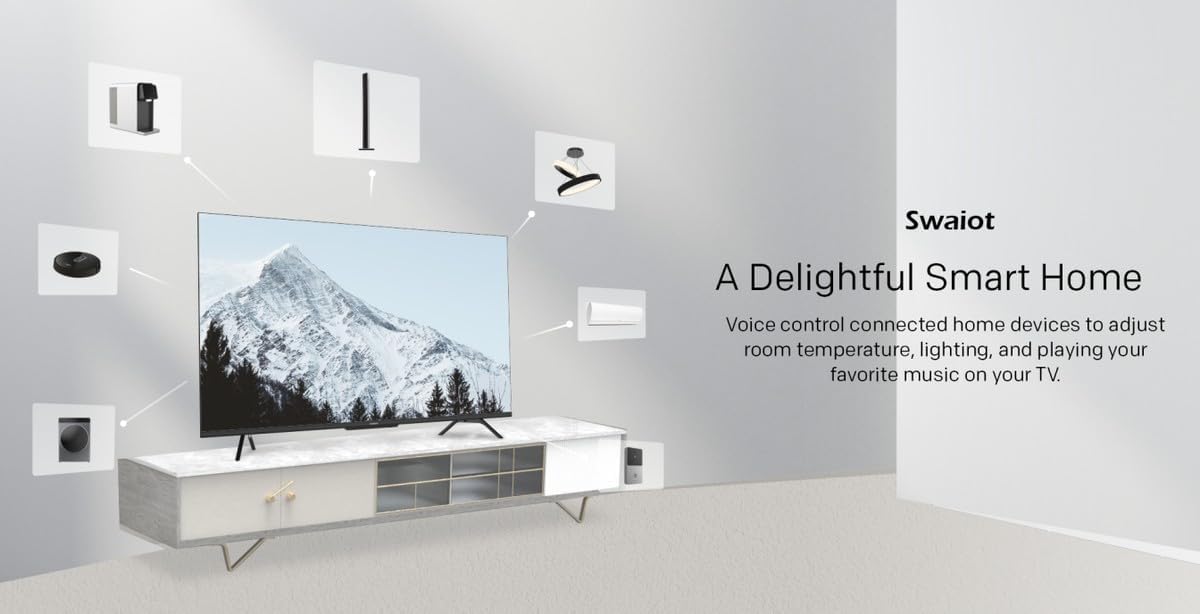
Image: An illustration of the Swaiot smart home ecosystem, showing various smart devices connected and controllable via the Skyworth TV.
6. Beeld- en klankinstellings
Your QLED TV offers advanced picture and sound customization. Navigate to the 'Settings' menu to adjust:
- Prentmodus: Select from standard, vivid, movie, game, or custom settings.
- Helderheid, Kontras, Kleur: Fine-tune display characteristics.
- Klankmodus: Choose from standard, music, movie, or custom audio profiles.
- Dolby Audio & DTS Studio Sound: Enhance your audio experience with these integrated technologies.
Skyworth has over 30 years of experience in picture quality adjustment, ensuring optimal visual performance.
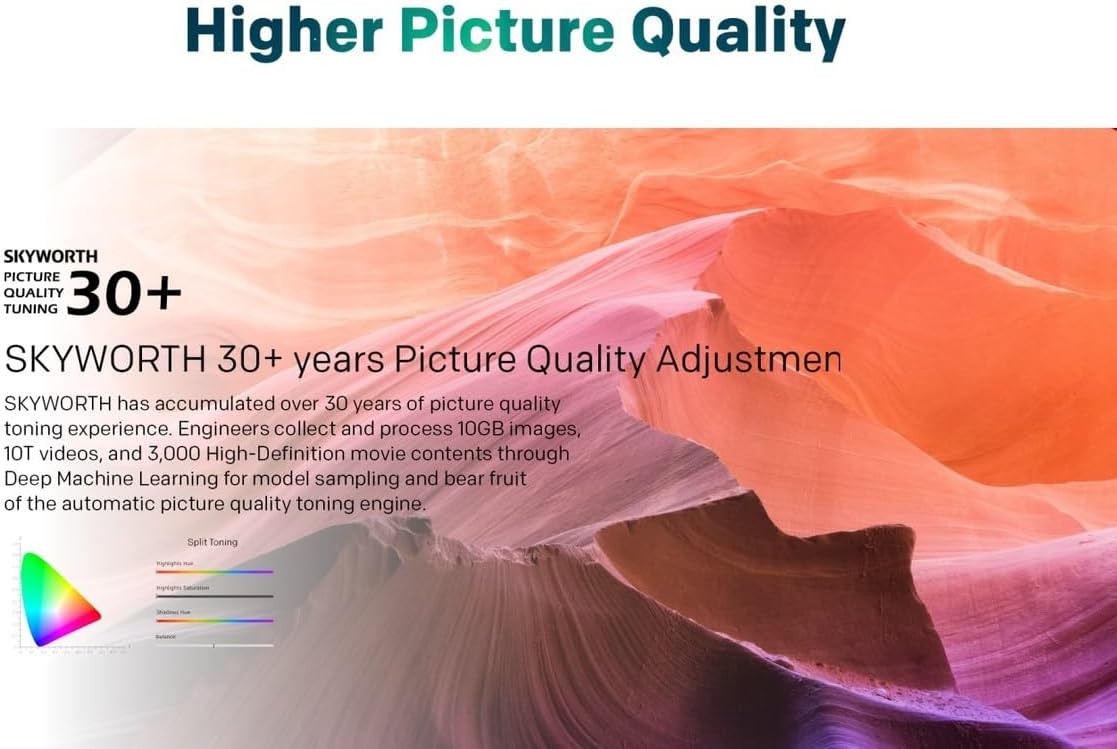
Image: A graphic highlighting Skyworth's 30+ years of picture quality adjustment experience, showcasing advanced color tuning and processing capabilities.
7. Onderhoud
7.1. Skoonmaak van die skerm
Vee die skerm liggies af met 'n sagte, pluisvrye lap. Vir hardnekkige merke, vee liggiesampMaak die lap skoon met water of 'n gespesialiseerde skermreiniger. Moenie vloeistof direk op die skerm spuit nie.
7.2. Skoonmaak van die Casing
Use a soft, dry cloth to clean the television casing. Vermy die gebruik van skuurmiddels of oplosmiddels.
8. Probleemoplossing
As jy probleme met jou televisie ondervind, raadpleeg die volgende algemene probleme en oplossings:
- Geen krag: Ensure the power cord is securely plugged into both the TV and a working electrical outlet. Check the power indicator light.
- Geen Beeld, Maar Klank: Verifieer dat die korrekte invoerbron gekies is. Kontroleer kabelverbindings na eksterne toestelle.
- Geen klank nie, maar beeld: Kontroleer die volumevlak en demp-instellings. Maak seker dat eksterne oudiostelsels behoorlik gekoppel en aangeskakel is.
- Afstandbeheer werk nie: Vervang die batterye. Maak seker daar is geen obstruksies tussen die afstandbeheerder en die TV se IR-sensor nie.
- Swak beeldkwaliteit: Check antenna or cable connections. Adjust picture settings in the menu. For streaming content, check your internet connection speed.
- Probleme met internetverbinding: For Wi-Fi, ensure the password is correct and the router is working. For wired connection, check the LAN cable. Try restarting your router.
As die probleem voortduur, kontak kliëntediens.
9. Spesifikasies
| Kenmerk | Spesifikasie |
|---|---|
| Handelsmerk | Skyworth |
| Modelnommer | 50SUE9500 QLED |
| Skerm grootte | 50 duim |
| Vertoon tegnologie | QLED |
| Resolusie | 4K (3840 x 2160) |
| Herlaaitempo | 60 Hz |
| Aspekverhouding | 16:9 |
| Verbindingstegnologie | HDMI, USB |
| Total Number of HDMI Ports | 3 |
| USB-poorte | 2 2.0 (USB XNUMX) |
| Spesiale kenmerke | Browser, Google TV, Bidirectional Bluetooth, Flicker Free, Low Blue Light, Filmmaker Mode, Swaiot |
| Produk Afmetings (D x B x H) | 4.8D x 120W x 65.9H sentimeter |
| Kleur | Swart |
| Modeljaar | 2023 |
10. Waarborg
This Skyworth 50SUE9500 50-Inch UHD QLED Google TV comes with a 3 jaar waarborg. Please retain your proof of purchase for warranty claims. The warranty covers manufacturing defects under normal use. It does not cover damage caused by misuse, accidents, unauthorized repairs, or acts of nature.
11. Ondersteuning
For technical assistance, troubleshooting beyond this manual, or warranty inquiries, please contact Skyworth customer support. Refer to the official Skyworth webwebwerf of u aankoopdokumentasie vir die mees onlangse kontakinligting.
Aanlyn ondersteuning: Visit the official Skyworth support webwebwerf vir algemene vrae en verdere hulp.
Telefoniese ondersteuning: Check your product packaging or Skyworth's official webwebwerf vir streeks kontaknommers.