
Inleiding
Thank you for choosing the TECURS KB195 Foldable Bluetooth Keyboard. This ultra-portable, multi-device compatible keyboard is designed for convenience and efficiency across various operating systems. This manual provides detailed instructions for setup, operation, maintenance, and troubleshooting to ensure optimal performance.

The TECURS KB195 Foldable Bluetooth Keyboard, demonstrating its compact folded state and its functional unfolded state with a smartphone securely placed on its integrated stand.
Pakketinhoud
- 1 x TECURS Foldable Bluetooth Keyboard
- 1 x Tipe-C-laaikabel
- 1 x Gebruikershandleiding
- 1 x Drasak
Produk verbyview
Familiarize yourself with the key components of your TECURS KB195 keyboard:
- Aanwyserlig: Wys verbindingstatus en batteryvlak.
- Krag skakelaar: To turn the keyboard on or off.
- Laaipoort (Tipe-C): Vir die koppeling van die laaikabel.
- Anti-slip pads: Located on the bottom for stability during use.
- Geïntegreerde Staanplek: A magnetic stand designed to hold smartphones or tablets.

Gedetailleerd views of the keyboard's key features: the indicator light, power switch, charging port, and anti-slip pads.
Laai die sleutelbord
Before initial use, fully charge the keyboard. A full charge takes approximately 2 hours.
- Connect the provided Type-C charging cable to the keyboard's charging port.
- Koppel die ander kant van die kabel aan 'n USB-kragbron (bv. rekenaar, muuradapter).
- Die aanwyserliggie sal die laaistatus wys en afskakel wanneer dit volledig gelaai is.
The keyboard offers up to 45 hours of continuous working time and 580 days of standby time on a single charge.

The keyboard being charged via its Type-C port, highlighting its impressive battery life of 45 hours of continuous use and 580 hours of standby.
Opstelling en paring
Skakel aan/af
- To turn on: Locate the power switch and slide it to the 'ON' position.
- To turn off: Slide the power switch to the 'OFF' position.
Bluetooth-koppeling
The keyboard supports connection to up to three devices simultaneously via Bluetooth channels. You can seamlessly switch between them.

The keyboard's ability to connect to multiple devices (smartphone, tablet, PC) via three distinct Bluetooth channels (BT1, BT2, BT3).
- Skakel die sleutelbord aan.
- Druk en hou die fn + A keys for BT1, Fn + S for BT2, or Fn + D for BT3 until the corresponding indicator light flashes, indicating pairing mode.
- On your device (smartphone, tablet, or PC), enable Bluetooth and search for available devices.
- Select "TECURS Keyboard" (or similar name) from the list of found devices to connect.
- Sodra dit gekoppel is, sal die aanwyserliggie ophou flikker.
Skakel tussen toestelle
To switch between paired devices, simply press the corresponding function key combination:
- For Device 1: Press fn + A
- For Device 2: Press Fn + S
- For Device 3: Press Fn + D
Stelselversoenbaarheid
The keyboard is broadly compatible with major operating systems:
- iOS (iPad, iPhone)
- Android (Slimfone, Tablette)
- Windows (Laptops, PCs)

The keyboard is compatible with Windows, iOS, and Android devices, offering versatile usage.
Operasie
Tik ervaring
The keyboard features a QWERTZ layout and scissor-switch keys, designed for improved sensitivity, accuracy, and a quiet, comfortable typing experience.

A detailed look at the scissor-switch key mechanism, engineered for durability and a responsive typing feel, rated for 3 million presses.
Gebruik van die geïntegreerde staanplek
The magnetic integrated stand can be deployed to securely hold your smartphone or tablet, providing an ergonomic setup for typing.
Kragbesparingsmodus
To conserve battery life, the keyboard automatically enters power-saving mode after 10 minutes of inactivity. To wake it up, press any key, and it will reconnect within 3 seconds.

The keyboard in use within a library, demonstrating its portability and convenience for quiet work environments.
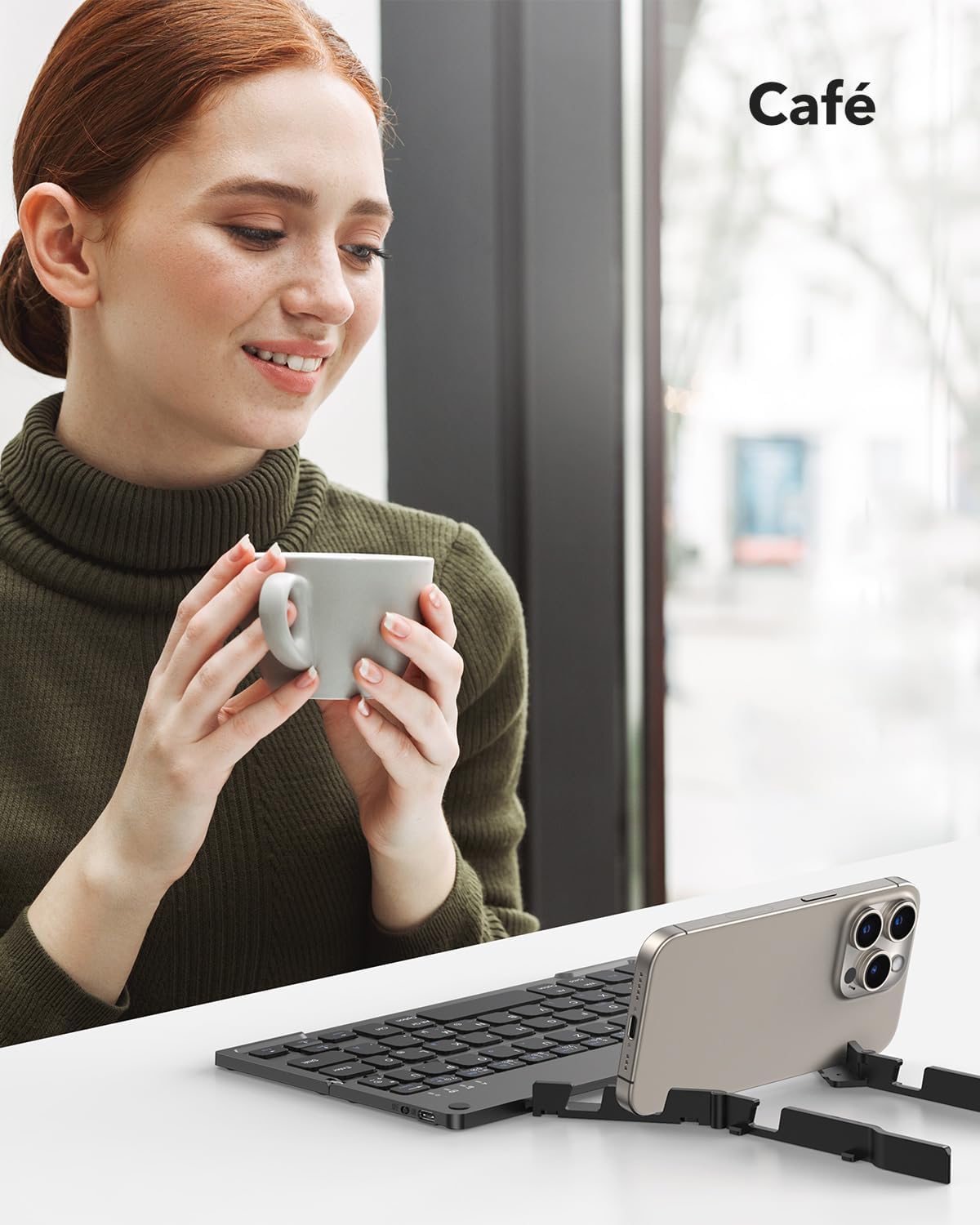
The keyboard being used in a cafe, showcasing its adaptability for various mobile work scenarios.
Onderhoud
Skoonmaak
- Maak seker dat die sleutelbord afgeskakel is voordat u dit skoonmaak.
- Use a soft, dry, lint-free cloth to wipe the surface.
- Vir hardnekkige vuiligheid, effens dampMaak die lap skoon met water of 'n sagte skoonmaakoplossing en vee dit dan dadelik droog.
- Vermy die gebruik van harde chemikalieë of skuurmateriaal.
Berging
When not in use, fold the keyboard to protect the keys and make it more compact for storage or travel. Store it in the provided carrying bag to prevent scratches and damage.

The compact dimensions of the keyboard (22.9 x 7.4 x 1.37 cm, 260g) and its portability, fitting easily into a bag for on-the-go use.
Probleemoplossing
- Keyboard not turning on: Ensure the battery is charged. Connect the Type-C cable and charge for at least 30 minutes.
- Kan nie via Bluetooth koppel nie:
- Ensure the keyboard is in pairing mode (indicator light flashing after pressing Fn + BT channel key).
- Maak seker dat Bluetooth op jou toestel geaktiveer is en dat dit opspoorbaar is.
- Move the keyboard closer to your device (within 10 meters).
- Probeer om beide die sleutelbord en jou toestel te herbegin.
- Keyboard disconnects frequently:
- Maak seker dat die sleutelbord binne die 10-meter Bluetooth-bereik van jou toestel is.
- Kyk vir steuring van ander draadlose toestelle.
- Maak seker dat die sleutelbordbattery voldoende gelaai is.
- Sleutels reageer nie of tik verkeerd:
- Check if the keyboard is connected to the correct operating system mode (e.g., iOS, Android, Windows).
- Restart the keyboard and reconnect it to your device.
- Maak seker dat daar geen rommel onder die sleutels vassit nie.
Spesifikasies
| Kenmerk | Detail |
|---|---|
| Handelsmerk | TECURS |
| Modelnommer | KB195 |
| Kleur | Swart |
| Verbindingstegnologie | Bluetooth |
| Spesiale kenmerke | Foldable, Integrated Stand |
| Versoenbare toestelle | iPad, Tablet, Smartphone, PC (iOS, Android, Windows) |
| Sleutelbordbeskrywing | Multifunctional, QWERTZ Layout, Scissor-Switch Keys |
| Aanbevole gebruike | Office, Daily Use, Travel |
| Battery Tipe | Litium-ioon (1 ingesluit) |
| Laai tyd | Ongeveer. 2 uur |
| Deurlopende werktyd | Tot 45 uur |
| Bystandtyd | Tot 580 dae |
| Afmetings (gevou) | 22.9 x 7.4 x 1.37 cm (ongeveer) |
| Gewig | 260 gram (ongeveer) |
| Materiaal | ABS Plastic, Aluminum back casing |
Waarborg en Ondersteuning
For warranty information and customer support, please refer to the documentation included with your purchase or visit the official TECURS website. This manual does not contain specific warranty details.