
1. Inleiding
This manual provides comprehensive instructions for the Hyperkin Pixel Art Bluetooth Controller, Tetris™ Edition (Model M01328-TETS). This limited-edition wireless controller is designed for use with various gaming platforms, offering a blend of retro aesthetics and modern functionality. Please read this manual thoroughly before use to ensure proper setup and operation.

Image 1.1: The Hyperkin Pixel Art Bluetooth Controller, Tetris™ Edition, showcasing its unique Tetris-themed design.
2. Pakketinhoud
Verifieer dat alle items in jou pakket teenwoordig is:
- Hyperkin Pixel Art Bluetooth Controller (Tetris™ Edition)
- USB-C-laaikabel
- Gebruikershandleiding (hierdie dokument)
3. Beheerderuitleg
Familiarize yourself with the buttons and features of your controller:

Beeld 3.1: Voorkant view of the controller, displaying the D-pad, analog sticks, action buttons (A, B, X, Y), SELECT, START, and Tetris™ logo.
- D-pad: Rigtinginvoer.
- Links/Regs Analoogstokkies: Precise 360-degree movement.
- Aksieknoppies (A, B, X, Y): Primary interaction buttons.
- SELECT -knoppie: Function varies by platform/game.
- START-knoppie: Function varies by platform/game.
- Skouerknope (L1, R1): Boonop gemonteerde knoppies.
- Snellerknoppies (L2, R2): Bottom-mounted analog triggers.
- Tuisknoppie: Returns to system menu (functionality varies by platform).
- Turbo-knoppie: Activates/deactivates turbo function for selected buttons.
- USB-C-poort: Vir laai en bedrade verbinding.

Beeld 3.2: Agterkant view of the controller, showing the ergonomic grip and product label.
4. Opstelling
4.1. Laai die beheerder
Before initial use, fully charge the controller. Connect the included USB-C charging cable to the controller's USB-C port and the other end to a USB power source (e.g., computer, USB wall adapter). The charging indicator light will show charging status and turn off when fully charged.
4.2. Bluetooth-koppeling
The controller supports wireless connection via Bluetooth up to 30 feet. Follow these general steps for pairing:
- Maak seker dat die beheerder gelaai is.
- Turn on the controller (specific method may vary, typically holding the Home button).
- Activate pairing mode on the controller (refer to specific platform instructions below, usually a combination of buttons or a dedicated pairing button). The indicator lights will flash rapidly.
- On your device (Nintendo Switch, PC, Mac, Android, iOS), navigate to the Bluetooth settings.
- Soek vir available devices and select "Hyperkin Pixel Art Controller" or similar.
- Once paired, the indicator lights on the controller will become solid.
4.2.1. Pairing with Nintendo Switch/OLED Model
- From the HOME Menu, select "Controllers" > "Change Grip/Order."
- While on this screen, press and hold the pairing button on the Hyperkin controller until the indicator lights flash.
- Once paired, the controller will appear on the screen, and the player indicator will light up.
4.2.2. Pairing with PC (Windows 10/11)
- Go to "Settings" > "Devices" > "Bluetooth & other devices."
- Turn on Bluetooth and click "Add Bluetooth or other device."
- Select "Bluetooth" and then choose "Hyperkin Pixel Art Controller" from the list.
4.2.3. Pairing with Mac
- Open "System Settings" (or "System Preferences") > "Bluetooth."
- Ensure Bluetooth is on. The controller should appear in the list of devices.
- Click "Connect" or "Pair" next to "Hyperkin Pixel Art Controller."
4.2.4. Pairing with Android/iOS Devices
- Go to your device's "Settings" > "Bluetooth."
- Turn on Bluetooth. The controller should appear in the list of available devices.
- Tap on "Hyperkin Pixel Art Controller" to pair.

Image 4.1: The controller demonstrating wireless connectivity with a Nintendo Switch console, highlighting its Bluetooth capability.
5. Bedryfsinstruksies
5.1. Basiese kontroles
The controller functions as a standard gamepad. Button mapping may vary depending on the game and platform. Refer to your game's instructions for specific control schemes.
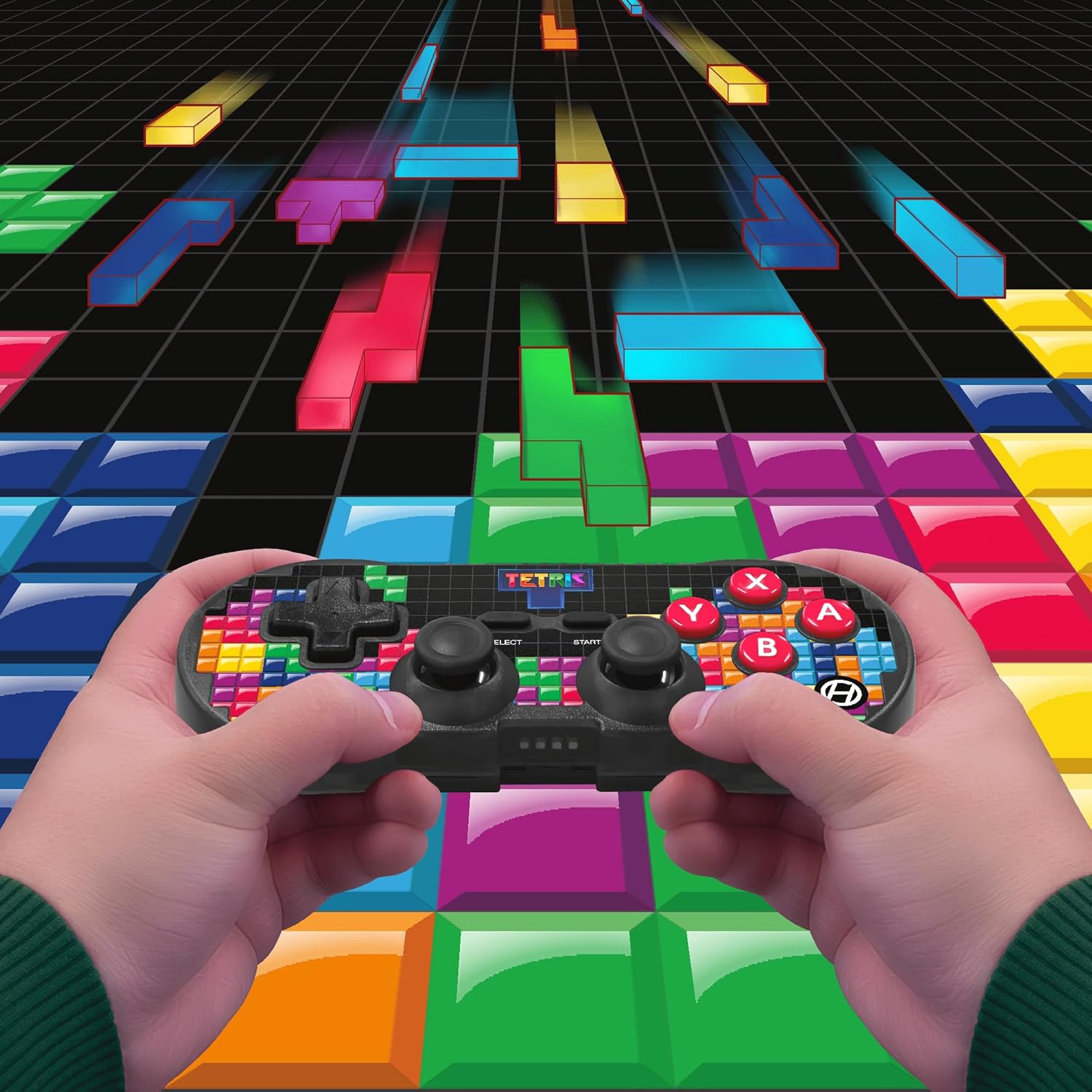
Image 5.1: A user holding the controller, illustrating its use during gameplay.
5.2. Turbo-funksie
The controller features a turbo function for rapid button presses. To activate or deactivate turbo for a specific button:
- Druk en hou die Turbo-knoppie.
- While holding the Turbo button, press the desired aksie knoppie (A, B, X, Y, L1, R1, L2, R2) you wish to apply turbo to.
- Release both buttons. The selected action button will now have turbo enabled.
- To disable turbo for that button, repeat the process.
6. Verenigbaarheid
The Hyperkin Pixel Art Bluetooth Controller is compatible with a wide range of platforms:
- Nintendo Switch
- Nintendo Switch OLED Model
- Windows 10/11 rekenaar
- Mac
- Android-toestelle
- iOS-toestelle
- Stoom
- Framboos Pi
- Amazon Games
- Amazon Luna
- Tesla

Image 6.1: Visual representation of the controller's broad compatibility across multiple gaming and computing platforms.
7. Onderhoud
Om die lang lewensduur en optimale werkverrigting van u beheerder te verseker:
- Skoonmaak: Use a soft, dry cloth to clean the controller. Avoid abrasive cleaners or solvents.
- Berging: Bêre die beheerder op 'n koel, droë plek weg van direkte sonlig en uiterste temperature.
- Batterysorg: Do not attempt to replace the internal Lithium Polymer battery. Avoid fully discharging the battery for extended periods.
- Vermy druppels: Beskerm die beheerder teen val en impakte, wat interne komponente kan beskadig.
8. Probleemoplossing
If you encounter issues with your Hyperkin Pixel Art Bluetooth Controller, refer to the following common problems and solutions:
| Probleem | Moontlike Oplossing |
|---|---|
| Die beheerder skakel nie aan nie. | Ensure the controller is fully charged. Connect it to a power source using the USB-C cable. |
| Controller does not pair via Bluetooth. |
|
| Input lag or dropped connection. |
|
| Knoppies reageer nie of sit vas. | Clean around the buttons with a soft, dry cloth. Avoid liquid cleaners. If the issue persists, contact support. |
9. Spesifikasies
| Kenmerk | Detail |
|---|---|
| Modelnommer | M01328-TETS |
| Konnektiwiteit | Bluetooth (Wireless up to 30 ft.), USB-C (Wired) |
| Verenigbaarheid | Nintendo Switch/OLED, Windows 10/11 PC, Mac, Android, iOS, Steam, Raspberry Pi, Amazon Games, Amazon Luna, Tesla |
| Spesiale kenmerke | Turbo function, Retro design with modern ergonomics, High-quality symmetrical sticks, Responsive action buttons, Reliable triggers |
| Battery Tipe | 1 Lithium Polymer battery (internal) |
| Pakket afmetings | 7.24 x 5 x 2.48 duim |
| Item gewig | 9.9 onse |
| Vervaardiger | Hiperkin |
10. Waarborg en Ondersteuning
For warranty information and technical support, please visit the official Hyperkin webwebwerf of kontak hul kliëntediensafdeling. Bewaar u bewys van aankoop vir waarborgeise.
Hyperkin Official Webwebwerf: www.hyperkin.com