
BOYA BY-WM3T-U2
BOYA Dual Wireless Lavalier Microphone
Model: BY-WM3T-U2 Instruction Manual
Omvattende gids vir opstelling, werking en onderhoud.
1. Produk verbyview
The BOYA BY-WM3T-U2 is a dual wireless lavalier microphone system designed for use with Android phones, iPhone 15, USB Type-C smartphones, and laptops. It offers a stable audio signal transmission up to 164 feet (50 meters) and features a long battery life, superior noise reduction, and pass-through phone charging while recording. This compact and lightweight system is ideal for various recording scenarios including podcasts, YouTube videos, TikTok, live streams, vlogs, and interviews.

Figure 1: The BOYA BY-WM3T-U2 offers a transmission range of up to 328 feet (100 meters) without obstructions, providing flexibility for various recording environments.
2. Wat is in die boks ingesluit
- Laaikas x 1
- BY-WM3T-TX Transmitter x 2
- BY-WM3T-RXD Receiver x 1
- Drasak x 1
- Skuim voorruit x 2
- USB-C-laaikabel x 1

Figure 2: Contents of the BOYA BY-WM3T-U2 package. Ensure all items are present.
Video 1: 'n Oorview of the BOYA BY-WM3T wireless microphone system components and their features.
3. Produkkomponente
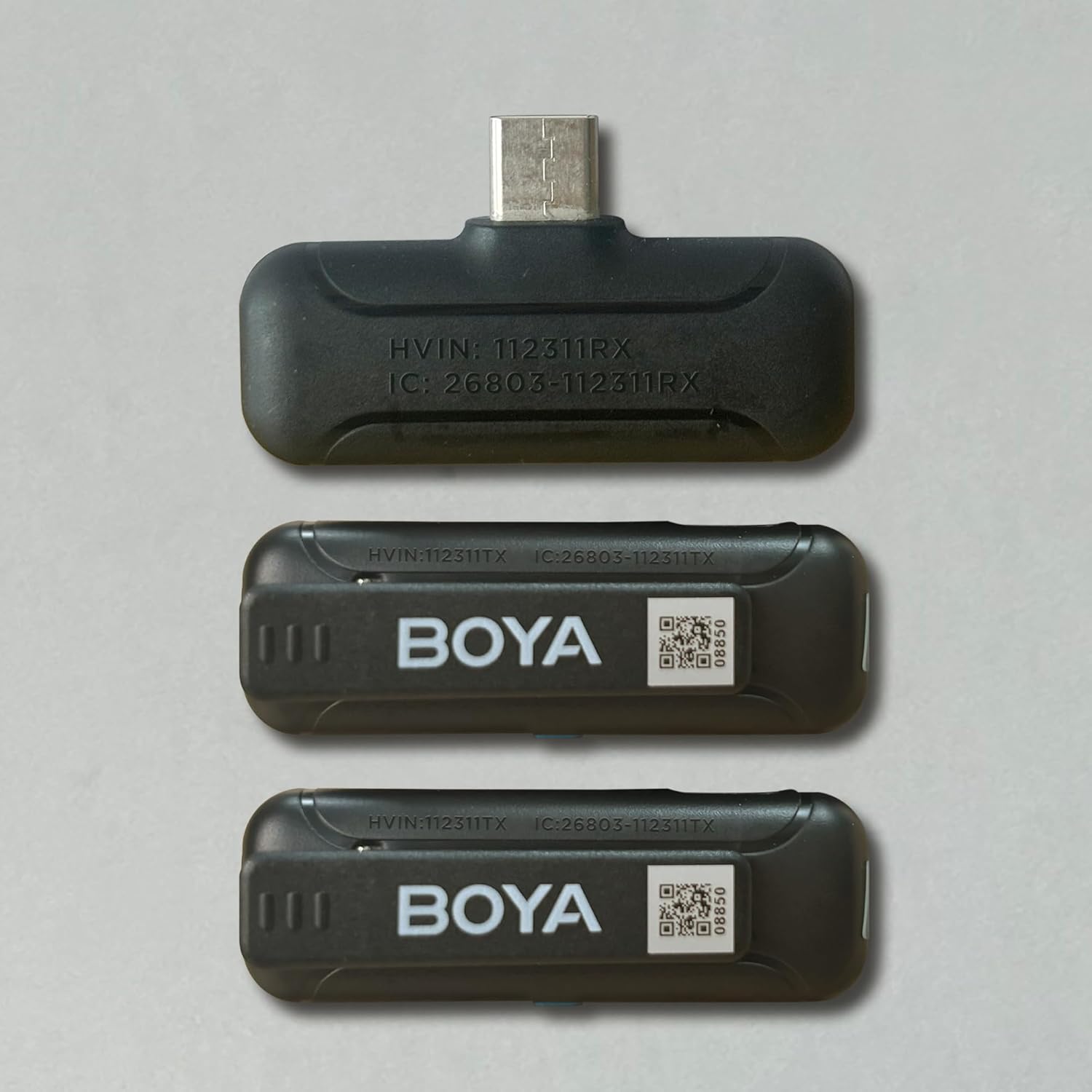
Figuur 3: Gedetailleerd view of the receiver (BY-WM3T-RXD) and transmitter (BY-WM3T-TX) components.
4. Opstelling en verbinding
The BOYA BY-WM3T-U2 system is designed for ease of use with plug-and-play functionality. Follow these steps to set up your microphone system:
- Outomatiese paring: For first-time use, remove the protective film from the charging contacts of the transmitters. Simply open the charging case and take out the transmitters. They will automatically pair with the receiver once the receiver is plugged into your device.
- Handmatige Aan/Af: To manually turn on/off a transmitter, press and hold the power button for 2 seconds. The blue indicator light on the transmitter will illuminate when powered on and paired.
- Verbind Ontvanger: Plug the BY-WM3T-RXD receiver into the USB-C port of your smartphone, tablet, or laptop. The receiver's indicator light will turn solid blue once successfully paired with the transmitters.

Figure 4: The receiver plugs directly into your device's USB-C port for instant connection.
Video 2: A step-by-step guide on how to use the BOYA BY-WM3T wireless lavalier microphone, covering initial setup and connection.
5. Bedryfsinstruksies
Once connected, the BOYA BY-WM3T-U2 offers intuitive controls for optimal audio capture.
- Demp-funksie: Short press the power button on the transmitter to mute/unmute the microphone. The blue indicator light will flash slowly when muted.
- Geraasvermindering: Druk die
Ask a question about this manual
Ask about setup, troubleshooting, compatibility, parts, safety, or missing instructions. Manuals+ will review the question and use this page’s manual context to help answer it.