
COCOCAM ZY-C2
COCOCAM Solar Camera Outdoor Wireless User Manual
Model: ZY-C2
1. Inleiding
This user manual provides comprehensive instructions for the installation, operation, and maintenance of your COCOCAM Solar Camera Outdoor Wireless. This 2K PTZ camera is designed for home security, featuring AI motion detection, color night vision, and two-way audio. Please read this manual thoroughly before using the product to ensure proper functionality and safety.
2. Pakketinhoud
Verifieer asseblief dat al die items wat hieronder gelys word in u pakket ingesluit is. Indien enige items ontbreek of beskadig is, kontak asseblief kliëntediens.
- 1x COCOCAM Solar Security Camera
- 1x Sonpaneel
- 1x sonpaneelbeugel
- 1x 3.3ft USB Charging Cable
- 1x Gebruikershandleiding
- 1x Positioning Sheet
- 2x Screw Packages (for camera and solar panel mounting)
3. Produk verbyview
The COCOCAM Solar Camera is a versatile outdoor security solution. Below are the key components and features:
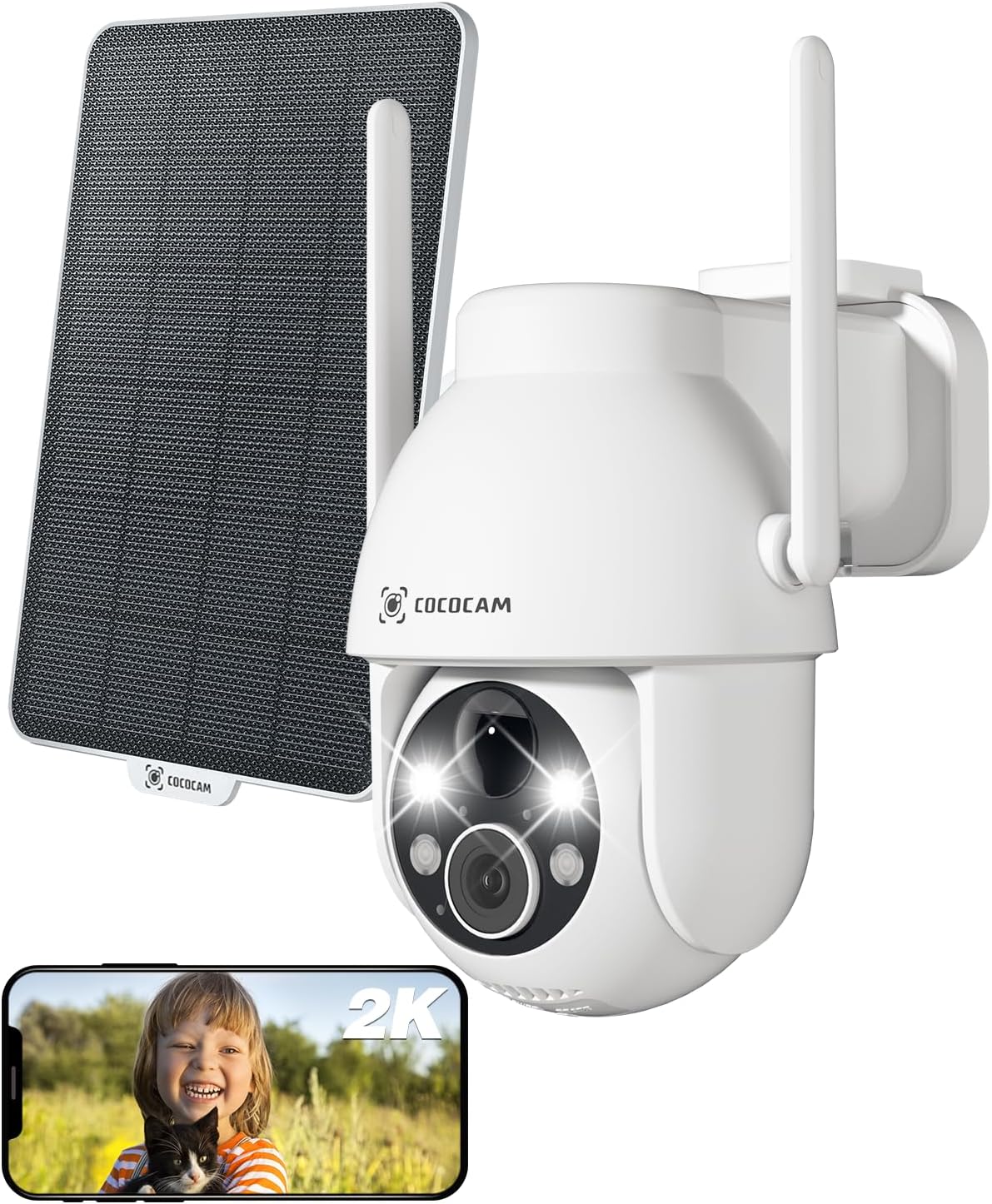
Figure 3.1: Camera and Solar Panel Overview. This image displays the main camera unit alongside its accompanying solar panel, illustrating the complete system for outdoor surveillance.
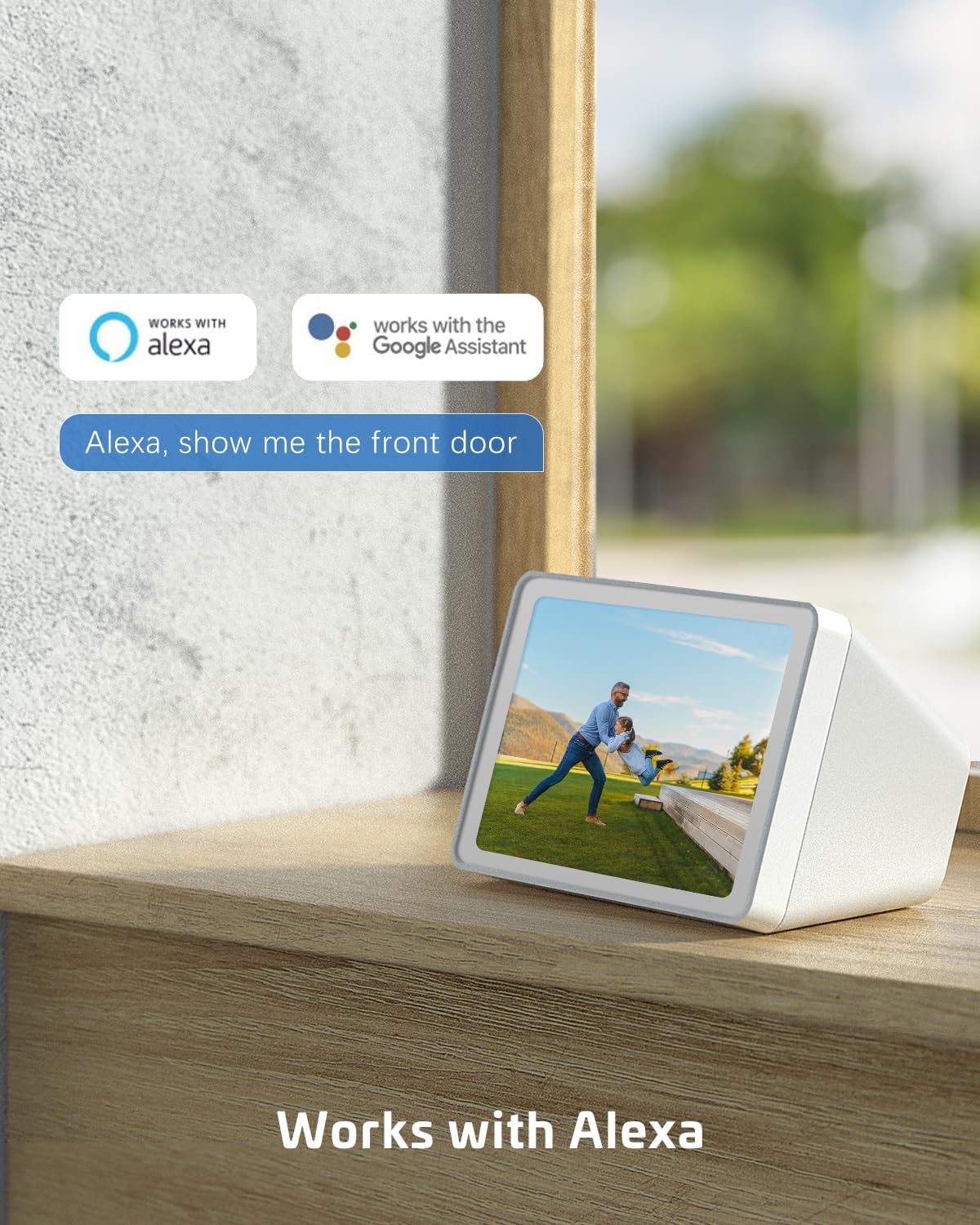
Figure 3.2: Pan and Tilt Functionality. The camera offers 355° pan and 120° tilt rotation, providing extensive coverage without blind spots. This allows for remote adjustment of the viewing angle via the mobile application.

Figure 3.3: 2K Super HD Color Night Vision. This image demonstrates the camera's ability to capture clear, high-definition video even in low-light conditions, offering both color and infrared night vision options for enhanced visibility.

Figure 3.4: Two-Way Audio Communication. The camera supports two-way audio, enabling real-time communication through the camera's built-in speaker and microphone. This feature is useful for interacting with visitors or deterring intruders.
Sleutel kenmerke:
- 2K QHD-resolusie: Provides high-resolution 3MP image quality for clear video monitoring.
- PTZ-funksionaliteit: 355° pan and 120° tilt rotation with 4x digital zoom, controllable via the Cloudage or Cococam app.
- Sonkrag-aangedrewe en draadvry: Equipped with a solar panel and 5200mAh rechargeable batteries for continuous power without wiring.
- AI Motion Detection: Optimized algorithms for human-like recognition, reducing false alarms. Supports optional recognition of pets, cars, and packages (paid features).
- Kleur Nag Visie: Offers clear night vision up to 100ft.
- Tweerigting-klank: Maak kommunikasie intyds deur die kamera moontlik.
- IP66 Weerbestand: Designed to withstand various weather conditions, operating from -25°C to 60°C (-13°F to 140°F).
- Dubbele bergingsopsies: Supports TF card (up to 128GB, not included) and cloud storage service (paid feature).
- Veelgebruikerdeling: Easily share camera access with family and friends via QR scan.
- Slim huis-integrasie: Compatible with Amazon Alexa.
4. Opstelling
Follow these steps to set up your COCOCAM Solar Camera:
- Laai die kamera: Before initial use, ensure the camera's internal battery is fully charged using the provided USB cable.
- Laai die toepassing af: Download the "Cloudage" or "Cococam" app from your smartphone's app store (iOS App Store or Google Play Store).
- Skep 'n rekening: Maak die toepassing oop en volg die instruksies op die skerm om 'n nuwe gebruikersrekening te skep.
- Voeg toestel by: In the app, select "Add Device" or the "+" icon. Choose your camera model from the list.
- Koppel aan Wi-Fi: Volg die app se instruksies om die kamera aan jou 2.4GHz Wi-Fi-netwerk te koppel. Belangrik: The camera only supports 2.4GHz Wi-Fi, not 5GHz. Ensure your router is configured for 2.4GHz or that you are connecting to the 2.4GHz band.
- Mount the Camera and Solar Panel:
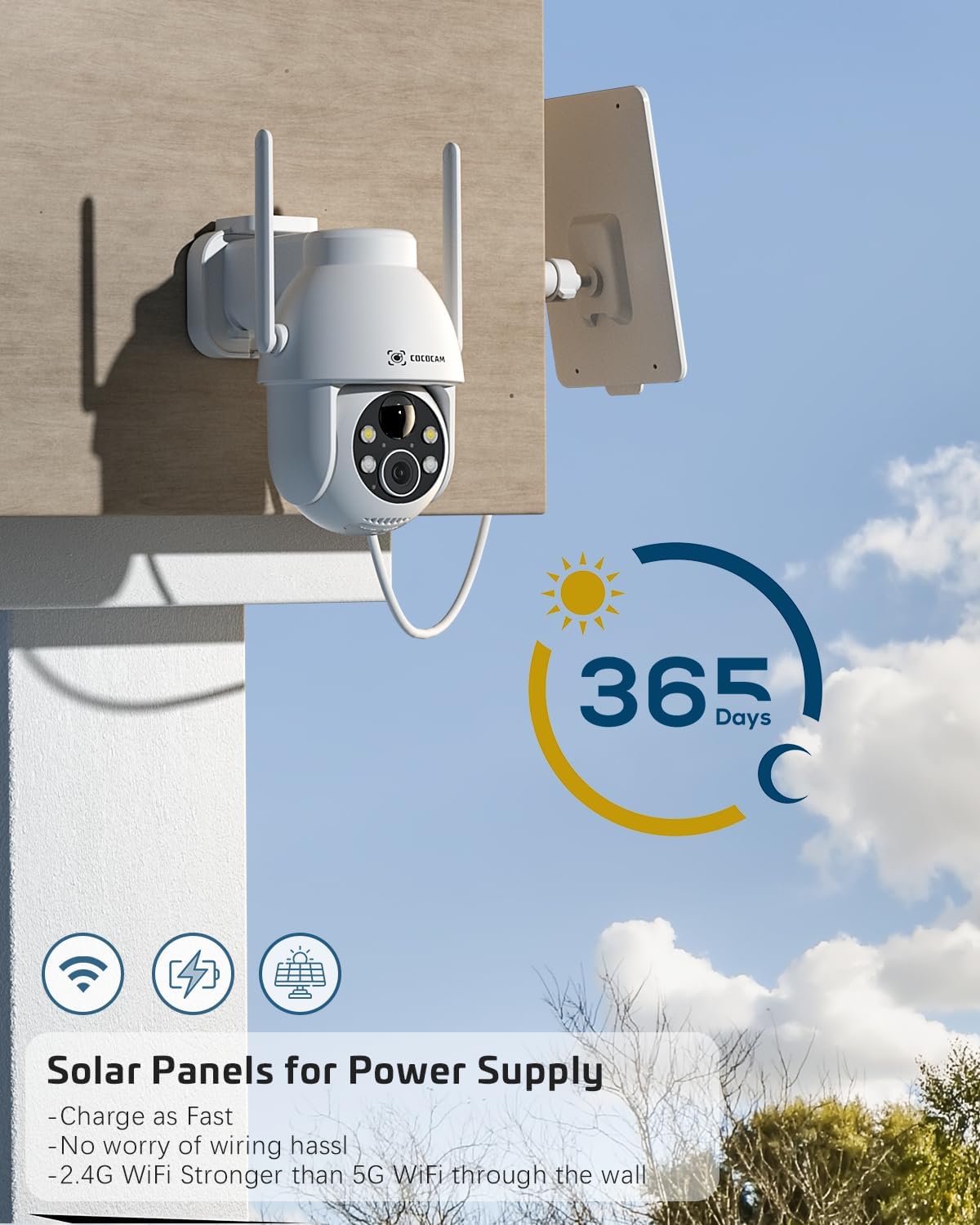
Figure 4.1: Camera and Solar Panel Installation. The camera and solar panel are designed for easy wall mounting. Position the solar panel in an area that receives direct sunlight for optimal charging.
Select a suitable outdoor location for installation. Use the included screws and positioning sheet to securely mount the camera and the solar panel. The solar panel should be positioned to receive maximum direct sunlight throughout the day for continuous power supply. Installation typically takes about 10 minutes.
- Finale aanpassings: Once mounted, use the app to adjust the camera's pan and tilt angles to achieve the desired viewing gebied.
5. Bedien die kamera
Your COCOCAM camera offers a range of features accessible through the mobile application:
5.1 Lewendig View en PTZ-beheer
Access the live video feed from your camera via the app. Use the on-screen controls to pan (355°), tilt (120°), and digitally zoom (4x) the camera to monitor different areas.
5.2 Bewegingsopsporing en waarskuwings
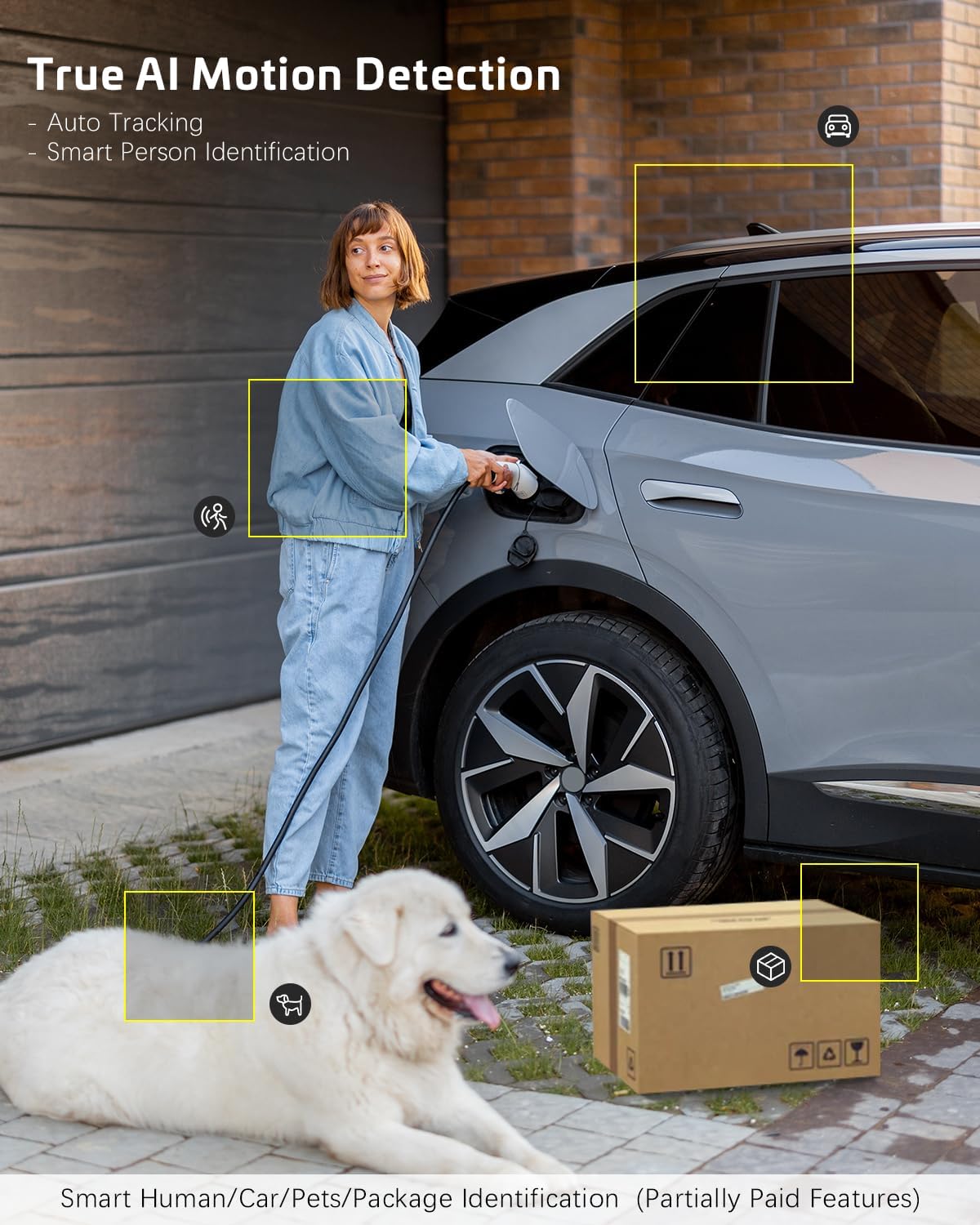
Figure 5.1: AI Motion Detection. The camera's advanced AI algorithms can differentiate between humans, pets, cars, and packages, reducing false alarms and providing more accurate alerts.
The camera features advanced AI motion detection. When motion is detected, you will receive instant alerts on your smartphone. You can customize detection sensitivity and enable/disable AI human detection in the app settings. Optional paid features include recognition for pets, cars, and packages.
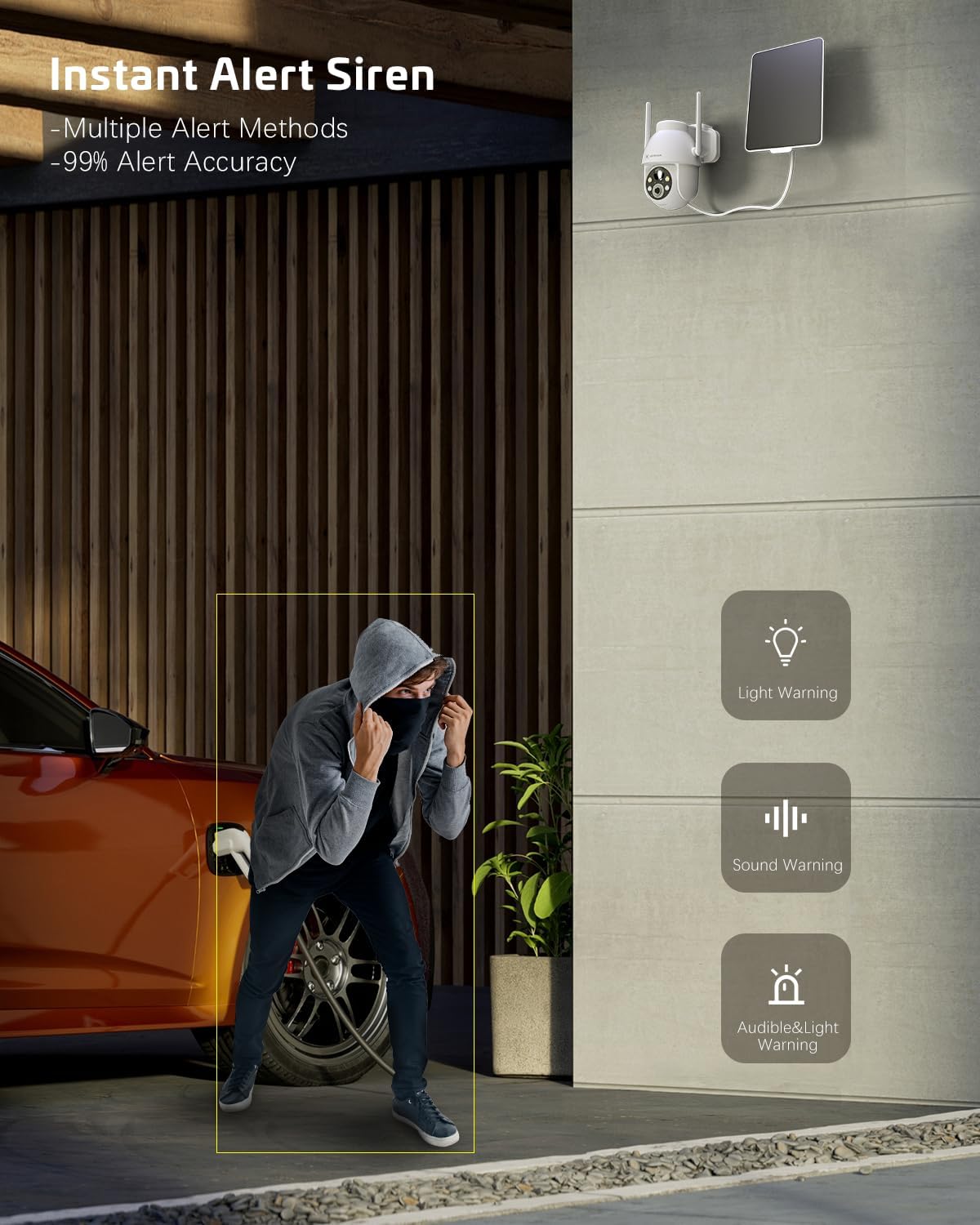
Figure 5.2: Instant Alert Siren. Upon detecting suspicious activity, the camera can activate a siren and flashing lights to deter intruders, providing multiple warning methods.
5.3 Nagvisie
The camera automatically switches to night vision mode in low light. It offers both infrared night vision for clear black-and-white images and a 2K Super HD color night vision mode for enhanced detail in color.
5.4 Tweerigting-klank
Use the two-way audio feature to communicate with individuals near the camera. Simply tap the microphone icon in the app to speak, and listen through the camera's speaker.
5.5 Video stoor
Opnames kan op twee maniere gestoor word:
- TF kaart: Insert a TF (microSD) card (up to 128GB, not included) into the camera's designated slot for local storage.
- Wolkberging: Subscribe to the optional cloud storage service (paid feature) for secure, remote storage of your video recordings. All video data is encrypted for privacy.
5.6 Multi-gebruiker deling
Share access to your camera with family members or trusted individuals. This can be done easily by generating a QR code within the app for them to scan.
5.7 Slimhuis-integrasie
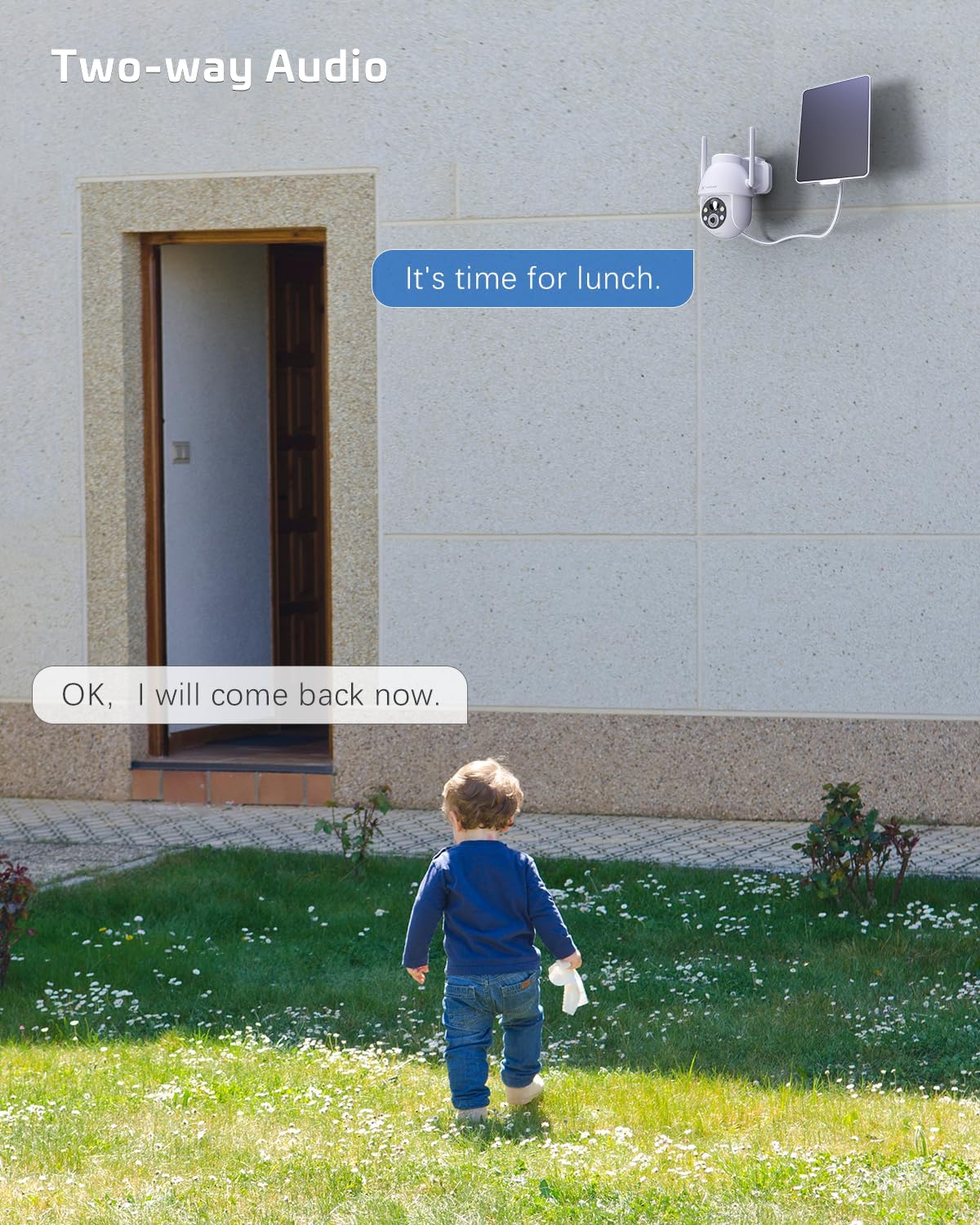
Figure 5.3: Alexa Integration. The camera is compatible with Amazon Alexa, allowing for voice control and viewdie kameravoer op versoenbare slimskerms.
The COCOCAM camera can be integrated with Amazon Alexa. Follow the instructions in the Alexa app to link your COCOCAM account and enable voice commands for viewjou kamerastroom op versoenbare toestelle.
6. Onderhoud
Proper maintenance ensures the longevity and optimal performance of your COCOCAM Solar Camera:
- Sonpaneel skoonmaak: Vee die sonpaneeloppervlak gereeld af met 'n sagte, damp cloth to remove dust, dirt, or debris that may hinder its charging efficiency.
- Kameralens skoonmaak: Maak die kameralens versigtig skoon met 'n mikrofiberdoek om 'n duidelike beeldkwaliteit te verseker. Vermy skuurmiddels wat die lens kan krap.
- Weerbeskerming: The camera is IP66 weatherproof, designed to withstand rain and dust. However, avoid submerging the camera in water.

Figure 6.1: IP66 Weatherproof Design. The camera is built to withstand various outdoor elements, ensuring reliable operation in diverse weather conditions.
- Bedryfstemperatuur: Ensure the camera operates within its specified temperature range of -25°C to 60°C (-13°F to 140°F).
- Firmware -opdaterings: Check the app periodically for firmware updates to ensure your camera has the latest features and security enhancements.
7. Probleemoplossing
If you encounter issues with your COCOCAM Solar Camera, refer to the following common problems and solutions:
| Probleem | Moontlike oorsaak/oplossing |
|---|---|
| Kamera koppel nie aan Wi-Fi nie |
|
| Battery not charging or low battery |
|
| Gereelde vals alarms |
|
| Poor video quality or blurry images |
|
| Tweerigting-oudio werk nie |
|
If the problem persists, please refer to the support section or contact COCOCAM customer service.
8. Spesifikasies
| Kenmerk | Detail |
|---|---|
| Modelnommer | ZY-C2 |
| Video-opname-resolusie | 2K (1440p), 3MP |
| Pan/kantel-reeks | 355° Pan, 120° Kantel |
| Digitale zoom | 4x |
| Kragbron | Solar Powered, 5200mAh Rechargeable Battery |
| Verbindingsprotokol | Wi-Fi (slegs 2.4GHz) |
| Draadlose kommunikasietegnologie | Wi-Fi |
| Weerbestande gradering | IP66 |
| Bedryfstemperatuur | -25°C tot 60°C (-13°F tot 140°F) |
| Nagsigreeks | 20 Meters (approx. 65 feet), up to 100ft mentioned in feature bullets |
| Bergingsopsies | TF Card (up to 128GB), Cloud Storage (paid) |
| Oudio | 2-rigting oudio |
| Versoenbare toestelle | Smartphone, Amazon Alexa |
| Montage tipe | Wall Mount, Screw In |
| Item gewig | 650 g |
| Kleur | Wit |
| Materiaal | Plastiek |
9. Waarborg en Ondersteuning
Waarborg: COCOCAM provides a 2-year warranty for this camera. Please retain your proof of purchase for warranty claims.
Kliëntediens: If you encounter any problems using your COCOCAM Solar Camera or require technical assistance, please contact COCOCAM customer support. You can typically find contact information on the COCOCAM official website or through the retailer where you purchased the product. For Amazon purchases, you can visit the COCOCAM Store on Amazon vir ondersteuningsopsies.
Ask a question about this manual
Ask about setup, troubleshooting, compatibility, parts, safety, or missing instructions. Manuals+ will review the question and use this page’s manual context to help answer it.