
Laser EPS-LT10B-128
Laser TWS Earbuds with LED Battery Display User Manual
Model: EPS-LT10B-128
Inleiding
Thank you for choosing the Laser TWS Earbuds. These true wireless stereo earbuds are designed to provide a high-fidelity audio experience with convenient features such as an LED battery display, intuitive tap controls, and an ergonomic design for comfortable, extended use. The included rechargeable case ensures your earbuds are always ready for use. This manual will guide you through the setup, operation, and maintenance of your new earbuds.
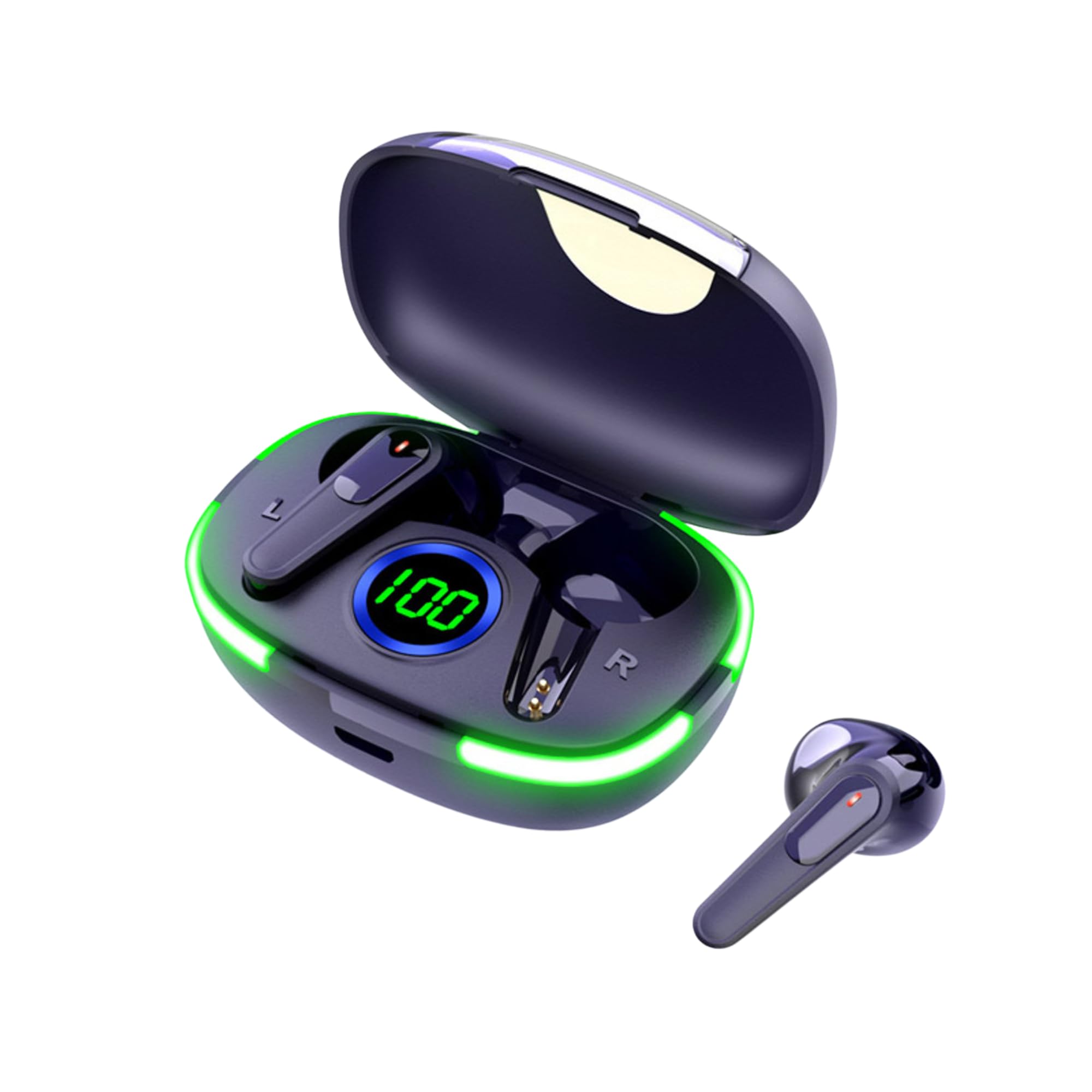
Image: The Laser TWS Earbuds, showcasing the charging case with its LED display and one earbud placed outside the case.
Pakketinhoud
Maak seker dat alle items in die pakket teenwoordig is:
- 1 x Pair of Laser TWS Earbuds
- 1 x Charging Case with Battery Display
- 1 x Tipe-C-laaikabel
- 1 x Gebruikershandleiding
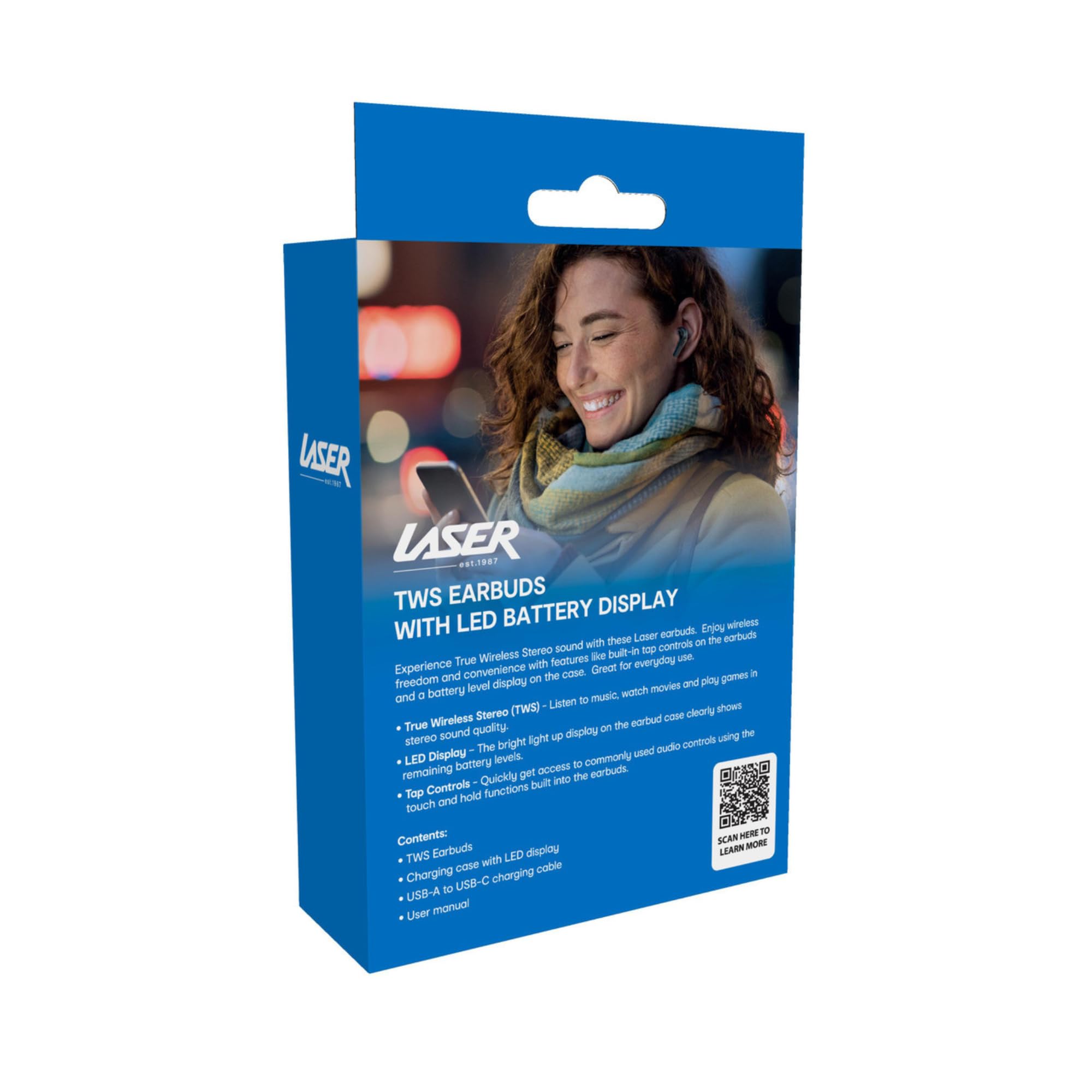
Image: The retail packaging for the Laser TWS Earbuds, indicating contents and features.
Opstelling
1. Laai die oordopjes en houer
Before first use, fully charge the earbuds and the charging case. The LED display on the case indicates the battery level.
- Koppel die meegeleverde Tipe-C-laaikabel aan die laaipoort op die kas en 'n USB-kragbron.
- The LED display will show the charging progress. A full charge takes approximately 1 hour.
- The earbuds charge automatically when placed inside the charging case. The case can recharge the earbuds up to 3 times on a single charge.

Beeld: 'n Nabyskoot view of the charging case's LED display, showing the battery percentage, wat die ladingvlak aandui.
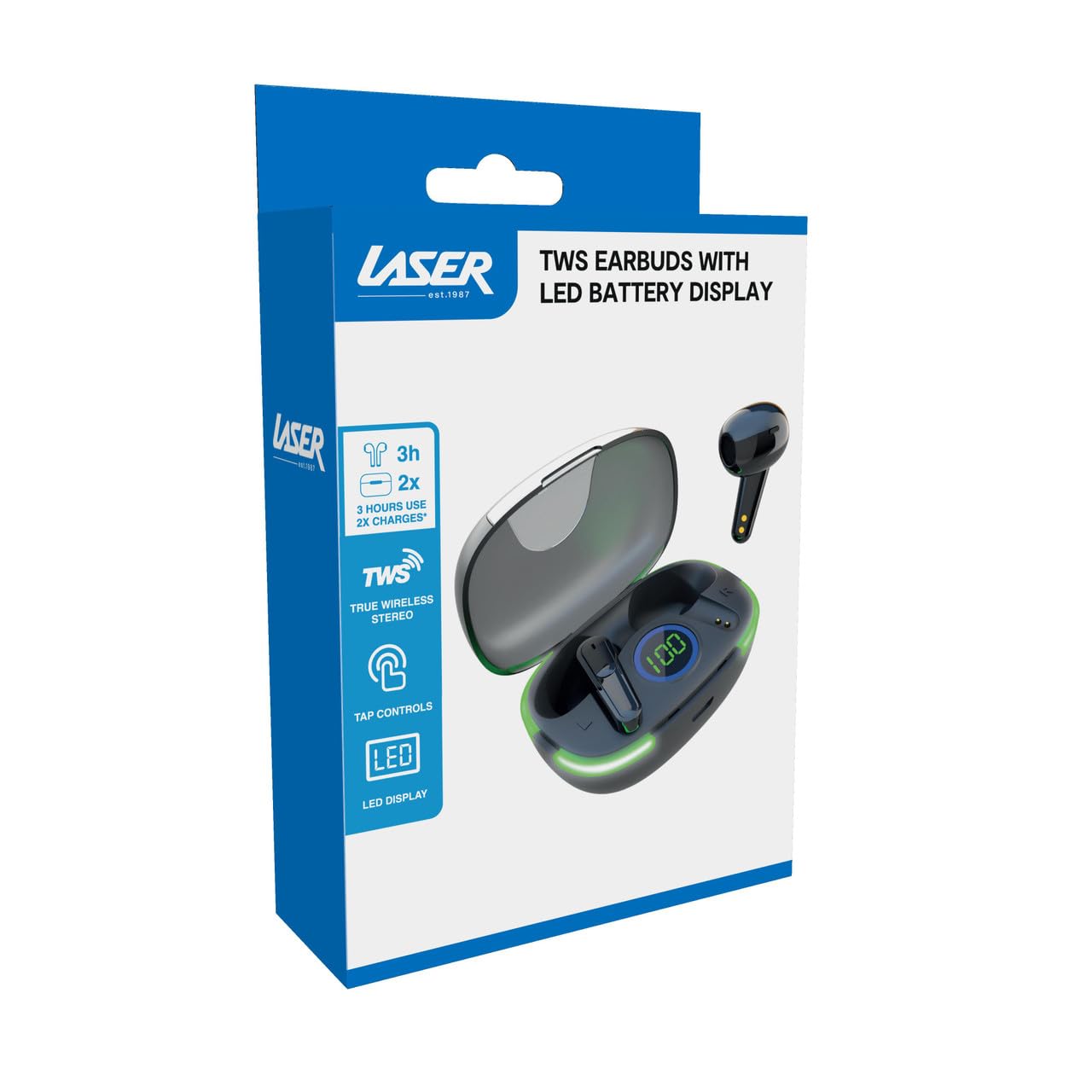
Image: Another close-up of the LED display on the charging case, highlighting the digital battery indicator.
2. Koppel met 'n Toestel
The earbuds use Bluetooth for wireless connectivity.
- Maak die laaikas oop. Die oorfone sal outomaties in paringsmodus gaan.
- Aktiveer Bluetooth op jou toestel (slimfoon, tablet, skootrekenaar) en soek vir nuwe toestelle.
- Select "Laser TWS Earbuds" or "EPS-LT10B-128" from the list of available devices.
- Sodra dit gekoppel is, sal jy 'n bevestigingstoon hoor, en die oorfone sal gereed wees vir gebruik.
- The earbuds support multi-device compatibility, allowing pairing with various devices.
Bedryfsinstruksies
Dra die oordopjes
The earbuds are designed for ergonomic comfort and a secure fit. Gently insert each earbud into your ear canal and twist slightly to ensure a snug and comfortable position. This helps optimize sound quality and stability.
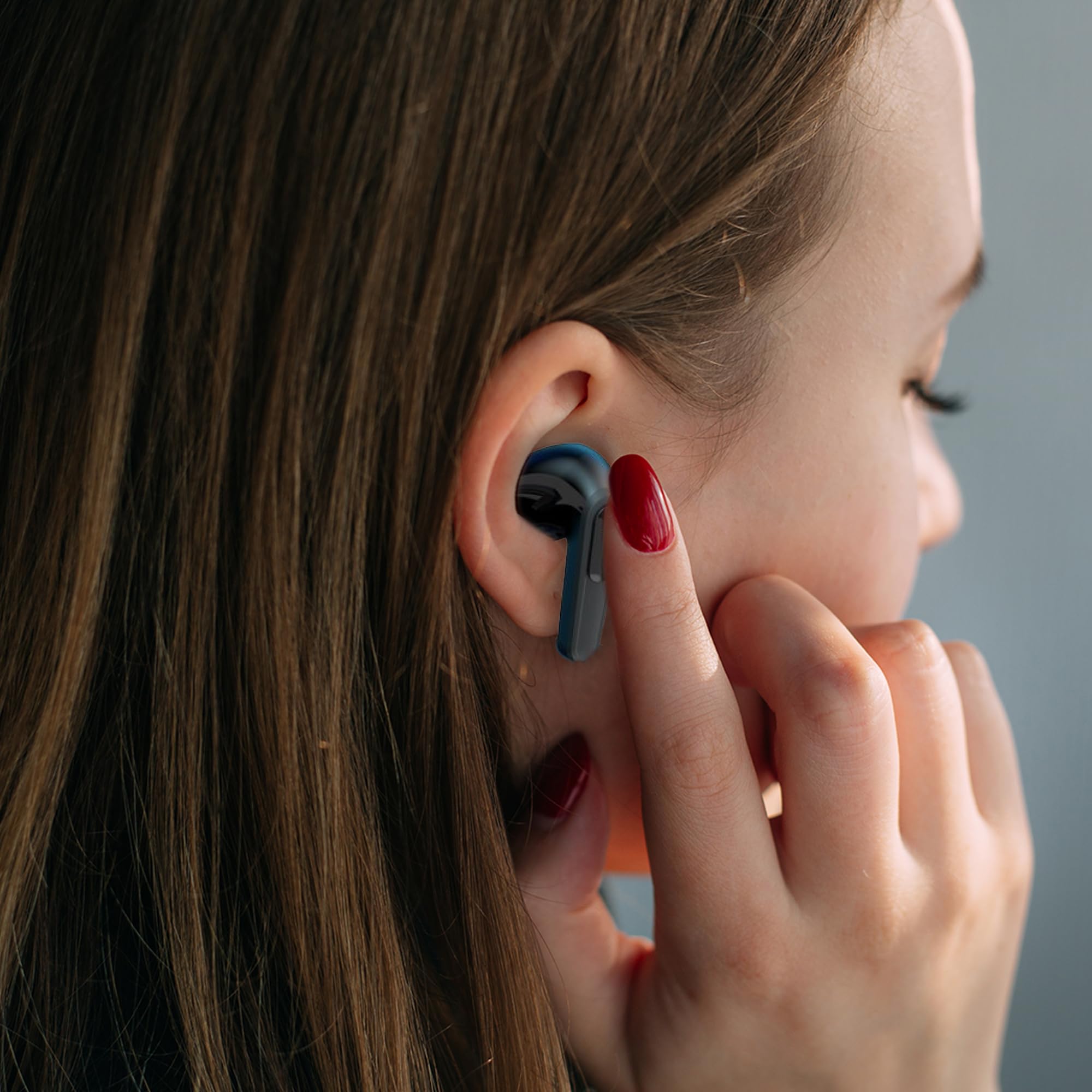
Image: A woman comfortably wearing one of the Laser TWS Earbuds while interacting with her smartphone.
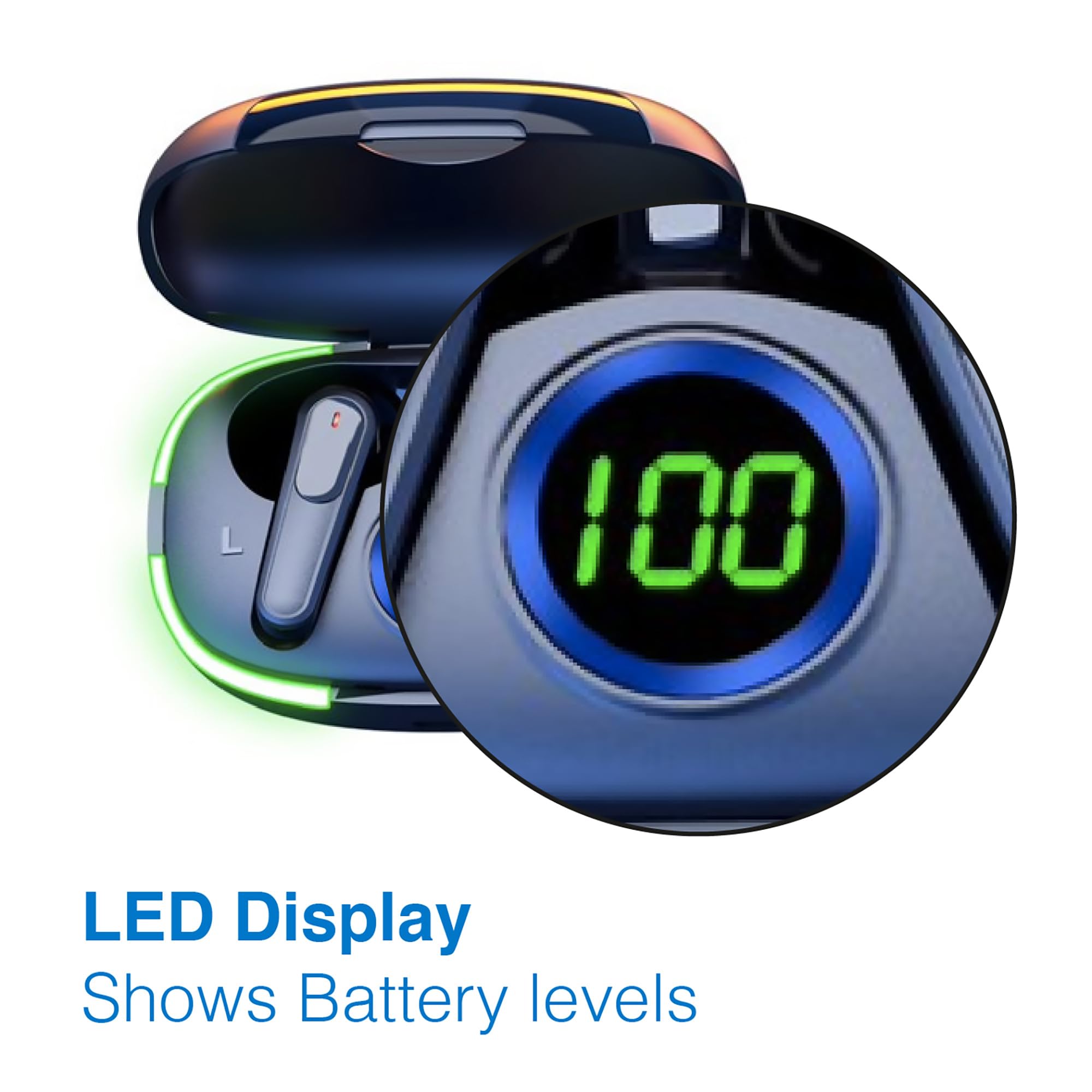
Image: A man walking outdoors, wearing a Laser TWS Earbud, demonstrating the ergonomic design for active use.
True Wireless Stereo Experience
These earbuds provide a true wireless stereo experience, delivering high-fidelity sound with clear channel separation for an immersive audio experience, whether for music, movies, or gaming.
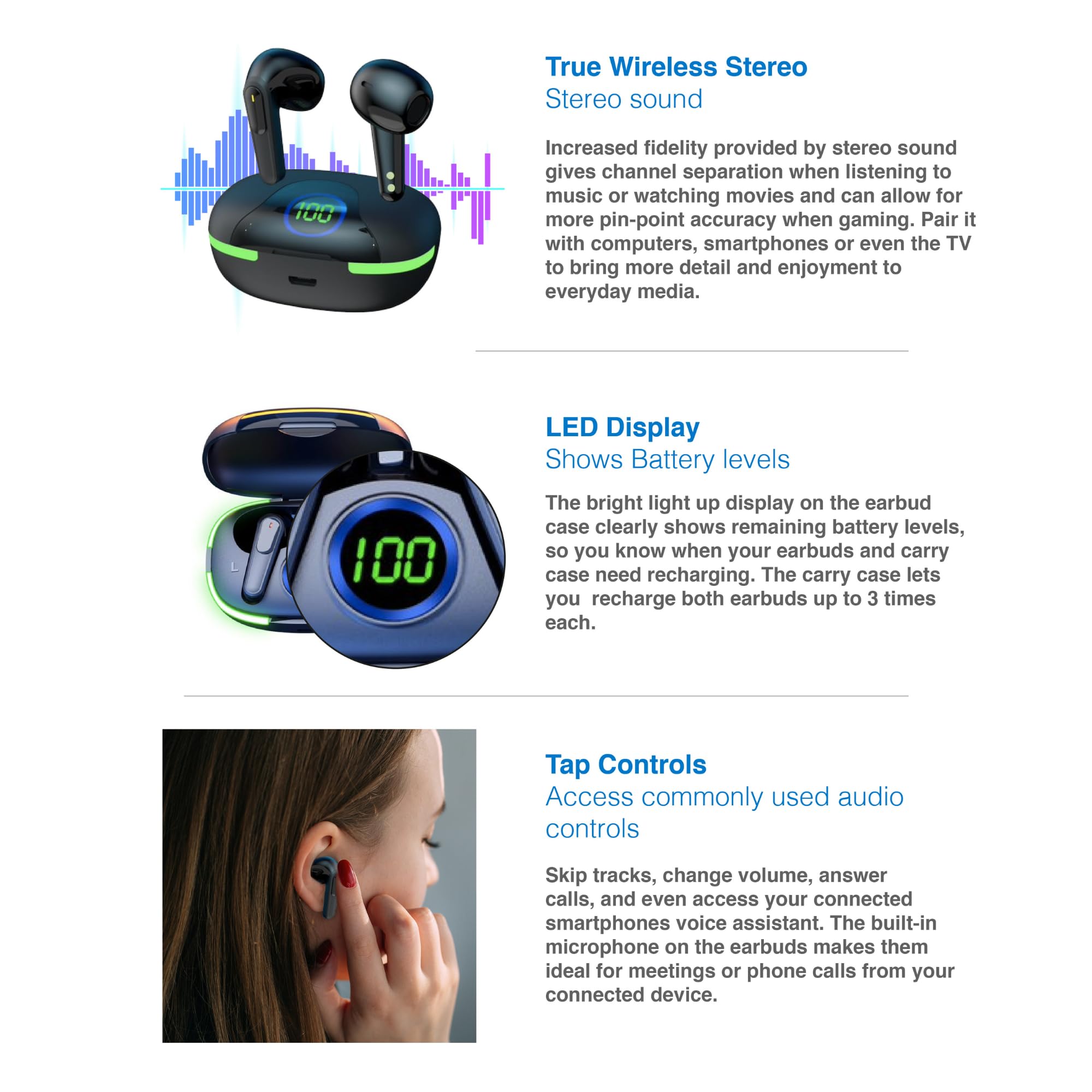
Image: A graphic representation of the True Wireless Stereo feature, showing the earbuds in their case with sound wave visualizations.
Tik Kontroles
The earbuds feature intuitive tap controls for easy management of audio playback and calls without needing to access your connected device.
| Aksie | Beheer |
|---|---|
| Speel/Pause Musiek | Enkele tik op enige van die oordopjes |
| Volgende Snit | Dubbeltik op die regter oordopje |
| Vorige Snit | Dubbeltik op die linker oordopje |
| Beantwoord/beëindig oproep | Enkele tik op enige van die oordopjes |
| Verwerp oproep | Druk lank op enige van die oordopjes |
| Activate Voice Assistant (Siri, Google Assistant, Alexa) | Drie keer tik op enige oordopjes |

Image: A person's hand touching an earbud, illustrating the tap control functionality.
Ingeboude mikrofoon
Each earbud includes a built-in microphone, enabling hands-free calls and meetings without needing to switch to your device.
Onderhoud
- Skoonmaak: Maak die oorfone en laaikas gereeld skoon met 'n sagte, droë, pluisvrye lap. Vermy die gebruik van skuurmiddels of harde chemikalieë.
- Berging: Wanneer dit nie gebruik word nie, bêre die oordopjes in hul laaikassie om hulle te beskerm en gelaai te hou.
- Batterysorg: Om die batterylewe te verleng, vermy om die oorfone en houer gereeld heeltemal te ontlaai. Laai hulle gereeld, selfs al word hulle nie voortdurend gebruik nie.
- Waterweerstand: Hierdie oorfone is nie waterbestand nie. Vermy blootstelling aan water, sweet of hoë humiditeit.
Probleemoplossing
| Probleem | Oplossing |
|---|---|
| Oorknoppies koppel nie | Ensure earbuds are charged. Turn off and on Bluetooth on your device. Forget the device in Bluetooth settings and re-pair. Place earbuds back in case and take them out again. |
| Geen geluid van een oordopje nie | Check battery level of both earbuds. Re-pair the earbuds. Try resetting the earbuds (refer to manufacturer's webwebwerf vir spesifieke herstelinstruksies indien nodig). |
| Laaikas laai nie | Ensure the charging cable is securely connected. Try a different USB power source or cable. |
| Tap controls not responding | Ensure earbuds are properly seated in your ears. Clean the touch sensitive area. Re-pair the earbuds. |
If you encounter persistent issues, please refer to the official Laser support webwebwerf vir verdere hulp.
Spesifikasies
| Kenmerk | Detail |
|---|---|
| Model | EPS-LT10B-128 |
| Verbindingstegnologie | Bluetooth draadloos |
| Geraasbeheer | Klankisolasie |
| Batterylewe (Oorfone) | Ongeveer. 3 ure |
| Laai tyd | Ongeveer. 1 uur |
| Laaikas herlaai | Tot 3 keer |
| Maksimum bedryfsafstand | 10 meter |
| Tipe beheer | Aanraakbeheer, stembeheer |
| Materiaal | Plastiek |
| Item gewig | 30 gram |
| Afmetings | 62.2 x 42.5 x 32.6 cm (Produk) |
| Waterweerstandvlak | Nie waterbestand nie |
Waarborg en Ondersteuning
The Laser TWS Earbuds come with a 1 jaar waarborg vanaf die aankoopdatum. Bewaar asseblief u bewys van aankoop vir waarborgeise.
For further support, troubleshooting, or warranty information, please visit the official Laser webwebwerf:
You may also contact Laser customer service directly for assistance.