
1. Inleiding
Dankie vir die aankoopasing the JVC XS-N3123PB Party Bluetooth Speaker. This speaker is designed to deliver powerful audio with an 8-inch woofer, 40W RMS output, and a built-in RGB light show. It features a rechargeable battery for portability and multiple connectivity options. This manual provides essential information for safe and optimal use of your speaker.

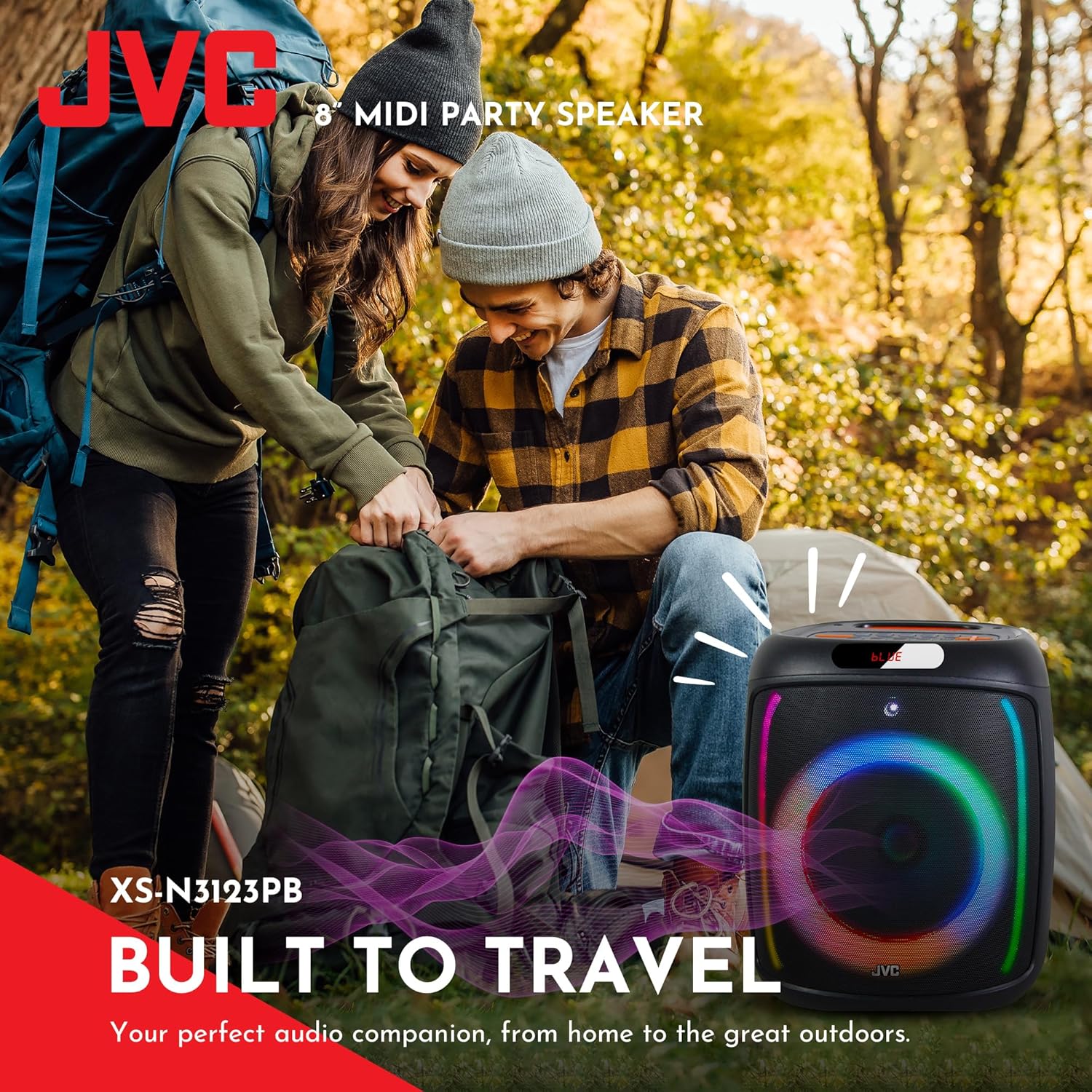
Voorkant view of the JVC XS-N3123PB Party Bluetooth Speaker, showcasing its design and active RGB lighting.
2. Veiligheidsinligting
Lees asseblief alle veiligheidsinstruksies sorgvuldig deur voordat u hierdie produk gebruik. Bewaar hierdie handleiding vir toekomstige verwysing.
- Moenie die luidspreker blootstel aan uiterste temperature, humiditeit of direkte sonlig nie.
- Vermy om die luidspreker te laat val of aan sterk impakte te onderwerp.
- Do not disassemble, repair, or modify the unit yourself. Refer all servicing to qualified personnel.
- Keep the speaker away from water or other liquids to prevent electric shock.
- Use only the charging cable provided or recommended by the manufacturer.
- Ensure proper ventilation around the speaker during use and charging.
- Do not operate the speaker at excessively high volumes for prolonged periods to avoid hearing damage.
3. Pakketinhoud
Verifieer dat alle items in die pakket teenwoordig is:
- JVC XS-N3123PB Party Bluetooth Speaker
- Charging Cable (AC adapter not included)
- Gebruikershandleiding
4. Produk verbyview
Maak jouself vertroud met die luidspreker se komponente en kontroles.
Voorpaneel

The front of the speaker features the main 8-inch woofer with integrated RGB lighting and a display panel at the top.
Bo -bedieningspaneel

The top panel includes buttons for LED control, EQ, Record, TWS pairing, Menu, Mode/Next, Play/Pause, Scan, and Volume controls.
Agterpaneel en poorte
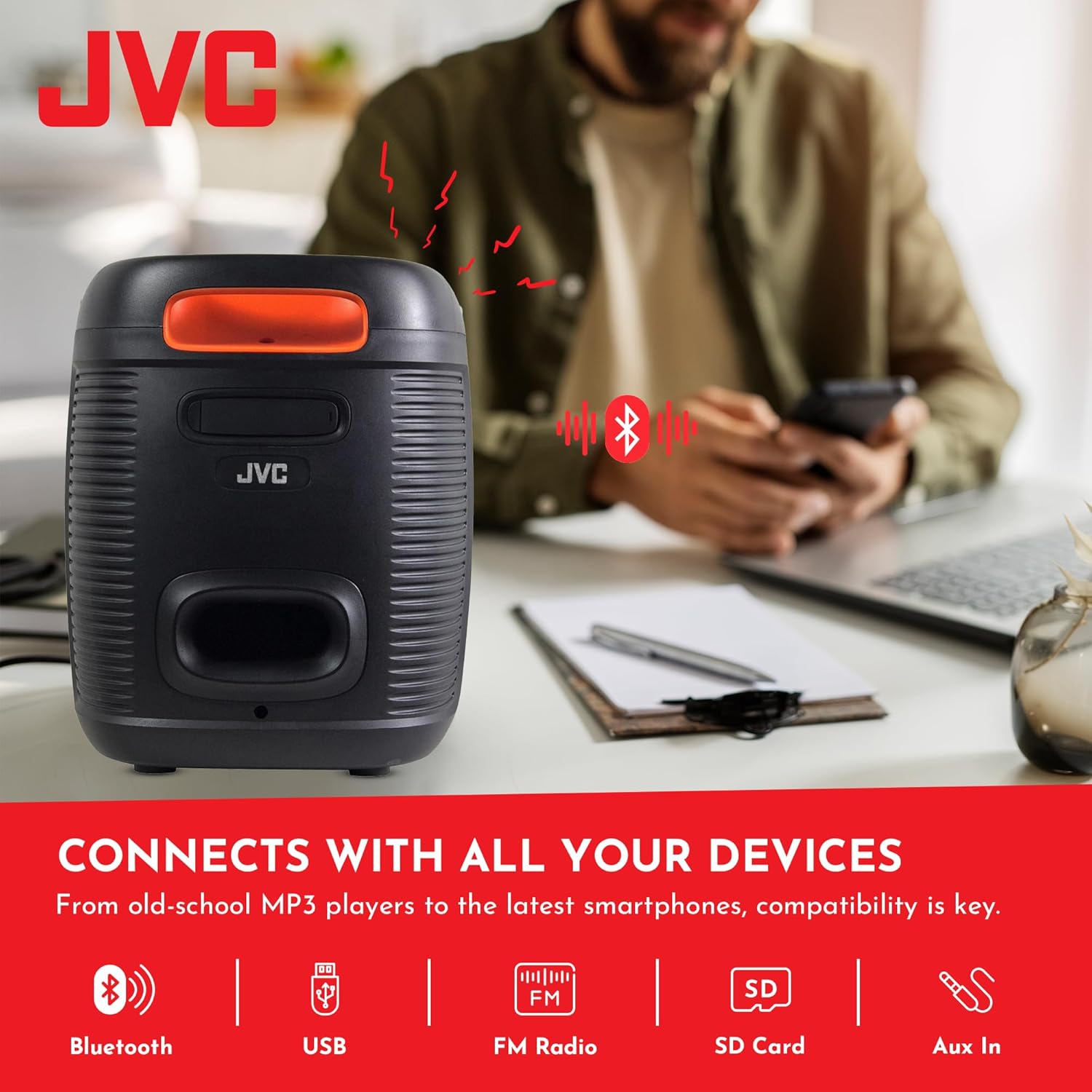
The rear panel provides ports for USB, SD card, AUX input, and microphone input.
5. Opstelling
5.1 Laai die luidspreker
Before first use, fully charge the speaker. Connect the charging cable to the speaker's charging port and to a suitable power source (e.g., USB wall adapter, computer USB port). The charging indicator will illuminate. Once fully charged, the indicator may change color or turn off. A full charge provides up to 6 hours of playback.
The speaker features a 4000mAh rechargeable battery for extended use.
5.2 Aan-/afskakel
Druk en hou die Power-knoppie (U) on the top control panel for a few seconds to turn the speaker on or off.
6. Bedryfsinstruksies
6.1 Bluetooth -koppeling
- Turn on the speaker. It will automatically enter Bluetooth pairing mode, indicated by a flashing 'BLUE' on the display and an audible prompt.
- Aktiveer Bluetooth op jou mobiele toestel (slimfoon, tablet, ens.).
- Soek vir available Bluetooth devices and select "JVC XS-N3123PB" from the list.
- Once paired, the speaker will emit an audible confirmation, and 'BLUE' on the display will stop flashing.
- Jy kan nou klank vanaf jou toestel deur die luidspreker speel.
6.2 USB- en SD-kaartterugspeel
Insert a USB flash drive or an SD card (with MP3 audio files) into the respective port on the rear panel. The speaker will automatically switch to USB/SD mode and begin playing music. Use the control buttons on the top panel to navigate tracks (Previous/Next) and control playback (Play/Pause).
6.3 FM -radio
- Druk die MODUS knoppie om oor te skakel na FM-radiomodus.
- Druk die SKANDEER knoppie om outomaties beskikbare FM-stasies te skandeer en te stoor.
- Use the Previous/Next buttons to switch between saved stations.
6.4 AUX-invoer
Connect an external audio device (e.g., MP3 player, laptop) to the AUX IN port on the rear panel using a 3.5mm audio cable. The speaker will automatically switch to AUX mode. Control playback from your connected device.
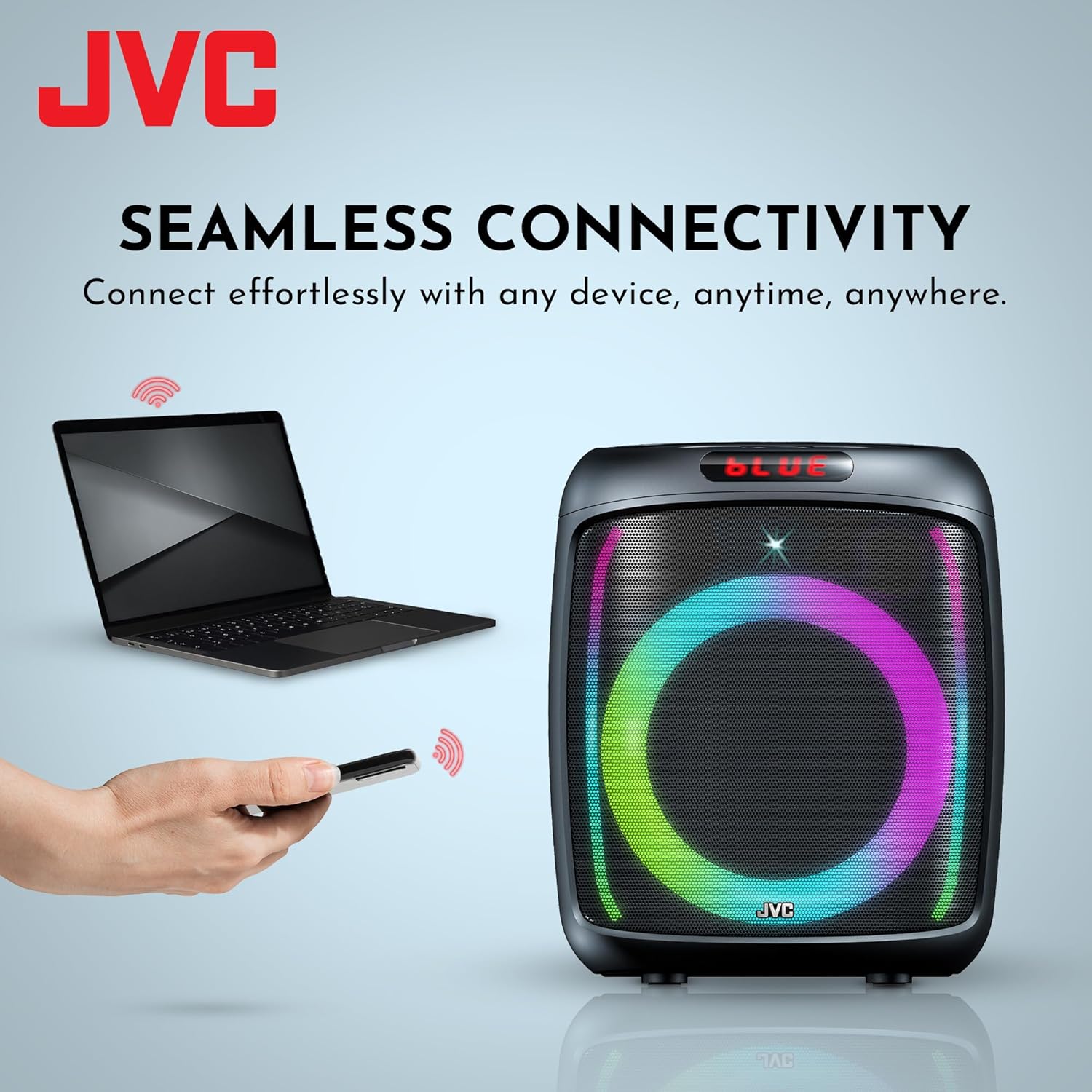
The speaker offers versatile connectivity including Bluetooth, USB, FM Radio, SD Card, and Aux In.
6.5 Microphone and Karaoke Function
Connect a microphone to the MIC IN port on the rear panel. You can use the microphone for announcements or karaoke. The speaker supports recording functionality (REC button) when a USB drive or SD card is inserted.

The speaker includes built-in karaoke and recording capabilities.
6.6 RGB Light Show
The speaker features an integrated RGB light show that pulses with the music. Press the LED button on the top control panel to cycle through different light modes or turn the lights off.
6.7 Ware Draadlose Stereo (TWS) Funksie
If you have two JVC XS-N3123PB speakers, you can pair them together for a True Wireless Stereo experience. Refer to the TWS pairing instructions in the full manual for detailed steps.
7. Onderhoud
7.1 Skoonmaak
Wipe the speaker with a soft, dry cloth. Do not use abrasive cleaners, waxes, or solvents. Ensure no liquids enter the speaker openings.
7.2 Berging
When not in use for extended periods, store the speaker in a cool, dry place, away from direct sunlight and extreme temperatures. It is recommended to charge the battery periodically to maintain its lifespan.
8. Probleemoplossing
As jy probleme met jou luidspreker ondervind, raadpleeg die volgende algemene probleme en oplossings:
| Probleem | Moontlike oorsaak | Oplossing |
|---|---|---|
| Luidspreker skakel nie aan nie | Die battery is leeg | Laai die luidspreker volledig. |
| Geen klank nie | Volume is too low or muted; Incorrect input mode; Device not connected properly | Increase volume; Select correct input mode (Bluetooth, USB, AUX); Reconnect device. |
| Bluetooth-samestelling misluk | Speaker not in pairing mode; Device Bluetooth off; Speaker too far from device | Ensure speaker is in pairing mode; Turn on device Bluetooth; Move speaker closer to device (within 10 meters). |
| FM-radio-ontvangs is swak | Swak sein; Interferensie | Relocate the speaker; Extend the antenna if available (not explicitly mentioned for this model, but general advice). |
9. Spesifikasies
| Kenmerk | Spesifikasie |
|---|---|
| Modelnommer | AP-G278 |
| Handelsmerk | JVC |
| Luidspreker Maksimum uitsetkrag | 40 Watt RMS |
| Verbindingstegnologie | Bluetooth |
| Klankuitvoermodus | Mono (Stereo encoding for audio) |
| Invoer Voltage | 9 Volt |
| Montage tipe | Tafelblad Mount |
| Materiaal | Plastiek |
| Tipe luidspreker | Buitelug |
| Kleur | Swart |
| Luidsprekergrootte | 8 duim |
| Itemafmetings (D x B x H) | 28D x 28.5W x 33.5H sentimeter |
| Aantal batterye | 2 Litium-ioon batterye (ingesluit) |
| Eenheidtelling | 1 Tel |

Kant view van die luidspreker, wat die kompakte en draagbare ontwerp daarvan illustreer.
10. Waarborg en Ondersteuning
10.1 Waarborginligting
This JVC XS-N3123PB Party Bluetooth Speaker comes with a 1 jaar waarborg from the date of purchase. This warranty covers manufacturing defects. It does not cover damage caused by misuse, accidents, unauthorized modifications, or normal wear and tear. Please retain your proof of purchase for warranty claims.
10.2 Kliëntediens
For technical assistance, warranty claims, or further inquiries, please contact JVC customer support through their official website or the retailer where the product was purchased. Provide your model number (XS-N3123PB) and proof of purchase when contacting support.