
RAZEAK RK-X44
RAZEAK Compact 60% Mechanical Keyboard
Instruction Manual - Model: RK-X44
1. Inleiding
Dankie vir die aankoopasing the RAZEAK Compact 60% Mechanical Keyboard. This 61-key gaming keyboard is designed for efficiency and portability, featuring durable mechanical blue switches, vibrant colorful backlighting, and a wired USB-C connection. This manual provides detailed instructions for setup, operation, maintenance, and troubleshooting to ensure optimal performance and longevity of your device.

Image: The RAZEAK Compact 60% Mechanical Keyboard, highlighting its compact design, vibrant backlighting, and the included blue mechanical switch.
2. Veiligheidsinligting
- Moenie die sleutelbord aan vloeistowwe, humiditeit of uiterste temperature blootstel nie.
- Avoid disassembling the keyboard. Unauthorized repairs may void the warranty and cause damage.
- Hou die sleutelbord weg van sterk magnetiese velde.
- Use only the provided USB cable or a compatible replacement.
- Hanteer die sleutelbord versigtig om fisiese skade te voorkom.
3. Pakketinhoud
Kontroleer asseblief die pakket vir die volgende items:
- RAZEAK Compact 60% Mechanical Keyboard (RK-X44)
- USB-C na USB-A-kabel
4. Opstelling
Follow these steps to set up your RAZEAK Compact 60% Mechanical Keyboard:
- Unpack the keyboard and the USB-C cable from the packaging.
- Koppel die USB-C-punt van die kabel aan die poort op die sleutelbord.
- Connect the USB-A end of the cable to an available USB port on your computer (PC, Laptop, Mac) or compatible gaming console (PS4, XBOX).
- The keyboard is plug-and-play and should be automatically recognized by your operating system (Windows 10, macOS, etc.) without requiring additional drivers.
- The backlight will illuminate upon successful connection.

Image: The RAZEAK keyboard connected via its USB-C cable to a computer, demonstrating a typical setup.
5. Bedryfsinstruksies
5.1 Basiese werking
The RAZEAK RK-X44 keyboard features a standard QWERTY layout with 61 keys. Simply type as you would on any standard keyboard. The blue mechanical switches provide a tactile and audible click feedback for each keystroke.
5.2 Key Combinations and Functions
Due to its compact 60% layout, many functions are accessed via key combinations using the Fn (Function) key or Verskuiwing sleutel.
- Fn + [Sleutel]: Druk die Fn key simultaneously with another key to activate the function indicated on the lower side of that keycap. This includes F1-F12 functions, multimedia controls, and other special commands.
- Shift + [Key]: Druk die Verskuiwing key simultaneously with another key to activate the sub-function indicated on the right side of that keycap.
- Fn + ↓: This combination is used to lock or unlock the arrow key functionality.
5.3 Agtergrondligmodusse
The keyboard features 19 colorful backlight modes. Specific key combinations (often involving the Fn key and other designated keys) are used to cycle through these modes, adjust brightness, or change lighting speed. Refer to the keycap legends for specific backlight control functions.
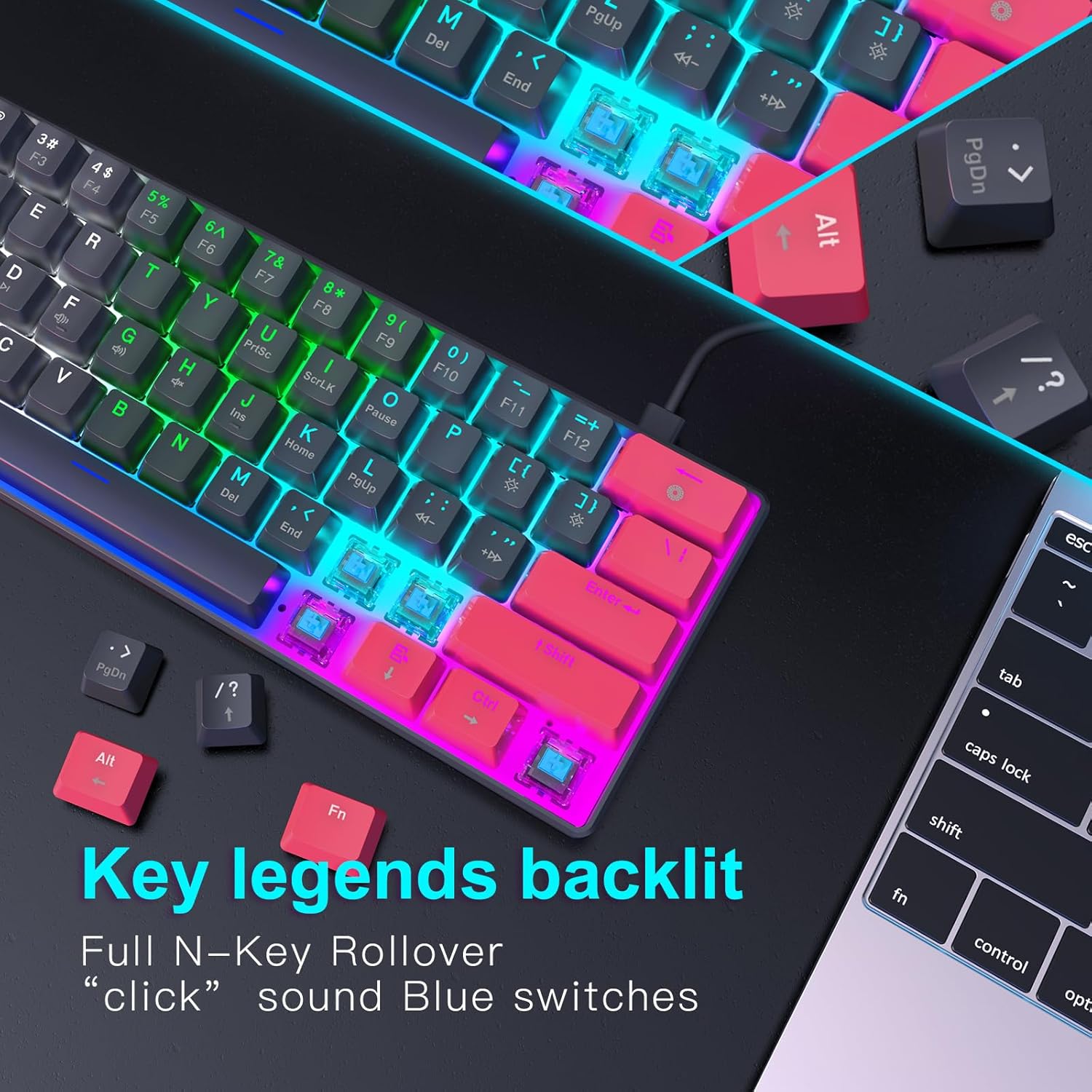
Beeld: 'n Gedetailleerde view of the keyboard's backlit key legends and the visible blue mechanical switches, illustrating the illumination.
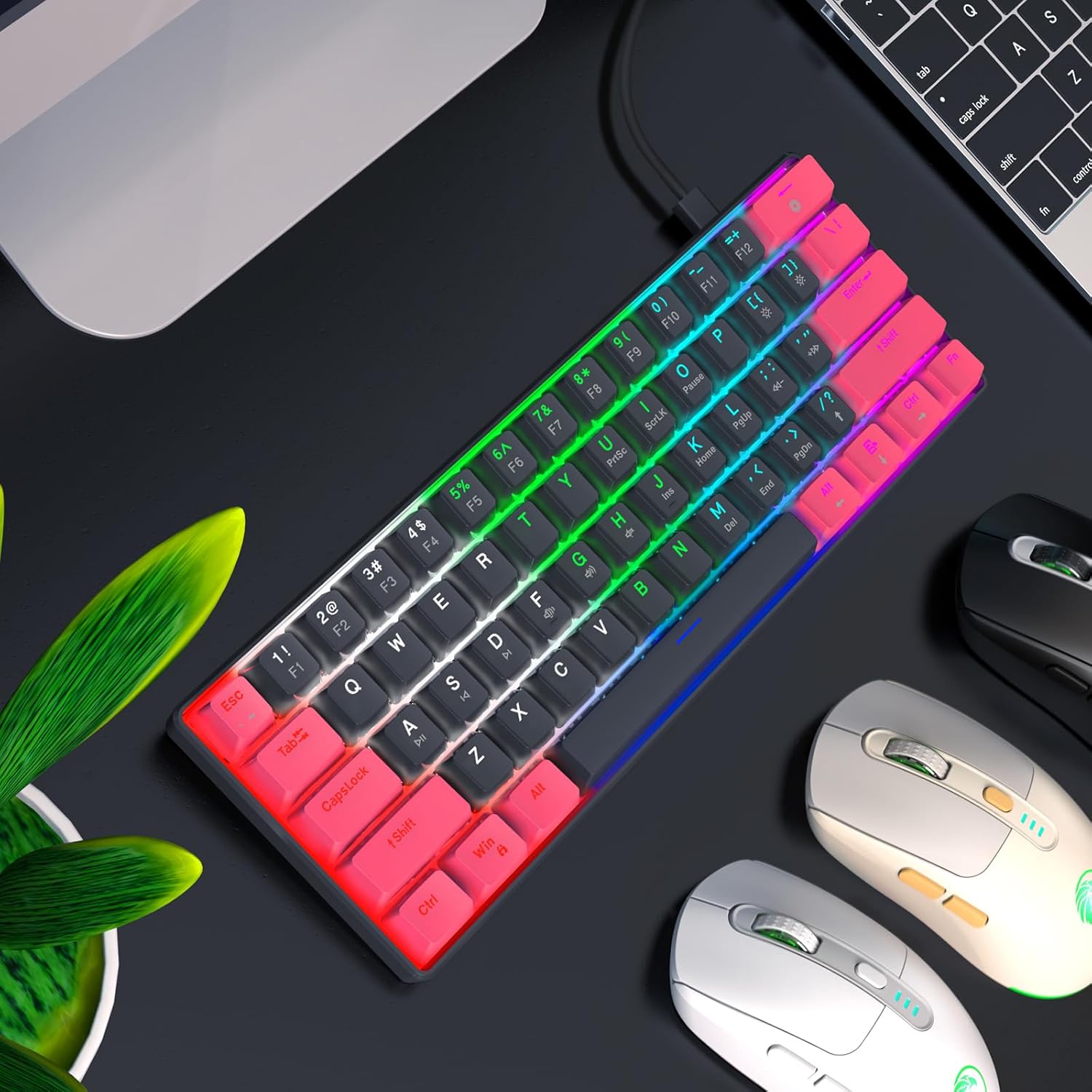
Image: The RAZEAK keyboard displaying its colorful backlight modes in a typical desktop environment.
5.4 Ergonomiese Ontwerp
The keyboard is designed with ergonomic high and low keys, featuring curved keycaps and smooth lines for a comfortable typing experience. This design aims to reduce strain during extended use.
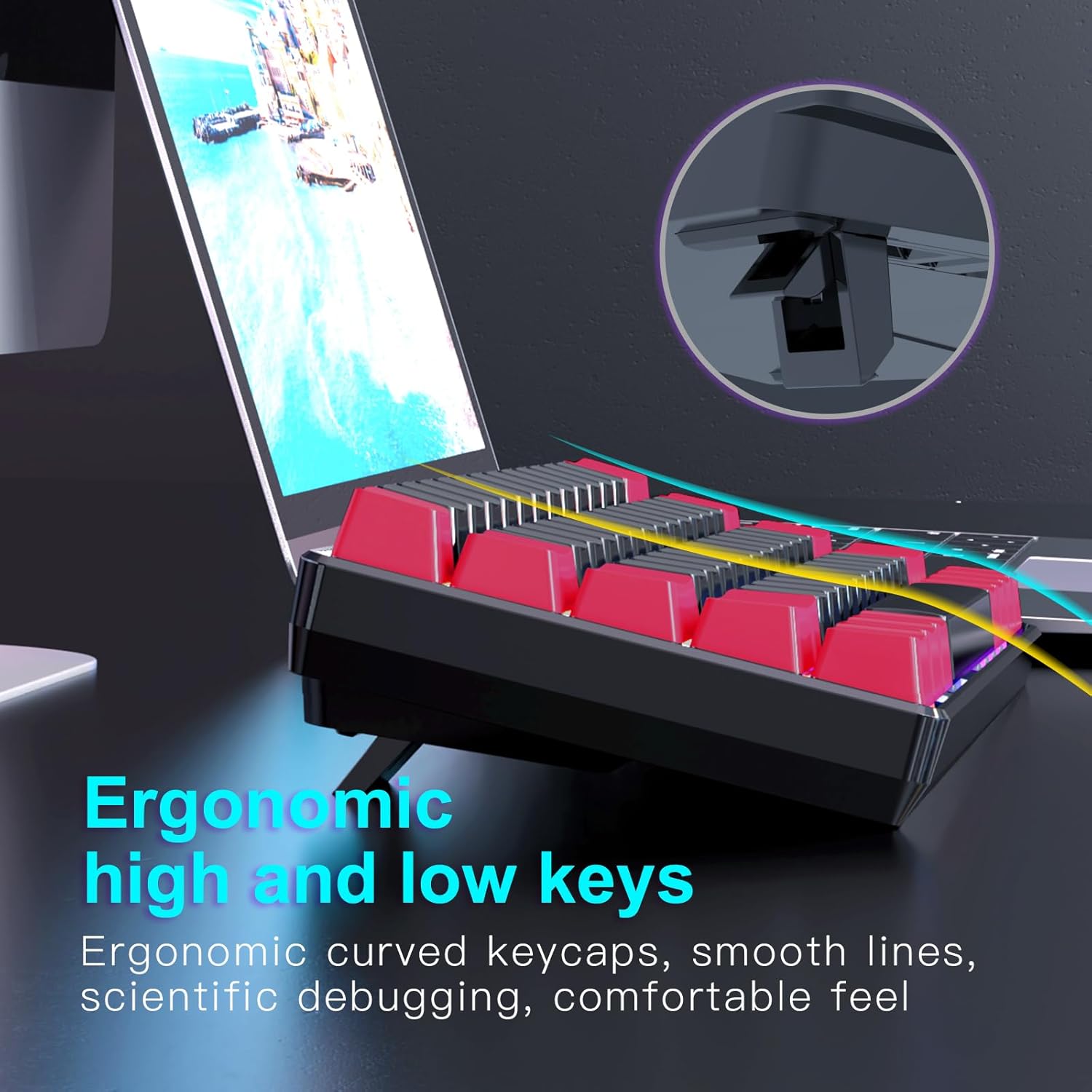
Beeld: 'n Kant view of the keyboard illustrating its ergonomic keycap profile and the adjustable feet for varied typing angles.
6. Onderhoud
Proper maintenance ensures the longevity of your keyboard:
- Skoonmaak: Use a soft, dry cloth to wipe the surface of the keyboard. For deeper cleaning, use compressed air to remove dust and debris from between the keycaps. Do not use harsh chemicals or abrasive materials.
- Berging: When not in use, store the keyboard in a clean, dry environment away from direct sunlight and extreme temperatures. The detachable USB-C cable allows for easy storage and portability.
7. Probleemoplossing
If you encounter issues with your RAZEAK keyboard, try the following solutions:
- Sleutelbord reageer nie:
- Maak seker dat die USB-C-kabel stewig aan beide die sleutelbord en die rekenaar gekoppel is.
- Probeer om die sleutelbord aan 'n ander USB-poort op jou rekenaar te koppel.
- Herbegin jou rekenaar.
- Toets die sleutelbord op 'n ander rekenaar om stelselspesifieke probleme uit te sluit.
- Backlight Not Working/Incorrect:
- Check if the backlight is turned off using the designated key combination (refer to keycap legends).
- Cycle through different backlight modes to see if any mode works.
- Maak seker dat die sleutelbord voldoende krag van die USB-poort ontvang.
- Sleutels registreer nie:
- Maak seker dat die sleutelbord skoon is en vry van puin wat toetsdruk kan belemmer.
- For specific keys, check if any software remapping or gaming profiles are interfering.
8. Spesifikasies
Below are the technical specifications for the RAZEAK Compact 60% Mechanical Keyboard (RK-X44):
| Kenmerk | Spesifikasie |
|---|---|
| Handelsmerk | RAZEAK |
| Model Naam | RK-X44 |
| Modelnommer | X44-RDBK-B_B1 |
| Sleutelborduitleg | 60% Kompak (61 Sleutels) |
| Skakel Tipe | Mechanical Blue Switches (20 million clicks) |
| Konnektiwiteit | Bedrade USB-C |
| Agterlig | Colorful Backlit (19 modes) |
| Sleutels | Dual color legend translucent keycaps |
| Anti-spookbeeld | Volledige N-sleutel oorrol |
| Versoenbare toestelle | Windows PC, Laptop, Mac, PS4, XBOX |
| Produk afmetings | 29.2 x 10.2 x 4 cm |
| Item gewig | 616.89 g |

Image: A diagram illustrating the compact dimensions of the RAZEAK keyboard.
9. Waarborg en Ondersteuning
Vir waarborginligting of tegniese ondersteuning, kontak asseblief die verkoper of vervaardiger direk deur u aankoopplatform. Bewaar u bewys van aankoop vir enige waarborgeise.
Ask a question about this manual
Ask about setup, troubleshooting, compatibility, parts, safety, or missing instructions. Manuals+ will review the question and use this page’s manual context to help answer it.