
1. Inleiding
This manual provides detailed instructions for the MEETION MT-M915 USB Gaming Mouse with Backlight. Please read this guide thoroughly before using the product to ensure correct installation, optimal performance, and to understand its features. This mouse is designed for gaming and general computer use, offering reliable performance and a comfortable design.
2. Pakketinhoud
- MEETION MT-M915 USB Gaming Mouse
- Instructiehandleiding (hierdie dokument)
3. Stelselvereistes
- Operating System: Windows XP, Linux
- Compatible Devices: Personal Computer, Laptop
- Beskikbare USB -poort
4. Opstelling
4.1 Die muis koppel
- Vind 'n beskikbare USB-poort op jou rekenaar of skootrekenaar.
- Plug the USB connector of the MEETION MT-M915 mouse into the USB port.
- The operating system will automatically detect and install the necessary drivers. This is a plug-and-play device, so no additional software installation is typically required.
- The mouse backlight will illuminate upon successful connection.
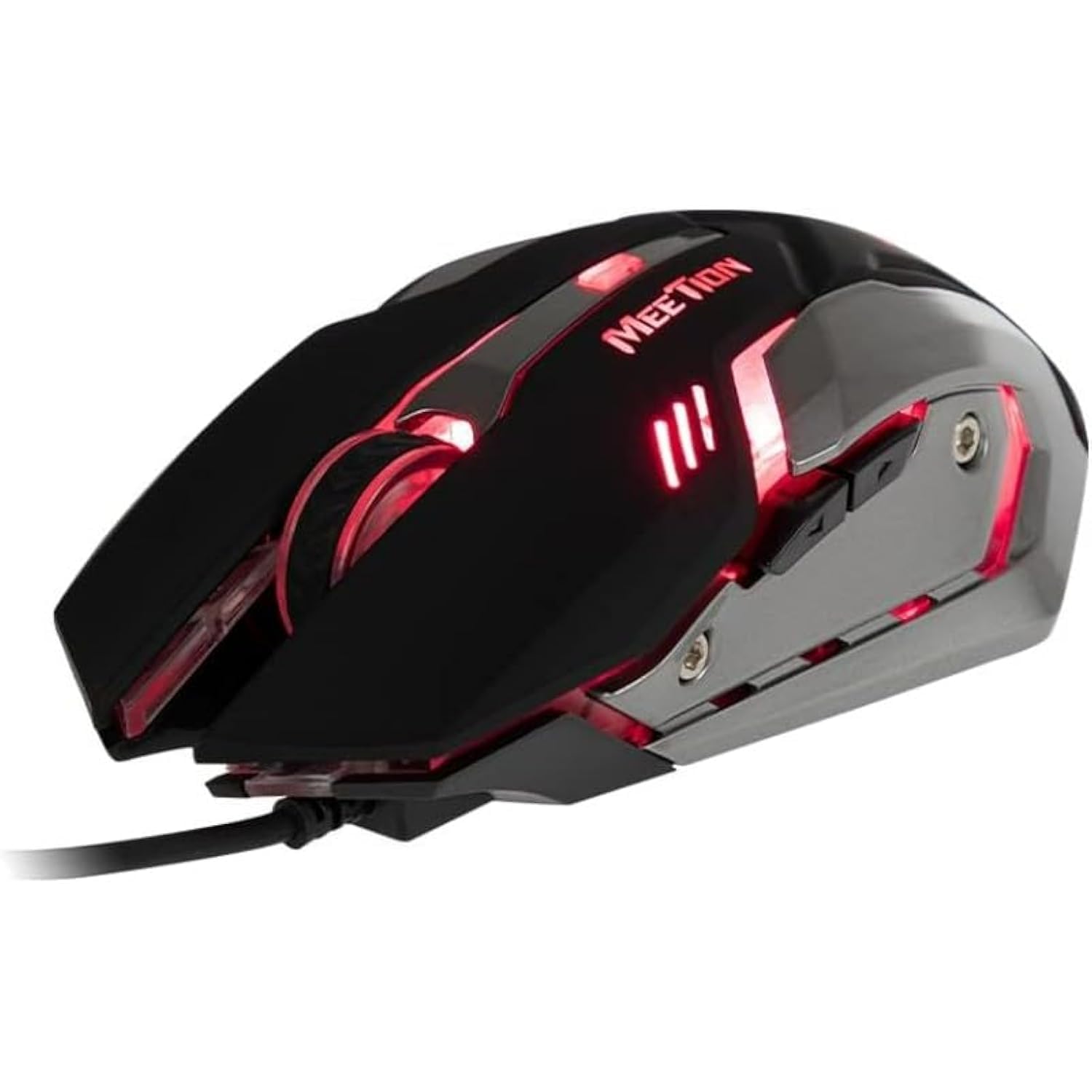
Figuur 1: Kant view of the MEETION MT-M915 mouse with red backlight.
5. Bediening van die muis
5.1 Basiese Funksies
- Links klik: Primary action button, typically used for selecting items, opening files, or interacting with software.
- Regs klik: Secondary action button, typically used for opening context menus or accessing additional options.
- Rolwiel: Gebruik om deur dokumente te blaai en web bladsye. Dit kan ook as 'n middelste klikknoppie funksioneer.
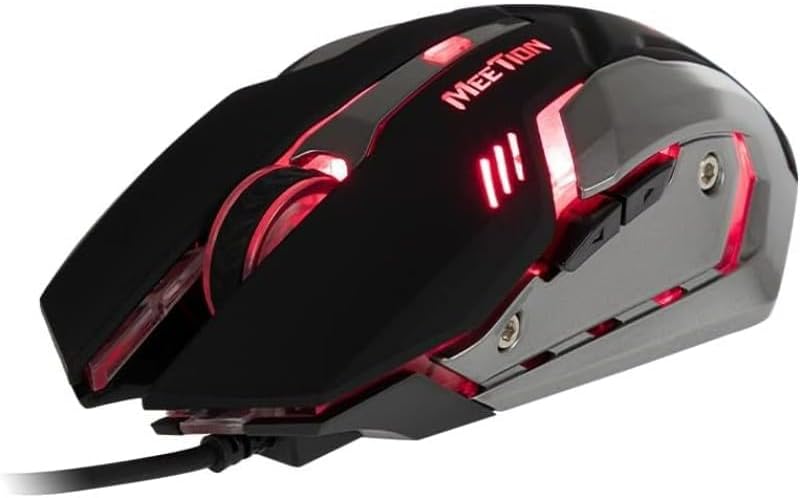
Figuur 2: Bo-na-onder view of the MEETION MT-M915 mouse, showing button layout.
5.2 Werk met agterlig
The MEETION MT-M915 mouse features an integrated backlight. The backlight activates automatically when the mouse is connected to a powered USB port. The color of the backlight may vary or cycle through different colors, as shown in Figure 3.

Figuur 3: Kant view of the MEETION MT-M915 mouse with purple backlight.
5.3 Ambidextrous Design
The mouse is designed for ambidextrous use, meaning it can be comfortably used by both left-handed and right-handed individuals.
6. Onderhoud
6.1 Skoonmaak
- Ontkoppel die muis van jou rekenaar voordat jy dit skoonmaak.
- Gebruik 'n sagte, droë lap om die oppervlak van die muis af te vee.
- Vir hardnekkige vuiligheid, effens dampMaak die lap skoon met water of 'n sagte skoonmaakoplossing. Vermy harde chemikalieë.
- Do not allow liquids to enter the mouse casing.
6.2 Berging
Bêre die muis op 'n koel, droë plek weg van direkte sonlig en uiterste temperature wanneer dit nie vir lang tye gebruik word nie.
7. Probleemoplossing
7.1 Muis reageer nie
- Maak seker dat die USB-kabel stewig in 'n werkende USB-poort op jou rekenaar ingeprop is.
- Probeer om die muis in 'n ander USB-poort te koppel.
- Herbegin jou rekenaar.
- Test the mouse on another computer to determine if the issue is with the mouse or your computer's USB ports.
7.2 Agtergrondbeligting werk nie
- Verify the mouse is properly connected to a powered USB port.
- If the mouse functions but the backlight does not, there might be an internal issue. Contact customer support if the mouse is still under warranty.
7.3 Onreëlmatige wyserbeweging
- Maak seker dat die optiese sensor aan die onderkant van die muis skoon en vry van stof of puin is.
- Use the mouse on a clean, uniform surface. Avoid highly reflective or transparent surfaces.
- Probeer om jou rekenaar te herbegin.
8. Spesifikasies
| Kenmerk | Detail |
|---|---|
| Handelsmerk | VERGADERING |
| Model Naam | MT-M915 |
| Modelnommer van die vervaardiger | CE ELECTRON-559 |
| Verbindingstegnologie | USB |
| Bewegingsopsporingstegnologie | Opties |
| Hand Oriëntasie | Ambidekstrous |
| Spesiale kenmerke | Liggewig |
| Aanbevole gebruike vir produk | Speletjies |
| Versoenbare toestelle | Persoonlike rekenaar, skootrekenaar |
| Bedryfstelsel | Linux, Windows XP |
| Item gewig | 50 gram |
| Pakket afmetings | 20.7 x 14.3 x 6.1 cm |
| Batterye Ingesluit | Nee |
9. Waarborg en Ondersteuning
9.1 Waarborginligting
This product is covered by a standard manufacturer's warranty. Please refer to the warranty card included with your purchase or contact your retailer for specific warranty terms and conditions.
9.2 Kliëntediens
For technical assistance, troubleshooting, or warranty claims, please contact the retailer where you purchased the product or visit the official MEETION webwebwerf vir ondersteuningsbronne.