
Karlsson PTG-KA5934
Present Time - Flat LED Alarm Clock with Wireless Charger
Model: PTG-KA5934 | Brand: Karlsson
Inleiding
Dankie vir die aankoopasing the Present Time Flat LED Alarm Clock with Wireless Charger. This device combines a modern digital alarm clock with the convenience of wireless charging, all housed in an elegant bamboo design. Please read this manual carefully to ensure proper use and maintenance of your new device.
Veiligheidsinligting
Om veilige werking te verseker en skade te voorkom, neem asseblief die volgende veiligheidsmaatreëls in ag:
- Moenie die toestel aan water, vog of uiterste temperature blootstel nie.
- Vermy om die toestel te laat val of aan sterk impakte te onderwerp.
- Moenie probeer om die toestel self uitmekaar te haal, te herstel of te wysig nie. Verwys alle diens aan gekwalifiseerde personeel.
- Gebruik slegs die meegeleverde kragadapter of 'n versoenbare kragbron.
- Hou die toestel weg van hittebronne en direkte sonlig.
- Ensure proper ventilation around the device during operation, especially when using the wireless charging function.
Pakketinhoud
Kontroleer asseblief dat alle items in die pakket teenwoordig is:
- Present Time Flat LED Alarm Clock with Wireless Charger (Model: PTG-KA5934)
- Kragadapter
- Gebruikershandleiding
Produk verbyview
Voor en bo View
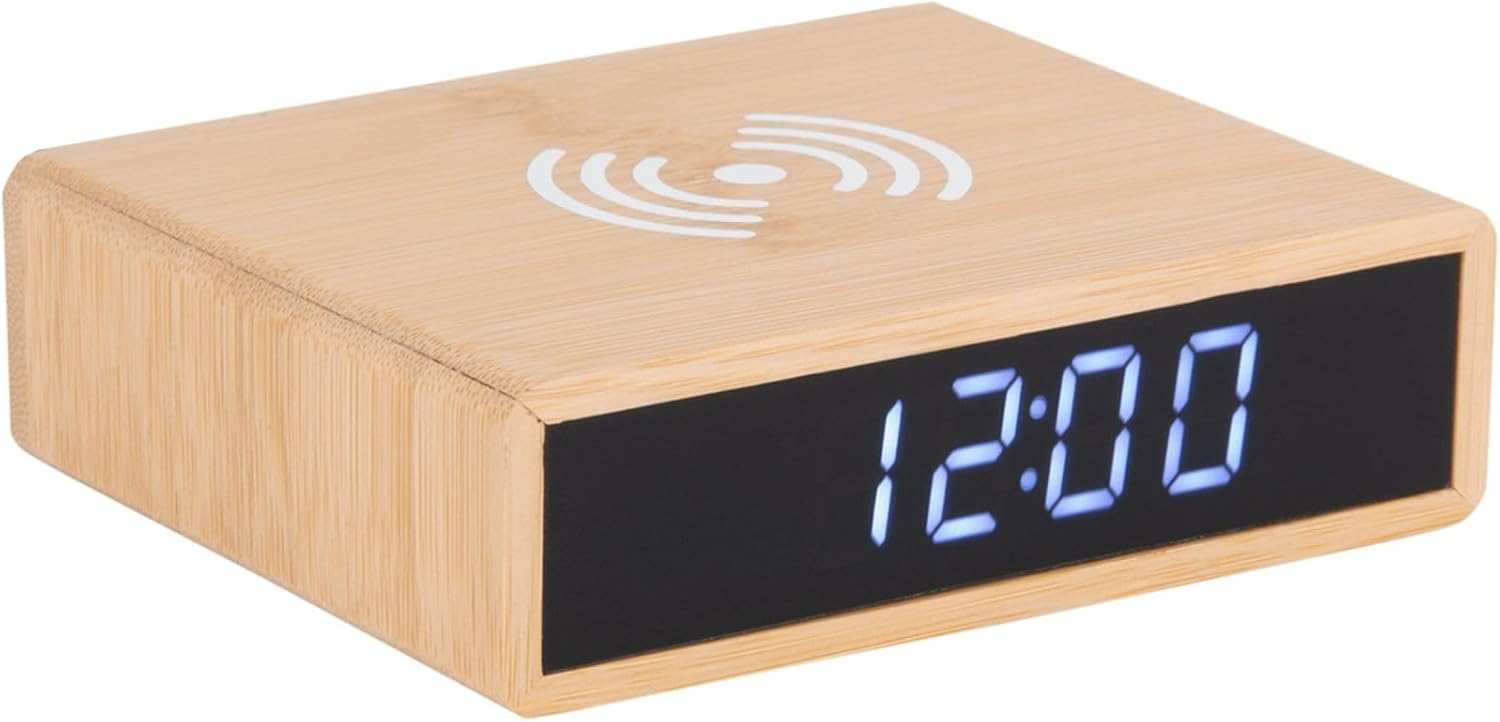
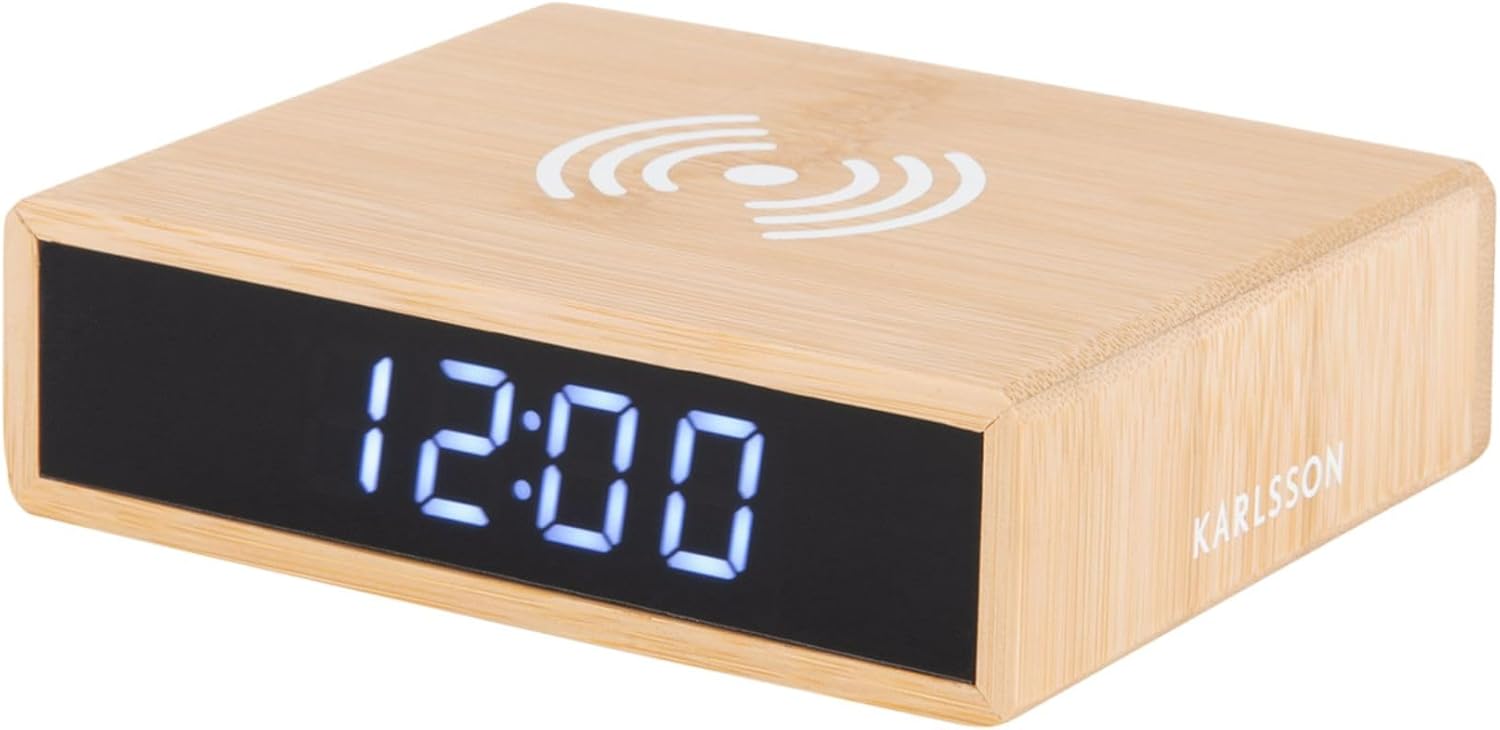
This image displays the front of the alarm clock with its clear digital LED time display and the top surface featuring the wireless charging pad symbol. The clock is made of bamboo.

This image illustrates the wireless charging functionality, showing a smartphone being placed on the top surface of the alarm clock, aligning with the charging symbol.
Agter View en kontroles
Die agterkant view of the device reveals the control panel, including buttons for setting time and alarm, a small reset pinhole, and the DC power input jack.
- Tydstelknoppie: Word gebruik om tydinstellingsmodus te betree.
- Alarm Stel Knoppie: Word gebruik om alarminstellingsmodus te betree.
- Op/af knoppies: Adjust values during setting.
- Stel Pinhole terug: For factory reset (use a thin object like a paperclip).
- DC IN-poort: Koppel aan die kragadapter.
- Draadlose laaiblok: Located on the top surface.
Opstelling
1. Kragverbinding
- Connect the provided power adapter to the DC IN port on the back of the alarm clock.
- Steek die kragadapter in 'n standaard muuraansluiting. Die LED-skerm sal aanskakel.
2. Stel die tyd in
- Druk en hou die Tyd Gestel button on the back of the clock until the hour digits begin to flash.
- Gebruik die Up en Af knoppies om die uur aan te pas.
- Druk die Tyd Gestel button again to confirm the hour and move to the minute setting. The minute digits will flash.
- Gebruik die Up en Af knoppies om die minute aan te pas.
- Druk die Tyd Gestel button one more time to save the time and exit setting mode.
3. Stel die alarm in
- Druk en hou die Alarmstel button on the back of the clock until the alarm hour digits begin to flash.
- Gebruik die Up en Af knoppies om die wekker uur aan te pas.
- Druk die Alarmstel button again to confirm the alarm hour and move to the alarm minute setting. The alarm minute digits will flash.
- Gebruik die Up en Af knoppies om die alarmminute aan te pas.
- Druk die Alarmstel button one more time to save the alarm time.
- Om die alarm te aktiveer of deaktiveer, druk kortliks die Alarmstel button. An alarm icon will appear on the display when the alarm is active.
Bedryfsinstruksies
Draadlose laaifunksie
The top surface of the alarm clock features a built-in wireless charging pad compatible with Qi-enabled devices.
- Place your Qi-enabled smartphone or device directly onto the wireless charging symbol on the top of the clock.
- Ensure the device is centered on the charging pad for optimal charging efficiency.
- A charging indicator (if available on your phone) will confirm that charging has begun.
- Verwyder jou toestel sodra dit heeltemal gelaai is.
Let wel: Wireless charging may not work through thick phone cases or cases containing metal. Remove such cases if charging issues occur.
Vertoon helderheidsaanpassing
The display brightness can typically be adjusted by briefly pressing one of the control buttons (often the Up/Down buttons when not in setting mode, or a dedicated brightness button if present). Refer to the specific button functions on the rear panel for your model.
Sluimer funksie
When the alarm sounds, briefly press any button (often the large button on top or a dedicated snooze button) to activate the snooze function. The alarm will temporarily stop and sound again after a set interval (e.g., 5 or 9 minutes). To turn off the alarm completely, press and hold the Alarm Set button or the designated alarm off button.
Onderhoud
- Skoonmaak: Vee die toestel af met 'n sagte, droë lap. Moenie skuurmiddels of oplosmiddels gebruik nie.
- Berging: If not in use for an extended period, unplug the device and store it in a cool, dry place.
- Algemene sorg: Avoid placing heavy objects on the device or exposing it to excessive dust.
Probleemoplossing
| Probleem | Moontlike oorsaak | Oplossing |
|---|---|---|
| Display is off or not lighting up. | Geen kragverbinding nie. | Ensure the power adapter is securely plugged into the clock and the wall outlet. |
| Draadlose laai werk nie. | Phone not Qi-enabled; phone not centered; thick case; foreign objects. | Verify phone compatibility. Reposition phone. Remove thick/metal case. Remove objects from charging pad. |
| Alarm klink nie. | Alarm not activated; alarm volume too low (if adjustable); incorrect time set. | Check if alarm icon is displayed. Ensure alarm time is correctly set. |
| Tyd is verkeerd. | Time not set correctly; power interruption. | Reset the time as per "Setting the Time" instructions. |
Spesifikasies
| Handelsmerk | Karlsson |
| Modelnommer | PTG-KA5934 |
| Kleur | Hout (Bamboes) |
| Materiaal | Bamboes |
| Afmetings (L x B x H) | 42 x 3.81 x 6 cm (ongeveer 16.5 x 1.5 x 2.4 duim) |
| Gewig | 190 g (ongeveer 0.42 lbs) |
| Tipe vertoon | Digitale LED |
| Kenmerke | Alarm, Wireless Charging (Qi-compatible) |
| Kragbron | WS/GS-adapter (ingesluit) |
Waarborg en Ondersteuning
This product is covered by a standard manufacturer's warranty. For detailed warranty information, please refer to the warranty card included in your package or contact your retailer. For technical support or service inquiries, please contact the customer service department of Karlsson or your point of purchase.
For further assistance, please visit the official Karlsson webwebwerf of kontak hul kliëntediens.
Ask a question about this manual
Ask about setup, troubleshooting, compatibility, parts, safety, or missing instructions. Manuals+ will review the question and use this page’s manual context to help answer it.