
Inleiding
This manual provides instructions for the ADATA SC610 External Solid State Drive. Please read this manual thoroughly before using the device to ensure proper operation and to maximize its lifespan.
Pakketinhoud
- ADATA SC610 External SSD
Produk verbyview
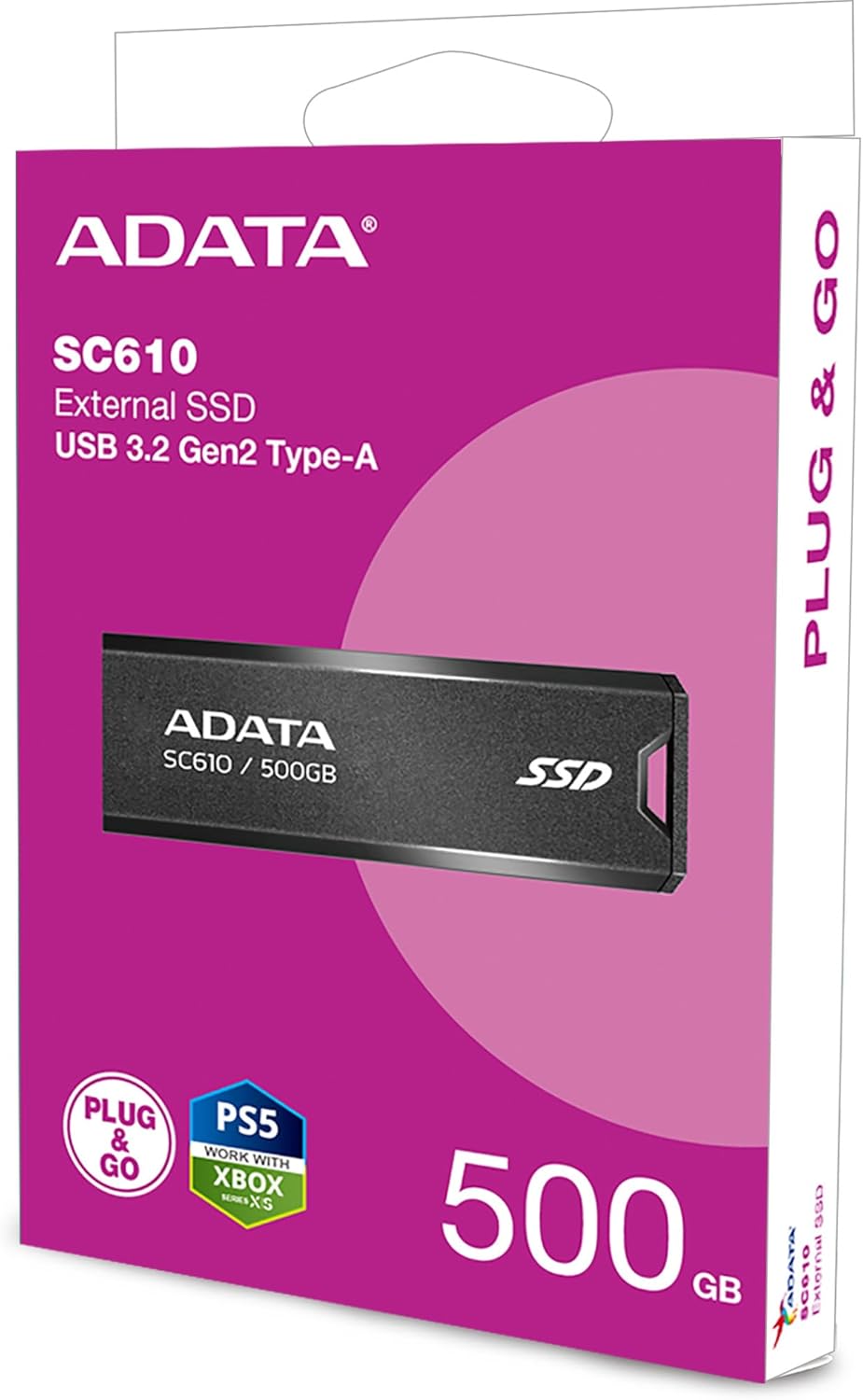
The ADATA SC610 is a compact and portable external solid state drive designed for high-speed data transfer. It features a capless push-out USB connector for convenience.

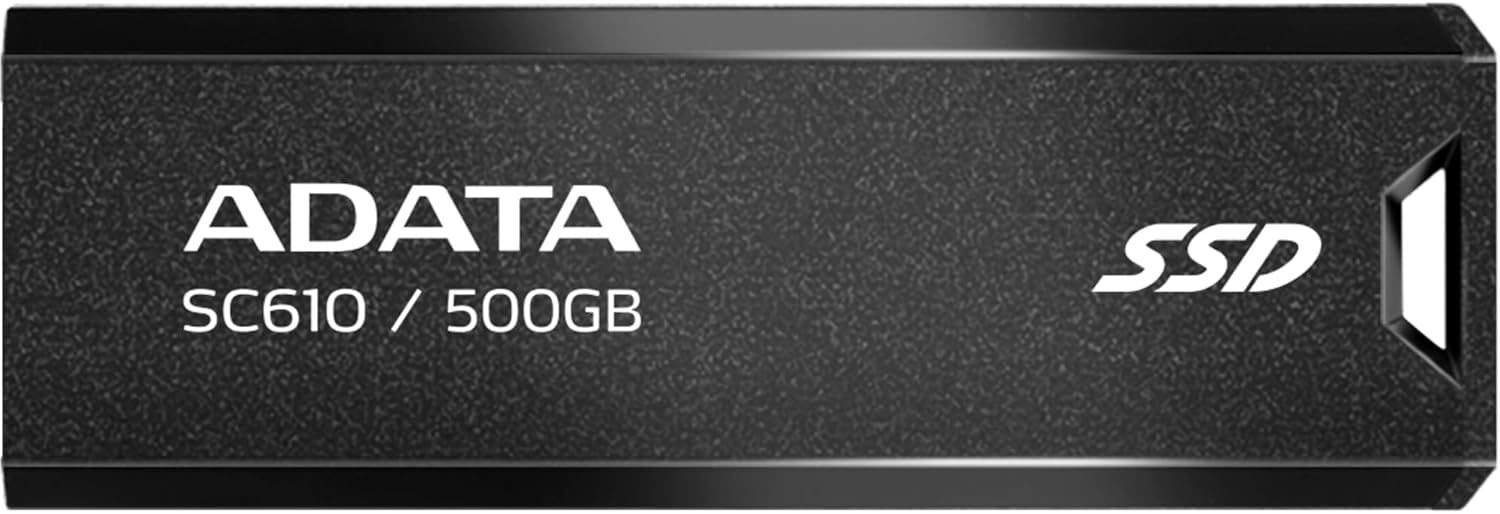
Voorkant view of the ADATA SC610 External SSD, showing the ADATA logo, SC610 / 500GB model designation, and SSD branding.

Top view of the ADATA SC610 External SSD, illustrating the push-out mechanism for the USB connector.
Opstelling
Koppel die SSD
- Vind 'n beskikbare USB-A-poort op jou rekenaar of versoenbare toestel.
- Gently push the slider on the ADATA SC610 to extend the USB connector.
The ADATA SC610 External SSD with its USB-A connector fully extended, ready for connection.
- Insert the USB connector into the USB-A port.
- The device will be automatically detected by most operating systems.
Initial Use and Formatting
For Windows users, the drive should appear as a removable storage device. For macOS or Linux, it may require initial formatting depending on your intended use. Refer to your operating system's documentation for disk management and formatting procedures.
Operating the ADATA SC610
Oordrag Files
Once connected, the ADATA SC610 functions like any other external storage device. You can drag and drop files, copy and paste, or use backup software to transfer data to and from the SSD.
The device supports USB 3.2 Gen 2, offering read speeds up to 550MB/s and write speeds up to 500MB/s for fast data transfers. Ensure your host device also supports USB 3.2 Gen 2 for optimal performance.
Using with Gaming Consoles
The SC610 is compatible with many gaming consoles, including PlayStation 5 and Xbox Series X|S, for storing games. Consult your console's manual for specific instructions on connecting and utilizing external storage for games.
ADATA SC610 External SSDs connected to an Xbox console, demonstrating their use as external game storage.
Veilige verwydering
Always safely eject the ADATA SC610 from your operating system before physically disconnecting it to prevent data corruption. For Windows, use the "Safely Remove Hardware" icon in the system tray. For macOS, drag the drive icon to the Trash or use the Eject option.
Onderhoud
- Hou die SSD skoon en stofvry. Gebruik 'n sagte, droë lap vir skoonmaak.
- Vermy die blootstelling van die toestel aan uiterste temperature, direkte sonlig of hoë humiditeit.
- Do not drop or subject the SSD to strong impacts.
- Ensure the USB connector is fully retracted when not in use to protect it from damage.
Probleemoplossing
Toestel nie opgespoor nie
- Ensure the USB connector is fully extended and securely plugged into the USB port.
- Probeer 'n ander USB-poort op jou rekenaar.
- Test the SSD on another computer to rule out a port issue.
- Check your computer's Disk Management (Windows) or Disk Utility (macOS) to see if the drive is recognized but unformatted.
Stadige oordragspoed
- Verify that you are using a USB 3.2 Gen 2 compatible port on your host device. Older USB 2.0 or 3.0 ports will result in lower speeds.
- Maak seker dat jou rekenaar se drywers op datum is.
- Vermy die oordrag van baie klein files simultaneously, as this can reduce overall transfer speed compared to large files.
Data Corruption
- Always safely eject the device before disconnecting it.
- Avoid interrupting file oordragte.
- Run a disk check utility on the drive if you suspect corruption.
Spesifikasies
| Kenmerk | Detail |
|---|---|
| Model | SC610 |
| Kapasiteit | 500 GB |
| Koppelvlak | USB 3.2 Gen 2 (USB-A) |
| Lees Speed | Tot 550 MB/s |
| Skryf spoed | Tot 500 MB/s |
| Afmetings (L x B x H) | 0.93 x 2.65 x 0.4 duim |
| Gewig | 0.459 onse |
| Verbindingstegnologie | USB |
| Versoenbare toestelle | Speletjiekonsole |
Waarborg en Ondersteuning
ADATA products are covered by a limited warranty. For detailed warranty information, technical support, and service inquiries, please visit the official ADATA webwebwerf of kontak hul kliëntediens.
Official ADATA Webwebwerf: www.adata.com