
Leipan LPM7-LP
Leipan LPM7 4.3" Coin Microscope User Manual
Model: LPM7-LP
Your guide to exploration and detailed observation.
1. Inleiding en oorview
The Leipan LPM7 4.3" Coin Microscope is an advanced digital microscope featuring a 4.3-inch IPS screen, designed for detailed observation of various objects, from coins to intricate electronic components. It offers a magnification range of 50X to 1000X, enabling users to explore subjects at different levels of detail. This device simplifies the process of capturing high-resolution images and videos of your discoveries.

Figure 1.1: Leipan LPM7 4.3" Coin Microscope.
Sleutel kenmerke sluit in:
- 4.3 Inches IPS Screen: Provides a generous display area with remarkable clarity and color accuracy, offering a 178° full viewing hoek.
- 50X-1000X Magnification: Allows for exploration of objects from larger structures to intricate microscopic elements.
- One-Click Photo and Video Capture: Effortlessly record high-resolution images or videos.
- High-Speed 32GB TF Card: Ample storage for captured observations.
- Upgraded Battery Life: Extended usage periods for prolonged exploration.
2. Wat is in die boks
Upon unboxing your Leipan LPM7 Coin Microscope, please verify that all components listed below are present:
- Microscope Unit with 4.3-inch IPS Screen
- Gebruikershandleiding
- Bracket (Stand Assembly)
- Basis
- USB kabel
- 32GB TF-kaart
- Calibrating Ruler

Figure 2.1: All-in-One package contents.
3. Opstelinstruksies
Volg hierdie stappe om jou mikroskoop te monteer en voor te berei vir gebruik:
- Assemble the Bracket: Insert the vertical rod of the bracket into the base and secure it.
- Attach the Microscope: Mount the microscope unit onto the bracket. Ensure it is securely fastened.
- Remove Lens Cap: Carefully remove the protective cap from the microscope lens.
- Plaas geheuekaart in: Locate the TF card slot on the microscope unit and gently insert the provided 32GB TF card until it clicks into place.
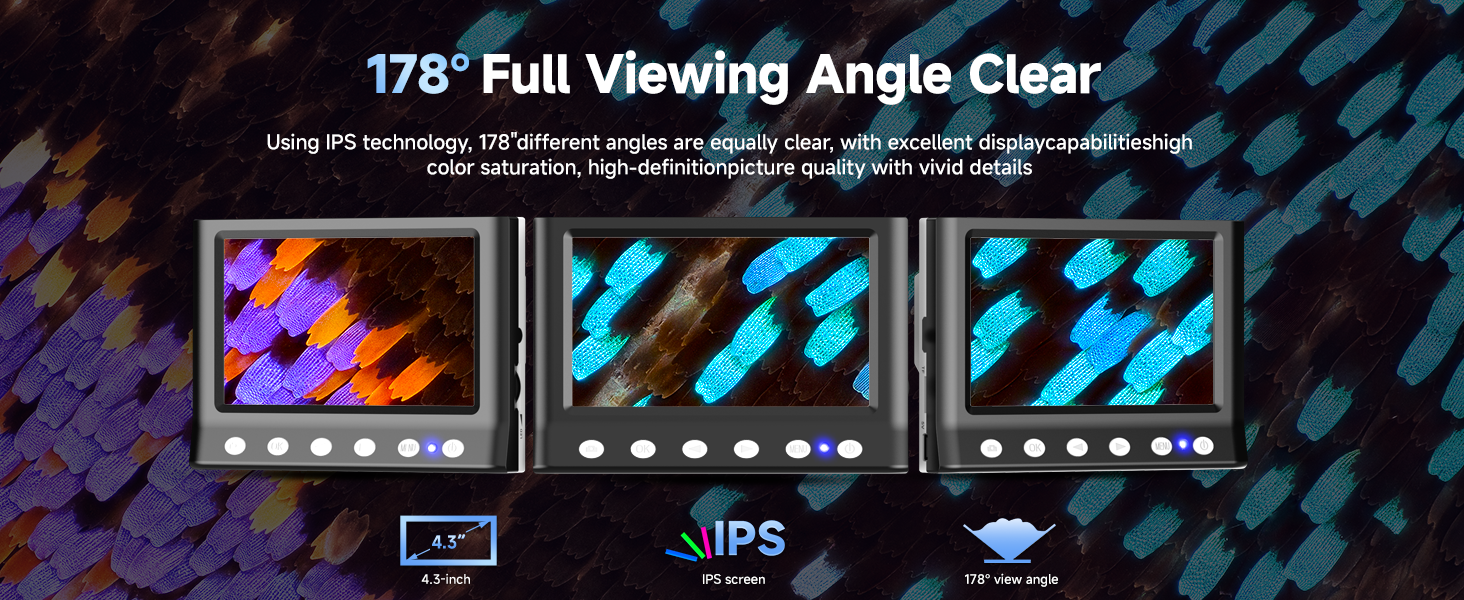
Figure 3.1: Easy assembly steps.
Video 3.1: Installation guide for the LPM7 Digital Microscope with 4.3 Inches Screen.
4. Bedryfsinstruksies
To begin using your microscope:
- Krag aan: Press and hold the power button on the microscope unit until the screen illuminates.
- Place Specimen: Position the object you wish to observe on the base directly beneath the microscope lens.
- Pas hoogte aan: Use the adjustment knob on the bracket to raise or lower the microscope unit until the specimen is visible on the screen.
- Fokus: Rotate the focus wheel on the microscope barrel to achieve a clear and sharp image.
- Pas beligting aan: The microscope features 8 LED lights. Adjust their brightness as needed for optimal illumination of your specimen.

Figure 4.1: The 4.3-inch IPS screen provides a clear and wide viewing hoek.
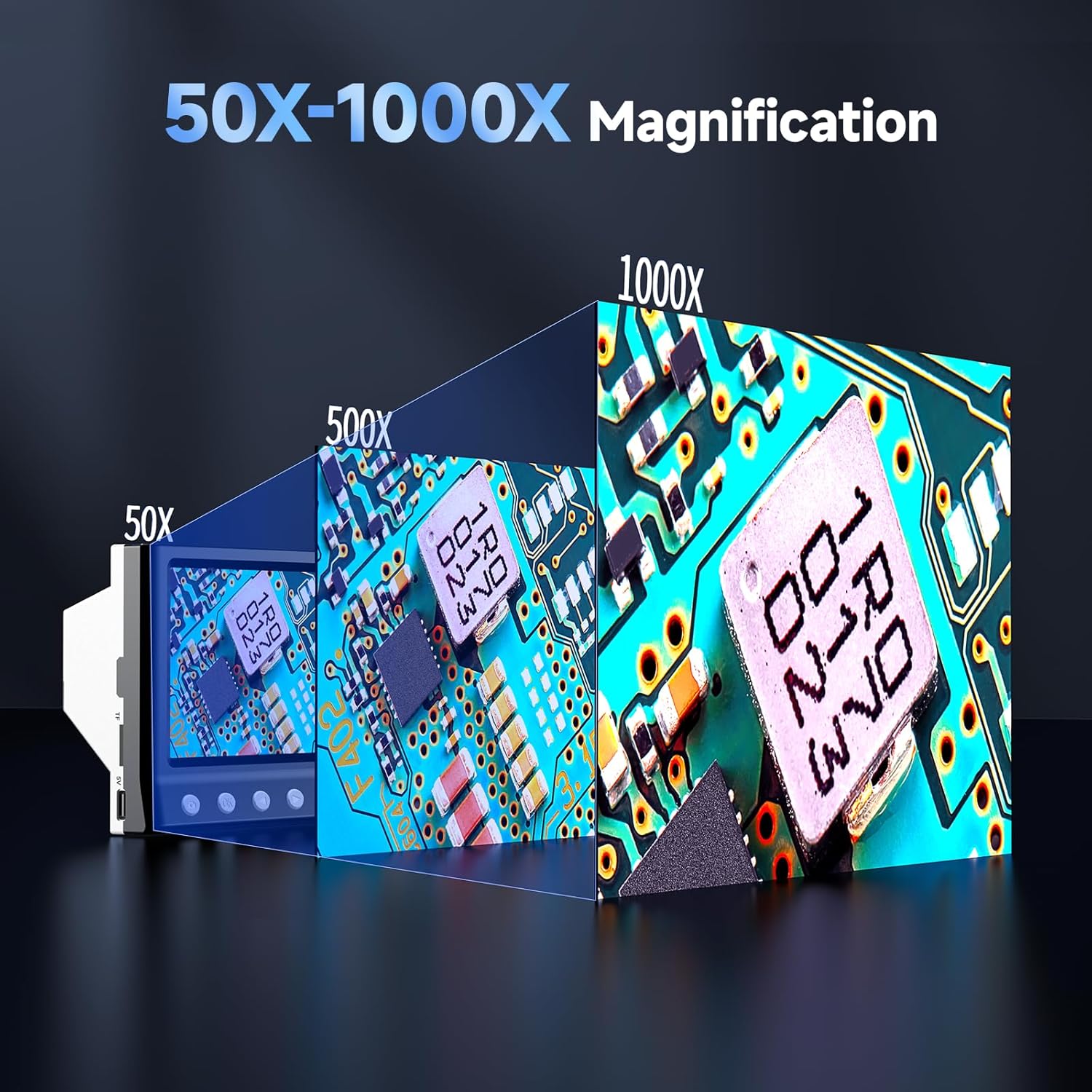
Figure 4.2: Magnification capabilities from 50X to 1000X.
5. Neem foto's en video's
The LPM7 microscope allows for easy capture of images and videos directly to the inserted 32GB TF card.
- Skakelmodusse: Use the 'Mode' button to switch between Video mode and Photo mode.
- Neem video op: In Video mode, press the 'OK' button to start recording. Press 'OK' again to stop recording.
- Neem foto: In Photo mode, press the 'OK' button to capture an image.
- Terugspeel: Press the 'Camera' button to switch to Playback mode. You can then view jou vasgelegde foto's en video's.

Figure 5.1: One-click photo and video capture.

Figure 5.2: High-speed 32GB TF card for ample berging.
Video 5.1: Demonstrates how to observe, photo, and video with the LPM7 Coin Microscope.
6. Koppel aan 'n rekenaar
Vir 'n groter viewing experience or to save files directly to your computer, you can connect the microscope to a PC.
- Koppel USB-kabel: Use the provided USB cable to connect the microscope to an available USB port on your computer.
- Select PC Camera Mode: On the microscope, select the 'PC Camera' mode. The microscope screen may display 'PC Cam'.
- Access on PC: Open your computer's camera application (e.g., 'Camera' app on Windows, 'Photo Booth' on Mac, or third-party microscope software). The microscope's live feed should appear.
- Observe, Photo, and Video: Use your computer's camera software to observe specimens, take photos, and record videos.

Figure 6.1: Work with PC for a larger view.
Video 6.1: Demonstrates how the USB Microscope works with your computer.
7. Onderhoud
Proper maintenance ensures the longevity and optimal performance of your microscope.
- Maak die lens skoon: Use a soft, lint-free cloth specifically designed for optical lenses to gently wipe the microscope lens. Avoid abrasive materials or harsh chemicals.
- Skoonmaak van die skerm: Use a microfiber cloth to clean the IPS screen. Do not spray cleaning solutions directly onto the screen.
- Algemene skoonmaak: Wipe the body of the microscope and stand with a dry or slightly damp lap.
- Berging: Bêre die mikroskoop in 'n droë, stofvrye omgewing wanneer dit nie gebruik word nie.
- Battery laai: The microscope features an upgraded 2000mAh battery. Charge the device using the provided USB cable. It supports four-way fast charging (via power bank, computer, car adapter, or wall adapter).

Figure 7.1: Upgraded battery life and four-way fast charging.
8. Probleemoplossing
If you encounter issues with your microscope, refer to the following common problems and solutions:
- Geen beeld op skerm nie:
- Maak seker dat die mikroskoop aangeskakel is.
- Check if the lens cap has been removed.
- Adjust the height and focus knobs.
- Wasige prent:
- Adjust the focus wheel carefully.
- Ensure the specimen is flat and properly positioned.
- Verify the microscope is at the correct working distance from the object.
- Cannot Connect to PC:
- Ensure the USB cable is securely connected to both the microscope and the PC.
- Verify the microscope is in 'PC Camera' mode.
- Probeer 'n ander USB-poort op jou rekenaar.
- Restart your computer and the microscope.
- Screen Flickering or Unstable Image:
- Ensure the microscope stand is on a stable, flat surface.
- Check for any vibrations in the surrounding environment.
- Kan nie foto's/video's stoor nie:
- Ensure the 32GB TF card is properly inserted.
- Kontroleer of die TF-kaart genoeg vrye spasie het.
- Format the TF card (this will erase all data, so back up first).
9. Spesifikasies
| Kenmerk | Spesifikasie |
|---|---|
| Skerm grootte | 4.3 inches IPS Display |
| Vergrotingsreeks | 50X - 1000X |
| Ligbron | 8 LED ligte |
| Berging | 32GB TF-kaart (ingesluit) |
| Battery kapasiteit | 2000mAh Litiumioon (ingesluit) |
| Versoenbare toestelle | Personal Computer (Windows compatible) |
| Item gewig | 1.3 pond |
| Afmetings | 8.35 x 7.72 x 3.82 duim (Pakket) |
| Materiaal | Plastiek |
| Kleur | Swart |

Figure 9.1: Compact size for versatile use.
10. Waarborg en Ondersteuning
Leipan stands behind the quality and performance of the LPM7 4.3" Coin Microscope with a brand guarantee. We are committed to providing a worry-free after-sales service experience.
For any concerns, inquiries, or technical assistance, please refer to the contact information provided in your product packaging or visit the official Leipan store on Amazon for support resources and frequently asked questions.
Leipan Store: Visit the Leipan Store
Ask a question about this manual
Ask about setup, troubleshooting, compatibility, parts, safety, or missing instructions. Manuals+ will review the question and use this page’s manual context to help answer it.