
1. Produk verbyview
The VTech CS1500 DECT cordless phone is designed for home use, offering essential communication features with enhanced convenience. This manual provides instructions for setting up, operating, and maintaining your phone.
Sleutel kenmerke:
- Dual-Charging Design: Innovative design allows the handset to be charged face up for easy screen viewing or face down for a compact profile.
- Oproepblokkering: Block up to 60 unwanted numbers to prevent nuisance calls.
- ECO DECT Mode: Automatically adjusts radio frequency power based on distance from the base station, ensuring reduced energy consumption.
- Lang batterylewe: Provides up to 13 hours of talk time and 200 hours of standby time.
- Verligte skerm: Clear, easy-to-read display for optimal visibility.
- Telefoon boek: Stoor tot 60 name en nommers vir vinnige oproepe.
- Beller-ID/Oproep wag: Stores up to 20 incoming call entries with name, number, time, and date.
- Laaste nommer herbel: Easily redial the last 10 numbers called.
- Handvrye luidspreker: For convenient conversations.
- Bykomende funksies: Adjustable ringtone volume and melodies, alarm function, mute function, 3-way conference, call transfer, and intercom.

Figure 1: VTech CS1500 DECT Cordless Phone Handset in Charging Base.
2. Pakketinhoud
Maak seker dat jou pakket die volgende items bevat:
- VTech CS1500-toestel
- Base Station with Power Adapter
- Telefoon lyn koord
- Rechargeable Batteries (1 product specific - included)
- Gebruikershandleiding (hierdie dokument)
3. Opstelgids
3.1 Battery installasie
- Maak die batterykompartement se deksel aan die agterkant van die selfoon oop.
- Plaas die meegeleverde herlaaibare batterye in en let op die korrekte polariteit (+ en -).
- Maak die batterykompartement se deksel stewig toe.
3.2 Base Station Placement and Connection
- Place the base station on a flat, stable surface, away from heat sources and direct sunlight.
- Connect the small end of the power adapter to the power jack on the base station.
- Steek die groot punt van die kragadapter in 'n muursok.
- Connect one end of the telephone line cord to the telephone line jack on the base station.
- Steek die ander kant van die telefoonlynkoord in 'n telefoonmuuraansluiting.
3.3 Initial Charging and Handset Registration
- Place the handset in the base station to charge. The handset can be placed face up or face down.
- Laat die handset vir ten minste 16 uur laai voor die eerste gebruik om volle batterykapasiteit te verseker.
- The handset is typically pre-registered to the base station. If not, follow the on-screen prompts or refer to the full manual for manual registration steps.

Figure 2: Handset dual-charging design, allowing face-up or face-down placement in the base.

Figure 3: Illustration of the phone's reliable long-range signal within a home environment.
4. Bedryfsinstruksies
4.1 Maak en ontvang oproepe
- Om 'n oproep te maak: Druk die Praat button (green phone icon), then dial the number. Alternatively, dial the number first and then press Praat.
- Om 'n oproep te ontvang: Wanneer die telefoon lui, druk die Praat knoppie.
- Om 'n oproep te beëindig: Druk die Einde button (red phone icon) or place the handset back in the base station.
4.2 Gebruik van die luidsprekerfoon
Druk tydens 'n oproep op die Luidspreker button (speaker icon) to activate hands-free mode. Press it again to return to handset mode.
4.3 Telefoonboek
The phonebook stores up to 60 names and numbers.
- Om 'n inskrywing by te voeg: Navigeer na die Telefoonboek-kieslys, kies 'Voeg nuut by', voer die naam en nommer in en stoor dan.
- Om vanaf die telefoonboek te skakel: Druk die Telefoonboek button, scroll to the desired entry, and press Praat.
4.4 Oproepblokkering
Block unwanted calls by adding numbers to the call block list (up to 60 entries).
- Om 'n nommer te blokkeer: During an incoming call or from the Caller ID log, press the Oproepblok button (shield icon) and confirm.

Figure 4: Close-up of the handset highlighting the call block button, used to prevent unwanted calls.
4.5 Caller ID and Call Log
The phone displays the caller's information (if available) and stores the last 20 incoming calls.
- Om View Oproeplys: Druk die CID button or navigate to the Call Log menu. Use the navigation keys to scroll through entries.
- To Dial from Call Log: Select an entry from the Call Log and press Praat.

Figure 5: Handset display showing caller ID information and a list of stored incoming calls.
4.6 Laaste Nommer Herhaal
The phone stores the last 10 numbers dialed.
- To Redial: Druk die herkiezen button, scroll to the desired number, and press Praat.

Figure 6: Handset display showing a number being redialed, illustrating the last 10 number redial function.
4.7 Ander funksies
- Demp: Druk tydens 'n oproep op die Demp button to temporarily disable your microphone.
- Alarm: Set an alarm through the handset menu.
- Interkom: If you have multiple handsets, you can make internal calls between them.
- 3-rigting konferensie: Allows three parties to participate in a single call.

Figure 7: A user on a call, with an indicator showing the phone's 13-hour talk time capability.
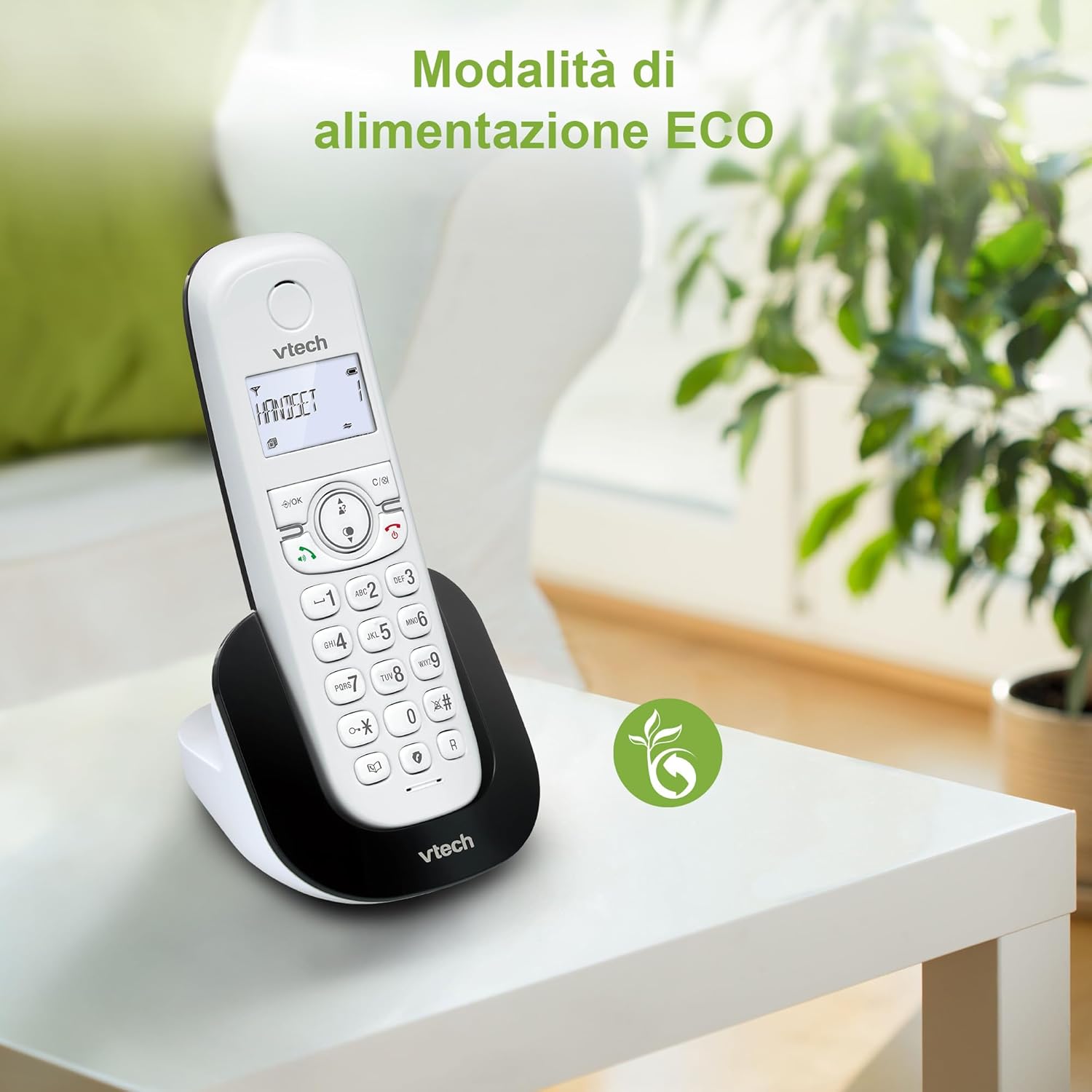
Figure 8: The phone in a home setting, indicating the energy-saving ECO power mode.
5. Onderhoud
5.1 Skoonmaak
- Vee die foon en basisstasie af met 'n sagte, damp lap.
- Do not use cleaning sprays or harsh chemicals, as these can damage the surface or internal components.
5.2 Batterysorg
- To maintain optimal battery performance, always return the handset to the base station when not in use.
- Indien die foon nie vir 'n lang tydperk gebruik gaan word nie, verwyder die batterye om lekkasie te voorkom.
- Replace batteries when their performance significantly degrades. Use only VTech-approved replacement batteries.
6. Probleemoplossing
If you experience issues with your VTech CS1500, try the following solutions:
| Probleem | Oplossing |
|---|---|
| Geen kiestoon nie | Ensure the base station power adapter and telephone line cord are securely connected. Check if other phones on the same line are working. |
| Kan nie oproepe maak/ontvang nie | Check the telephone line connection. Ensure the handset batteries are charged. If multiple handsets, ensure they are registered. |
| Swak klankgehalte | Move closer to the base station. Ensure there are no large metal objects or other electronic devices interfering with the signal. |
| Handset se skerm is leeg | Place the handset in the base station to charge. The battery may be depleted. |
| Handset laai nie | Ensure the power adapter is connected to the base station and a working wall outlet. Clean the charging contacts on both the handset and base station. |
7. Spesifikasies
| Kenmerk | Detail |
|---|---|
| Handelsmerk | VTech |
| Modelnommer | CS1500 |
| Kleur | Wit |
| Soort telefoon | Koordloos |
| Spesiale kenmerke | Koordloos |
| Versoenbare toestelle | PSTN |
| Aantal batterye | 1 (Product Specific - Included) |
| Materiaal | Plastiek |
| Kragbron | Battery aangedrewe |
| Dialer Tipe | Enkel sleutelbord |
| Tipe antwoordstelsel | Digital (Note: Product description does not explicitly mention an answering machine feature.) |
| Item gewig | 350 gram |
| Vervaardiger | VTECH TELEKOMMUNIKASIE BPK |
| Land van oorsprong | China |
8. Waarborg en Ondersteuning
Vir waarborginligting en tegniese ondersteuning, verwys asseblief na die waarborgkaart wat by u produk ingesluit is of besoek die amptelike VTech-webwerf. website. You can typically find support contact details, FAQs, and additional resources there.
VTech-amptenaar Webwebwerf: www.vtechphones.com