
1. Produk verbyview
The Wokyo Portable Mini Projector (Model CA164965161) is a compact and lightweight device designed for displaying media from various sources. Its small form factor allows for easy portability, making it suitable for home cinema, outdoor viewing, or business presentations.
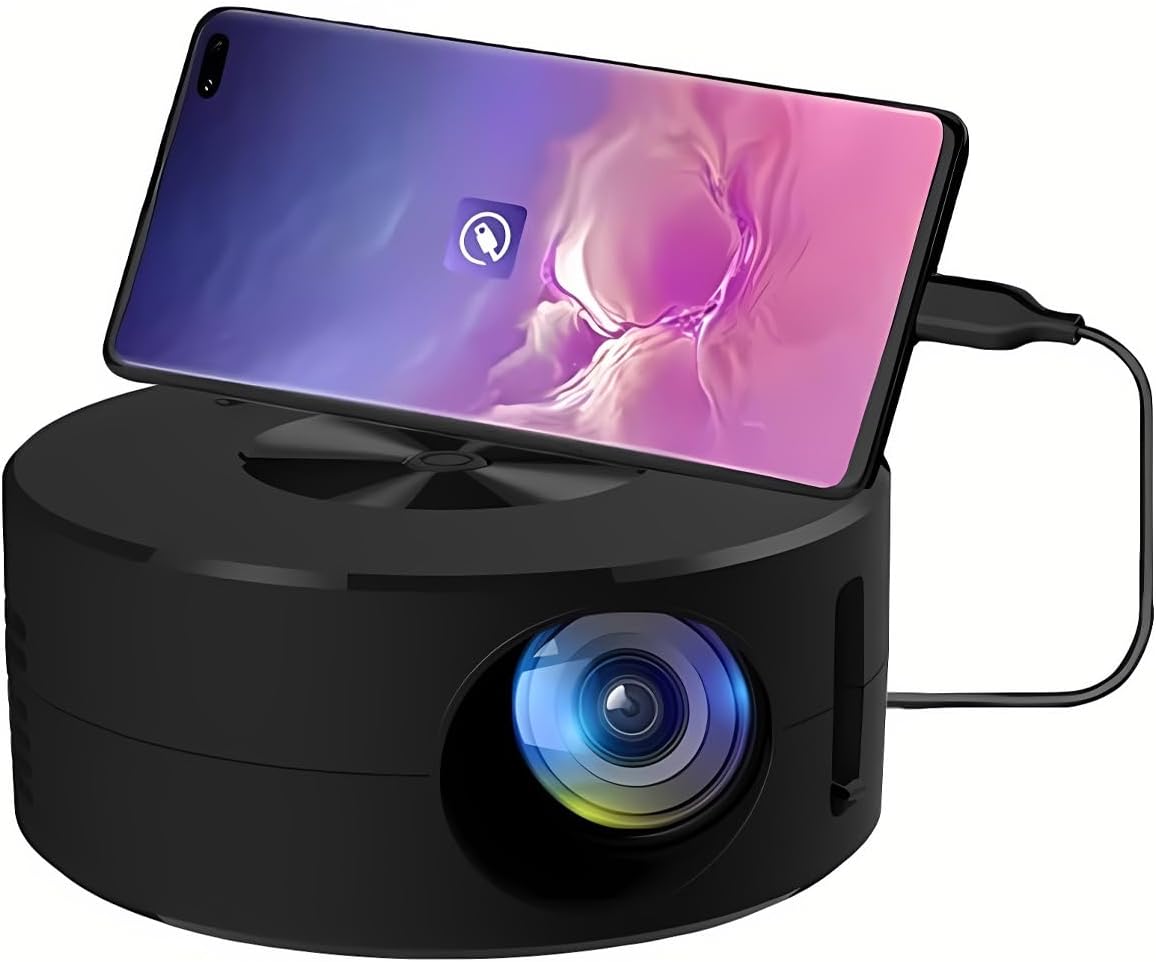
Beeld 1.1: Voorkant view of the Wokyo Portable Mini Projector.
Key features of this projector include:
- Kompakte ontwerp: Smaller than a typical smartphone, facilitating easy transport.
- Bedrade skermspieëling: Supports direct connection to mobile phones and tablets using their charging cables for screen display, eliminating the need for additional adapters.
- High Clarity Support: Capable of supporting resolutions up to 1920x1080p, providing clear image quality.
- Duursame konstruksie: Manufactured from environmentally friendly ABS material.
- Efficient Light Source: Utilizes an LCD light source for lower energy consumption and extended lifespan.
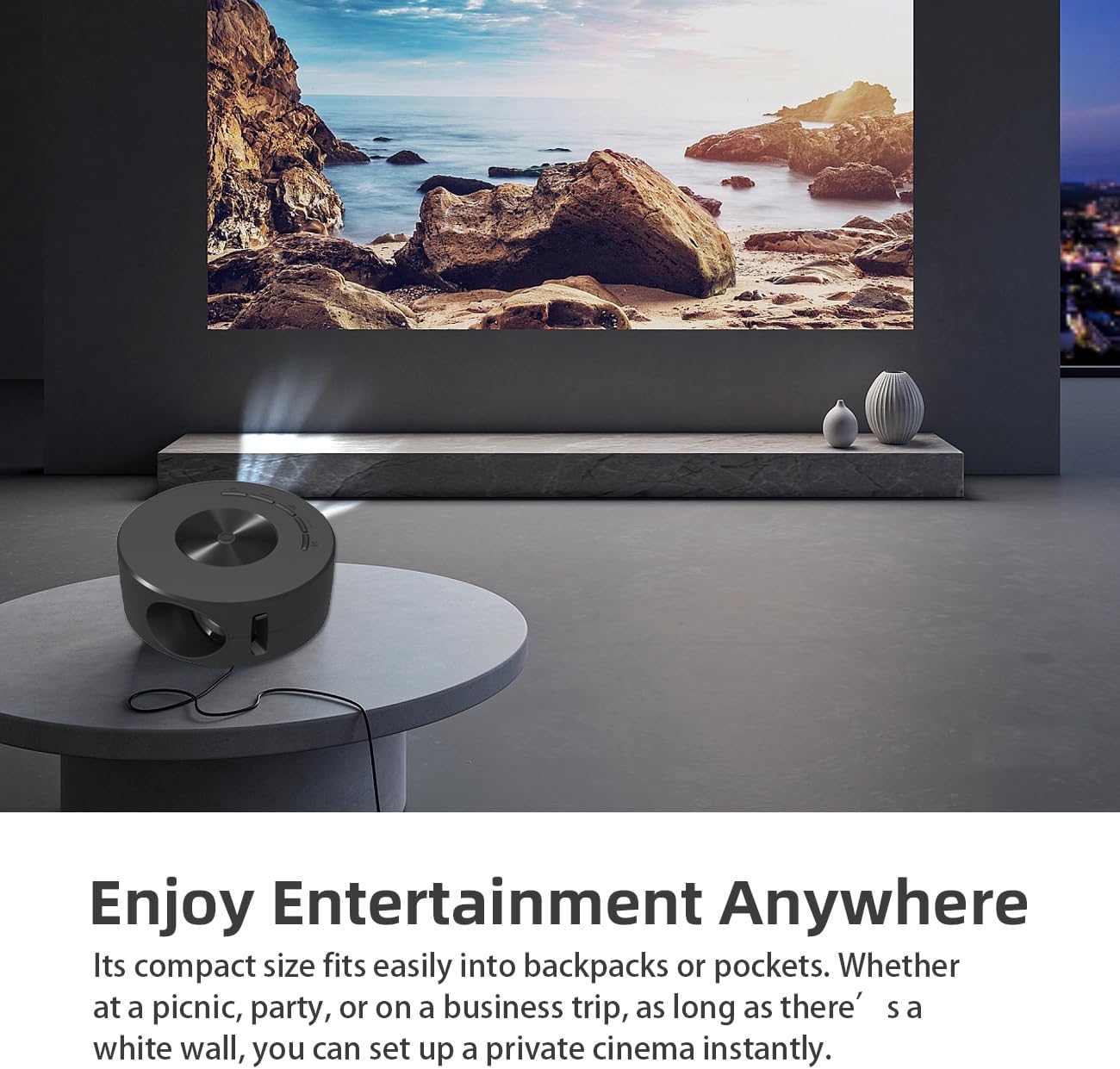
Image 1.2: Projector in use, demonstrating its compact size and projection capability.
2. Pakketinhoud
Verifieer dat al die items wat hieronder gelys word, in u produkpakket ingesluit is:

Image 2.1: All items included in the Wokyo Portable Mini Projector package.
- Wokyo Portable Mini Projector
- Afstandbeheer
- USB kabel
- Gebruikershandleiding
- Kleurboks
- Skuim boks
- Parcel Bag
3. Produkafmetings
The projector features a compact design for portability.

Image 3.1: Product dimensions of the Wokyo Portable Mini Projector.
- Deursnee: Approximately 4.33 inches (110mm)
- Hoogte: Approximately 1.85 inches (47mm)
- Gewig: Ongeveer 10.6 onse
4. Aanvanklike Opstelling
4.1 Kragverbinding
To power the projector, connect it to a suitable power source. The projector requires a 5V 2A power input.

Image 4.1: Power connection options for the projector.
- Ensure your power source (e.g., phone charger, power bank) provides at least 5V 2A output.
- Connect the provided USB cable to the projector's power input port.
- Connect the other end of the USB cable to your chosen power source.
- The projector will power on automatically or can be turned on using the power button.
4.2 Device Connection (Wired Screen Mirroring)
The projector supports wired screen mirroring from mobile phones and tablets using their standard charging cables.
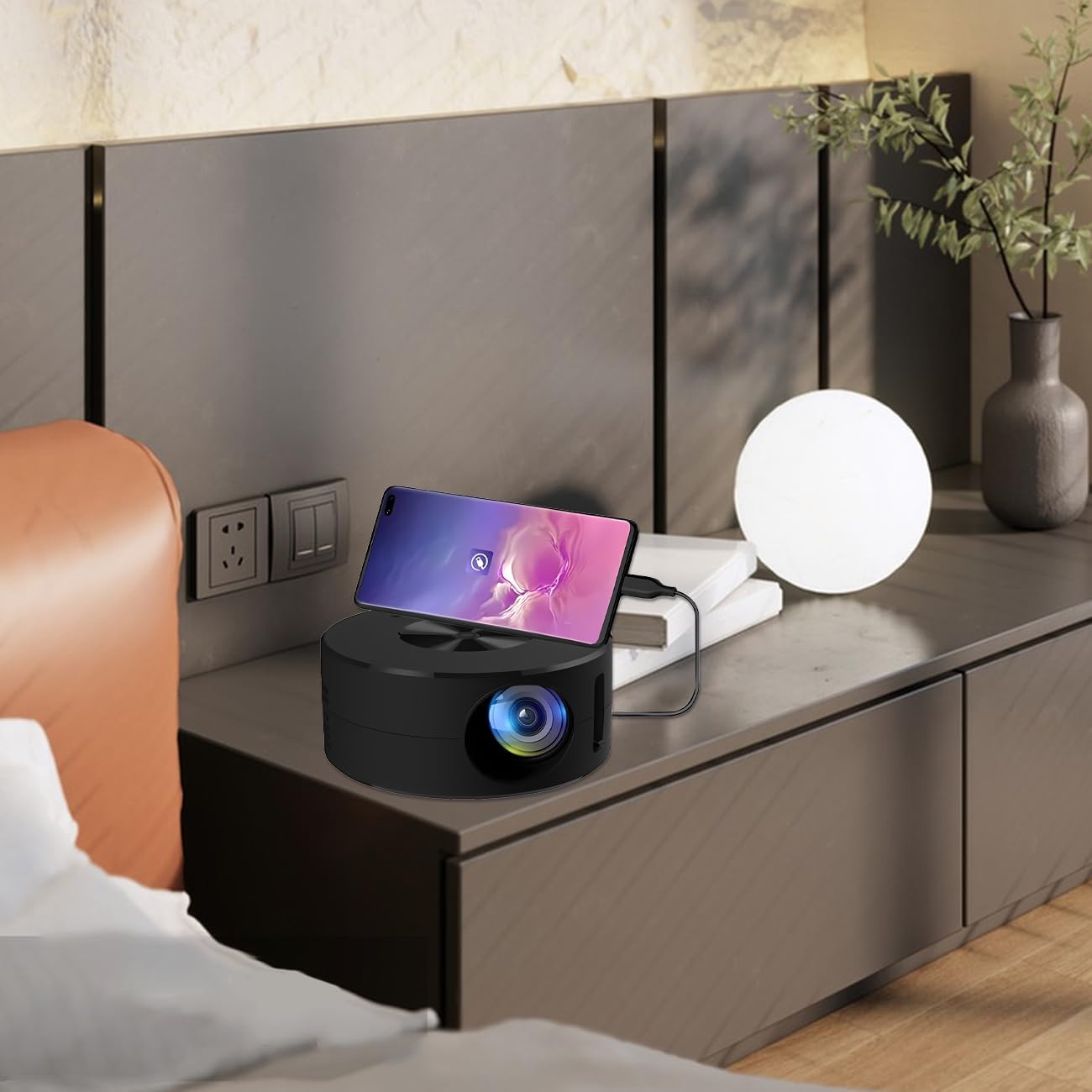
Image 4.2: Smartphone connected to the projector for wired screen mirroring.
- Connect your mobile phone or tablet to the projector using its original charging cable.
- The projector should automatically detect the connection and initiate screen mirroring.
- Follow any on-screen prompts on your device or the projector to confirm the connection.
5. Bedryfsinstruksies
5.1 Basic Controls and Ports
Familiarize yourself with the projector's control buttons and input/output ports.

Beeld 5.1: verbyview of projector ports and controls.
- Kragknoppie: Skakel die projektor aan/af.
- Navigasieknoppies (Op/Af/Links/Regs/OK): Word gebruik om deur spyskaarte te navigeer en keuses te bevestig.
- USB-poort: Vir die koppeling van USB-bergingstoestelle.
- Koptelefoonpoort: Vir die koppeling van eksterne klanktoestelle.
- IR-invoer: Vir die ontvangs van seine vanaf die afstandbeheerder.
- 5V 2A Power Input: Vir die koppeling van die kragtoevoer.
- Ingeboude stereoluidspreker: Verskaf oudio-uitvoer.
5.2 Aanpassing van Fokus
To achieve a clear image, adjust the focus ring located around the projector lens. Rotate the ring until the projected image appears sharp.
5.3 Gebruik van die afstandbeheer
The included remote control allows for convenient operation of the projector from a distance. Ensure the remote has batteries installed and is pointed towards the projector's IR sensor.
6. Onderhoud
Behoorlike onderhoud verseker die lang lewensduur en optimale werkverrigting van u projektor.
- Maak die lens skoon: Use a soft, lint-free cloth specifically designed for optical lenses. Avoid abrasive materials or harsh chemicals. Gently wipe the lens to remove dust or smudges.
- Skoonmaak van die buitekant: Vee die buitekant van die projektor af met 'n sagte, droë lap. Moenie vloeibare skoonmaakmiddels direk op die toestel gebruik nie.
- Ventilasie: Maak seker dat die projektor se ventilasie-openinge nie tydens werking geblokkeer word om oorverhitting te voorkom nie.
- Berging: When not in use, store the projector in a cool, dry place away from direct sunlight and excessive dust.
7. Probleemoplossing
Verwys na die volgende tabel vir algemene probleme en hul oplossings.
| Probleem | Moontlike oorsaak | Oplossing |
|---|---|---|
| Geen beeld geprojekteer nie | Power not connected; Input source not selected; Device not connected properly. | Ensure power is connected (5V 2A). Check device connection. Verify screen mirroring is active on your device. |
| Beeld is vaag | Fokus nie aangepas nie. | Rotate the focus ring around the lens until the image is clear. |
| Geen klank nie | Volume too low; External audio device connected; Device audio output settings. | Increase projector volume. Disconnect external audio devices if using internal speaker. Check audio settings on the connected source device. |
| Afstandbeheer werk nie | Batteries low/dead; Obstruction between remote and projector; Remote not pointed at IR sensor. | Replace remote batteries. Ensure clear line of sight to the projector's IR sensor. |
8. Tegniese spesifikasies
Detailed specifications for the Wokyo Portable Mini Projector.
| Kenmerk | Spesifikasie |
|---|---|
| Handelsmerk | Wokyo |
| Modelnommer | CA164965161 |
| Item gewig | 10.6 onse |
| Produk afmetings | 4.33 x 4.33 x 1.97 duim |
| Kleur | Swart |
| Spesiale kenmerk | Draagbaarheid |
| Verbindingstegnologie | Bluetooth |
| Skermresolusie (inheems) | 320 x 180 |
| Display Resolution (Maximum Supported) | 1920 x 1080 |
9. Waarborg en Ondersteuning
For warranty information or technical support, please refer to the contact details provided with your purchase documentation or visit the official Wokyo webwebwerf. Bewaar u aankoopbewys as bewys van aankoop vir waarborgeise.