
Inleiding
Thank you for choosing the AWEI A996BL Bluetooth Over-Ear Headphones. This manual provides detailed instructions for setting up, operating, and maintaining your headphones to ensure optimal performance and longevity. Please read this manual carefully before use.
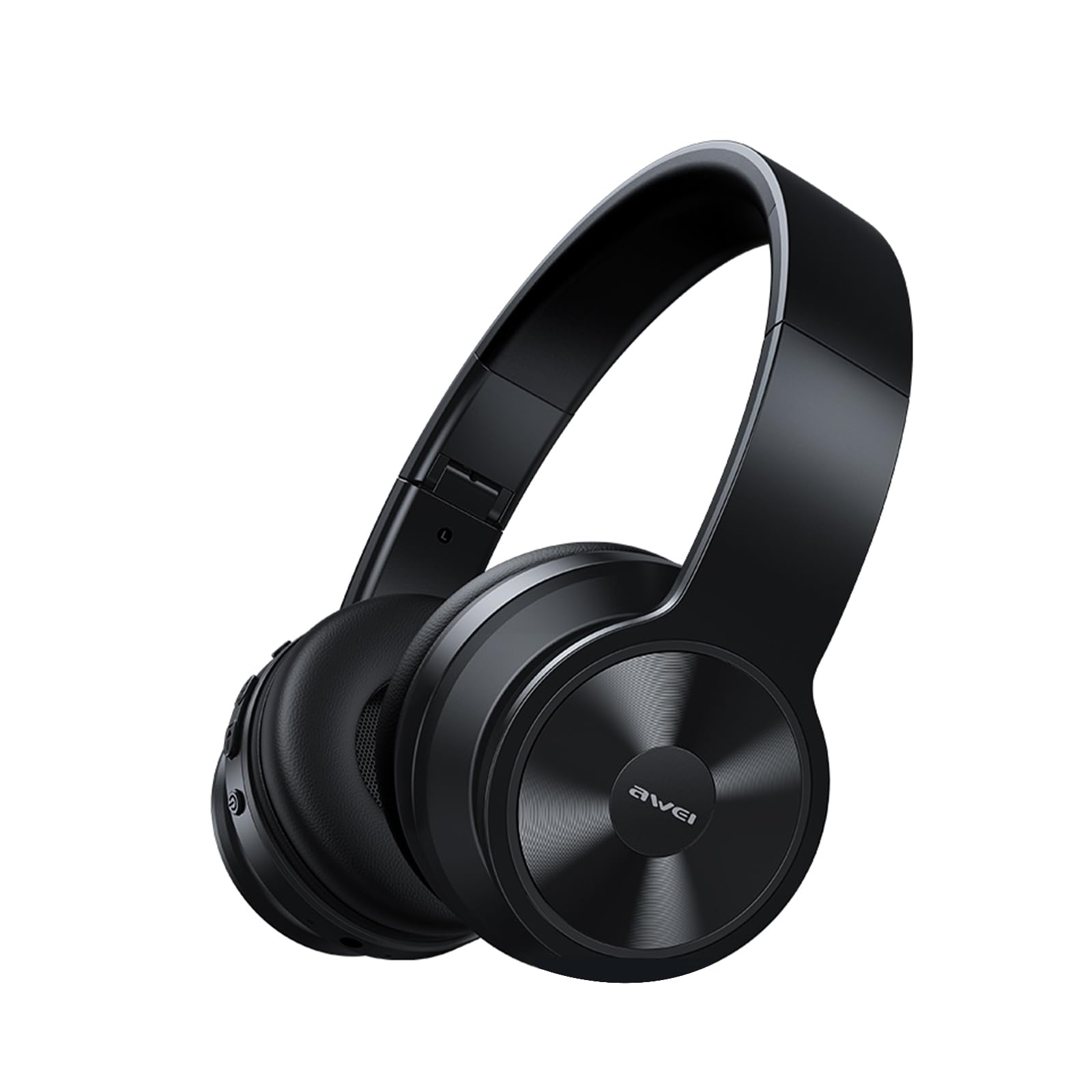
Image: AWEI A996BL over-ear headphones, showcasing hul ontwerp.
The AWEI A996BL headphones feature advanced Bluetooth 5.3 technology for stable connections, 40mm drivers for immersive stereo sound, and a comfortable, foldable design with soft protein earpads. Enjoy up to 16 hours of playtime on a single charge, with the flexibility of both wireless and wired (AUX) listening modes.
Pakketinhoud
- AWEI A996BL Bluetooth Over-Ear Headphones
- USB-laaikabel
- Gebruikershandleiding
- (Note: An AUX cable may be included for wired connection, depending on the specific package.)
Produk verbyview
Familiarize yourself with the headphone components and controls.

Image: Right earcup of the AWEI A996BL headphones, highlighting the control buttons.
Kontroles en aanwysers:
- Multifunksieknoppie (MFB): Power On/Off, Play/Pause, Answer/End Call, Reject Call, Activate Voice Assistant.
- Volume op / Volgende snit-knoppie: Kort druk vir Volume Op, Lang druk vir Volgende Liedjie.
- Volume Verlaag / Vorige Liedjie Knoppie: Kort druk vir Volume Verlaag, Lang druk vir Vorige Liedjie.
- LED-aanwyser: Toon kragstatus, paringsmodus en laaistatus.
- Mikrofoon: Vir handvrye oproepe.
- USB-C-laaipoort: Vir die laai van die oorfone.
- 3.5mm AUX-poort: Vir bedrade klankverbinding.
Opstelling
1. Laai die oorfone
Laai die oorfone volledig voor die eerste gebruik. 'n Volle lading neem ongeveer 2 uur.
- Connect the USB charging cable to the USB-C charging port on the headphones.
- Koppel die ander kant van die kabel aan 'n USB-kragadapter (nie ingesluit nie) of 'n rekenaar se USB-poort.
- The LED indicator will show a red light during charging and turn off or blue when fully charged.

Image: Visual representation of the 300mAh battery capacity, indicating long battery life.
2. Skakel aan/af
- Krag aan: Press and hold the Multi-function Button (MFB) for approximately 3 seconds until the LED indicator flashes blue and a voice prompt confirms "Power On".
- Skakel af: Press and hold the Multi-function Button (MFB) for approximately 3 seconds until the LED indicator flashes red and a voice prompt confirms "Power Off".
3. Bluetooth-paring (Draadlose modus)
The headphones use Bluetooth 5.3 for a stable connection.
- Maak seker dat die oorfone volledig gelaai en afgeskakel is.
- Press and hold the Multi-function Button (MFB) for approximately 5-7 seconds until the LED indicator flashes blue and red alternately. This indicates pairing mode.
- Aktiveer Bluetooth op jou toestel (slimfoon, tablet, rekenaar) en soek vir beskikbare toestelle.
- Select "AWEI A996BL" from the list of found devices.
- Once paired, the LED indicator will flash blue slowly, and a voice prompt will confirm "Connected".
- If a password is required, enter "0000".

Image: Headphones connected wirelessly to a laptop and smartphone, demonstrating a stable Bluetooth connection. Note: The product features Bluetooth 5.3 for enhanced performance.
4. Bedrade verbinding (AUX-modus)
You can use the headphones in wired mode even when the battery is depleted or with non-Bluetooth devices.
- Connect one end of a 3.5mm audio cable (not included) to the AUX port on the headphones.
- Connect the other end to the 3.5mm audio output jack of your device.
- The headphones will automatically switch to wired mode. Note that controls on the headphones (volume, play/pause) may not function in wired mode; control playback from your connected device.

Image: Headphones showing both USB-C charging port and 3.5mm AUX port, illustrating wired and wireless options.
Bedryfsinstruksies
Die oorfone dra
Adjust the headband for a comfortable fit. The soft protein earpads are designed for extended wear.

Image: A person wearing the AWEI A996BL headphones, highlighting their lightweight and comfortable design with adjustable headband and bendable earmuffs.
Basic Functions (Wireless Mode)
| Funksie | Operasie |
|---|---|
| Speel/Pause Musiek | Druk kort op die multifunksieknoppie (MFB). |
| Volume op | Short press the "Volume Up / Next Track" button. |
| Volume af | Short press the "Volume Down / Previous Track" button. |
| Volgende Snit | Long press the "Volume Up / Next Track" button. |
| Vorige Snit | Long press the "Volume Down / Previous Track" button. |
| Beantwoord/beëindig oproep | Druk kort op die multifunksieknoppie (MFB). |
| Verwerp oproep | Long press the Multi-function Button (MFB). |
| Aktiveer stemassistent | Double-press the Multi-function Button (MFB). |
Onderhoud
Skoonmaak
- Vee die oorfone af met 'n sagte, droë, pluisvrye lap.
- Moenie skuurmiddels, alkohol of chemiese oplosmiddels gebruik nie.
- Vermy dat vog in enige openinge kom.
Berging
- Wanneer dit nie gebruik word nie, bêre die oorfone op 'n koel, droë plek, weg van direkte sonlig en uiterste temperature.
- The headphones feature a foldable design for easy storage and portability.
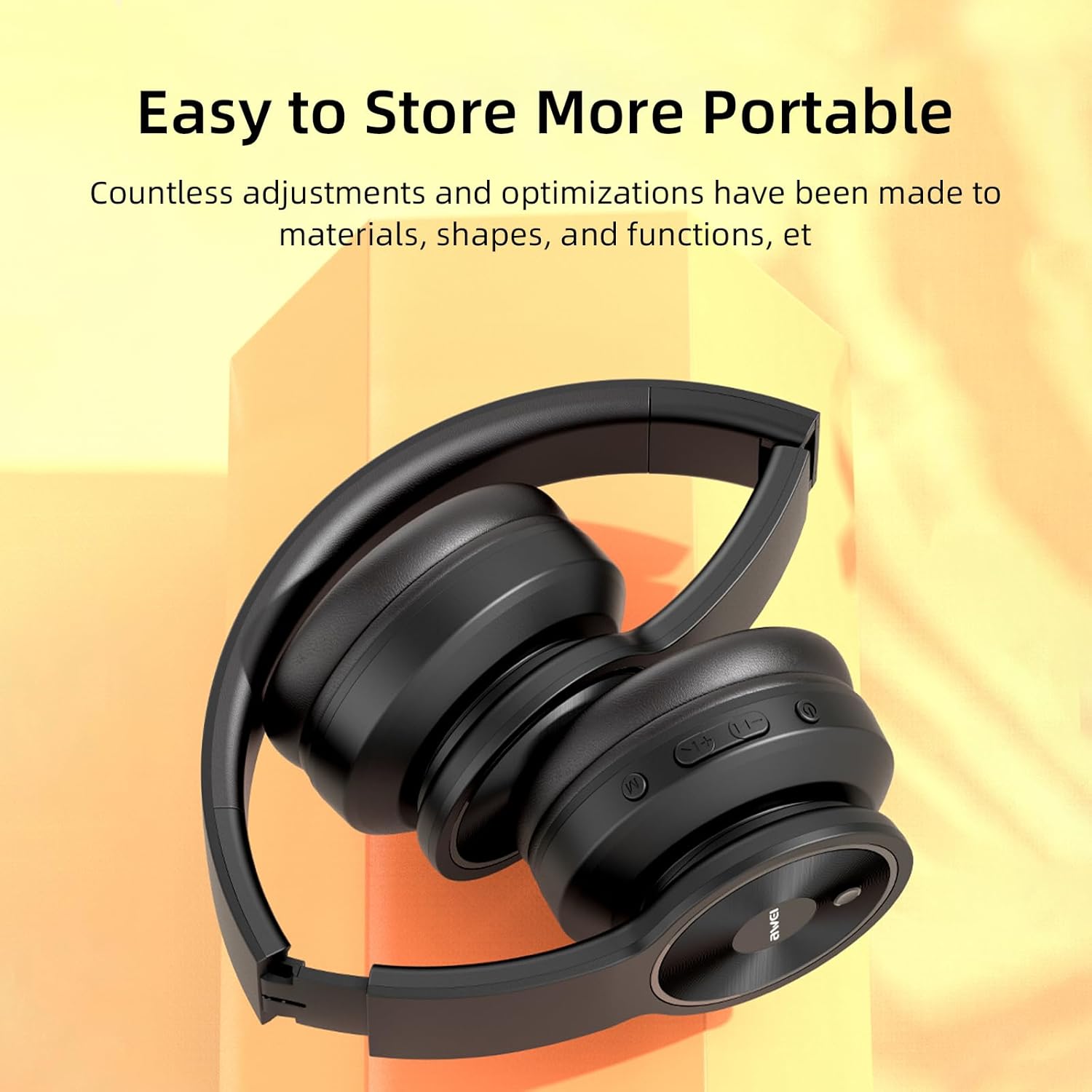
Image: The AWEI A996BL headphones in a folded position, demonstrating their portable and easy-to-store design.
Battery sorg
- Om die batterylewe te behou, laai die oorfone gereeld, selfs al word dit nie gereeld gebruik nie.
- Vermy die volle ontlading van die battery vir lang tye.
- Moenie die battery aan hoë temperature blootstel nie.
Probleemoplossing
| Probleem | Oplossing |
|---|---|
| Oorfone skakel nie aan nie. | Ensure the headphones are charged. Connect to a power source using the USB cable. |
| Kan nie met toestel koppel nie. |
|
| Geen geluid of lae volume nie. |
|
| Klankgehalte is swak of afwisselend. |
|
| Mikrofoon werk nie. |
|
Spesifikasies
| Kenmerk | Detail |
|---|---|
| Model | A996BL |
| Bluetooth weergawe | 5.3 |
| Bestuurder grootte | 40 mm |
| Battery kapasiteit | 300mAh |
| Speel Tyd | Tot 16 uur |
| Laai tyd | Ongeveer 2 uur |
| Wireless Range | Tot 33 voet (10 meter) |
| Konnektiwiteit | Draadloos (Bluetooth), Bedraad (3.5mm AUX) |
| Spesiale kenmerke | Ergonomic, Lightweight, Foldable design |
| Oorplasing | Oor Oor |
Waarborg en Ondersteuning
AWEI provides a 12-month warranty for the A996BL headphones from the date of purchase, covering manufacturing defects. A 30-day return policy is also available. For any questions, technical support, or warranty claims, please contact our customer service team.
Kliëntediens:
- E-pos: support@awei.com
- Webwebwerf: www.awei.com
Ons poog om binne 12 uur op alle navrae te antwoord.