
Inleiding
Thank you for choosing the RG N35 TWS Gaming Headset. This manual provides essential information for setting up, operating, and maintaining your new wireless earbuds. Please read this manual thoroughly before use to ensure optimal performance and longevity of your device.
Pakketinhoud
- RG N35 TWS Gaming Earbuds (Left and Right)
- Laaikas
- Laai kabel
- Gebruikershandleiding
Produk verbyview
The RG N35 TWS Gaming Headset features a low-latency design optimized for gaming, true wireless stereo audio, and touch controls. The earbuds are housed in a distinctive charging case with LED indicators.

RG N35 TWS Gaming Earbuds in their charging case, with the lid open, showcasing the earbuds and the case's internal design.
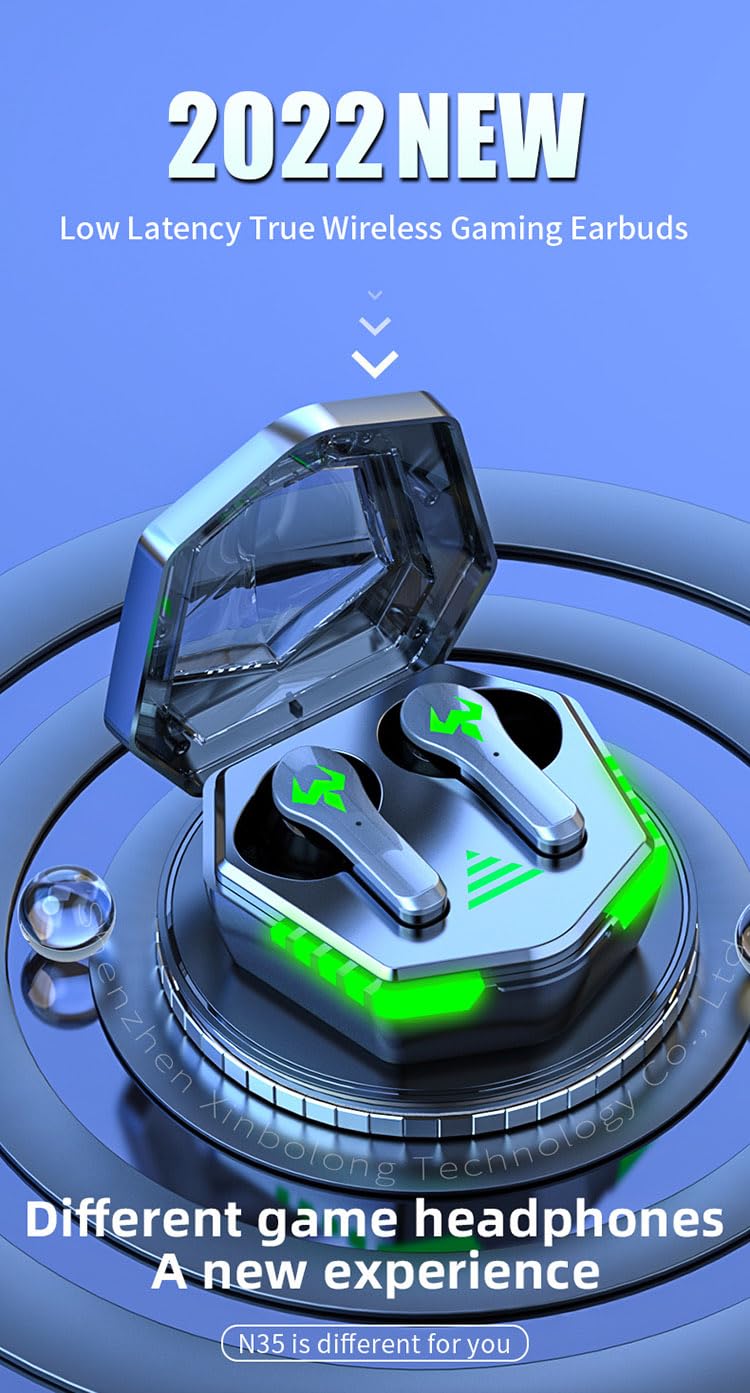
A visual representation of the RG N35 TWS Gaming Earbuds and charging case, emphasizing their low latency and gaming-specific design.
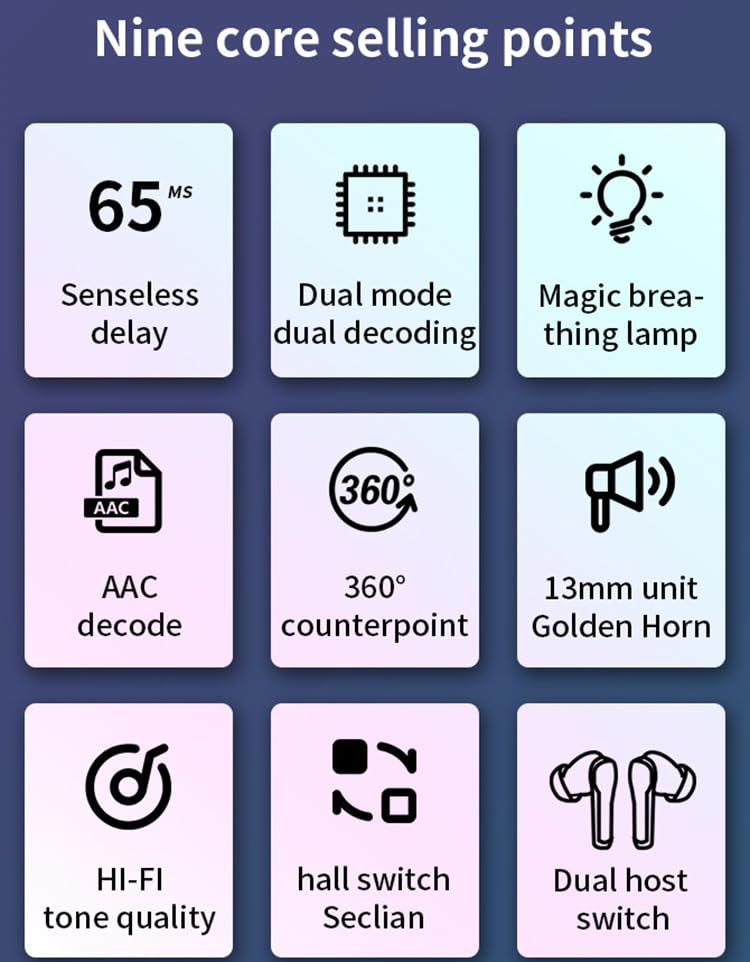
An infographic detailing key features of the RG N35 earbuds, including 65ms low latency, dual mode decoding, breathing lamp, AAC decode, 360-degree sound, 13mm driver, Hi-Fi audio, hall switch, and dual host switch.
Opstelling
1. Laai die toestel
Before first use, fully charge the earbuds and the charging case. Connect the provided charging cable to the charging port on the case and a compatible USB power source. The LED indicators on the case will show the charging status. A full charge typically takes approximately 1.5 hours.
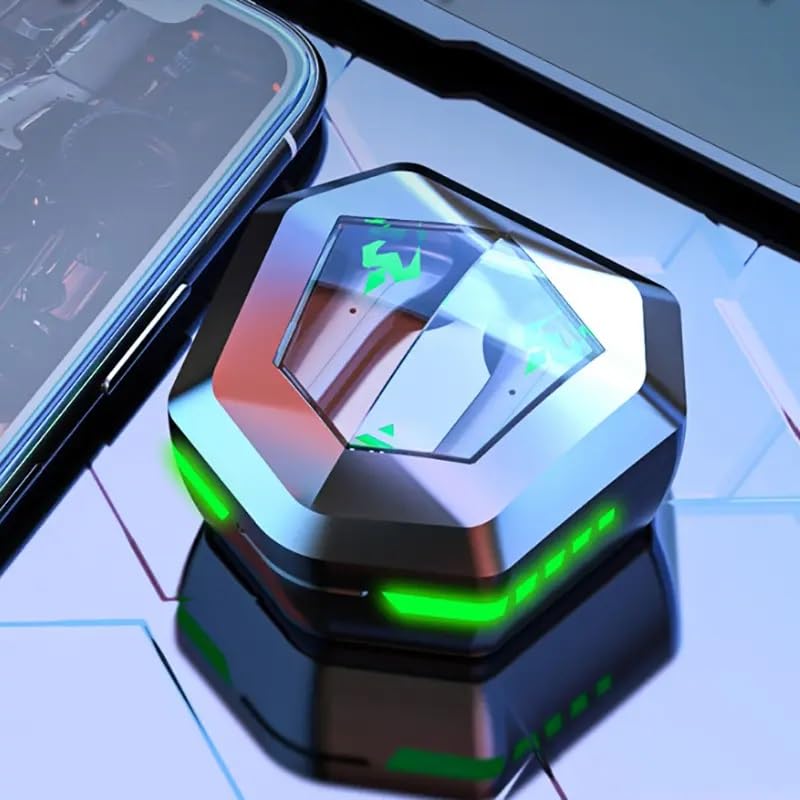
The RG N35 TWS Gaming Earbuds charging case, closed, displaying its hexagonal shape and illuminated green LED accents, indicating charging or power status.
2. Aanvanklike paring
- Maak seker dat die oordopjes gelaai is.
- Maak die laaikas oop. Die oorfone sal outomaties aanskakel en in paringsmodus gaan.
- On your device (smartphone, computer, etc.), enable Bluetooth.
- Soek vir available Bluetooth devices and select "N35" from the list.
- Sodra dit gekoppel is, sal 'n stemboodskap die suksesvolle paring bevestig.
The earbuds support synchronous transmission, meaning either earbud can function independently after initial pairing, allowing for single-ear use.
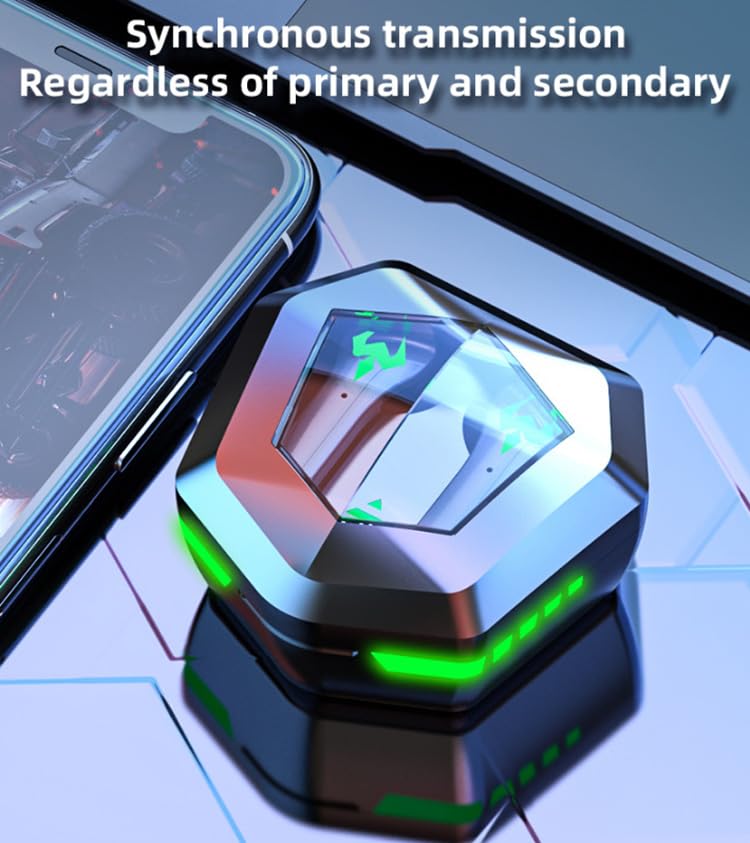
An image depicting the synchronous transmission capability of the earbuds, indicating that either earbud can function independently as primary or secondary.
Bedryfsinstruksies
Krag aan/af
- Krag aan: Maak die laaikas oop, of druk die aanraakarea op beide oordopjes vir 3 sekondes lank.
- Skakel af: Plaas die oordopjes terug in die laaikas en maak die deksel toe, of druk die aanraakarea op beide oordopjes vir 5 sekondes lank.
Musiek / Speletjie-omskakeling
The RG N35 features a dual mode for music and gaming. In gaming mode, the earbuds provide ultra-low latency (approximately 45-65ms) for a synchronized audio-visual experience.
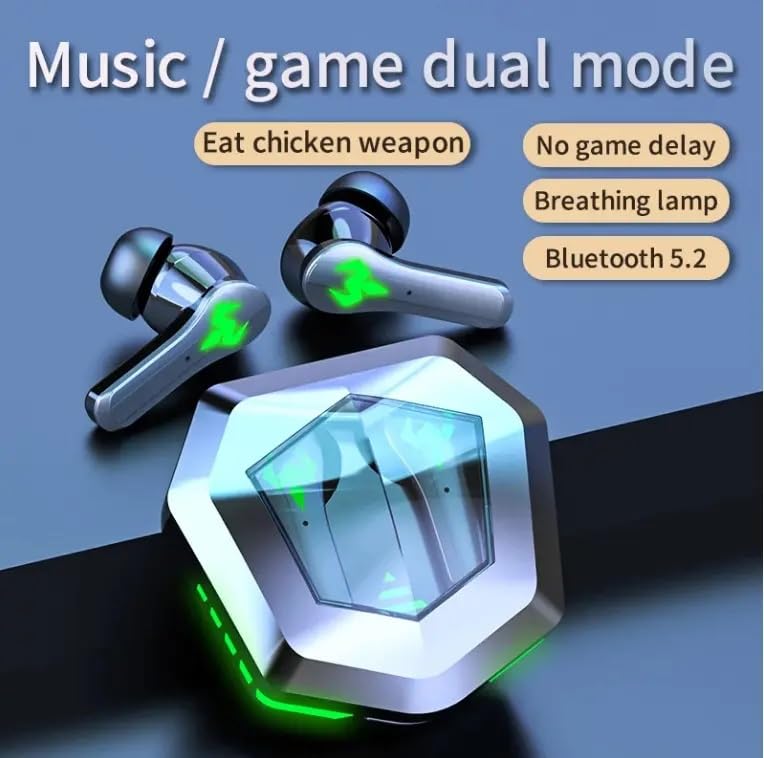
An illustration highlighting the dual mode functionality (music/game) of the RG N35 earbuds, emphasizing low latency for gaming and Bluetooth 5.2 connectivity.
To switch between modes, triple-tap the touch area on either earbud. A voice prompt will indicate the current mode.
Raak kontroles
The earbuds are equipped with touch-sensitive controls for various functions:
- Speel/pouse: Tik een keer op enige oordopje.
- Volgende snit: Dubbeltik op die regteroorknoppie.
- Vorige snit: Tik twee keer op die linker oordop.
- Volume op: Long-press the right earbud.
- Volume af: Long-press the left earbud.
- Activate Voice Assistant (Siri, Google Assistant, Alexa): Triple-tap either earbud (when not in game mode).
Oproepe maak
- Beantwoord/beëindig oproep: Tik een keer op enige oordopje.
- Verwerp oproep: Druk enige oordopje vir 2 sekondes lank.
Onderhoud
Skoonmaak
Regularly clean your earbuds and charging case to ensure optimal performance and hygiene. Use a soft, dry, lint-free cloth. For stubborn dirt, a slightly damp cloth can be used, but ensure no moisture enters the charging ports or speaker grilles. Do not use harsh chemicals or abrasive materials.
Berging
When not in use, store the earbuds in their charging case to protect them from dust and damage. Store the device in a cool, dry place away from direct sunlight and extreme temperatures.
Waterweerstand
The RG N35 earbuds are rated IPX-5 water resistant and sweatproof. This means they can withstand splashes of water and sweat, making them suitable for workouts and light rain. They are not designed for submersion in water or exposure to heavy rain. Ensure the earbuds are dry before placing them back in the charging case to prevent damage.
Probleemoplossing
| Probleem | Moontlike Oplossing |
|---|---|
| Oorfoonknoppies word nie aangeskakel nie | Maak seker dat die oorfone en laaikas volledig gelaai is. Plaas die oorfone in die kassie, maak toe en maak dit dan weer oop. |
| Kan nie met toestel saambind nie | Make sure Bluetooth is enabled on your device. Ensure earbuds are in pairing mode (open case). Forget "N35" from your device's Bluetooth list and try pairing again. Move closer to your device. |
| Geen klank of onderbroke klank | Check volume levels on both earbuds and your connected device. Ensure earbuds are properly seated in your ears. Reconnect the earbuds to your device. |
| Raakkontroles reageer nie | Maak seker dat jou vingers skoon en droog is. Probeer om die oorfone weer te begin deur hulle in die houer te plaas en weer uit te haal. |
| Low latency not active in game mode | Ensure you have successfully switched to game mode (triple-tap either earbud). Verify your device's settings are not interfering with Bluetooth performance. |
Spesifikasies
| Kenmerk | Detail |
|---|---|
| Model Naam | N35 |
| Verbindingstegnologie | Draadloos (Bluetooth) |
| Draadlose kommunikasietegnologie | Bluetooth 5.2 |
| Bluetooth-reeks | 10m - 15m |
| Vokalisme Beginsel | Gebalanseerde ankerbestuurder |
| Oudiobestuurdergrootte | 13 mm eenheid |
| Dekoderingsformaat | AAK |
| Wireless Delay Time | 45-65 ms (Gaming Mode) |
| Oordopjes se batterykapasiteit | 35mAh |
| Laaikas kapasiteit | 300mAh |
| Laai tyd | Ongeveer. 1.5 ure |
| Tyd vir musiekafspeel | Ongeveer. 5 ure |
| Praat Tyd | Ongeveer. 5 ure |
| Waterdig Standaard | IPX-5 (Water Resistant, Sweatproof) |
| Tipe beheer | Aanraakbeheer, volumebeheer |
| Mikrofoon | Ingeboude |
| Spel Atmosfeer Lig | Single Color (LED Display) |
| Versoenbare toestelle | Mobile Phone, Computer, MP3 Player, Smartphone |
| Produk afmetings | 5 x 5 x 5 cm |
| Item gewig | 200 g |
Waarborg en Ondersteuning
For warranty information or technical support, please refer to the documentation provided at the time of purchase or contact your seller directly. Keep your proof of purchase for any warranty claims.