
Inleiding
The PPLEE CR1021 Portable White Noise Machine is designed to create a peaceful and soothing environment, aiding in sleep, relaxation, and focus. It features 42 non-looping sounds, a rechargeable battery, night light, and timer functions, making it suitable for home, office, and travel use.
This manual provides detailed instructions for the safe and effective use of your device. Please read it thoroughly before operation and retain it for future reference.
Veiligheidsinligting
Please observe the following safety precautions to prevent damage to the device or injury to yourself or others:
- Moenie die toestel aan water of oormatige vog blootstel nie.
- Hou die toestel weg van hittebronne en direkte sonlig.
- Moenie probeer om die toestel self uitmekaar te haal of te herstel nie. Kontak gekwalifiseerde dienspersoneel.
- Use only the provided Type-C charging cable and a compatible power adapter (DC 5V/1A).
- Keep out of reach of small children when not in use, especially the charging cable.
- Ensure proper ventilation; do not cover the speaker grille during operation.
Pakketinhoud
Verifieer dat alle items in die pakket teenwoordig is:
- 1x PPLEE CR1021 Portable White Noise Machine
- 1x Type-C Power Cable
- 1x Hanging Loop
- 1x Gebruikershandleiding (hierdie dokument)
Opstelling
Laai die toestel
Before first use, fully charge the white noise machine. The device features a built-in 2200mAh rechargeable battery.
- Koppel die meegeleverde Tipe-C-laaikabel aan die laaipoort op die toestel.
- Connect the other end of the cable to a compatible USB power adapter (DC 5V/1A) or a computer's USB port.
- Die laai-aanwyserliggie sal tydens laai brand en afskakel wanneer dit volledig gelaai is.
A full charge provides approximately 33-58 hours of playtime, depending on volume level and night light usage.
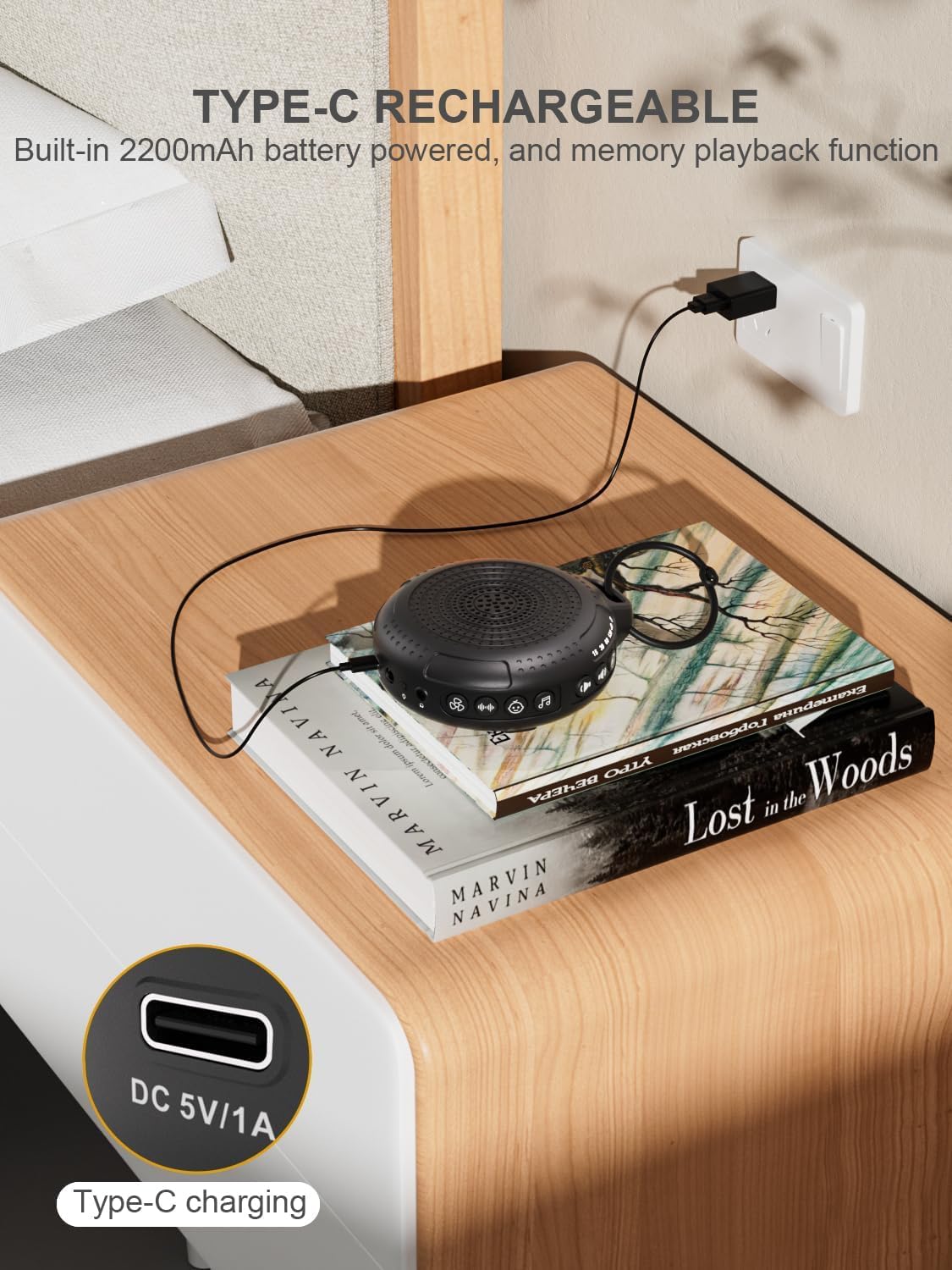
Image: The PPLEE CR1021 White Noise Machine connected to a Type-C charger, demonstrating how to charge the device.
Plasing
Place the device on a stable, flat surface or use the included hanging loop to attach it to a stroller, car seat, or crib. Ensure the speaker is not obstructed for optimal sound projection.

Image: The PPLEE CR1021 White Noise Machine hanging from a stroller, highlighting its compact and portable design for travel.
Bedryfsinstruksies
Kontroles verbyview

Beeld: 'n Gedetailleerde view of the PPLEE CR1021 White Noise Machine, illustrating the location of its various control buttons and features.
Krag aan/af
- Druk en hou die Power-knoppie (⏻) for 2 seconds to turn the device ON or OFF.
- The device will remember your last sound, volume, and timer settings upon powering on.
Klankkeuse
The device offers 42 non-looping soothing sounds across four categories:
- Wit geluide: 5 klanke
- Fanklanke: 6 klanke
- Wiegeliedjies: 15 klanke
- Natuurlike klanke: 16 klanke
- Press the Sound Category buttons (e.g., White Noise, Fan, Lullaby, Nature) to switch between sound categories.
- Once a category is selected, press the Sound Selection button (♫) to cycle through the sounds within that category.
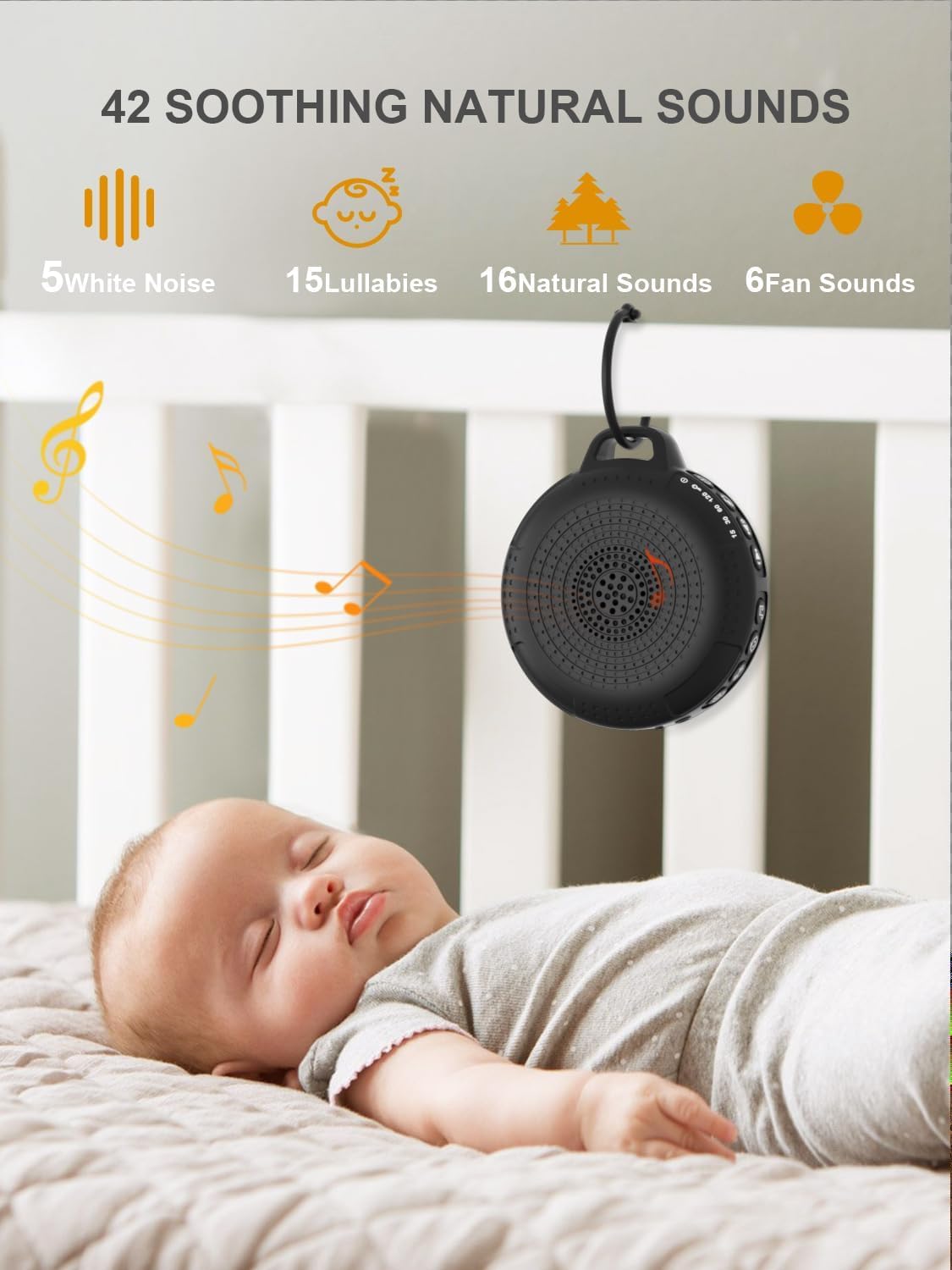
Image: The PPLEE CR1021 White Noise Machine displaying the variety of 42 soothing sounds available, categorized for easy selection.
Volumebeheer
Adjust the sound volume using the dedicated volume buttons:
- Druk die Volume Op-knoppie (+) om die volume te verhoog.
- Druk die Volume Verlaag-knoppie (-) om die volume te verlaag.
- There are 8 distinct volume levels.

Image: The PPLEE CR1021 White Noise Machine highlighting its volume adjustment and timer functions, showing options for 15, 30, 60, and 120 minutes.
Timer funksie
The device can play continuously or automatically turn off after a set period:
- Druk die Timer-knoppie (⏱) to cycle through the available timer settings: 15 minutes, 30 minutes, 60 minutes, 120 minutes, or continuous play.
- An indicator light will show the selected timer duration.
Naglig
The integrated night light offers two brightness levels:
- Press the Night Light button (💡) once for the first brightness level.
- Press it again for the second, brighter level.
- Press a third time to turn the night light off.
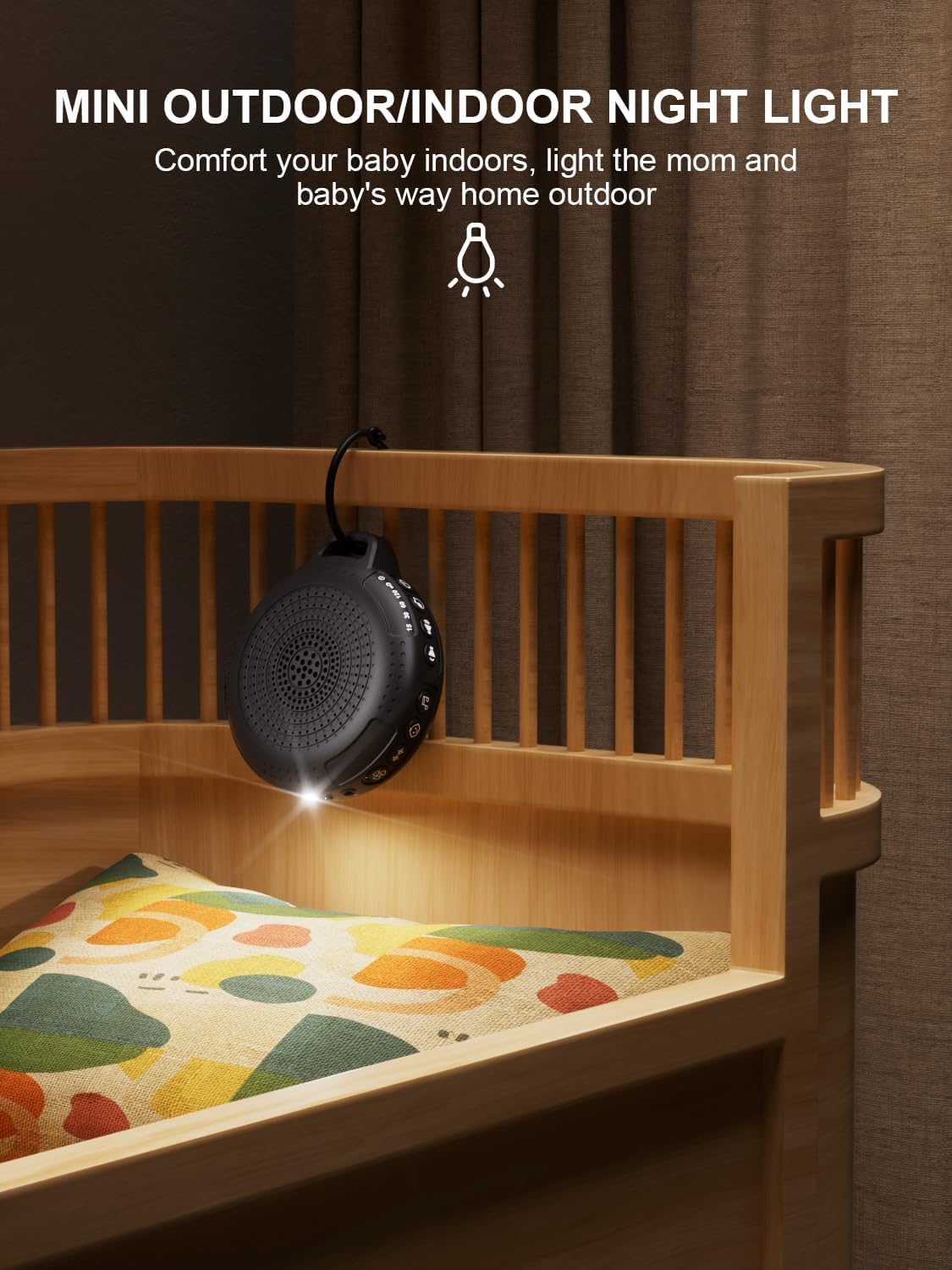
Image: The PPLEE CR1021 White Noise Machine with its night light illuminated, shown hanging on a crib, providing gentle illumination.
Kinderslot funksie
To prevent accidental changes to settings, activate the child lock:
- Druk en hou die Kinderslot-knoppie (🔒) for 2 seconds to activate or deactivate the child lock.
- When activated, all other buttons will be unresponsive until the child lock is deactivated.
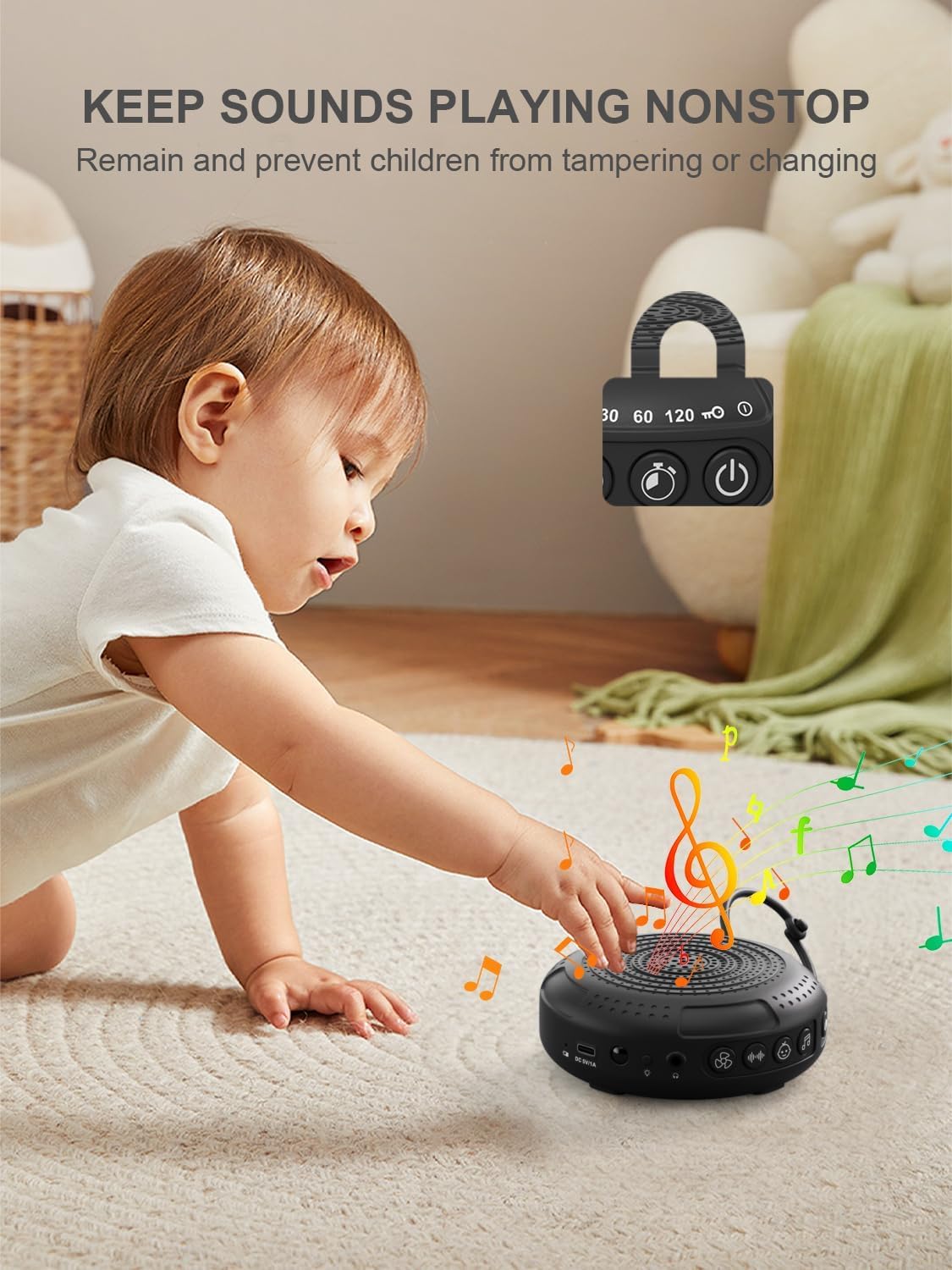
Image: The PPLEE CR1021 White Noise Machine with a visual representation of its child lock feature, designed to maintain settings and prevent tampering.
Koptelefoonaansluiting
For private listening, connect standard 3.5mm headphones to the headphone jack located on the side of the device. The speaker will automatically mute when headphones are connected.
Onderhoud
Skoonmaak
- Maak seker dat die toestel afgeskakel en ontkoppel is voordat dit skoongemaak word.
- Vee die buitekant af met 'n sagte, droë of effens droë lap.amp lap.
- Moenie skuurmiddels, oplosmiddels of harde chemikalieë gebruik nie.
Berging
- Bêre die toestel op 'n koel, droë plek weg van direkte sonlig en uiterste temperature.
- Indien dit vir 'n lang tydperk gestoor word, laai die battery gereeld om sy lewensduur te behou.
Probleemoplossing
| Probleem | Moontlike oorsaak | Oplossing |
|---|---|---|
| Toestel kan nie aangeskakel word nie. | Battery is leeg. | Laai die toestel met die meegeleverde Tipe-C-kabel. |
| Geen klank nie. | Volume is too low or muted. Headphones are connected. | Increase the volume. Disconnect headphones if not needed. |
| Knoppies reageer nie. | Kinderslot is geaktiveer. | Deactivate the Child Lock by pressing and holding the Child Lock button for 2 seconds. |
| Die batterylewe is korter as wat verwag is. | High volume level or continuous night light use. Battery degradation over time. | Reduce volume or night light usage. Ensure full charge. |
| Laai is stadig of werk nie. | Faulty cable or power adapter. Charging port issue. | Try a different Type-C cable and a known working 5V/1A USB power adapter. |
Spesifikasies
| Kenmerk | Detail |
|---|---|
| Model Naam | CR1021 |
| Handelsmerk | PPLEE |
| Kragbron | Battery Powered (2200mAh rechargeable) |
| Laaipoort | Tipe-C (DC 5V/1A) |
| Aantal klanke | 42 (5 White Noise, 6 Fan, 15 Lullabies, 16 Natural) |
| Volumevlakke | 8 |
| Timer Opsies | 15, 30, 60, 120 minutes, Continuous |
| Naglig | 2 helderheidsvlakke |
| Afmetings (L x B x H) | 12.5 x 11 x 4.3 cm (4.92 x 4.3 x 1.69 duim) |
| Gewig | 177 g (0.39 lbs) |
| Ingesluit komponente | Device, Type-C Cable, Hanging Loop, User Manual |
Waarborg en Ondersteuning
For warranty information or technical support, please refer to the contact details provided with your purchase or visit the official PPLEE webwebwerf. Bewaar u aankoopbewys as bewys van aankoop.