
HOCO Y10
Hoco Y10 Amoled Smart Sports Watch User Manual
Model: Y10
Inleiding
Thank you for choosing the Hoco Y10 Amoled Smart Sports Watch. This manual provides essential information for setting up, operating, and maintaining your device. Please read this manual thoroughly before using the watch to ensure proper function and longevity.
Veiligheidsinligting
- Moenie probeer om die toestel uitmekaar te haal, te herstel of te wysig nie. Ongemagtigde wysigings kan die waarborg ongeldig maak en skade veroorsaak.
- Keep the watch away from extreme temperatures, direct sunlight, and corrosive liquids.
- Use only the provided charging cable. Using incompatible chargers may cause damage or fire.
- While the watch is 3ATM waterproof, it is not suitable for diving or high-pressure water activities. Avoid prolonged submersion.
- Raadpleeg 'n mediese beroepspersoon voordat u enige nuwe oefenroetine begin, veral as u reeds bestaande gesondheidstoestande het.
- Hou die toestel buite bereik van kinders en troeteldiere.
Pakketinhoud
Kontroleer asseblief die inhoud van die pakkie na opening om seker te maak dat alle items teenwoordig is:
- Hoco Y10 Amoled Smart Sports Watch
- Laai kabel
Produk verbyview
The Hoco Y10 Smart Sports Watch features a vibrant 1.3-inch AMOLED display and a durable design suitable for daily wear and sports activities. Below are various views of the watch highlighting its design and features.

Voorkant view of the Hoco Y10 Smart Watch displaying a digital watch face with time, battery, steps, and heart rate.
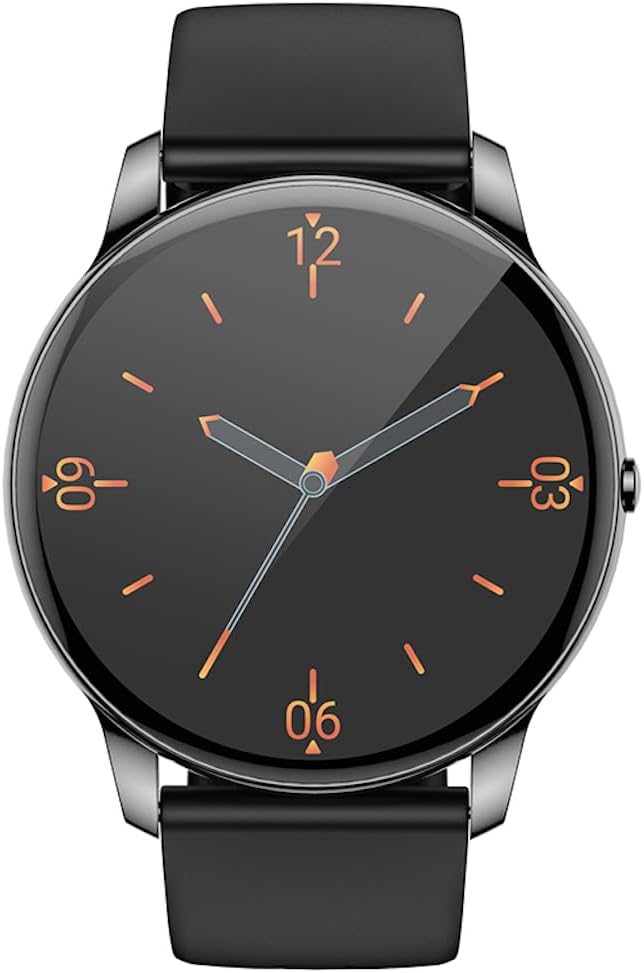
Voorkant view of the Hoco Y10 Smart Watch displaying a classic analog watch face.
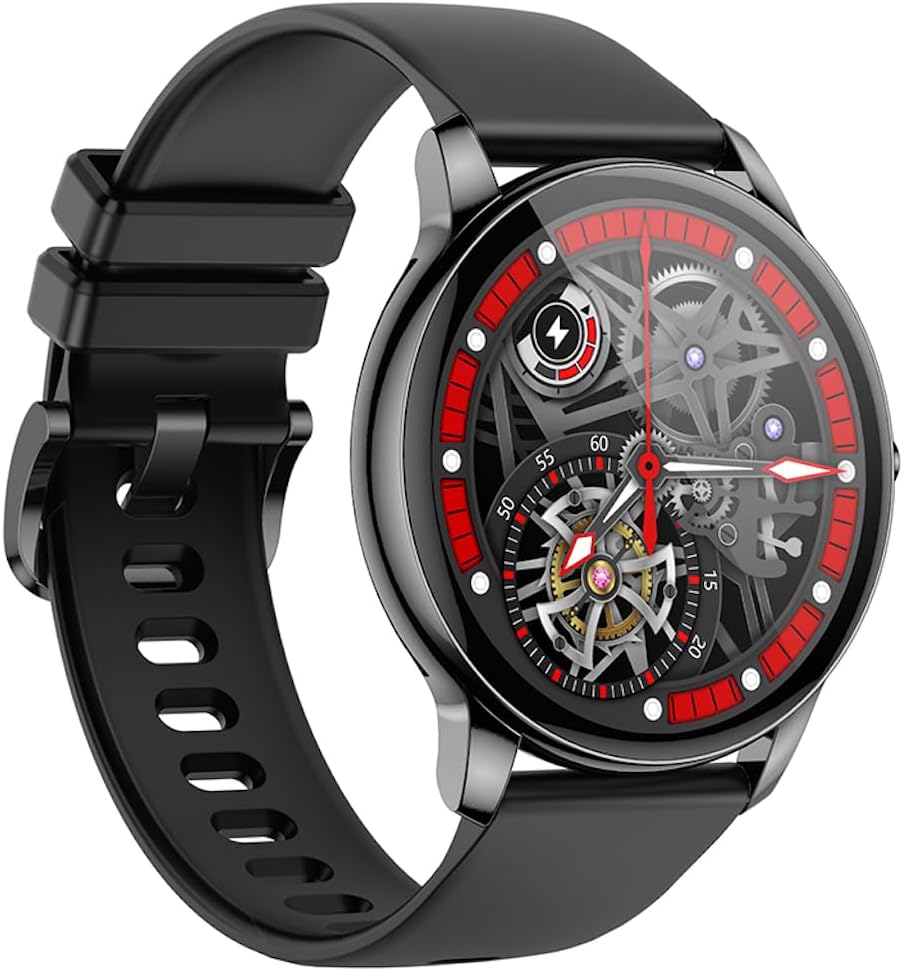
Hoekig view of the Hoco Y10 Smart Watch showcasing a mechanical-style watch face.
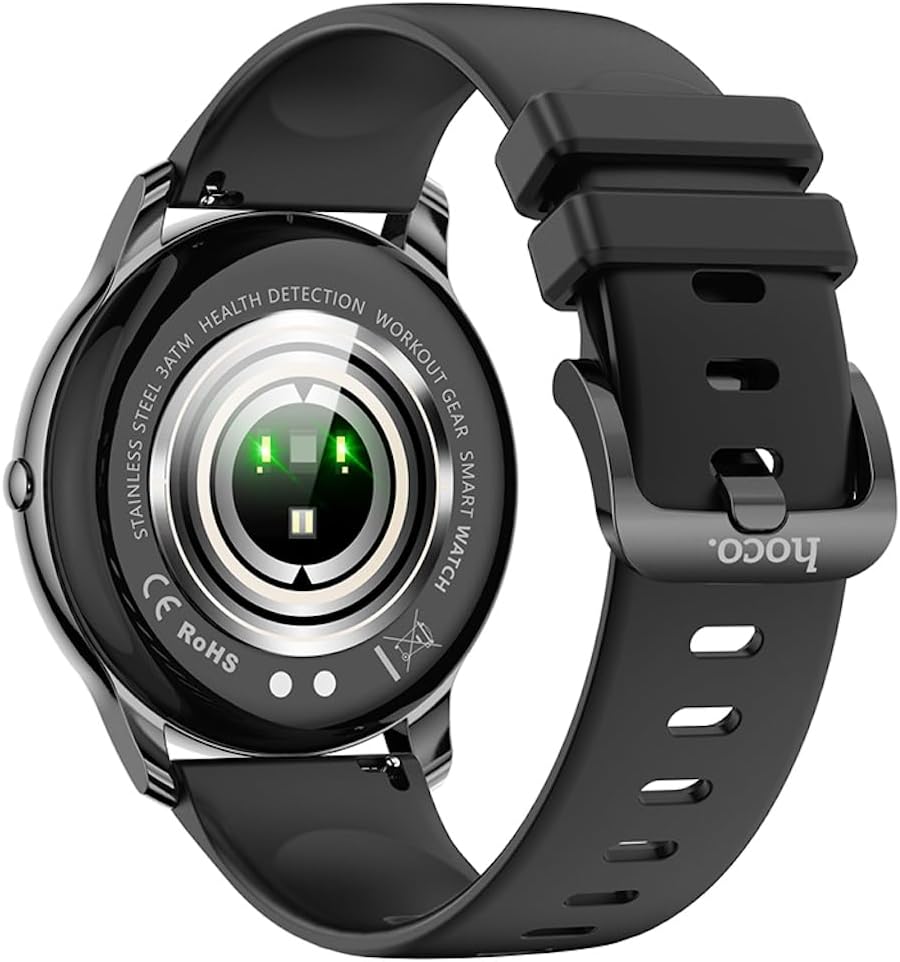
Agter view of the Hoco Y10 Smart Watch, highlighting the optical sensors for health detection and charging contacts.
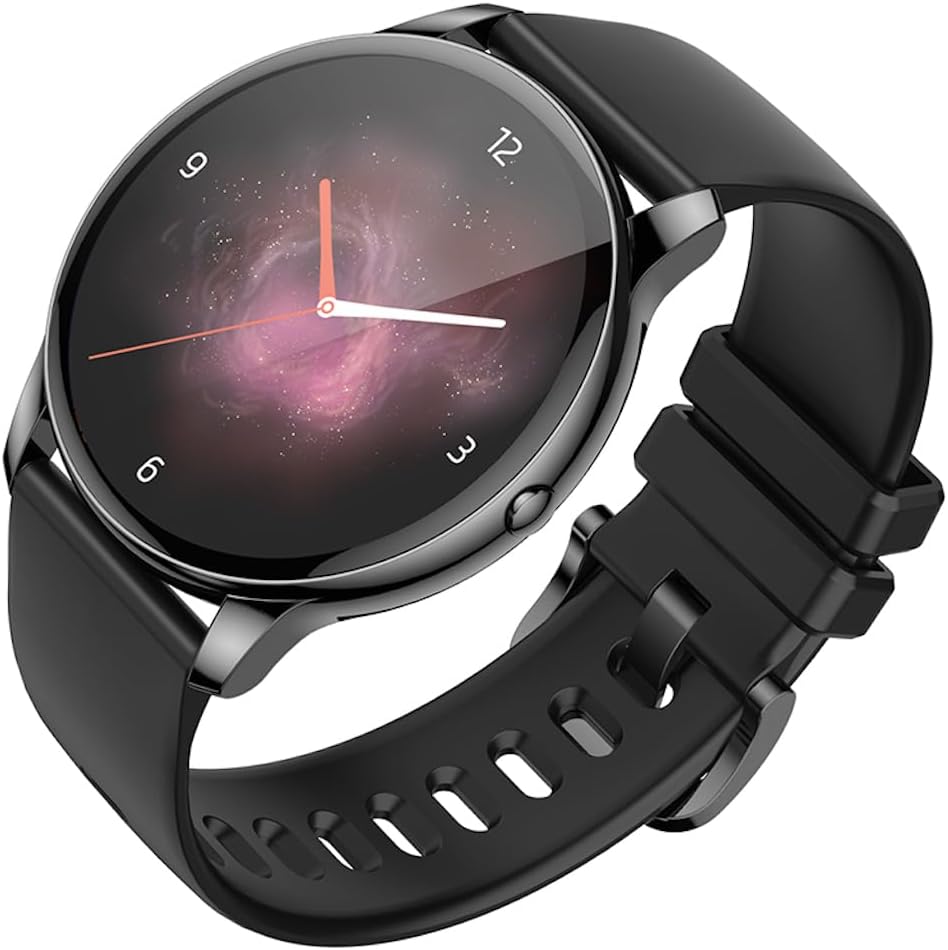
Hoekig view of the Hoco Y10 Smart Watch with an abstract, artistic watch face.
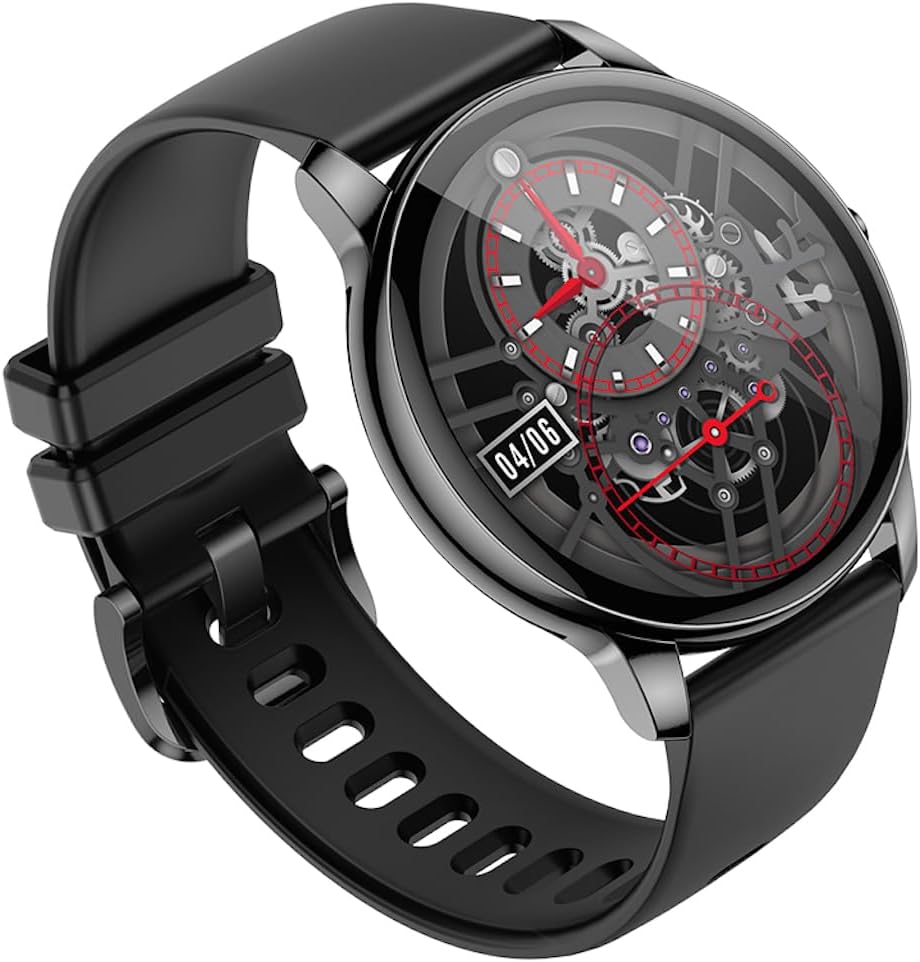
Nog 'n hoekige view of the Hoco Y10 Smart Watch, showing a detailed mechanical-style watch face with visible gears.

The Hoco Y10 Smart Watch displayed on a textured, light-colored surface, highlighting its sleek design.
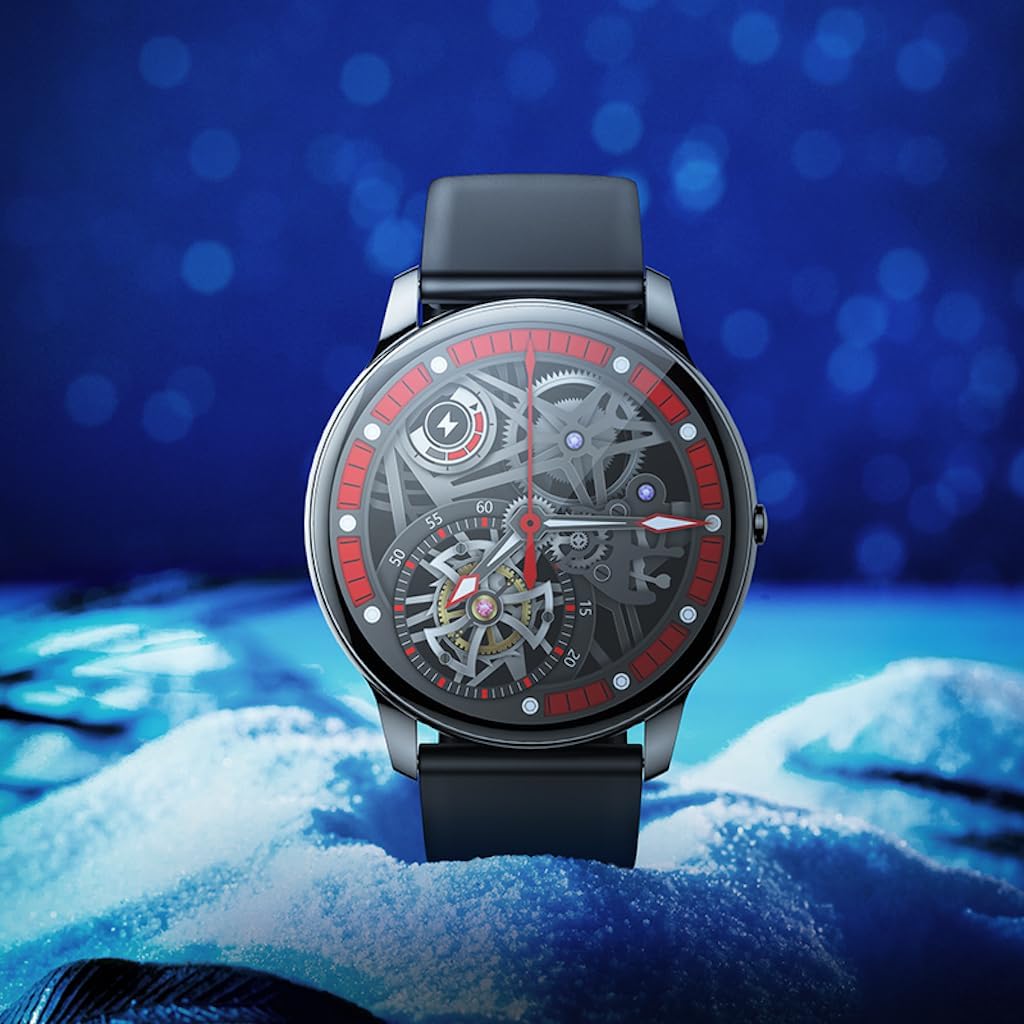
Two Hoco Y10 Smart Watches presented together, one with a digital face and the other with an analog face.
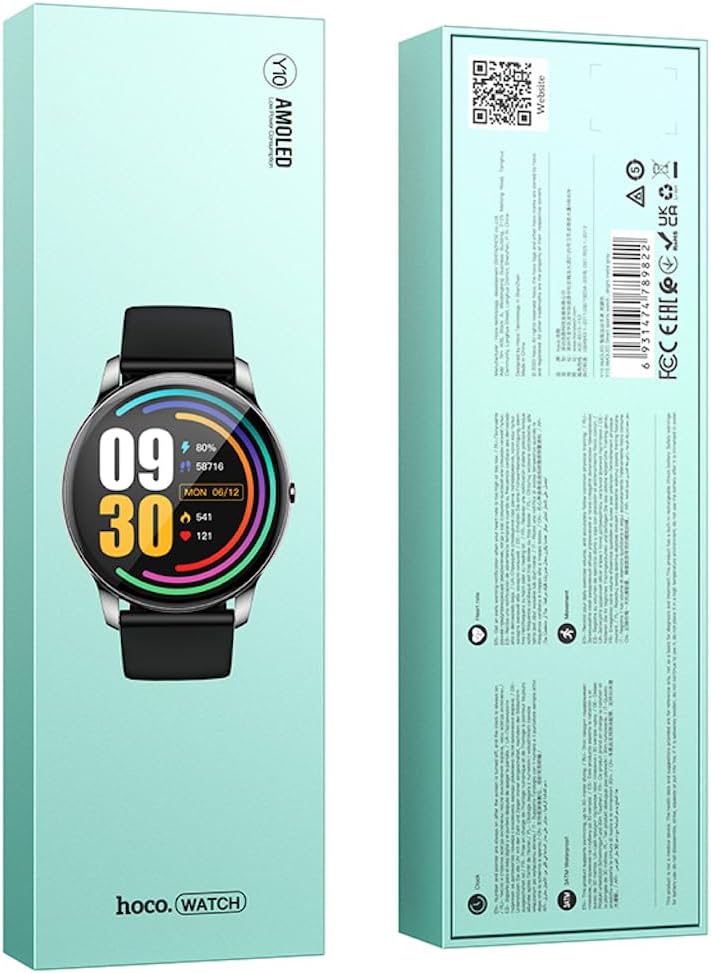
Voor en agter view of the Hoco Y10 Smart Watch product packaging, showing product details and certifications.
Opstelling
1. Aanvanklike laai
Before first use, fully charge your Hoco Y10 Smart Watch. Connect the provided charging cable to the charging contacts on the back of the watch and plug the USB end into a standard USB power adapter (not included) or a computer USB port. The watch display will indicate charging status. A full charge typically takes approximately 2 hours.
2. Skakel aan/af
- Om aan te skakel: Press and hold the side button until the Hoco logo appears.
- Om af te skakel: From the watch face, swipe down or navigate to the settings menu, then select "Power Off" or "Shutdown". Confirm your selection.
3. Koppel met jou slimfoon
To unlock the full features of your Hoco Y10, you need to pair it with your smartphone via Bluetooth. While the specific app name is not provided, most smartwatches require a companion app. Please refer to the QR code on the product packaging or search for "Hoco Smart Watch" or "Hoco Y10" in your phone's app store (Google Play Store for Android, Apple App Store for iOS).
- Laai die metgesel-toepassing af en installeer dit op jou slimfoon.
- Maak seker dat Bluetooth op jou slimfoon geaktiveer is.
- Maak die toepassing oop en volg die instruksies op die skerm om 'n rekening te skep of aan te meld.
- In the app, select "Add Device" or "Pair Device" and choose "Hoco Y10" from the list of available devices.
- Bevestig die paringsversoek op beide jou horlosie en slimfoon.
Bedryfsinstruksies
Basiese navigasie
- Raakskerm: Veeg links/regs, op/af om deur spyskaarte en kenmerke te navigeer. Tik om te kies.
- Syknoppie: Typically used to wake the screen, return to the watch face, or access the app menu.
Sleutel kenmerke
- Gesigte kyk: Customize your watch face by long-pressing the screen or through the companion app.
- Sportmodusse: Access various sports tracking modes (e.g., running, walking, cycling) to monitor your activity data.
- Gesondheidsmonitering: The watch supports health detection features, likely including heart rate monitoring. Refer to the app for detailed data and historical trends.
- Kennisgewings: Receive call, message, and app notifications directly on your wrist (requires app setup).
- Instellings: Adjust brightness, language (supports 20 languages), vibration, and other watch settings.
- Musiekbeheer: Beheer musiekweergawe op jou gekoppelde slimfoon.
- Weer: View current weather conditions (requires app synchronization).
Note: The Hoco Y10 does not support direct call functionality.
Onderhoud en versorging
- Skoonmaak: Vee die horlosie en bandjie gereeld af met 'n sagte, damp lap. Moenie harde chemikalieë of skuurmateriaal gebruik nie.
- Waterweerstand: The watch is 3ATM waterproof, meaning it can withstand splashes, rain, and brief immersion. Do not wear it while showering with hot water, in saunas, or for diving. After contact with saltwater, rinse with fresh water and dry thoroughly.
- Laai: Ensure the charging contacts on the watch and cable are clean and dry before charging.
- Berging: When not in use for extended periods, store the watch in a cool, dry place. Charge it periodically to prevent deep discharge of the battery.
Probleemoplossing
| Probleem | Moontlike Oplossing |
|---|---|
| Horlosie skakel nie aan nie. | Maak seker dat die horlosie volledig gelaai is. Koppel dit vir ten minste 30 minute aan die laaier. |
| Kan nie met slimfoon koppel nie. |
|
| Onakkurate gesondheidsdata. | Maak seker dat die horlosie styf om jou pols gedra word, nie te styf of te los nie. Maak die sensors aan die agterkant van die horlosie skoon. |
| Kort batterylewe. |
|
Spesifikasies
| Kenmerk | Detail |
|---|---|
| Model | Y10 |
| Hoofskerm | 1.3 duim AMOLED |
| Resolusie | 360 x 360 |
| Waterdigte gradering | 3 OTM |
| SVE | Ruiyu RTL8762DT |
| Geheue | 128 Mb |
| Bluetooth weergawe | 5.0 |
| Battery kapasiteit | 230mAh |
| Uithouvermoë | 7-10 dae (tipiese gebruik) |
| Ondersteunde tale | 20 languages (Chinese, English, Russian, Arabic, Vietnamese, Danish, Thai, Polish, Persian, Spanish, Malay, Greek, French, Italy, German, Portuguese, Türkiye, Romania, Hebrew, Burmese) |
| Oproepfunksionaliteit | Nie ondersteun nie |
| Bedryfstelsel | Android (versoenbaar) |
| Kleur | Bright Metal Grey |
| Item gewig | 169 g |
Waarborg en Ondersteuning
For information regarding the manufacturer's warranty, please refer to the warranty card included with your product or contact your point of purchase. For technical support and further inquiries, please visit the official HOCO webwebwerf:
Ask a question about this manual
Ask about setup, troubleshooting, compatibility, parts, safety, or missing instructions. Manuals+ will review the question and use this page’s manual context to help answer it.