
1. Produk verbyview
The CUPEISI Android 15 Tablet YQ10S MAX is a versatile 10-inch device designed for both productivity and entertainment. Running on the latest Android 15.0 system with Google GMS certification, it offers a smooth and secure user experience. This 2-in-1 tablet comes equipped with a powerful quad-core processor, ample memory, and a high-definition IPS screen, making it ideal for various tasks from gaming and multimedia consumption to work and study.

Figure 1.1: CUPEISI Android 15 Tablet with included accessories.
Sleutel kenmerke:
- Bedryfstelsel: Android 15.0 with Google GMS certification for enhanced security and performance.
- Geheue en berging: 18GB RAM (6GB + 12GB expansion) and 128GB ROM, expandable up to 2TB via microSD card (not included).
- Verwerker: New generation ultra-high performance and low power consumption 2.0GHz Quad-core CPU.
- Vertoon: 10.1-inch IPS HD screen with 1280x800 resolution, featuring a sensitive touchscreen and a comfortable "reading mode".
- Kameras: 8MP rear camera and 2MP front camera for capturing moments and video calls.
- Verbinding: Supports 2.4G/5G Wi-Fi 6.0 and Bluetooth 5.0 for stable and fast wireless connections.
- Battery: 6000mAh battery providing up to 10 hours of usage on a single charge.
- 2-in-1-funksionaliteit: Transforms into a laptop-style device with the included Bluetooth keyboard, wireless mouse, and stylus.
2. Wat is in die boks
Kontroleer asseblief die inhoud van u pakket om seker te maak dat alle items teenwoordig is:
- CUPEISI Android 15 Tablet (YQ10S MAX)
- Draadlose sleutelbord
- Bluetooth-muis
- Foldable Protective Cover
- Stylus
- Tipe C-kabel

Figuur 2.1: Alle komponente ingesluit in die pakket.
3. Opstelgids
3.1 Aanvanklike laai
- Connect the provided Type-C cable to the tablet's charging port.
- Connect the other end of the cable to a compatible USB power adapter (not included) and plug it into a power outlet.
- Allow the tablet to charge fully before first use. The battery indicator on the screen will show charging status.
3.2 Aan-/afskakel
- Om aan te skakel: Press and hold the Power button on the side of the tablet until the screen lights up.
- Om af te skakel: Druk en hou die aan/af-knoppie in totdat 'n afskakelkieslys verskyn. Kies "Skakel af" om die toestel af te skakel.
- Om weer te begin: Kies "Herbegin" in die afskakelkieslys.
3.3 Aansluiting van bykomstighede
The tablet comes with a Bluetooth keyboard, wireless mouse, and stylus for enhanced usability.

Figure 3.1: Tablet used with various accessories.
Connecting the Bluetooth Keyboard:
- Turn on the keyboard using its power switch.
- Press the "Connect" button on the keyboard to enter pairing mode (indicator light will blink).
- Gaan op jou tablet na Instellings > Gekoppelde toestelle > Bluetooth.
- Ensure Bluetooth is enabled. The tablet will search for available devices.
- Select the keyboard from the list (e.g., "Bluetooth Keyboard") and follow any on-screen prompts to complete pairing.
Connecting the Wireless Mouse:
- Insert the necessary batteries into the wireless mouse (refer to mouse instructions for battery type and insertion).
- Locate the USB receiver for the mouse, usually found in a compartment on the mouse itself.
- Plug the USB receiver into the tablet's USB-C port using an appropriate adapter if necessary (adapter not included).
- The tablet should automatically detect and connect to the mouse.
Gebruik die stylus:
The stylus does not require pairing. Simply use it to navigate the touchscreen, draw, or write as you would with your finger.
4. Bedryfsinstruksies
4.1 Basiese navigasie
- Raak: Tik op 'n ikoon om 'n toepassing oop te maak of 'n item te kies.
- Swiep: Sleep jou vinger oor die skerm om deur bladsye of inhoud te blaai.
- Knyp-om-te-Zoem: Plaas twee vingers op die skerm en sprei hulle uitmekaar om in te zoem, of knyp hulle saam om uit te zoem.
- Tuisskerm: Tap the Home button (usually a circle or house icon) to return to the main screen.
- Agter: Tap the Back button (usually a triangle or arrow icon) to return to the previous screen.
- Onlangse toepassings: Tik die Onlangse Programme-knoppie (gewoonlik 'n vierkantige ikoon) om view en wissel tussen onlangs gebruikte toepassings.
4.2 Wi-Fi-konnektiwiteit
The tablet supports both 2.4GHz and 5GHz Wi-Fi 6 for fast and stable internet access.

Figure 4.1: Tablet showing Wi-Fi connection capabilities.
- Gaan na Instellings > Netwerk en internet > Wi-Fi.
- Toggle the Wi-Fi switch to the "On" position.
- Kies jou verlangde Wi-Fi-netwerk uit die lys van beskikbare netwerke.
- Indien gevra, voer die netwerkwagwoord in en tik "Verbind".
4.3 Multimedia-terugspeel
Enjoy high-definition multimedia content with Widevine L1 support, ensuring a premium viewing experience for streaming services like Netflix and YouTube.
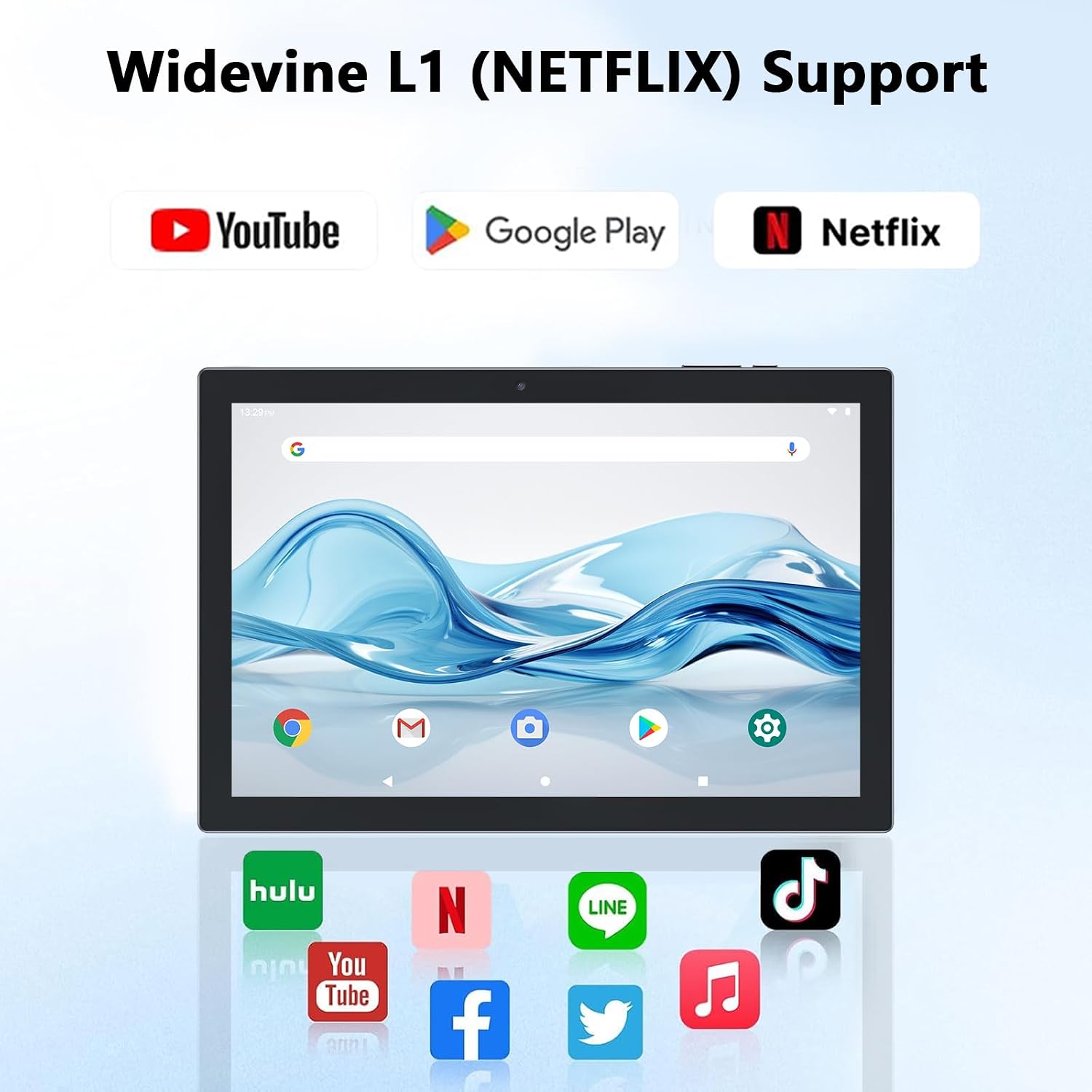
Figure 4.2: Widevine L1 support for popular streaming platforms.
The tablet's IPS HD screen provides vibrant colors and advanced visual effects. Utilize the pre-installed media players or download your preferred streaming apps from the Google Play Store.
Video 4.1: 'n Oorview of the YQ10SMAX Android 15 tablet's features and performance, demonstrating its capabilities for daily use and entertainment.
4.4 Using Cameras
Die tablet het 'n 8MP-agterkamera en 'n 2MP-voorkamera.

Figure 4.3: Dual cameras for photos and video calls.
- Maak die "Kamera"-toepassing oop vanaf die tuisskerm of toepassinglaai.
- Tik die kamera-ikoon om tussen die voorste en agterste kameras te wissel.
- Tik die sluiterknoppie om 'n foto te neem of video-opname te begin/stop.
4.5 Storage and Expansion
The tablet comes with 128GB of internal storage and supports up to 2TB expansion via a microSD card.

Figure 4.4: Mass storage and easy expansion options.
- To insert a microSD card, locate the card slot on the side of the tablet and gently push the card in until it clicks.
- To manage storage, go to Instellings > Berging.
5. Onderhoud
5.1 Maak jou tablet skoon
- Gebruik 'n sagte, pluisvrye lap om die skerm en liggaam van die tablet skoon te maak.
- Vir hardnekkige vlekke, effens dampMaak die lap skoon met water of 'n skermveilige skoonmaakoplossing.
- Vermy die gebruik van harde chemikalieë, skuurmiddels of oormatige vog.
5.2 Batterysorg
The tablet is equipped with a 6000mAh battery for long-lasting performance.

Figure 5.1: Large-capacity battery with long-lasting battery life.
- Charge the tablet regularly, but avoid leaving it plugged in for extended periods after it's fully charged.
- Gebruik slegs die meegeleverde Tipe-C-kabel vir laai.
- Avoid exposing the tablet to extreme temperatures, as this can affect battery life.
5.3 Sagteware-opdaterings
Kontroleer gereeld vir stelselopdaterings om optimale werkverrigting en sekuriteit te verseker.
- Gaan na Instellings > Stelsel > Stelselopdatering.
- Volg die instruksies op die skerm om enige beskikbare opdaterings af te laai en te installeer.
6. Probleemoplossing
If you encounter any issues with your tablet, please refer to the following common problems and solutions:
| Probleem | Moontlike oorsaak | Oplossing |
|---|---|---|
| Tablet wil nie aanskakel nie | Lae battery; Stelselongeluk | Charge the tablet for at least 30 minutes. Press and hold the Power button for 10-15 seconds to force restart. |
| Wi-Fi-verbindingskwessies | Verkeerde wagwoord; Routerprobleem; Buite bereik | Verifieer Wi-Fi-wagwoord. Herbegin jou router. Beweeg nader aan die Wi-Fi-router. |
| Stadige prestasie | Te veel programme loop; Lae stoorplek; Verouderde sagteware | Close unnecessary apps. Clear cache/uninstall unused apps. Check for system updates. |
| Accessories not connecting | Bluetooth off; Incorrect pairing; Low battery in accessory | Ensure Bluetooth is on. Re-pair the accessory. Check accessory batteries. |
| Skerm reageer nie | Tydelike sagtewarefout | Force restart the tablet by holding the Power button. |
7. Spesifikasies
| Kenmerk | Detail |
|---|---|
| Handelsmerk | CUPEISI |
| Model Naam | YQ10S MAX |
| Bedryfstelsel | Android 15 |
| Skerm grootte | 10.1 duim |
| Skermresolusie | 1280 x 800 pixels (IPS HD) |
| Verwerker | 2.0 GHz vierkern |
| RAM | 18GB (6GB + 12GB expansion) |
| Interne berging | 128 GB |
| Uitbreidbare berging | Up to 2TB (microSD card not included) |
| Agterste kamera | 8 MP |
| Voorste kamera | 2 MP |
| Draadlose tipe | 802.11ax (Wi-Fi 6), 2.4G/5G Dual-band |
| Bluetooth | Bluetooth 5.0 |
| Battery kapasiteit | 6000 mAh litiumpolimeer |
| Gemiddelde batterylewe | Tot 10 ure |
| Item gewig | 2.75 pond (ongeveer 1.25 kg) |
| Produk afmetings | 9.45 x 5.91 x 0.39 duim (ongeveer 24 x 15 x 1 cm) |
8. Waarborg en Ondersteuning
CUPEISI products are manufactured to the highest quality standards. This product is covered by a standard manufacturer's warranty against defects in materials and workmanship from the date of purchase. Please retain your proof of purchase for warranty claims.
For technical support, warranty inquiries, or any questions regarding your CUPEISI Android 15 Tablet, please contact our customer service team through the retailer's platform or visit the official CUPEISI webwebwerf vir kontakinligting.
Please note that the warranty does not cover damage caused by misuse, accidents, unauthorized repairs, or normal wear and tear.


