
Inleiding
This manual provides detailed instructions for the setup, operation, and maintenance of your VTech CS1550 DECT Cordless Phone with Answering Machine. Please read this manual thoroughly to ensure proper use and to take full advantage van alle kenmerke.

Image: The VTech CS1550 DECT Cordless Phone, featuring a white handset and black base unit.
Pakketinhoud
Before beginning installation, ensure all items are present in your package:
- Koordlose selfoon
- Basis Eenheid
- Kragadapter vir basiseenheid
- Telefoon lyn koord
- Rechargeable NiMH Batteries (4x AAA size, typically)
- Gebruikershandleiding (hierdie dokument)
Opstelling
1. Battery Installasie
- Vind die batterykompartement aan die agterkant van die selfoon.
- Maak die batteryvakdeksel oop.
- Insert the supplied NiMH rechargeable batteries, observing the correct polarity (+ en -).
- Maak die batterykompartement se deksel stewig toe.
2. Basiseenheidverbinding
- Connect the power adapter to the base unit and plug it into a wall outlet.
- Koppel die een kant van die telefoonlynkoord aan die basiseenheid en die ander kant aan jou telefoonmuuraansluiting.
- Place the base unit in a central location for optimal signal range.
3. Aanvanklike laai van die handset
Place the handset on the base unit to charge. The VTech CS1550 features a dual-charging design, allowing you to place the handset face down or face up. For initial use, charge the handset for at least 16 hours to ensure full battery capacity.
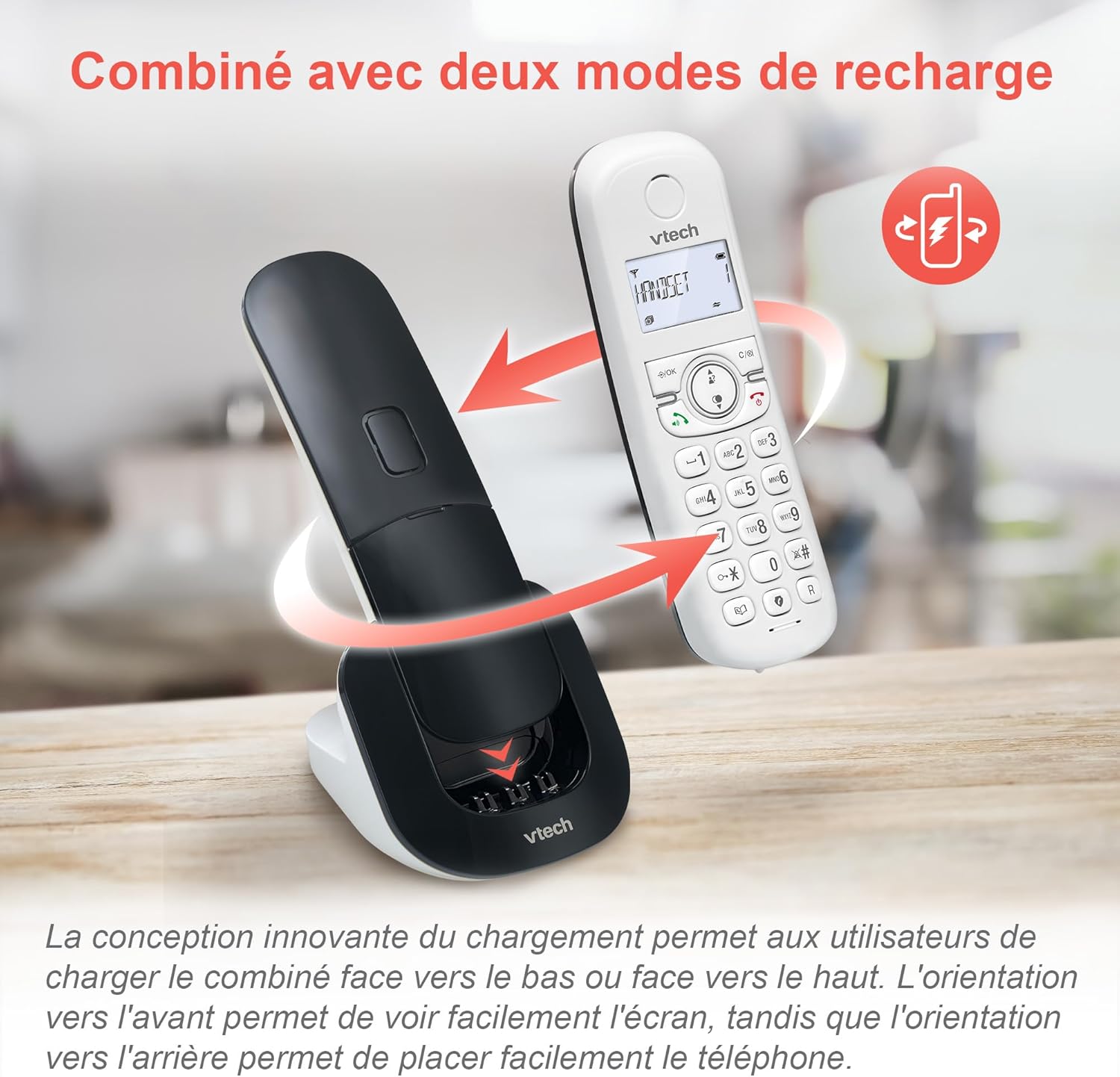
Image: The VTech CS1550 handset can be charged face down or face up on its base unit, offering flexible placement options.
4. Datum en Tyd instelling
After initial charging, the handset will prompt you to set the date and time. Follow the on-screen instructions using the navigation and OK buttons.
Bedryfsinstruksies
Maak en Ontvang Oproepe
- Om 'n oproep te maak: Druk die Praat knoppie, en skakel dan die nommer.
- Om 'n oproep te beantwoord: Druk die Praat knoppie wanneer die telefoon lui.
- Om 'n oproep te beëindig: Druk die Einde knoppie.
Luidsprekerfunksie
Druk tydens 'n oproep op die Luidspreker button to activate hands-free communication. Press it again to return to handset mode.
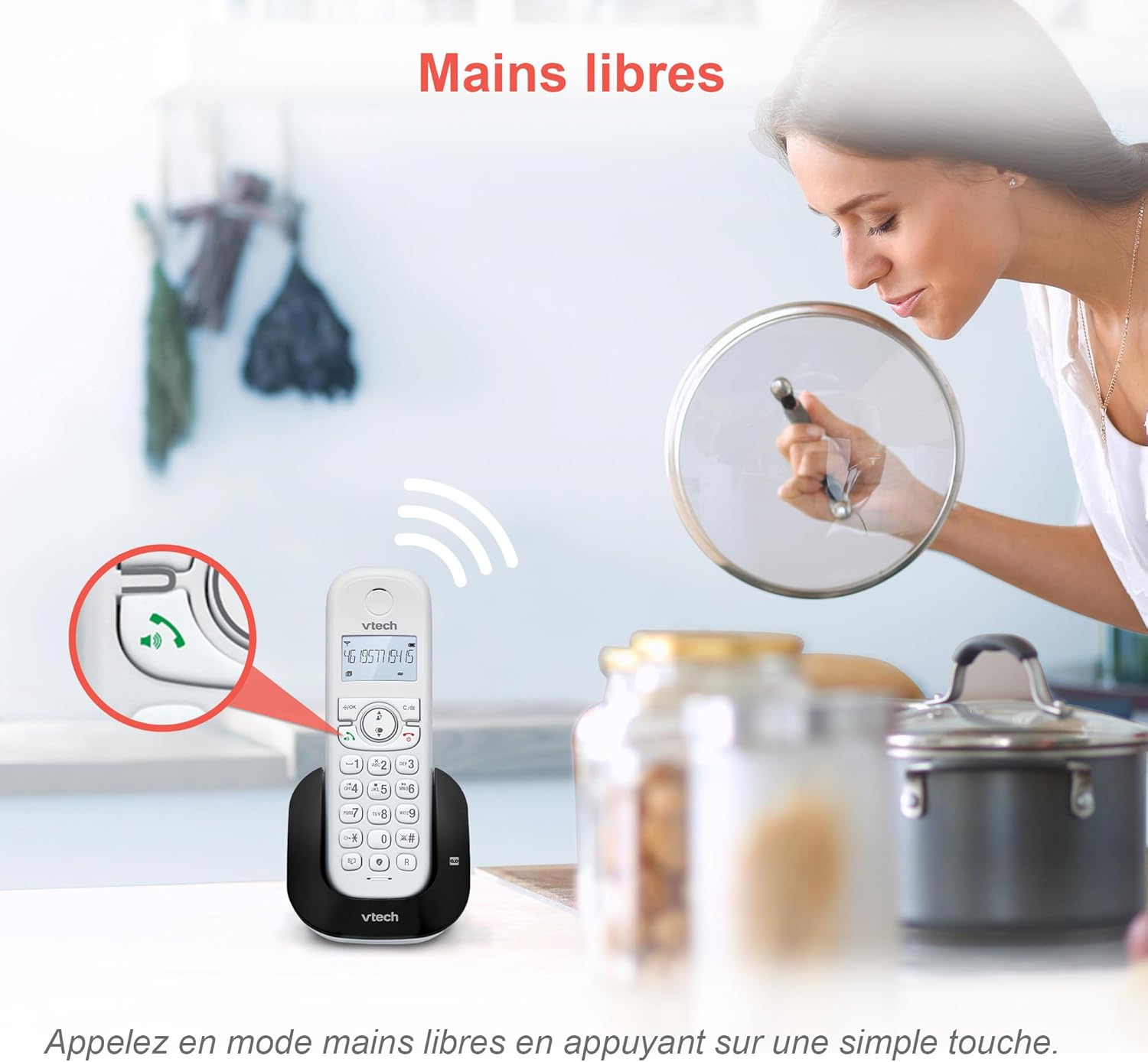
Image: The speakerphone button on the VTech CS1550 handset allows for hands-free calling.
Beller-ID en oproep wag
The phone displays the name, number, time, and date of incoming calls. It stores up to 20 caller ID records. If you have Call Waiting service, the phone will alert you to a second incoming call.

Image: The handset display shows incoming caller ID details, including number, name, time, and date.
Herbelfunksie
To redial one of the last 10 numbers called, press the herkiezen knoppie en kies die verlangde nommer uit die lys.
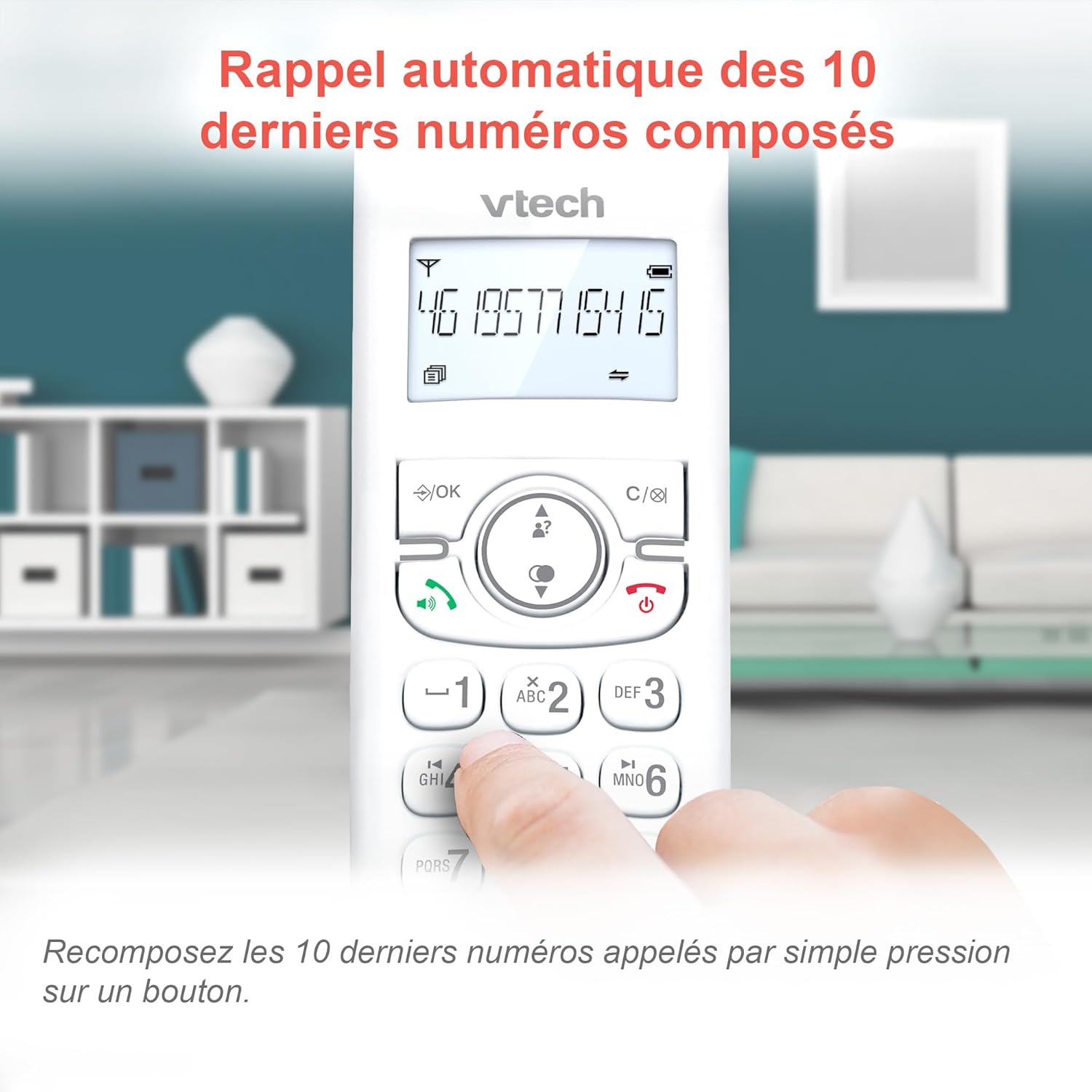
Image: Easily redial the last 10 numbers by pressing the dedicated redial button on the handset.
Telefoonboek
Die telefoonboek kan tot 60 name en nommers stoor. Verwys na die skermkieslys vir instruksies oor die byvoeging, redigering en verwydering van inskrywings.
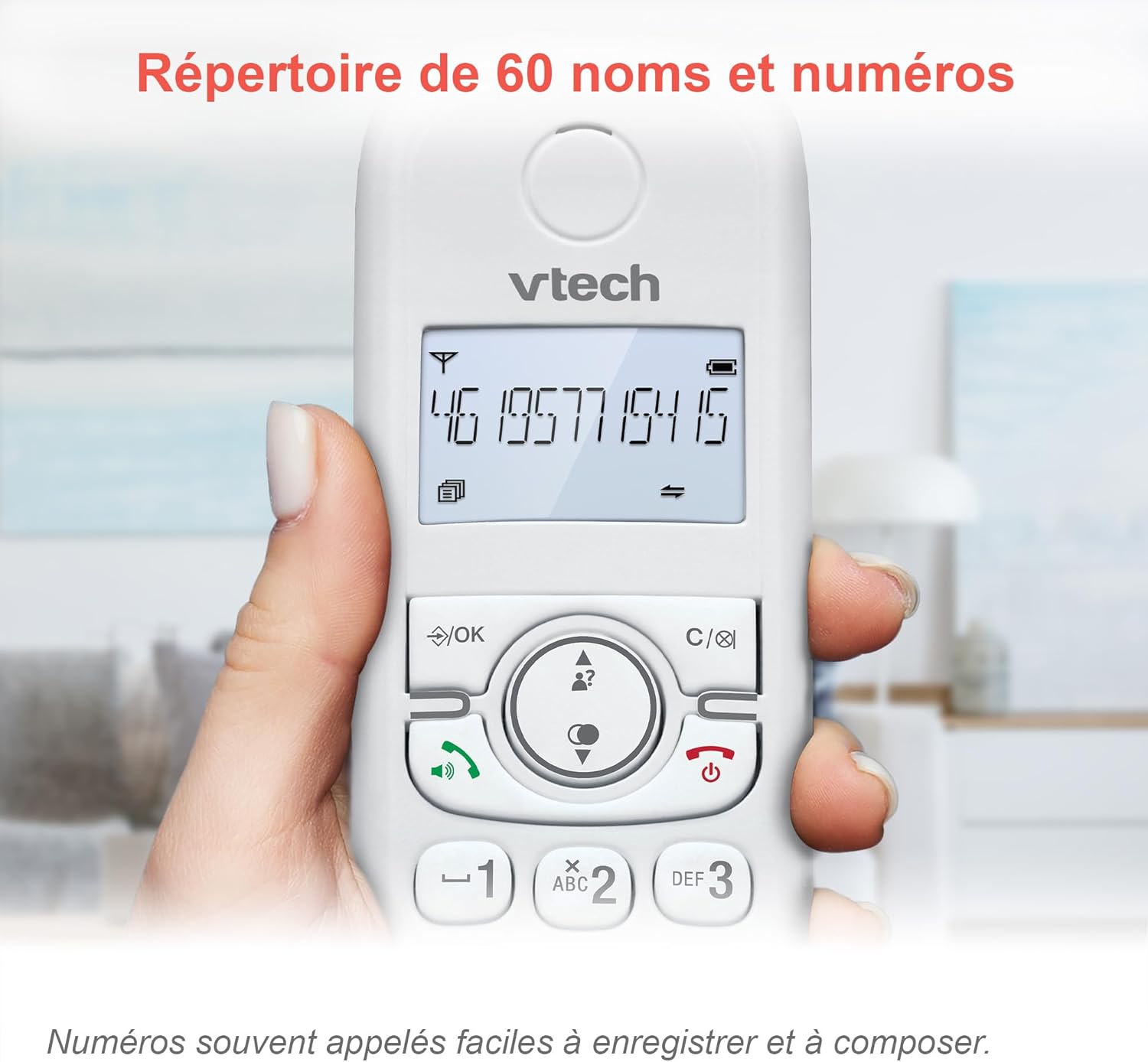
Image: The phonebook allows storage of up to 60 contacts for quick dialing.
Digitale antwoordmasjien
The integrated answering machine records messages for up to 15 minutes. You can access messages from the handset or the base unit. Follow the menu prompts to set up your outgoing message and retrieve messages.

Image: The answering machine feature records messages for up to 15 minutes when you are unavailable.
Nuisance Call Blocker
Block unwanted calls by adding up to 60 numbers to the blacklist. This feature prevents blocked numbers from ringing your phone.

Image: The call blocker button allows you to add unwanted numbers to a blacklist, preventing future calls from ringing.
ECO-modus
ECO mode automatically adjusts and minimizes the radio frequency power based on the distance between the handset and the base unit, optimizing energy consumption.
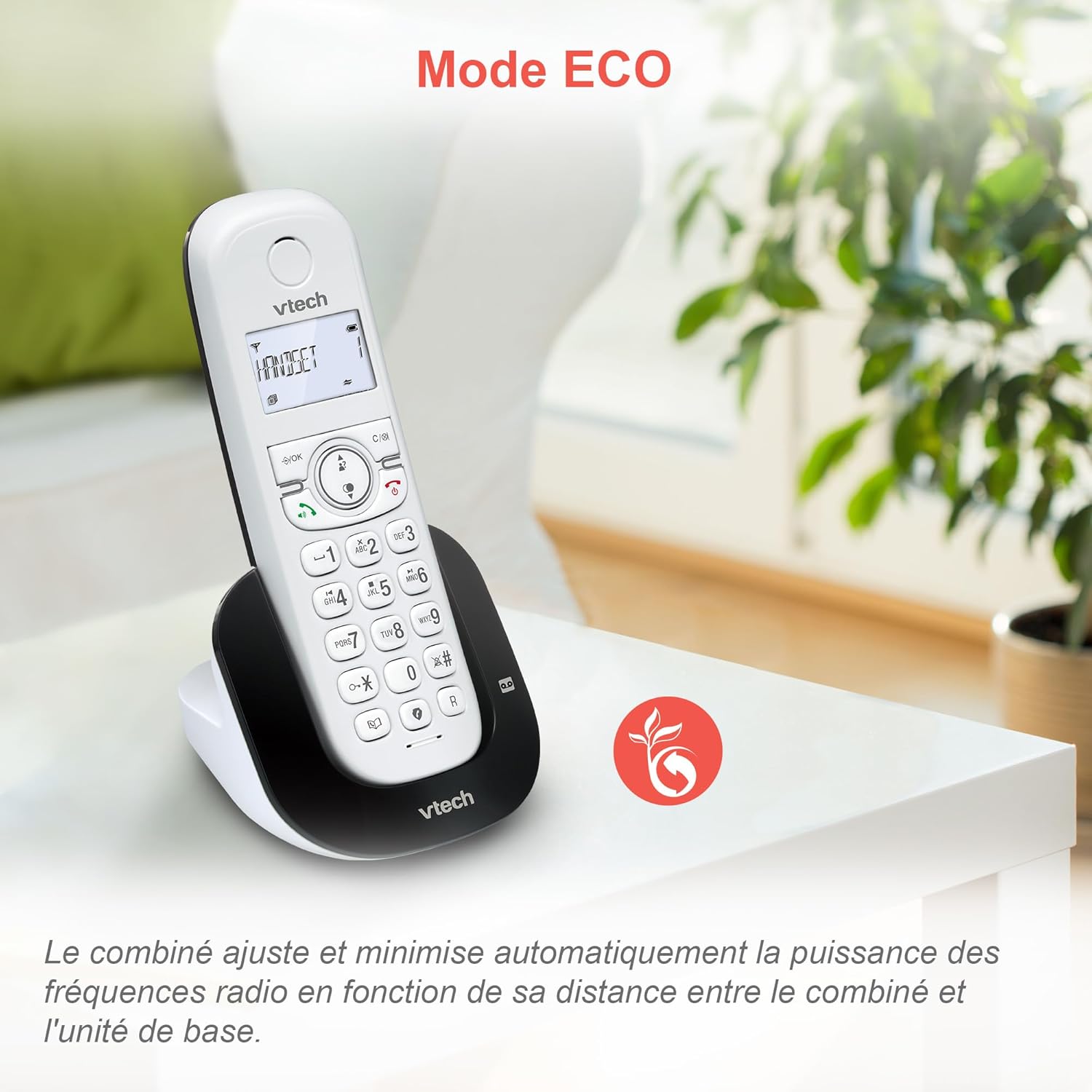
Image: ECO mode automatically reduces power consumption based on handset proximity to the base unit.
Alarm and Mute Functions
Set alarms directly on the handset. During a call, you can mute your microphone for privacy by pressing the mute button.

Image: The phone includes alarm functionality and a mute feature for calls, enhancing user convenience and privacy.
Adjustable Ringer Volume and Melodies
Customize your phone's ringing experience by adjusting the ringer volume and selecting from available melodies through the handset menu.

Image: Adjust the ringer volume and choose from various melodies to personalize your phone's alerts.
Verligte skerm en sleutelbord
The handset features a backlit LCD screen and keypad, ensuring clear visibility and ease of use even in low-light conditions.

Image: The backlit display and keypad provide enhanced visibility in dark environments.
Langafstanddekking
The DECT technology provides reliable long-range coverage and clear audio quality throughout your home or office.

Image: The phone offers extended range and clear communication across various areas of your property.
Batterylewe
The handset provides up to 13 hours of talk time and up to 200 hours of standby time on a full charge.

Image: The VTech CS1550 offers up to 13 hours of continuous talk time.
Onderhoud
Maak jou foon skoon
Vee die foon en basiseenheid af met 'n sagte, damp cloth. Do not use cleaning sprays or harsh chemicals, as they may damage the finish or electrical components.
Battery sorg
Use only the supplied rechargeable NiMH batteries. Do not use alkaline, manganese, or other non-rechargeable batteries. If the phone will not be used for an extended period, remove the batteries to prevent leakage.
Probleemoplossing
If you experience issues with your VTech CS1550, try the following steps:
- Geen kiestoon: Maak seker dat die telefoonlynkoord stewig aan beide die basiseenheid en die muuraansluiting gekoppel is. Kontroleer of ander telefone op dieselfde lyn werk.
- Kan nie oproepe maak/ontvang nie: Verify the power adapter is properly connected to the base unit and a working power outlet. Ensure the handset batteries are charged.
- Swak klankgehalte: Beweeg die handset nader aan die basiseenheid. Kontroleer vir steuring van ander elektroniese toestelle.
- Handset laai nie: Ensure the handset is correctly seated in the charging cradle. Clean the charging contacts on both the handset and base unit with a dry cloth.
- Antwoordmasjien neem nie op nie: Kontroleer of die antwoordmasjien aangeskakel is. Maak seker dat daar genoeg opnametyd beskikbaar is.
For further assistance, refer to the detailed troubleshooting section in the full user manual or contact VTech customer support.
Spesifikasies
| Handelsmerk | VTech |
| Modelnommer | CS1550 |
| Kleur | Wit |
| Soort telefoon | Koordlose DECT |
| Versoenbare toestelle | Switched telephone network (PSTN), potentially other analog telephone networks |
| Battery samestelling | NiMH (4x AAA size included) |
| Praat Tyd | Tot 13 uur |
| Bystandtyd | Tot 200 uur |
| Antwoordmasjien Opname Tyd | 15 minute |
| Telefoonboek kapasiteit | 60 name en nommers |
| Oproepblokkeringskapasiteit | Tot 60 nommers |
| Oproeper-ID-rekords | 20 XNUMX rekords |
| Gewig | 275 gram |
| Materiaal | Plastiek |
Waarborg inligting
Specific warranty details for the VTech CS1550 DECT Cordless Phone are typically provided with your purchase documentation. Please refer to the warranty card or contact your retailer for information regarding warranty coverage and terms. Information regarding spare parts availability and software updates is not available in the provided product data.
Kliënte ondersteuning
For technical assistance, product inquiries, or service, please visit the official VTech website or contact VTech customer support directly. Contact information can usually be found on the VTech webwebwerf of in die verpakkingsmateriaal.