
Inleiding
This manual provides detailed instructions for the setup, operation, and maintenance of your VTech CS1501 DECT Cordless Phone system. Please read this manual thoroughly to ensure proper use and to take full advantage van alle kenmerke.
Pakketinhoud
Your VTech CS1501 package includes the following items:
- 2 x Koordlose Handtoestelle
- 2 x Handset Chargers (Bases)
- 4 x NiMH Rechargeable Batteries (2 per handset)
- 1 x Telefoonlynkoord
- 1 x Kragadapter vir basiseenheid
- 1 x Vinnige Begingids (nie ingesluit in hierdie digitale handleiding nie)

Image: Two VTech CS1501 cordless handsets with their respective charging bases.
Opstelling
1. Battery Installasie
- Maak die batteryklep aan die agterkant van elke handset oop.
- Plaas die twee meegeleverde NiMH herlaaibare batterye in en let op die korrekte polariteit (+ en -).
- Maak die batterykompartement se deksel stewig toe.
2. Basiseenheidverbinding
- Connect the power adapter to the base unit and plug it into a standard electrical outlet.
- Koppel die een kant van die telefoonlynkoord aan die basiseenheid en die ander kant aan jou telefoonmuuraansluiting.
3. Laai die handtoestelle
Place each handset on its respective charging base. The innovative dual-charging design allows you to place the handset face down or face up. Face-up orientation allows for easy screen viewing, while face-down is convenient for quick placement and maintaining the unit's sleek design.

Image: A VTech CS1501 handset being charged, illustrating the dual-charging capability (face up or face down).
Laat die handtoestelle vir ten minste 16 uur laai voor die eerste gebruik om optimale batteryprestasie te verseker.
Bedryfsinstruksies
Maak en Ontvang Oproepe
- Om 'n oproep te maak: Druk die PRAAT / FLITS knoppie, en skakel dan die nommer.
- Om 'n oproep te ontvang: Wanneer die telefoon lui, druk die PRAAT / FLITS knoppie.
- Om 'n oproep te beëindig: Druk die AF/VEER knoppie of plaas die handset terug op die laaier.
Handvrye luidsprekerfoon
Om die handvrye luidsprekerfoon tydens 'n oproep te aktiveer, druk die SPREKER button. Press it again to return to handset mode.

Image: A VTech CS1501 handset in a kitchen, with an overlay indicating the speakerphone button for hands-free calling.
Beller-ID / Oproepwagtende
The handset displays the name, number, time, and date of incoming calls. The phone stores up to 20 caller ID records. If you subscribe to Call Waiting service, the phone will alert you to a second incoming call.

Image: A VTech CS1501 handset showing a phone number on its display, with an adjacent graphic illustrating a list of stored caller ID entries.
Phonebook (Directory)
You can store up to 60 names and numbers in the phonebook for quick dialing. Refer to the on-screen menu for adding, editing, and deleting entries.

Image: A VTech CS1501 handset displaying a phone number on its screen, indicating the phonebook feature for storing up to 60 contacts.
Bel Blocker
The nuisance call blocker allows you to block unwanted calls. You can add up to 60 numbers to the blacklist. Access this feature through the handset menu to manage blocked numbers.

Image: A close-up of the VTech CS1501 handset keypad, with a magnified view of the call blocker button, indicating its function.
3-rigting-konferensies
The handset call transfer and intercom features enable multiple users to participate in a conversation simultaneously. This allows for a three-way conference call.

Image: A collage of three individuals engaged in phone conversations, representing the 3-way conferencing capability of the phone system.
herkiezen
The phone stores the last 10 numbers dialed. To redial a number, press the HERLEG knoppie en kies die verlangde nommer uit die lys.
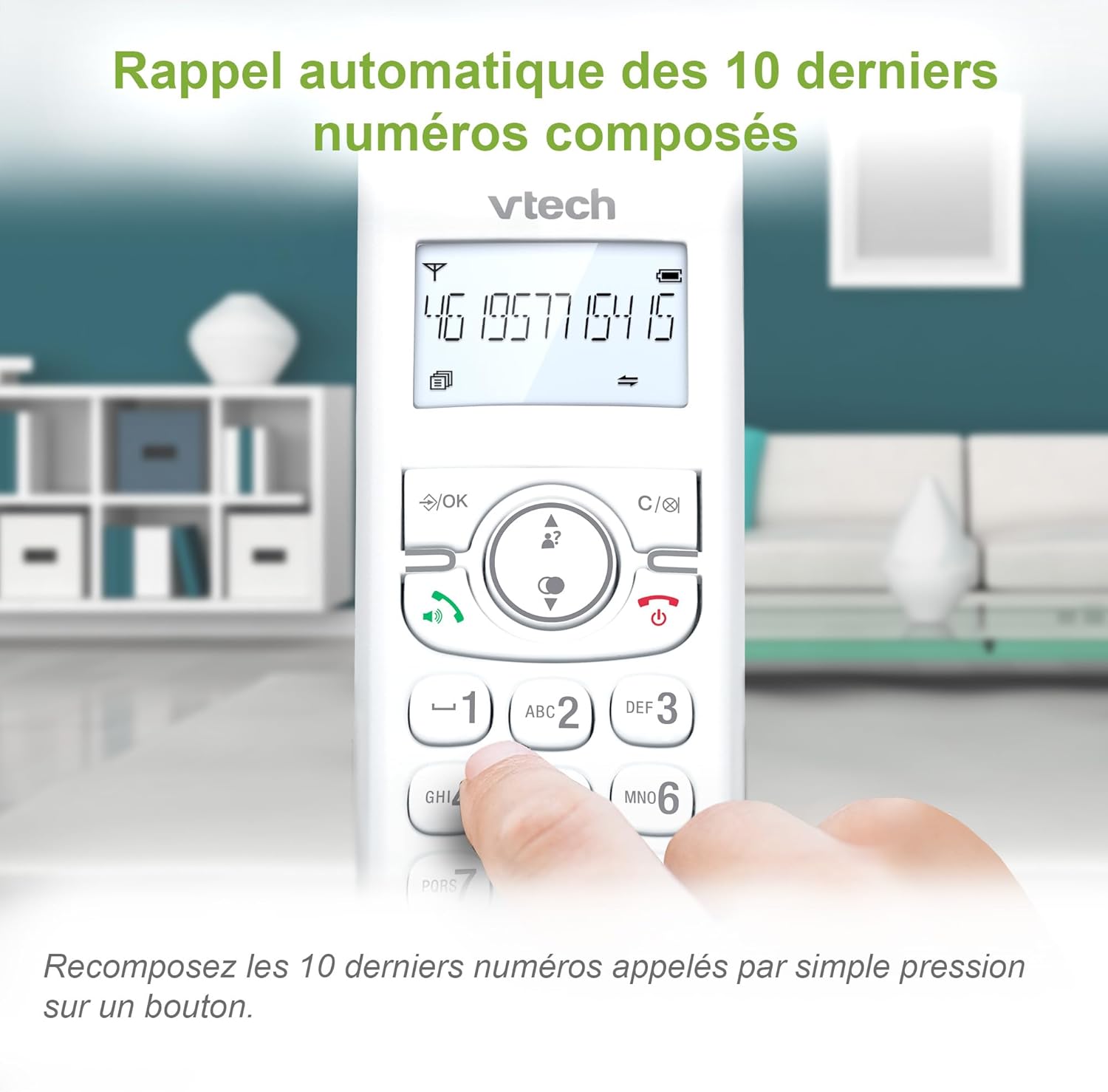
Image: A VTech CS1501 handset displaying a phone number, with an arrow pointing to the redial button, illustrating the 10-number redial feature.
Bykomende funksies
- Alarm funksie: Set practical alarms on the handset.
- Demp-funksie: Mute your voice during calls when privacy is needed.
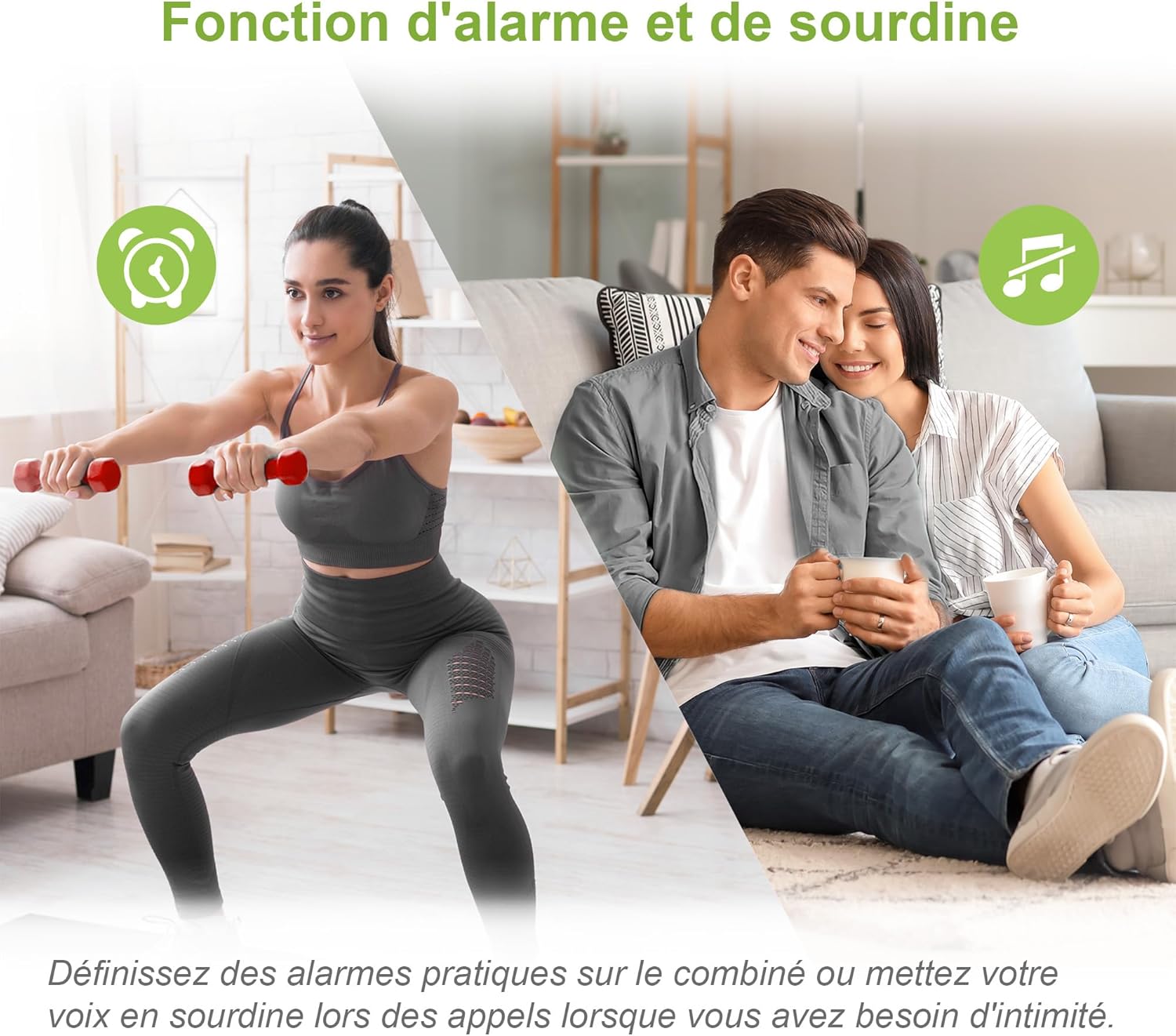
Image: A split image showing a person exercising (with an alarm clock icon) and a couple relaxing (with a mute icon), representing the alarm and mute functions of the phone.
ECO-modus
The handset automatically adjusts and minimizes radio frequency power based on its distance from the base unit, promoting energy efficiency.

Image: A VTech CS1501 handset on its charging base in a home setting, with an ECO mode leaf icon, indicating its energy-saving feature.
Verligte skerm en sleutelbord
The backlit LCD screen and keypad illuminate, making dialing and reading information easy, even in low-light conditions.
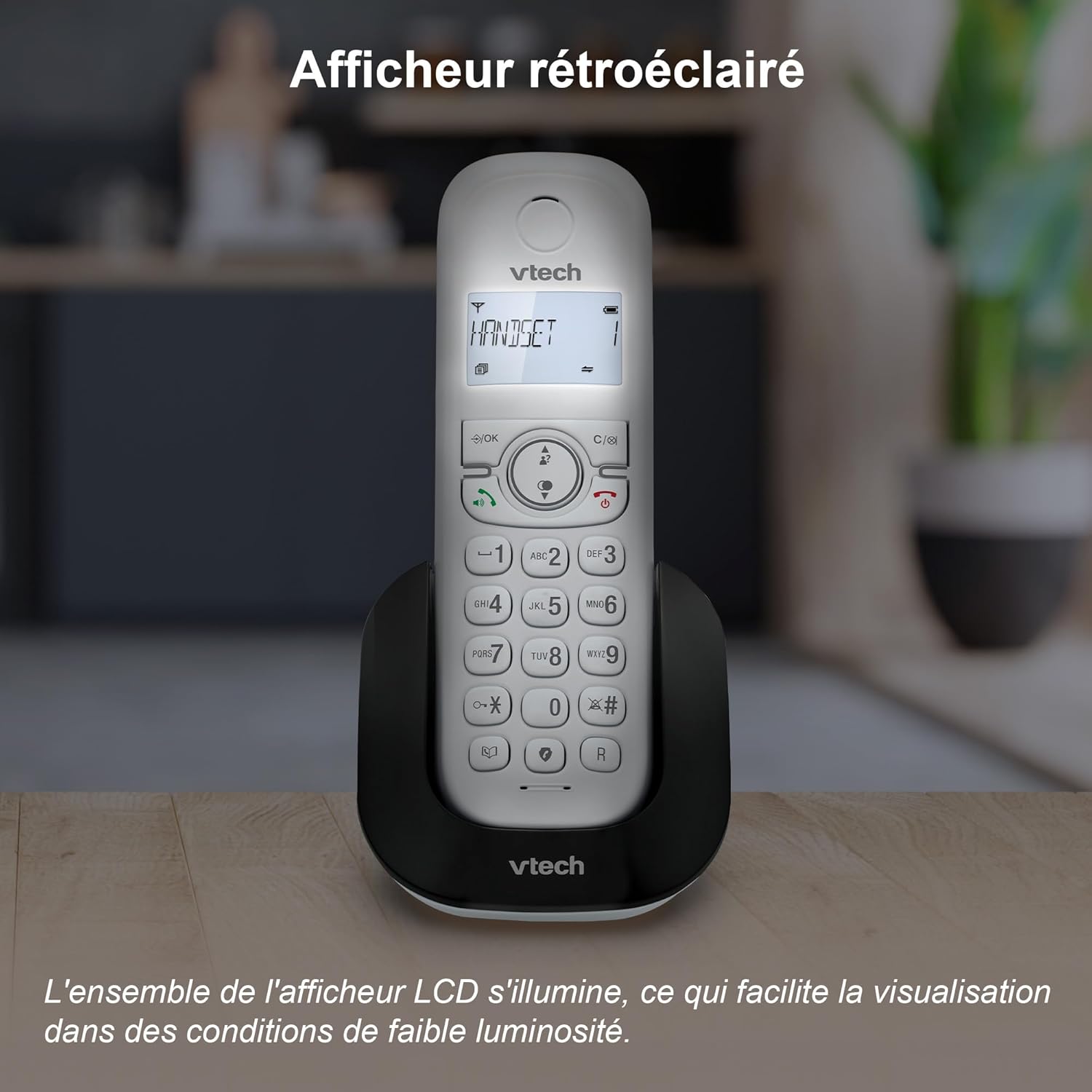
Image: A VTech CS1501 handset on its charging base, with its backlit display clearly visible in a dimly lit environment.
Adjustable Ringtone Volume and Melodies
Easily adjust the ringtone volume and select your preferred melody through the handset settings.

Image: A VTech CS1501 handset on its charging base, with musical notes emanating from it, symbolizing the adjustable ringtone volume and melody options.
Long Range Reliability
Benefit from reliable coverage and clear, long-range clarity throughout your home.

Image: A VTech CS1501 handset and its base unit placed in different areas of a spacious home, with signal waves indicating long-range coverage.
Batterylewe
The handset offers up to 13 hours of talk time and 200 hours of standby time on a full charge.

Image: A graphic highlighting '13 hours talk time' with a battery icon, illustrating the VTech CS1501's extended battery performance.
Onderhoud
- Skoonmaak: Vee die foon en basiseenheid af met 'n sagte, damp lap. Moenie skoonmaaksproei of harde chemikalieë gebruik nie.
- Batterysorg: For optimal battery life, avoid fully discharging the batteries frequently. If the phone will be unused for an extended period, remove the batteries.
- Omgewingstoestande: Hou die foon weg van oormatige hitte, direkte sonlig en vog.
Probleemoplossing
| Probleem | Oplossing |
|---|---|
| Geen kiestoon nie | Maak seker dat die telefoonlynkoord stewig aan beide die basiseenheid en die muuraansluiting gekoppel is. Kontroleer of die kragadapter behoorlik gekoppel is. |
| Kan nie oproepe maak/ontvang nie | Verify that the handset batteries are charged. Check the telephone line connection. Ensure the handset is registered to the base. |
| Swak klankgehalte | Move closer to the base unit. Check for interference from other electronic devices. Ensure the telephone line cord is not damaged. |
| Handset laai nie | Maak seker dat die handset korrek in die laaibak geplaas is. Maak die laaikontakte op beide die handset en die basis skoon met 'n droë lap. |
| Vertoon is leeg | Charge the handset batteries. If the problem persists, try resetting the phone by unplugging the base unit's power adapter for a few minutes, then plugging it back in. |
Spesifikasies
- Handelsmerk: VTech
- Modelnommer: CS1501
- Kleur: Wit
- Tipe: DECT-koordlose telefoon
- Aantal selfone: 2
- Versoenbare toestelle: Fixed telephone networks only
- Battery tipe: NiMH rechargeable batteries (4 included)
- Materiaal: Plastiek
- Kragbron: Battery Powered (Handset), AC Adapter (Base)
- Skakelaar tipe: Eenvoudige sleutelbord
- Item gewig: Approximately 499.2 Grams (total package)
- Praat Tyd: Tot 13 uur
- Bystandtyd: Tot 200 uur
- Kenmerke: Call Blocking, Caller ID/Call Waiting, Hands-Free Speakerphone, Backlit LCD, 60-Name Directory, 3-Way Conferencing, ECO Mode, 10 Last Number Redial, Adjustable Ringtone, Alarm Function, Mute Function.
Waarborg en Ondersteuning
For warranty information and technical support, please refer to the documentation provided with your purchase or visit the official VTech webwebwerf. Spesifieke waarborgvoorwaardes kan per streek en kleinhandelaar verskil.