
Baseus NGTD020202
Baseus Bowie D05 Draadlose Koptelefoon Gebruikershandleiding
Model: NGTD020202
1. Inleiding
Thank you for choosing the Baseus Bowie D05 Wireless Headphones. This manual provides detailed instructions on how to set up, operate, maintain, and troubleshoot your new headphones. Please read this manual carefully before use to ensure optimal performance and longevity of your device.
2. Wat is in die boks
Maak asseblief seker dat al die volgende items teenwoordig is wanneer u dit uitpak:
- Baseus Bowie D05 draadlose koptelefoon
- USB-A na USB-C-laaikabel
- 3.5 mm oudio kabel
- Gebruikershandleiding
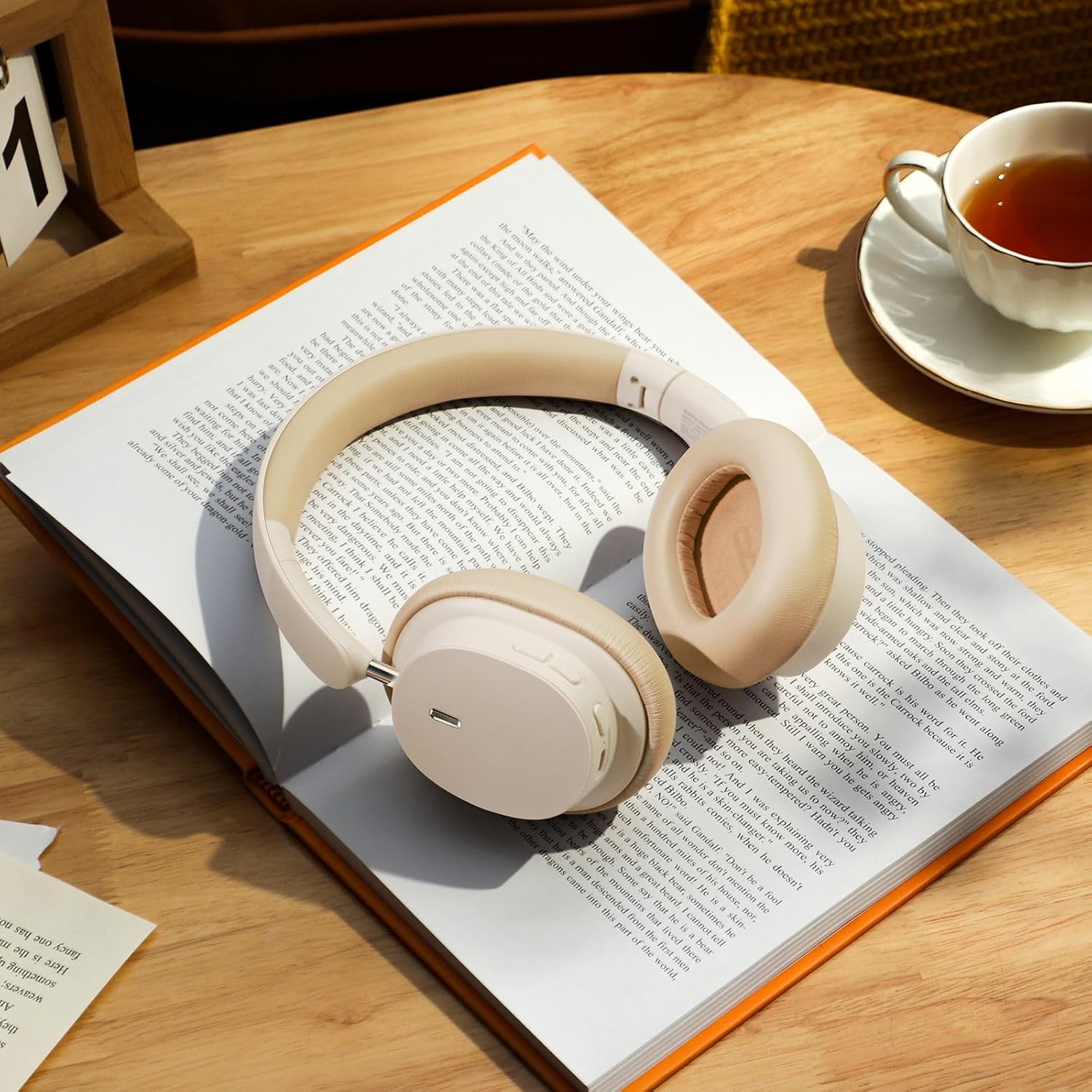
Image: The Baseus Bowie D05 headphones shown alongside their USB-C charging cable and 3.5mm audio cable, illustrating the complete package contents.
3. Produk verbyview
Familiarize yourself with the various parts and controls of your Baseus Bowie D05 headphones:
- Aan/af-/Multifunksie-knoppie: Used for powering on/off, play/pause, answering/ending calls, and activating voice assistant.
- Volume op-knoppie: Increases volume, long press for next track.
- Volume af-knoppie: Decreases volume, long press for previous track.
- USB-C-laaipoort: Vir die laai van die oorfone.
- 3.5 mm oudio-aansluiting: Vir bedrade verbinding.
- LED-aanwyser: Shows power, charging, and pairing status.
- Mikrofoon: Vir oproepe en stemopdragte.

Beeld: 'n Gedetailleerde view of the left earcup of the Baseus Bowie D05 headphones, highlighting the location of the control buttons (volume up/down, multi-function) and the charging/audio ports.
4. Opstelling
4.1 Laai die oorfone
- Connect the USB-C end of the charging cable to the headphone's charging port.
- Connect the USB-A end to a USB power adapter (5V/1A recommended) or a computer's USB port.
- The LED indicator will show red during charging and turn off or blue when fully charged.
- 'n Volle lading neem gewoonlik ongeveer 1.5-2 uur.
4.2 Bluetooth -koppeling
- Maak seker dat die oorfone volledig gelaai is.
- Press and hold the Power/Multi-function button for 3-5 seconds until the LED indicator flashes blue and red alternately, indicating pairing mode.
- Aktiveer Bluetooth op jou toestel (slimfoon, tablet, rekenaar).
- Soek vir "Baseus Bowie D05" in the list of available Bluetooth devices.
- Select "Baseus Bowie D05" to connect. Once connected, the LED indicator will flash blue slowly or turn off.
4.3 Wired Connection (Optional)
You can use the headphones with the included 3.5mm audio cable when the battery is low or for devices without Bluetooth connectivity.
- Plug one end of the 3.5mm audio cable into the headphone's 3.5mm audio jack.
- Steek die ander kant in die klank-uitsetaansluiting van jou toestel.
- Note: Controls on the headphones may not function in wired mode.
5. Bedryfsinstruksies
5.1 Krag aan/af
- Krag aan: Press and hold the Power/Multi-function button for 3 seconds.
- Skakel af: Press and hold the Power/Multi-function button for 5 seconds.
5.2 Musiekweergawe
- Speel/pouse: Druk kort op die Aan/Aan/Multifunksie-knoppie.
- Volume op: Druk kort op die Volume Op-knoppie.
- Volume af: Druk kort op die Volume Af-knoppie.
- Volgende snit: Druk die Volume Op-knoppie lank.
- Vorige snit: Druk die Volume Af-knoppie lank.
5.3 Oproepbestuur
- Beantwoord/beëindig oproep: Druk kort op die Aan/Aan/Multifunksie-knoppie.
- Verwerp oproep: Druk die Aan/Aan/Multifunksie-knoppie vir 2 sekondes lank.
5.4 Verbinding tussen verskeie toestelle
The Baseus Bowie D05 headphones support simultaneous connection to two devices, allowing seamless switching between them.
- Koppel die oorfone aan die eerste toestel via Bluetooth soos beskryf in afdeling 4.2.
- Ontkoppel die oorfone van die eerste toestel (moenie ontkoppel nie).
- Connect the headphones to the second device via Bluetooth.
- Koppel die oorfone weer aan die eerste toestel vanaf sy Bluetooth-instellings. Die oorfone behoort nou aan beide toestelle gekoppel te wees.
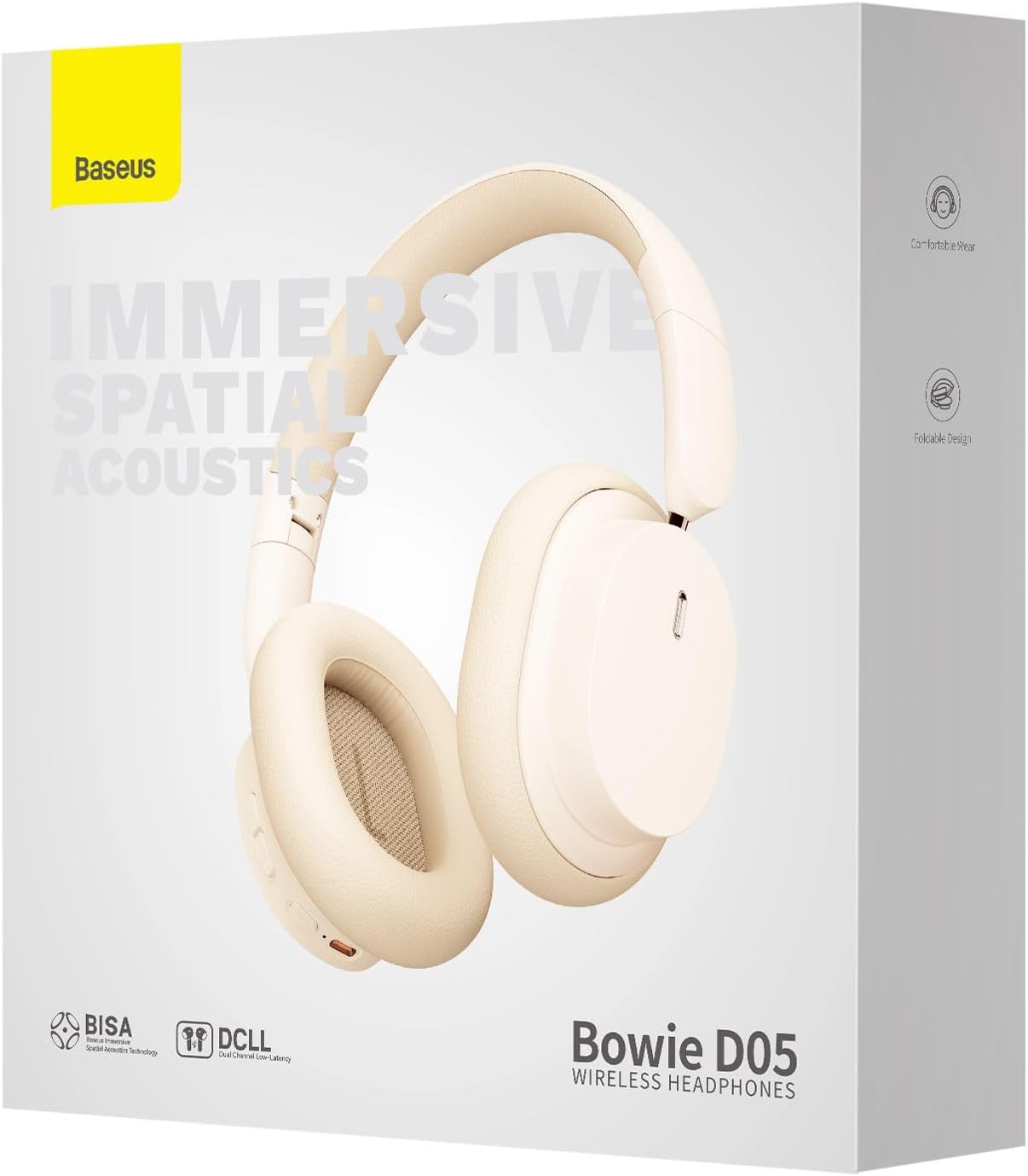
Image: The Baseus Bowie D05 headphones are depicted wirelessly connected to both a smartphone and a tablet, demonstrating their multi-device connectivity feature.
6. Onderhoud
Om die lang lewensduur en optimale werkverrigting van jou oorfone te verseker, volg hierdie onderhoudsriglyne:
- Skoonmaak: Gebruik 'n sagte, droë, pluisvrye lap om die oorfone skoon te maak. Moenie skuurmiddels, alkohol of chemiese oplosmiddels gebruik nie.
- Berging: Wanneer dit nie gebruik word nie, bêre die oorfone op 'n koel, droë plek, weg van direkte sonlig en uiterste temperature.
- Vermy vog: Hou die oorfone weg van water en oormatige humiditeit.
- Hanteer versigtig: Vermy om die oorfone te laat val of aan harde impakte bloot te stel.
7. Probleemoplossing
If you encounter any issues with your Baseus Bowie D05 headphones, please refer to the following common problems and solutions:
| Probleem | Moontlike Oplossing |
|---|---|
| Oorfone skakel nie aan nie. | Maak seker dat die oorfone volledig gelaai is. Koppel aan 'n kragbron en probeer weer. |
| Kan nie met toestel koppel nie. | Ensure headphones are in pairing mode (flashing blue/red). Turn off and on Bluetooth on your device. Clear previous Bluetooth connections on your device. Move headphones closer to the device. |
| Geen geluid of lae volume nie. | Check headphone and device volume levels. Ensure headphones are properly connected. Try playing different audio. If using wired connection, ensure cable is fully inserted. |
| Swak klankgehalte. | Move closer to your device to avoid interference. Avoid obstacles between headphones and device. Try disconnecting and reconnecting. |
| Oorfone ontkoppel gereeld. | Ensure headphones are fully charged. Keep within Bluetooth range (typically 10 meters). Avoid strong electromagnetic interference. |
Indien die probleem voortduur nadat u hierdie oplossings probeer het, kontak asseblief kliëntediens.
8. Spesifikasies
Detailed technical specifications for the Baseus Bowie D05 Wireless Headphones:
- Model Naam: NGTD020202
- Handelsmerk: Baseus
- Verbindingstegnologie: Draadloos (Bluetooth)
- Draadlose kommunikasietegnologie: Bluetooth
- Oorplasing: Oor Oor
- Vormfaktor: Oor Oor
- Oudiobestuurdertipe: Dinamiese bestuurder
- Bestuurder eenheid grootte: 40 mm
- Batterylewe: Up to 70 hours of audio playback (at 70% volume)
- Laaipoort: USB-C
- Oudio-aansluiting: 3.5 mm-aansluiting
- Materiaal: Plastiek
- Item gewig: Ongeveer 209 gram (7.37 onse)
- Kleur: Creamy-White (as per product title, though spec says Black)
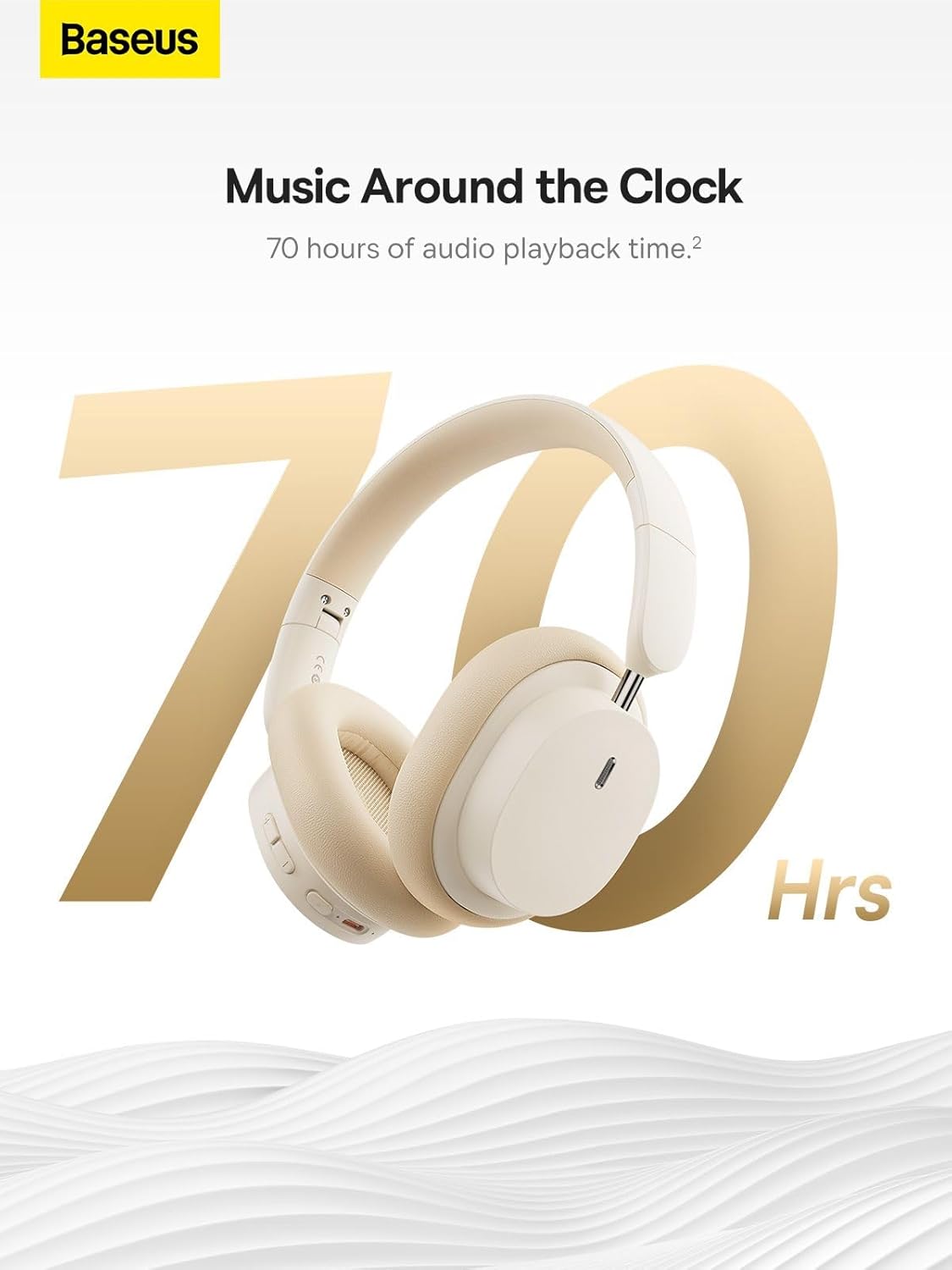
Image: The Baseus Bowie D05 headphones are featured with a prominent '70 Hrs' graphic, highlighting their extended audio playback time on a single charge.

Image: Two individuals are shown comfortably wearing the Baseus Bowie D05 headphones, emphasizing their lightweight design with the text 'Only 209g' for extended listening sessions.

Image: A visual representation of a 40mm large driver unit, illustrating its capability to deliver detailed high-end and fuller low-end audio performance.
9. Waarborg en Ondersteuning
9.1 Waarborginligting
Baseus products are covered by a limited warranty from the date of purchase. Please refer to the warranty card included in your product packaging or visit the official Baseus webwebwerf vir gedetailleerde waarborgbepalings en -voorwaardes.
9.2 Kliëntediens
For technical assistance, troubleshooting, or warranty claims, please contact Baseus customer support through the following channels:
- Amptelik Webwebwerf: Visit the Baseus official webwebwerf vir algemene vrae, ondersteuningsbronne en kontakvorms.
- E-pos ondersteuning: Verwys na u produkverpakking of die amptelike webwebwerf vir die kliëntediens-e-posadres.
- Gemagtigde Kleinhandelaar: Contact the retailer from whom you purchased the product for assistance.
Ask a question about this manual
Ask about setup, troubleshooting, compatibility, parts, safety, or missing instructions. Manuals+ will review the question and use this page’s manual context to help answer it.